

Auto Clicker - Auto Tap: Your Ultimate Automation Companion
Are you tired of repetitive tapping on your device? Do you wish your phone could perform tasks automatically, saving you time and effort? Auto Clicker - Auto Tap is the perfect solution for users seeking a reliable auto clicker and auto swipe tool that offers precision, customization, and ease of use. Whether you're a gamer striving to optimize your gameplay, a social media enthusiast automating likes and comments, or someone who needs to perform routine tasks on their device, this app has got you covered.
Key Features of Auto Clicker - Auto Tap
This innovative app allows you to automate touches and gestures at any screen position with custom timings. Its user-friendly interface combined with powerful functionalities makes it an excellent assistant for auto-clicking, auto-swiping, and task automation.
Easy Automation for Various Activities
Use Auto Clicker - Auto Tap for diverse purposes such as:
- Playing games like "Clicker Heroes" or "Tap Titans"
- Automating social media interactions like auto-liking posts
- Automating tasks for work, such as auto-filling forms or clicking through repetitive processes
- Reading e-books by automatically swiping to the next pages
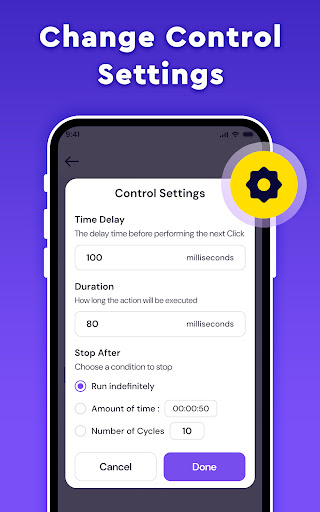
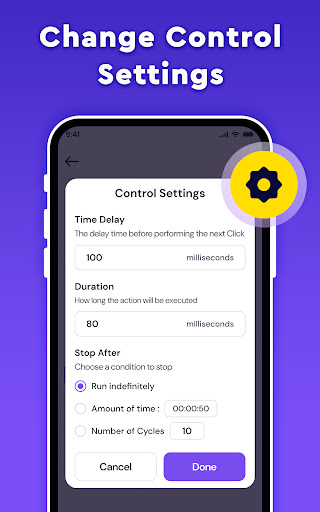
The app enables you to customize your auto clickers and swipes with options to set durations, delays, and target positions, making repetitive tasks effortless.
Advanced Customization and Modes
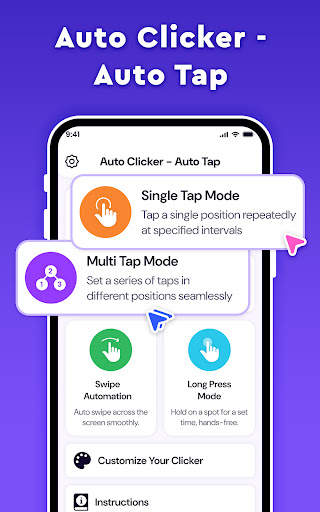
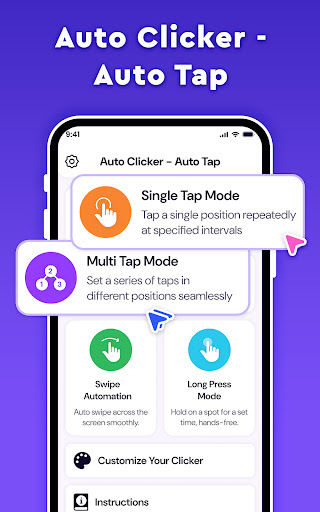
Experience the flexibility of multiple modes tailored to your needs:
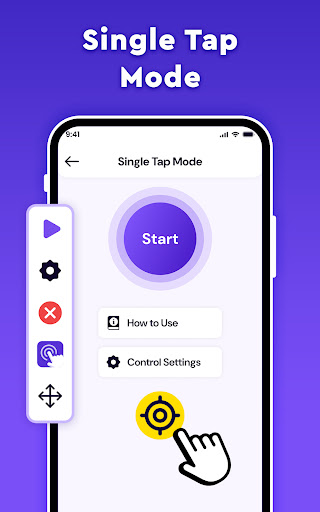
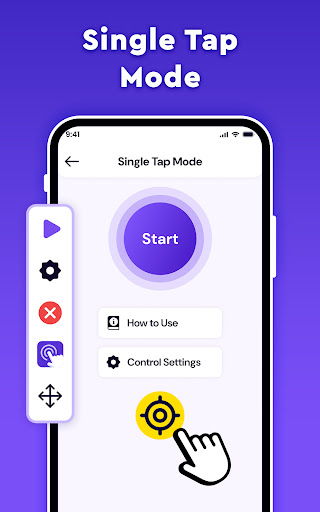
- Single Point Click: Automate clicks at the same location repeatedly
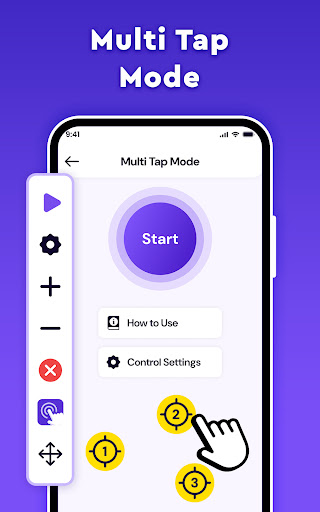
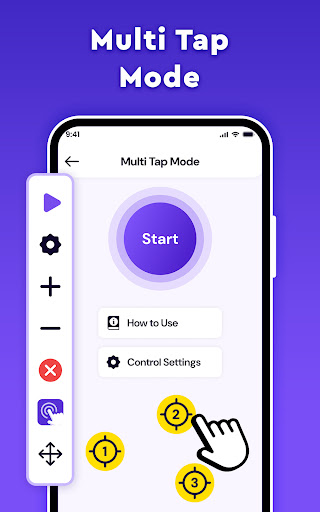
- Multiple Point Click: Execute a series of taps across different screen points
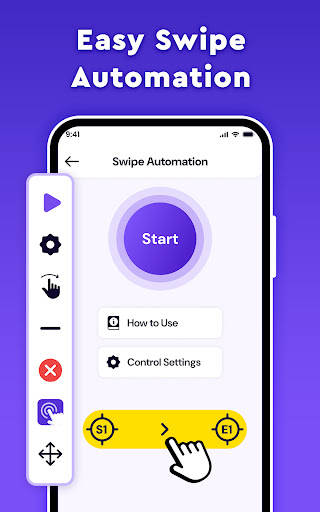
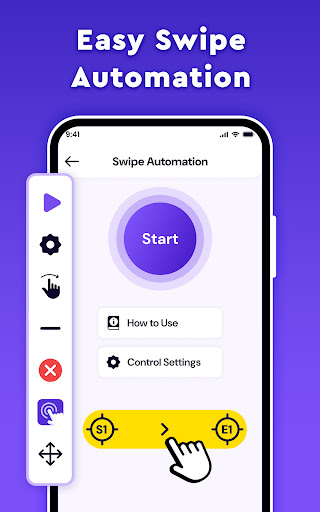
- Swipe Point: Drag the icon to set up auto swipe actions with easy position adjustments
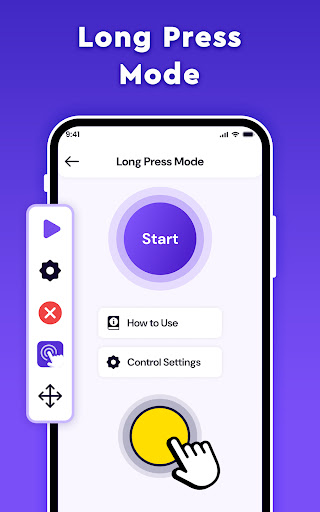
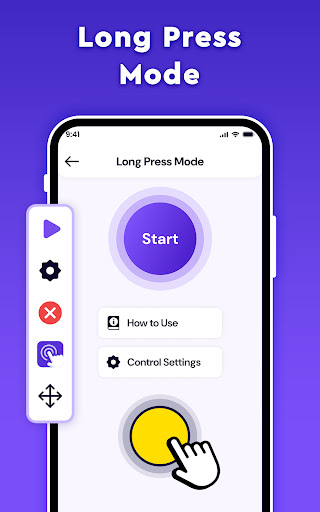
- Long Point: Perform sustained, targeted actions for specific tasks
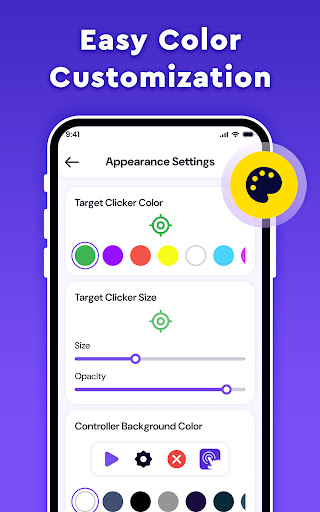
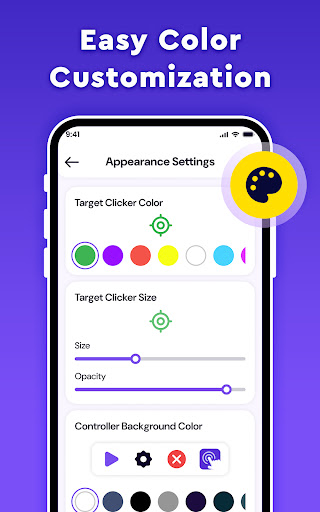
You can also launch the app to start your automation tasks instantly and adjust the appearance of your click targets to match your style. The delayed start feature allows precise control over when automations begin, giving you full flexibility.
Performance and Usability Enhancements
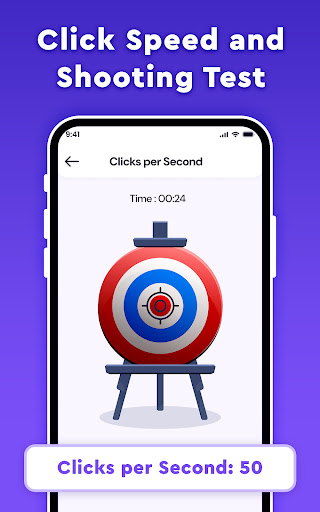
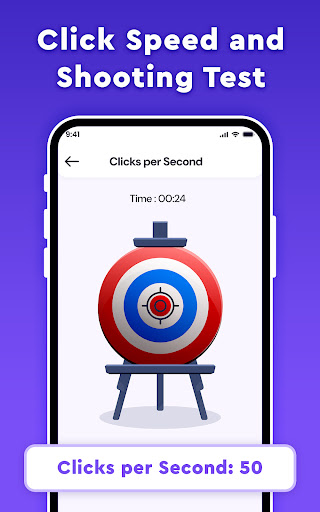
The app ensures smooth operation without lag or crashes, thanks to optimized performance. Tests can be conducted with the Shooting Test feature to verify click accuracy. Additionally, transparency adjustment helps you modify the floating controls’ visibility so they won’t obstruct your view or interfere with other activities.
Accessibility and Permissions
To function effectively, Auto Clicker - Auto Tap requires access to Accessibility Services to perform clicks, swipes, and other automation functions. Rest assured, the app does not collect or share personal data when using these capabilities. It is compatible with Android 12 and above, providing seamless automation for modern devices.
Why Choose Auto Clicker - Auto Tap?
If you've ever wished for your device to tap or swipe automatically, Auto Clicker - Auto Tap transforms that wish into reality. Its robust features support multiple automation modes, high precision, and easy setup, making it a favorite among gamers, social media users, and productivity-focused individuals. The app's straightforward design ensures that both beginners and advanced users can harness its power without a steep learning curve.
Whether you want to automate monotonous tasks, enhance your gaming strategy, or streamline your workflow, this auto clicker provides a reliable and customizable solution. It’s free to download and offers optional in-app purchases for more advanced options, making it accessible for all users.
Take the first step towards effortless automation—download Auto Clicker - Auto Tap today and let your device do the hard work while you enjoy your free time.
Pros
- Intuitive user interface
- Highly adaptable configuration options
- Optimized for battery savings
- Does not need root access
- Compatible with all applications
Cons
- Potential to cause app bans
- Contains ads in the free version
- Limited functionality with complex scripts
- May experience occasional bugs
- Requires Android version 7.0 or higher











