

Overview of the MP3 Converter - Video to MP3 App
The MP3 Converter - Video to MP3 app is a versatile and professional-grade mp3 converter and video conversion tool designed for users who want to extract audio from videos effortlessly. With its user-friendly interface and powerful functionality, this app allows you to convert a wide range of video formats into high-quality audio files, making it perfect for creating personalized ringtones, music playlists, or simply enjoying your favorite soundtrack offline. Whether you're a casual listener or a music enthusiast, MP3 Converter - Video to MP3 offers an all-in-one solution to meet your media conversion needs.
Key Features of the MP3 Converter - Video to MP3 App
Intuitive User Interface
The app features a simple, easy-to-understand interface that allows users of all skill levels to navigate and utilize its features efficiently. Whether you want to convert, trim, or merge videos and audios, the clear layout ensures a smooth experience.
Offline Video to Audio Conversion
Convert Video to Audio without needing an internet connection. The app supports various video formats such as MP4, MKV, FLV, AVI, WMV, and more, providing seamless conversion directly on your device.
Multiple Conversion Features
This simple Video to MP3 Converter can perform multiple tasks, including MP4 to MP3 conversion, changing formats, trimming audio and video clips, merging audio files, and personalizing ringtones. It caters to diverse audio and video editing needs.
Batch and Background Conversion
Save time with batch conversion—convert up to 15 videos simultaneously—and enjoy background processing that lets you continue using your device while conversions run seamlessly in the background.
Format Support
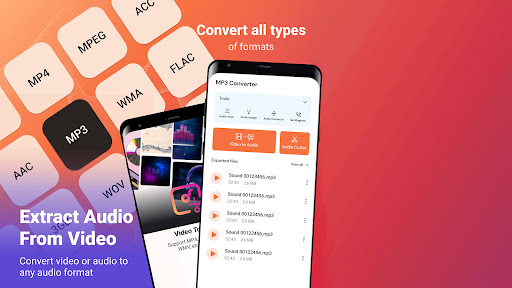
The app supports a wide range of video formats including MP4, MKV, FLV, AVI, WMV and various audio formats such as MP3, WAV, OGG, M4A, ACC, FLAC. You can convert files between these formats with ease.
Main Functionalities of the MP3 Converter - Video to MP3
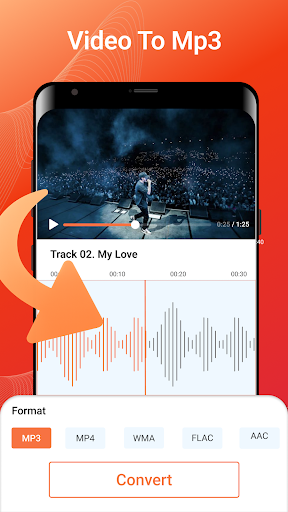
Video to Audio Converter
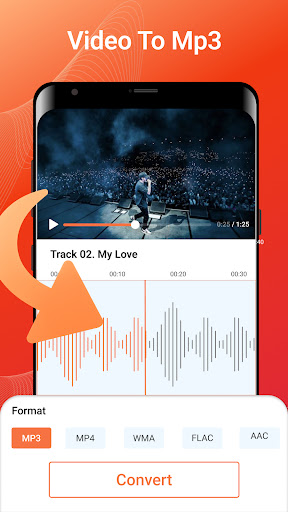
Easily convert MP4 or other video clips to high-quality MP3 audio files. Supports batch conversion and maintains excellent sound fidelity, supporting editing tags (Title, Album, Artist, Genre) for better organization.
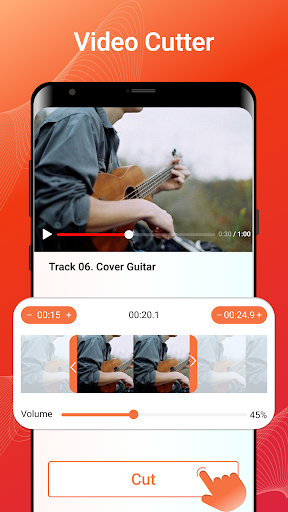
Video Trimmer & Cutter
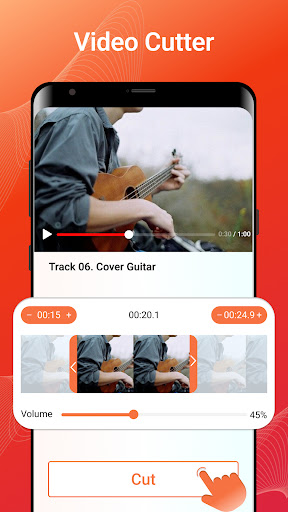
Quickly trim parts of videos or save specific segments. Compatible with numerous formats like MP4, AVI, MOV, WEBM, and more, the editor allows precise cuts and edits.
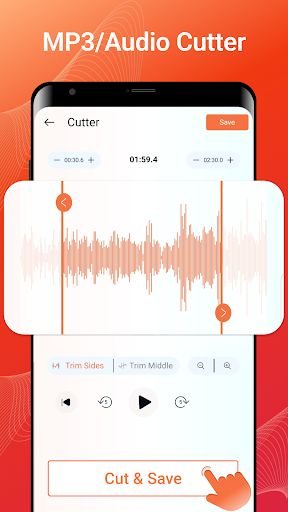
Audio Cutter & Ringtone Maker
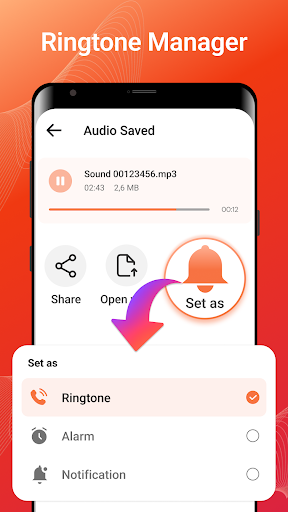
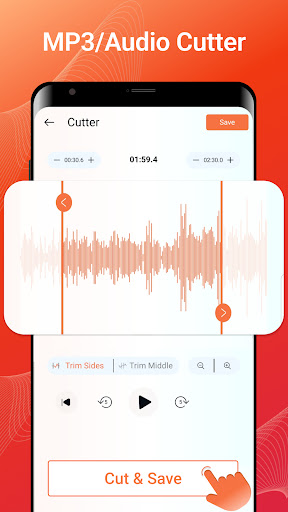
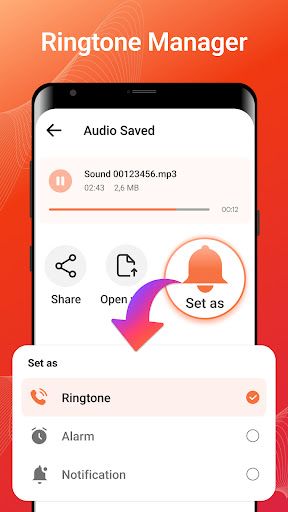
Convert videos into sound clips and set customized ringtones or notification sounds. The app allows you to make personalized ringtones for different contacts easily.
Support for Various Audio Formats and Effects
Export audio in formats such as MP3, AAC, M4A with fade-in & fade-out effects. Adjust bitrate from 32kb/s up to 320kb/s for high-quality audio output. Easily set files as ringtones, alarms, or notifications.
Audio Editing Capabilities
Perform multitrack editing, merge multiple clips, change sound volume, and alter playback speed. Compress audio files for easier sharing or uploading, providing a comprehensive audio editing suite within the app.
Why Choose MP3 Converter - Video to MP3?
This powerful mp3 converter and media editor stands out as the best choice for Android devices, offering a lightweight yet feature-rich experience. Its straightforward design, extensive format support, batch processing, and high-quality output make it ideal for users who need quick and reliable media conversions. Plus, it’s completely free, with optional in-app purchases for advanced features.
Final Thoughts
Whether you're looking to extract audio from your favorite videos to listen offline, create custom ringtones, or edit audio clips with precision, the MP3 Converter - Video to MP3 app is your go-to solution. It combines ease of use with powerful tools, making media conversion hassle-free. Download it today and enjoy seamless video-to-audio conversion right on your device!
Pros
- Fast conversion speed
- Supports various video formats
- Easy-to-use interface
- High-quality audio output
- Batch conversion available
Cons
- Contains ads
- Limited editing features
- Requires internet connection
- Occasional crashes reported
- No cloud storage integration











