




Introduction to 8Super App Manager & Cleaner
Welcome to 8Super – the ultimate solution for maintaining and optimizing your Android device. Whether you're concerned about security, storage, or overall performance, 8Super App Manager & Cleaner offers a comprehensive suite of powerful features designed to keep your device running smoothly and securely. From managing app permissions to cleaning junk files, this app acts like a personal assistant that keeps your smartphone clutter-free and protected.
Core Features of 8Super App Manager & Cleaner
Apps Manager
One of the standout features is the Apps Manager function, which analyzes your installed apps for sensitive permissions. It examines access rights such as the camera, contacts, location, and more—covering permissions like android.permission.WRITE_CONTACTS, android.permission.SEND_SMS, and android.permission.CALL_PHONE, among others. This analysis helps you identify potentially dangerous or unnecessary permissions granted to apps, giving you the power to manage or uninstall risky applications effectively.
Please note, for the Apps Manager function to perform a comprehensive analysis, it requires access to your device's installed apps via the special permission QUERY_ALL_PACKAGES. This permission allows the app to build a complete list of all installed applications and evaluate their permissions, enabling you to make informed decisions about your app security.
Apps Data Cleaner
The Apps Data Cleaner helps you safely remove unneeded data from your installed applications. To operate correctly, this feature leverages the QUERY_ALL_PACKAGES permission, which grants access to your device's app list and cache information. Additionally, it requires Accessibility Access permission to automate routine cleaning of third-party app data—though users can choose to decline this, which temporarily limits this specific function.
Duplicate and Large Files Cleaners
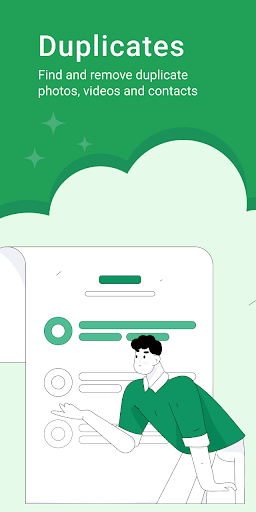
To optimize storage space, 8Super includes specialized cleaners for identifying and removing duplicate files such as photos, videos, and contacts. These include:
- Duplicates Photos Cleaner: Detects and removes identical photos to free up gallery space.
- Duplicates Videos Cleaner: Finds duplicate videos occupying unnecessary space.
- Duplicates Contacts Cleaner: Organizes and removes duplicate contact entries.
System and Memory Optimization
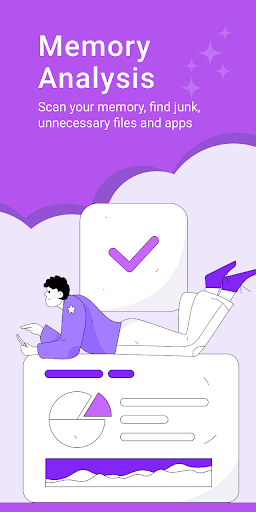
Beyond cleaning files, 8Super offers a System Cleaner that clears out unnecessary system files, ensuring your device remains uncluttered. The Memory Analysis feature provides detailed insights into what is consuming your device’s RAM and storage, guiding you on where to focus your cleaning efforts.
Why Choose 8Super App Manager & Cleaner?
If you’re looking for a reliable, easy-to-use application that can enhance your device's security, storage, and speed, 8Super stands out as an excellent choice. Its ability to analyze app permissions helps you understand which apps may pose privacy risks, while its comprehensive cleaning tools effectively remove junk files and duplicates. The app’s user-friendly interface makes managing your device intuitive, whether you're a tech novice or a seasoned user.
By installing 8Super, users can experience a more organized, secure, and efficient Android device. It functions like a digital declutterer, ensuring your device stays in top shape. Whether you want to safeguard your privacy, free up storage, or speed up your phone, 8Super App Manager & Cleaner offers all the tools you need in one powerful app.
Pros
- Efficient app management capabilities
- Effectively removes junk files
- User-friendly interface
- Improves device performance
- Includes battery optimization features
Cons
- Contains advertisements in the free version
- Some features require in-app purchases
- May cause slowdowns on older devices
- Occasional crashes reported
- Limited support for tablets











