
Experience Ultimate Device Management with Center Control - Stable & Easy
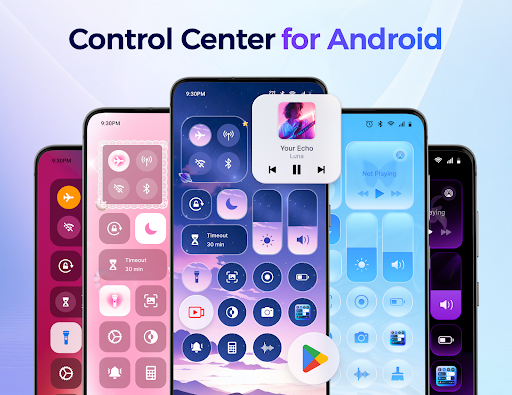
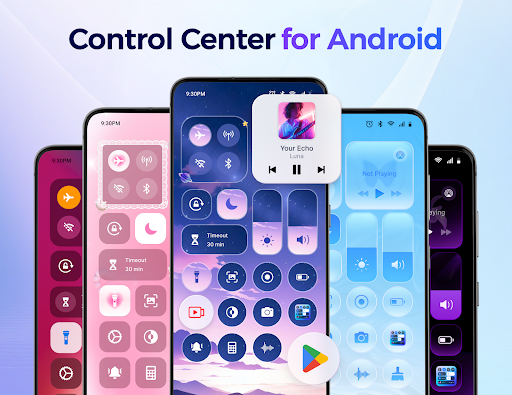
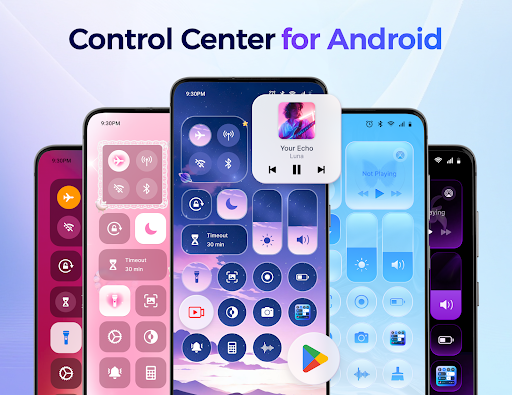
Are you searching for a comprehensive tool to streamline your Android device's management? Look no further than Center Control - Stable & Easy. This powerful app transforms the way you interact with your smartphone by offering a customizable control center that consolidates all essential functions into one intuitive interface. Whether you want quick access to settings, frequently used applications, or device controls, Center Control makes managing your Android device stable and easy.
Seamless and Customizable Control Panel
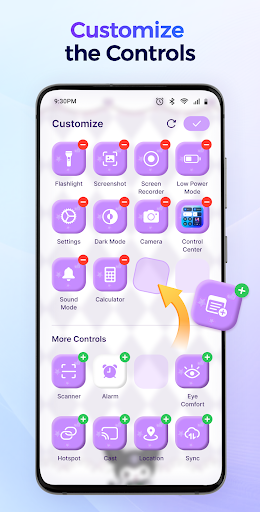
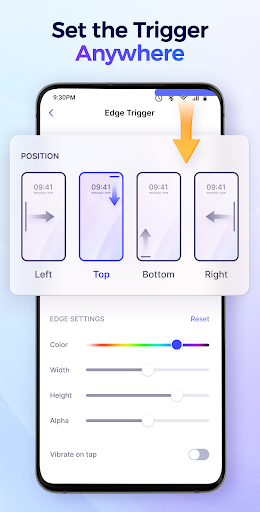
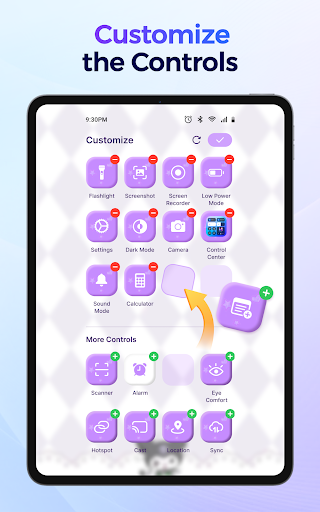
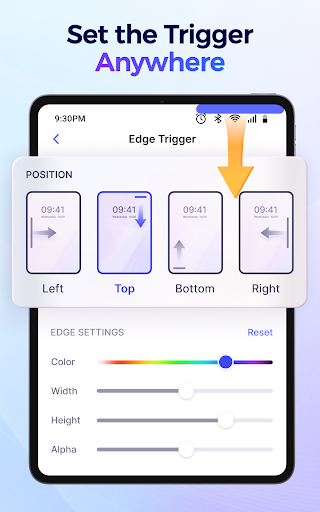
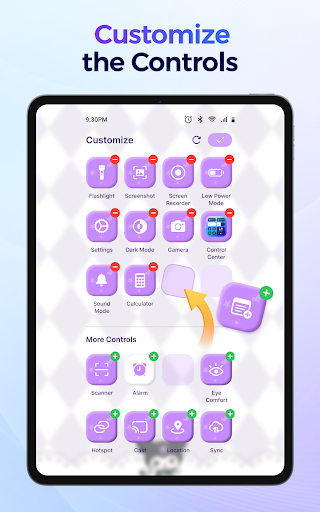
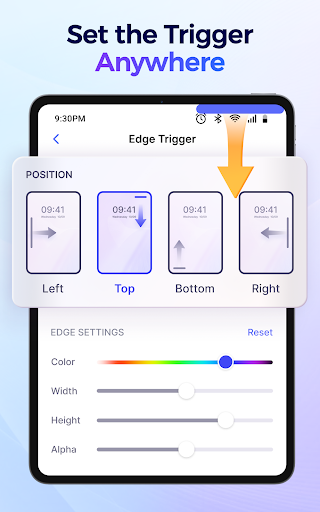
The core feature of Center Control - Stable & Easy is its customizable control panel. Designed with user convenience in mind, the panel allows you to add, remove, and arrange controls based on your preferences. You can personalize the panel to include shortcuts for your most-used apps like the camera, voice recorder, social media, or other tools, making one-tap access effortless. Adjust the background and set the position of the panel’s Edge Trigger to suit your workflow. This level of customization ensures your control center stays uncluttered and tailored precisely to your needs, enhancing your overall Android experience.
Effortless Management of Essential Device Functions
With Center Control, managing your device’s core functions has never been easier. The app provides quick access to a variety of controls:
Volume & Brightness
Adjust your ringtone, media, alarm volume, and screen brightness via simple sliders—no need to navigate through complex settings menus.
Music and Media
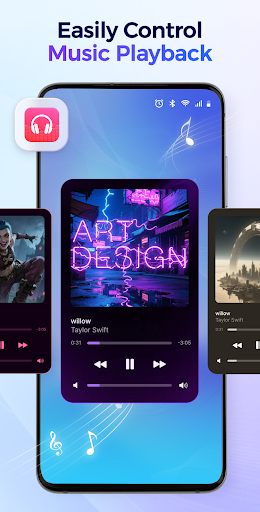
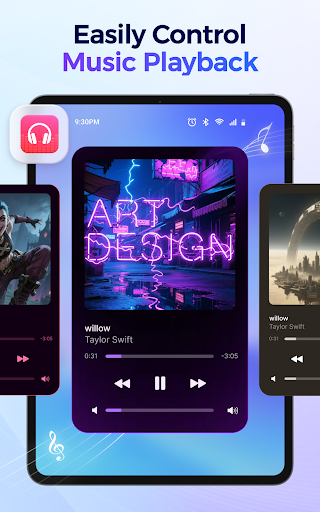
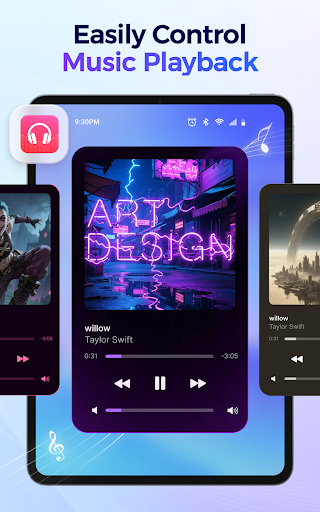
Play, pause, switch tracks, and view detailed song info right from the control panel, keeping your entertainment at your fingertips.
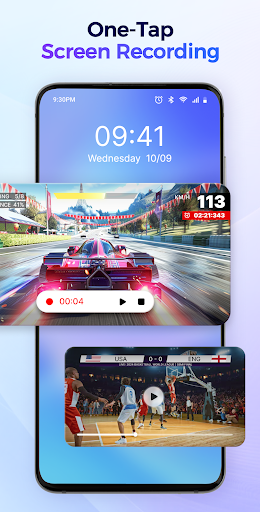
Screen Capture and Recording
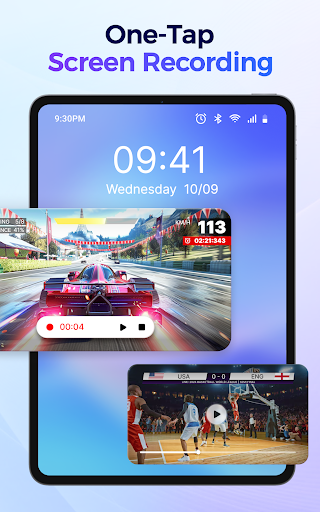
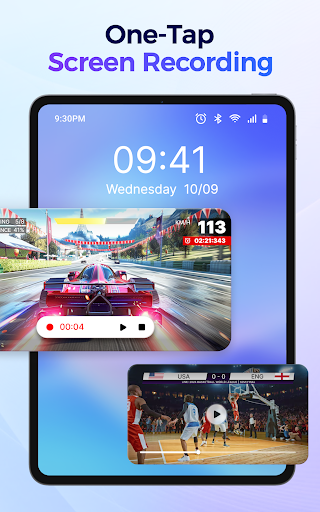
Capture high-quality screenshots or record your screen with options to include internal or microphone audio. Control the recording process with pause or stop commands anytime.
Connectivity Toggles
Enable or disable Wi-Fi, Mobile Data, Bluetooth, and Airplane Mode swiftly, helping you conserve battery or manage connections effortlessly.
Do Not Disturb & Screen Orientation
Activate Do Not Disturb mode to silence notifications during meetings or sleep hours; lock screen orientation to portrait or landscape mode as needed.
Flashlight and Dark Mode
Turn on the flashlight instantly for nighttime tasks or toggle between light and dark themes to reduce eye strain.
Screen Timeout
Set custom timeout durations to enhance privacy and save battery life.
Quick Access to Your Favorite Apps
Set up shortcuts for quick launch of essential apps such as the camera, notes, calculator, or any other frequently used tools. This feature significantly reduces the time spent navigating through menus, making your device more responsive to your needs.
Why Choose Center Control - Stable & Easy?
This app stands out because of its high level of customization and performance. You can effortlessly craft your own control panel by adding or removing controls and repositioning them to suit your workflow. The interface is clean, minimalistic, and highly responsive, ensuring smooth operation without lag. Center Control also supports multiple themes and background modes, allowing you to match the app's look to your personal style.
Another advantage is its stability. The app is optimized to run efficiently without draining your device’s resources. It works offline and doesn’t interfere with your regular device operation, providing a stable and easy control experience.
The app also leverages the AccessibilityService API, enabling it to perform device-wide actions safely. Rest assured, Center Control respects your privacy by not accessing or sharing personal data or unauthorized permissions.
Enhance Your Android Experience Today
In summary, Center Control - Stable & Easy offers a smart solution for managing your Android device efficiently. Its sleek design, extensive customization options, and stable performance make it an indispensable tool for users seeking easy control over their device. Whether you want quick access to settings, app shortcuts, or system toggles, this app simplifies your digital life and boosts productivity.
Transform your smartphone experience by downloading Center Control today—enjoy a streamlined, personalized, and stable control environment. Once you start using it, you'll wonder how you managed without it. Get ready to enjoy easy control, faster access, and enhanced device management.
Pros
- User-friendly interface.
- Seamless device integration.
- Efficient performance.
- Customizable settings.
- Quick installation process.
Cons
- Limited device compatibility.
- Occasional app crashes.
- Requires frequent updates.
- No offline mode.
- Limited customer support.











