


Discover the Power of Polycam: 3D Scanner & Editor
Are you fascinated by the idea of capturing the world around you in three dimensions? Look no further than Polycam: 3D Scanner & Editor. This innovative app transforms your smartphone into a professional-grade 3D scanner, empowering architects, artists, designers, contractors, photographers, and hobbyists alike to explore new creative horizons. Whether you're digitizing intricate architecture, capturing detailed objects, or creating immersive virtual experiences, Polycam makes 3D scanning accessible and straightforward for everyone.
Features that Elevate Your 3D Creativity
Revolutionary 3D Capture Technology
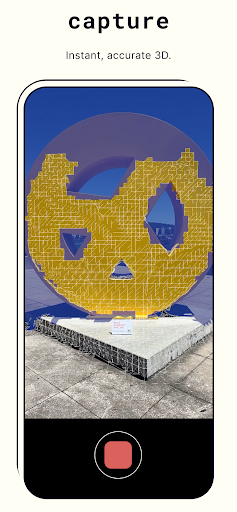
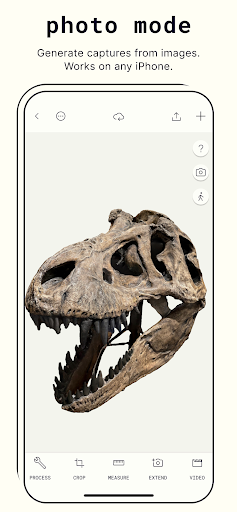
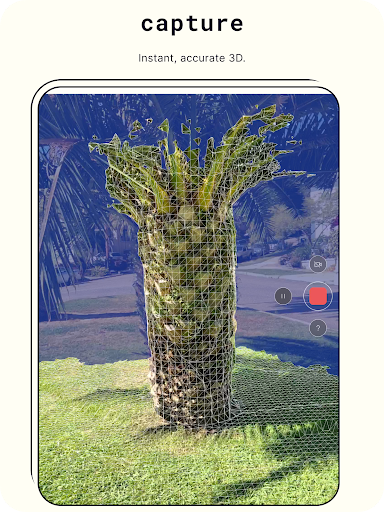
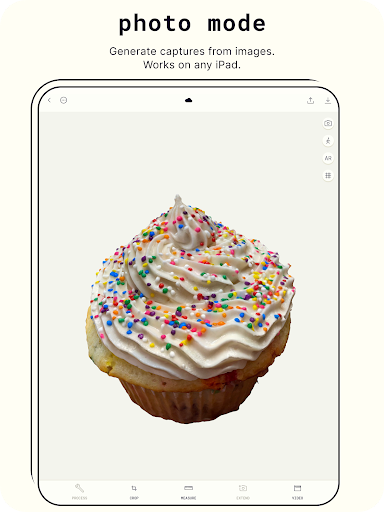
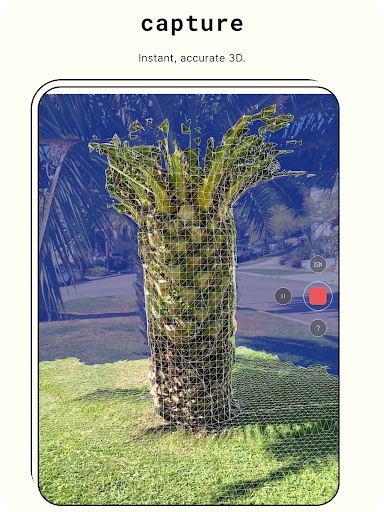
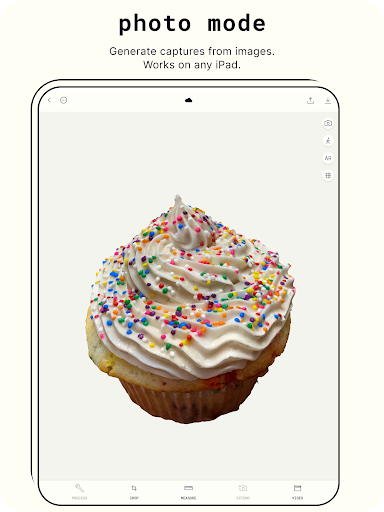
At the core of Polycam is revolutionary 3D capture technology that leverages photogrammetry and device sensors to generate detailed models. The app can seamlessly transform photos into 3D models, allowing users to capture complex objects and scenes with precise intricate details. It supports creating ready-to-use 3D assets suitable for various computer graphics applications. Perfectly optimized for Android devices with 2GB+ RAM, Polycam offers smooth performance to ensure your scanning experience is efficient and enjoyable.
Advanced Editing Tools
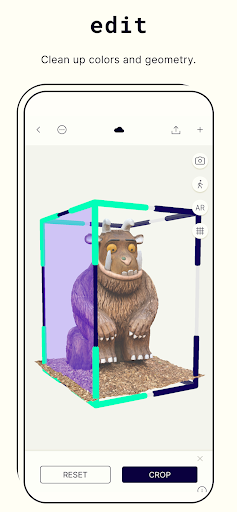
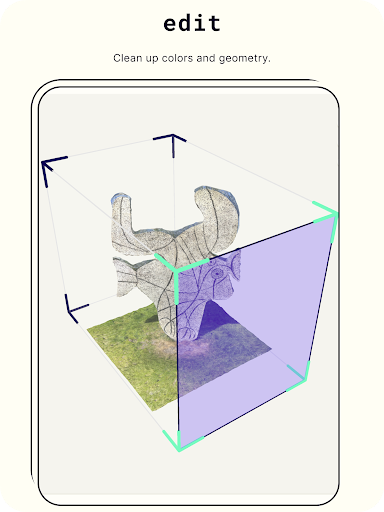
After capturing your 3D models, Polycam provides an array of sophisticated editing features. You can crop models to achieve perfect composition, rotate models for better viewing angles, and rescale to adjust the size of your models with precision. These editing tools allow you to refine your scans until they meet your creative vision, whether for professional projects or personal exploration.
Export & Sharing Capabilities with Polycam Pro
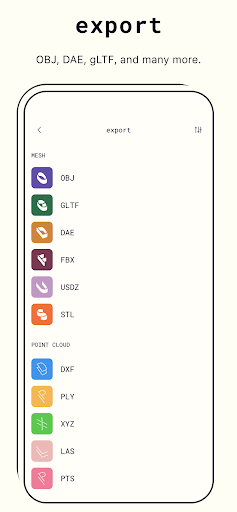
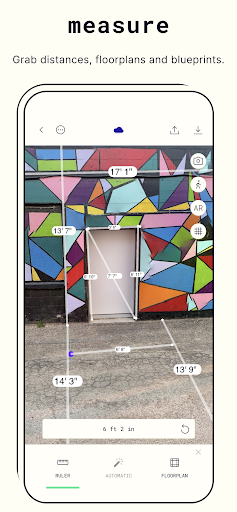
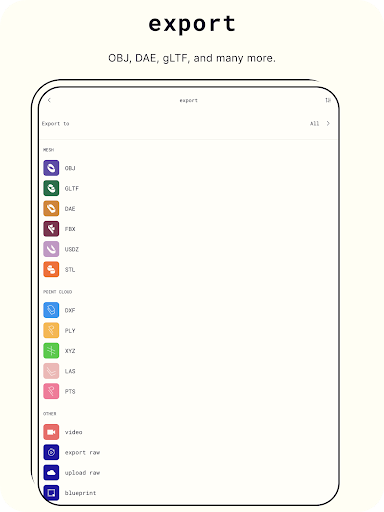
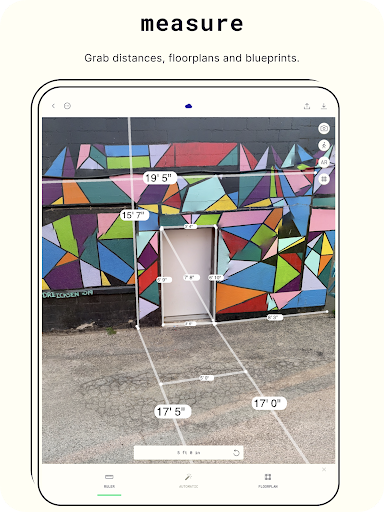
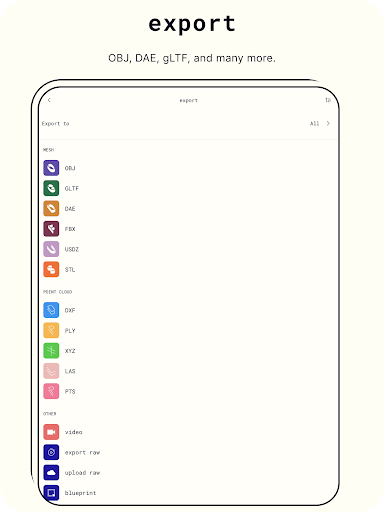
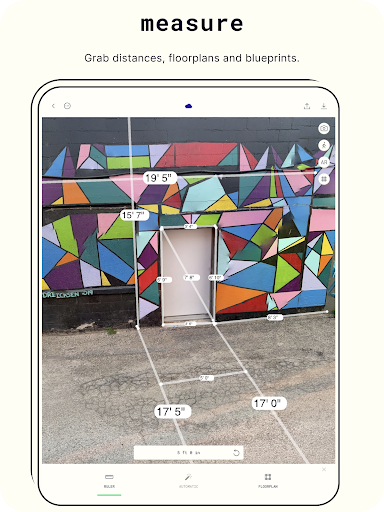
With Polycam Pro, users gain the ability to export their models in a variety of popular formats, including .obj, .dae, .fbx, .stl, and .gltf for mesh data, and .dxf, .ply, .las, .xyz, and .pts for color point clouds. Additionally, blueprints can be exported as .png images or .dae files, making it easy to integrate your scans into other workflows. Sharing your models is also simple—connect with friends or the broader Polycam community to showcase your creativity and see what others are capturing worldwide.
Community and Virtual Showcases
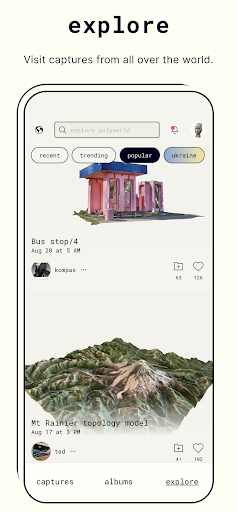
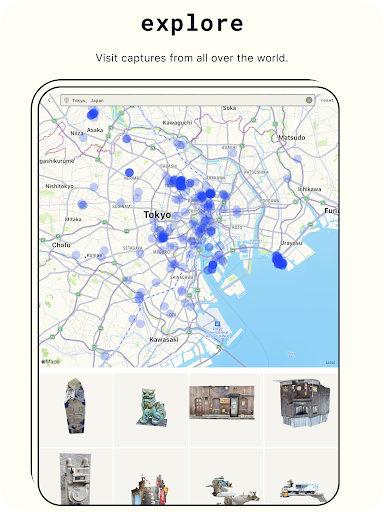
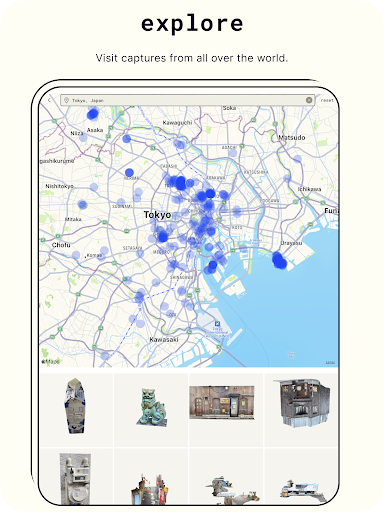
Join the vibrant Polycam community to discover a diverse collection of scans from around the globe. Exchange ideas, get inspired, and even showcase your own 3D scanning talents. The app's social features encourage collaboration and learning, making it a perfect platform for both amateurs and professionals to grow their skills.
User Experience and Practical Applications
Intuitive Interface & Ease of Use
Getting started with Polycam is effortless. Its user-friendly interface guides you through the process, from installation to capturing your first scan. Compatible with both Android and iOS (though the primary focus here is Android), setup is quick, and the included tutorials help users grasp the basics swiftly. Whether you're a tech novice or an experienced designer, navigating the app feels natural.
The Scanning Process in Action
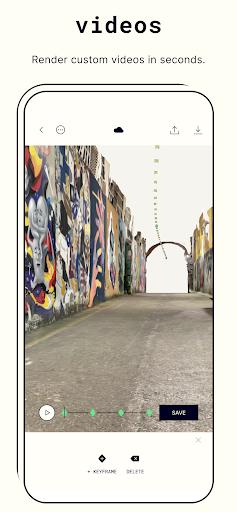
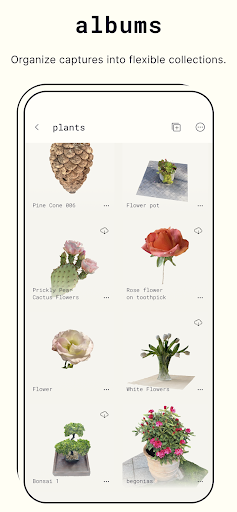
Using your device's LiDAR sensor (if available) or standard camera, Polycam collects depth data to produce realistic 3D models. The app intelligently manages lighting and shadows, ensuring high-quality results even under less-than-ideal conditions. Users have reported capturing everything from household objects like vases and furniture to living creatures like pets—creating detailed, rotatable models that can be inspected from every angle.
Editing and Sharing Your Creations
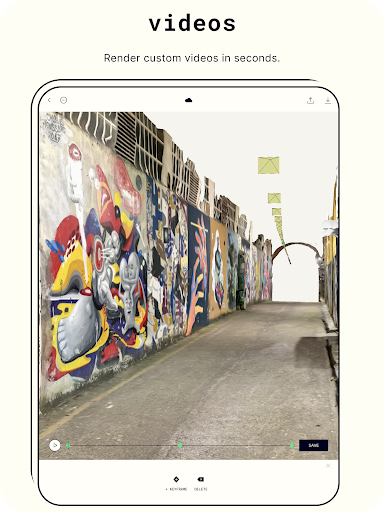
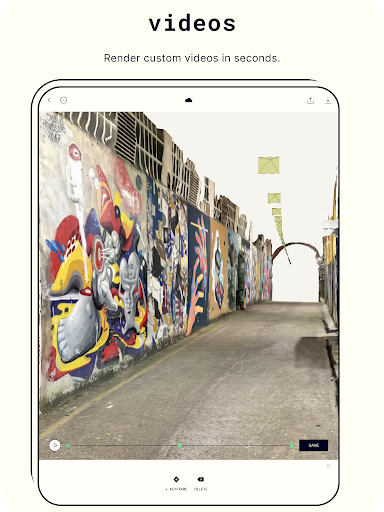
Post-scan, Polycam's editing suite allows for fine-tuning models with trimming, cropping, and texture adjustments. Once satisfied, you can easily share your creations via social media, email, or export in formats suitable for other design software. The ability to generate virtual galleries and view models in Augmented Reality (AR) adds to the immersive experience, bringing digital models into your physical environment.
Why Choose Polycam?
Whether you're a professional needing precise 3D models or an enthusiast exploring 3D space, Polycam: 3D Scanner & Editor offers a comprehensive toolkit packed with features. Its balance of advanced technology, ease of use, and community engagement makes it one of the best options on the market for digital 3D capturing. Unlock your creative potential, digitize your surroundings, and bring your ideas to life—download Polycam today and start exploring the third dimension!
Pros
- High-quality 3D scanning capabilities.
- User-friendly interface for easy navigation.
- Supports exporting to multiple formats.
- Quick processing and rendering times.
- Integrates well with other design software.
Cons
- Requires a device with LIDAR for full functionality.
- Large file sizes can be storage-intensive.
- Subscription needed for advanced features.
- Limited editing tools compared to competitors.
- Occasional glitches in the app.











