
Introduction to the Photo Editor App
Key Features of the Photo Editor App
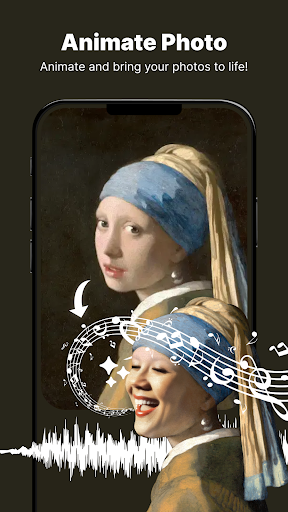
Animate Photo
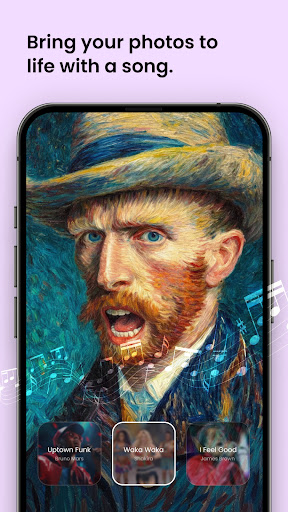
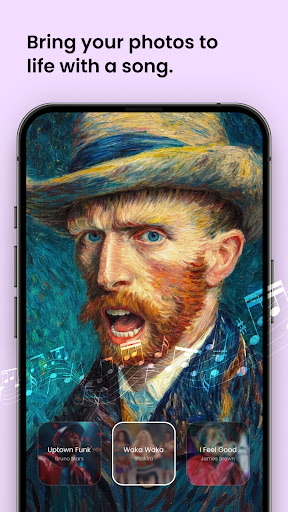
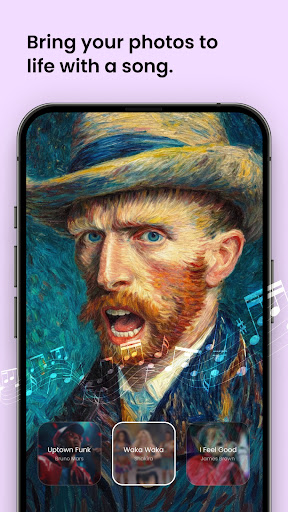
Bring your photos to life using the Animate Photo feature! Turn static images into dynamic animations with just a few taps. Whether you want to add motion to a cherished moment or create captivating animated effects, this feature provides an exciting new dimension for your images. Convert your still photos into engaging animated creations within seconds, elevating your photography to the next level.
Body Shaper
The Body Shape editor allows you to achieve your ideal physique. With intuitive Body Sculpting tools, you can fine-tune and reshape any part of your body effortlessly. Perfect for enhancing your photos with precision, this feature helps you look your best in every shot, making it a favorite among users seeking a natural and flawless appearance.
Collage Maker
Combine your favorite moments into beautiful collages. Choose from various layouts and customize them to create unique, share-worthy designs. The Collage Maker feature simplifies the process of crafting artistic photo mosaics, making it easy to showcase multiple images in a creative way that’s perfect for sharing on social media or printing as keepsakes.
Background Changer
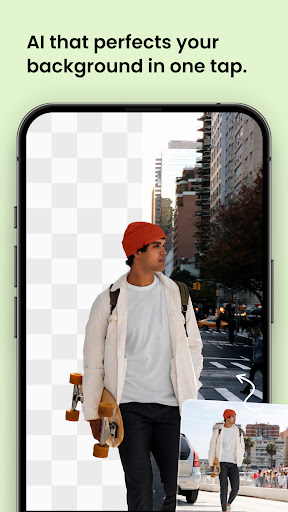
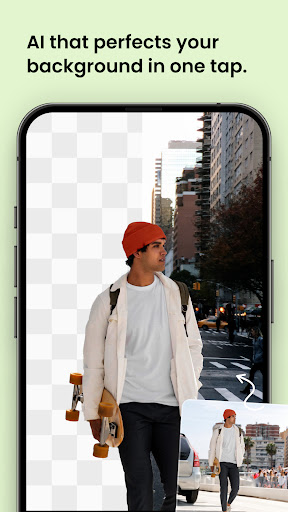
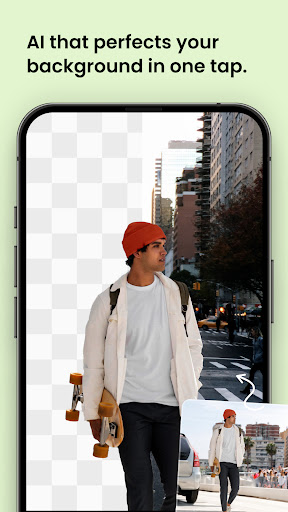
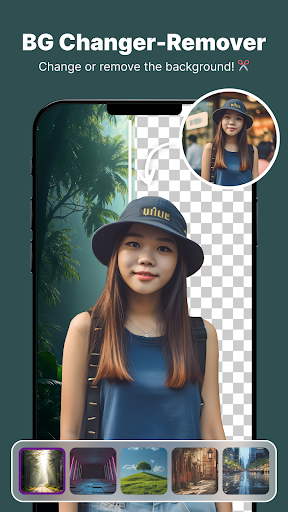
Want to swap backgrounds? Use the Background Changer to replace scenery instantly. With tools like the Background Eraser, you can remove unwanted backgrounds and insert new locations seamlessly. The BG Removal Tool provides precise background editing, letting you craft professional-looking portraits or fun creative scenes effortlessly.
Object Remover
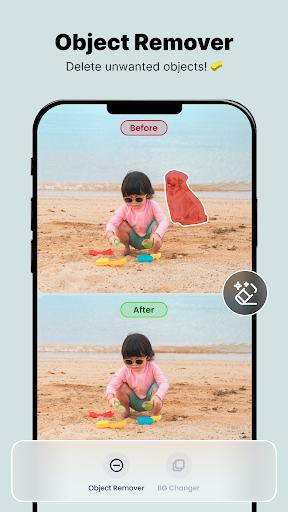
Remove unwanted objects from your photos with the Object Remover. Whether it’s distracting elements, marks, or accidental items, this tool allows you to clean up your images quickly and effortlessly. Get rid of distractions in seconds, ensuring your photos look clean and perfect every time.
Aging Effects
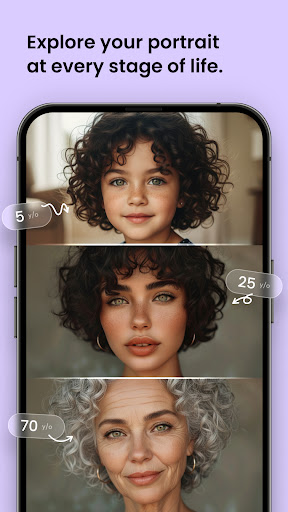
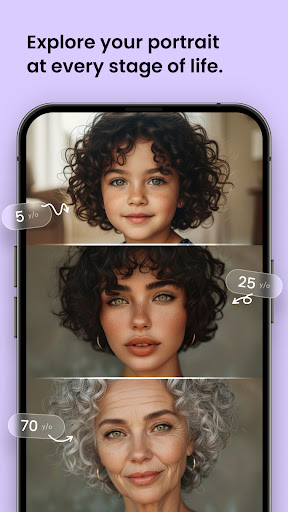
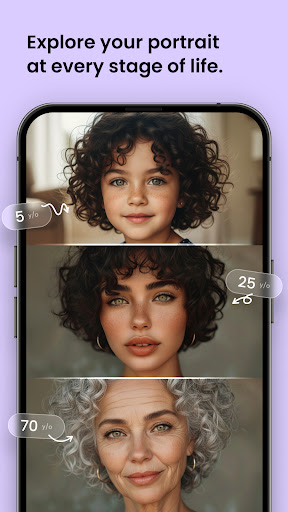
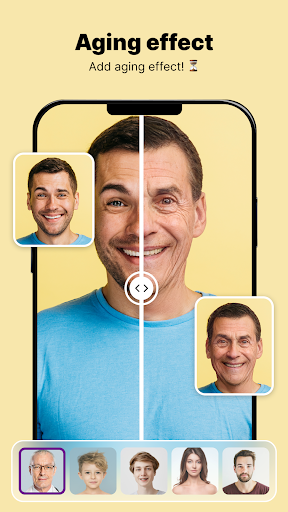
Curious about how you'll look in the future? Try the Aging Camera or Old Face effects to get a glimpse of your future self. This fun feature adds a playful and creative dimension to your editing experience, allowing you to experiment with different ages and appearances in your photos.
Background Blur
Create stunning portrait photos with the Background Blur effect. The Blur Tool softens the background to emphasize your subject, delivering a professional-level depth of field. The Portrait Blur and Photo Blur Editor modes add a delicate touch of finesse for a striking visual impact.
Why Choose the Photo Editor App?
Final Thoughts
Pros
- User-friendly interface
- Wide range of editing tools
- High-quality filters
- Supports RAW image files
- Quick sharing options
Cons
- Contains ads
- In-app purchases required
- Large app size
- Occasional crashes
- Limited free features











