



Introducing the GIF Maker, Video to GIF Editor: Your Ultimate Tool for Creating Shareable GIFs
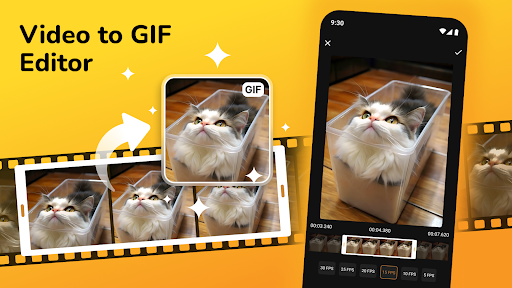
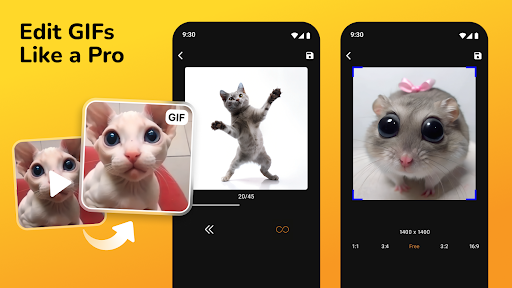
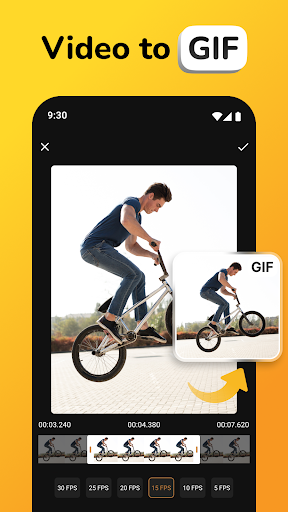
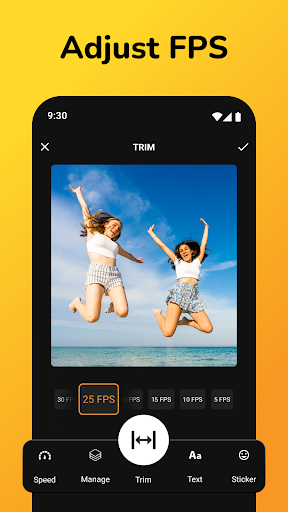
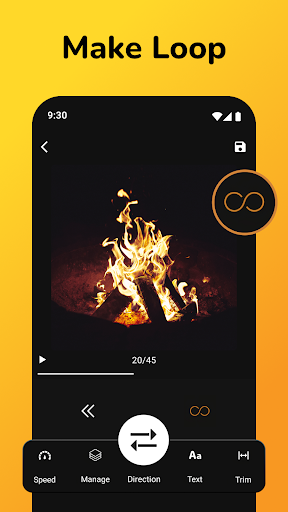
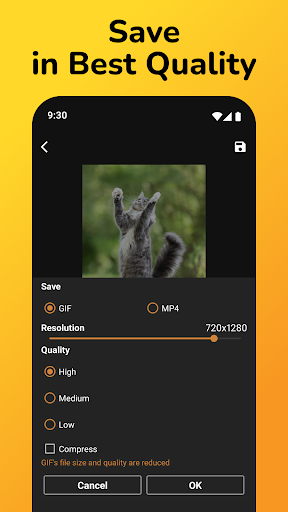
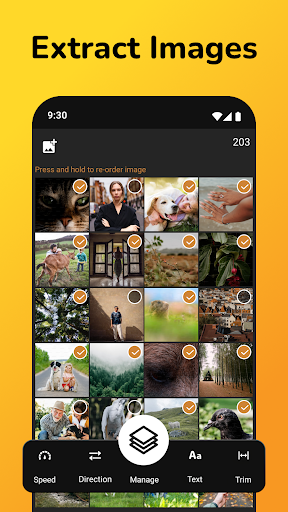
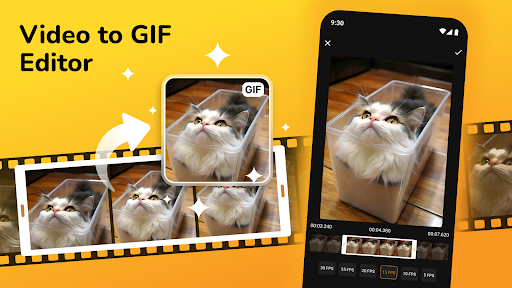
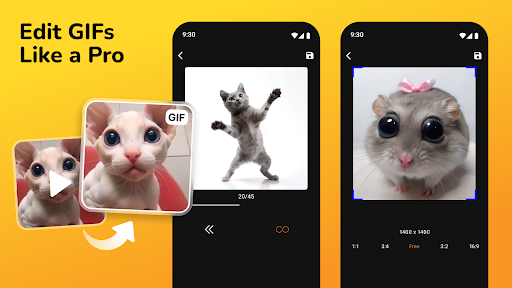
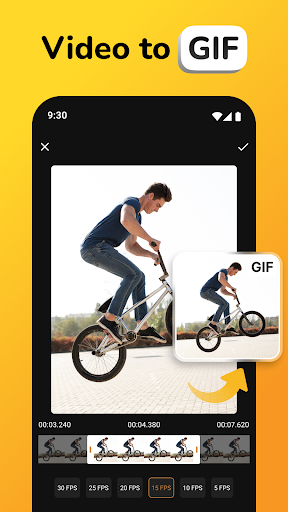
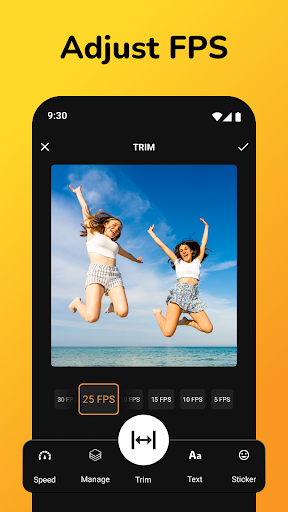
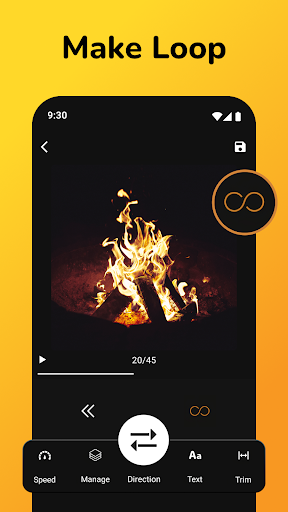
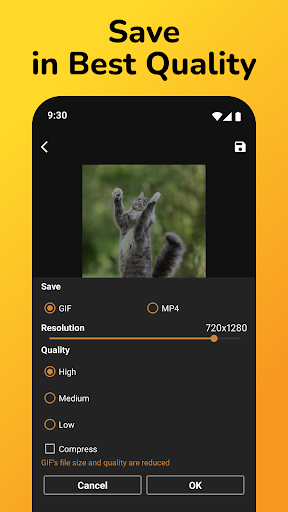
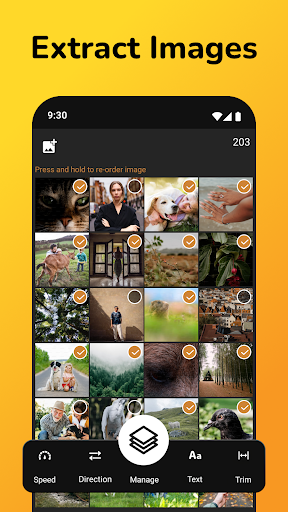
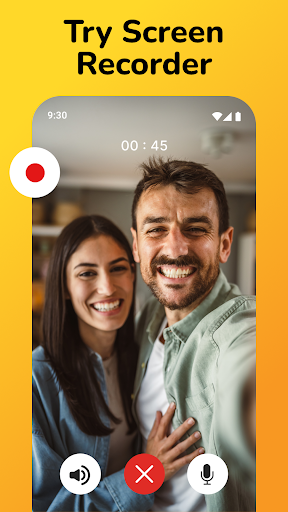
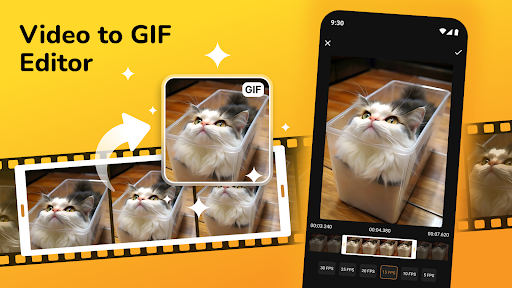
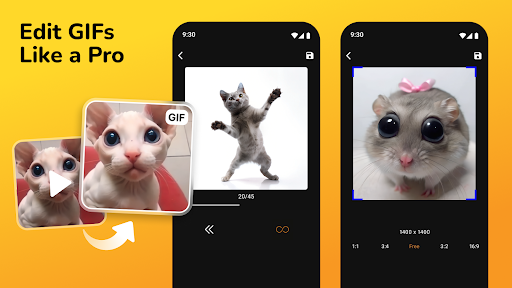
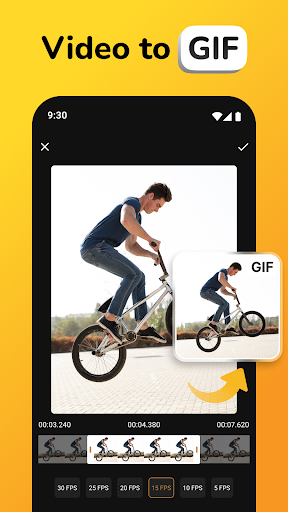
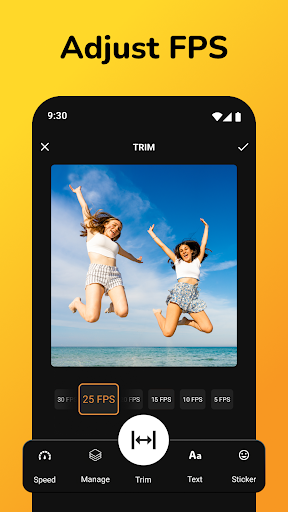
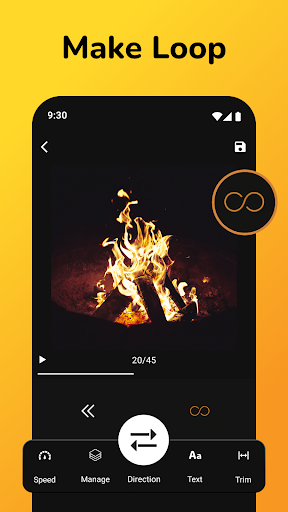
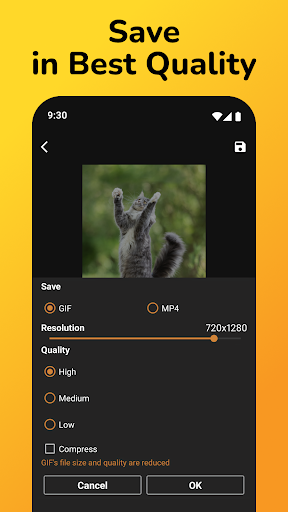
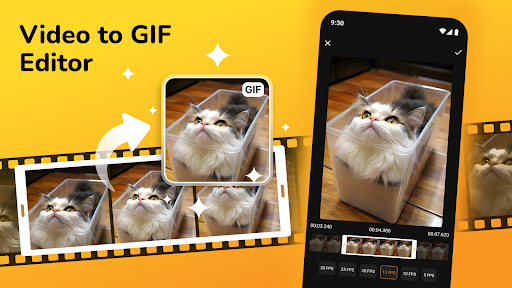
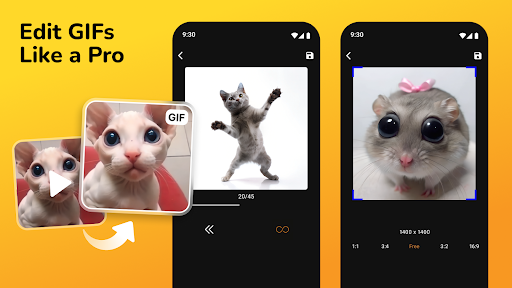
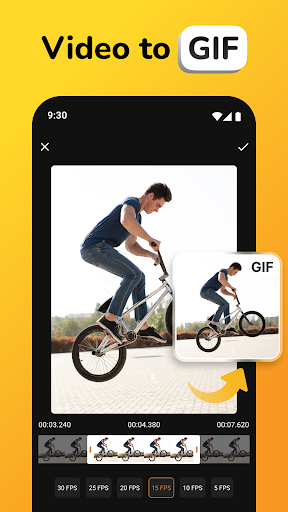
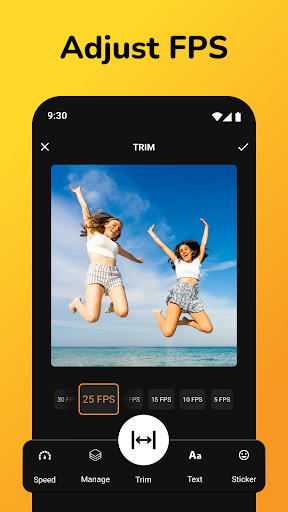
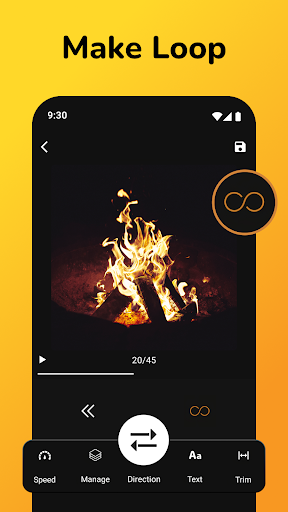
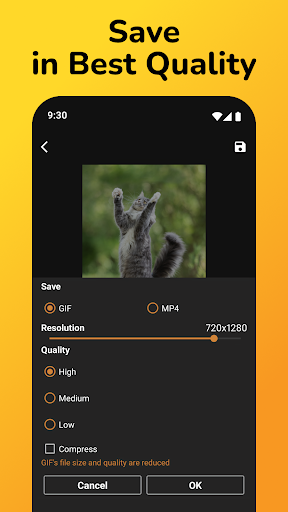
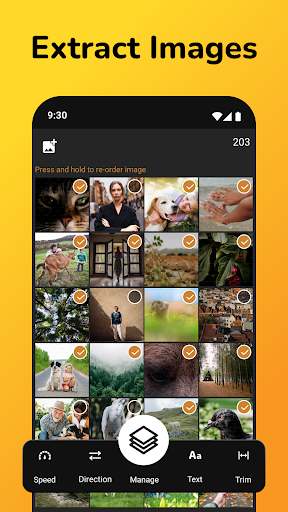
Are you looking for an easy and effective way to transform your favorite videos and photos into captivating GIFs? The GIF Maker, Video to GIF Editor is designed to be your all-in-one solution for creating high-quality, personalized GIFs right from your mobile device or desktop. Whether you want to capture those funny moments, create engaging memes, or design dynamic slideshows, this versatile app offers everything you need to bring your creativity to life with minimal effort.This powerful tool supports multiple formats and provides an intuitive interface that makes GIF creation accessible for both beginners and experienced users. With features like Video To Gif Converter, GIF Maker From Picture, and personalized editing options, users can craft GIFs that stand out. The app’s flexibility ensures seamless conversion of videos into animated graphics, allowing you to adjust durations, add effects, overlay text, and incorporate custom stickers or emojis effortlessly.The Video To Gif Converter feature enables you to quickly convert segments of MP4 videos into shareable GIFs. Just upload your video, select the desired clip, and customize it with trimming, cropping, and effect options. Whether you’re working with short clips or longer videos, this functionality guarantees a smooth and quick transformation into engaging GIFs suited for social media, messaging, or personal collection.For those who prefer making GIFs from photos, the GIF Maker From Picture feature simplifies the process of creating animated slideshows from your favorite images. Arrange your photos in the desired order, add text, filters, or special effects, and merge them into a seamless animation. This feature is perfect for reliving memories, showcasing your photography, or designing creative visual stories.The app’s customization capabilities don’t stop there. With the Make A GIF Editor and Make GIF Creator, you gain complete control over your animations. Adjust frame rates, change playback speed, overlay text, and even add lively stickers or emojis to make each GIF uniquely yours. These advanced editing tools make it easy to craft professional-looking animated graphics that fit your style and purpose.Sharing your creations is effortless, as the app provides direct options to post your GIFs to popular social media platforms such as Instagram, Facebook, and Twitter. You can also save your GIFs directly to your device for later use or sharing through other channels. The lightweight design ensures smooth performance on most devices, and frequent updates keep the app running efficiently with new features and improvements.In summary, the GIF Maker, Video to GIF Editor offers a comprehensive suite of tools to turn your videos and photos into lively, shareable GIFs. Whether you want quick conversions or detailed customization, this app empowers you to express your creativity with ease. Get started today and transform your media into eye-catching animations that capture attention and spread smiles.
Pros
- User-friendly interface enabling quick GIF creation
- Supports conversion of various video formats
- Offers a wide array of editing tools
- Produces high-quality output without losing details
- Easy to add text and stickers
Cons
- Limited features in the free version
- Occasional app crashes have been reported
- Advertisements can be intrusive at times
- Lacks batch processing capability
- Requires in-app purchases for premium features











