
Introduction to the Go Fly Drone Remote Controller App
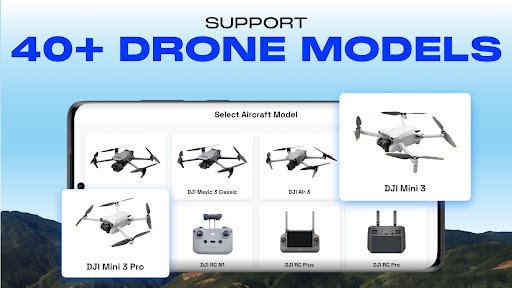
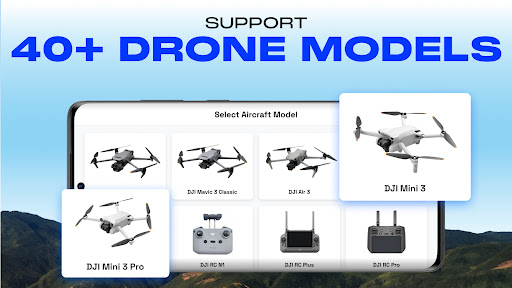
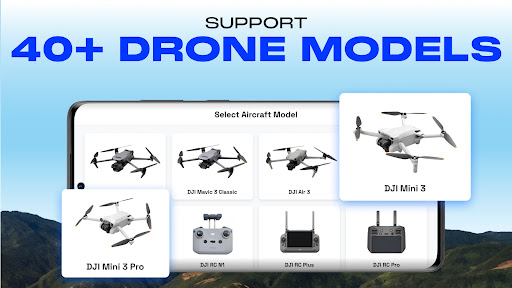
Discover the Go Fly Drone Remote Controller, an innovative application designed to elevate your drone flying experience. Whether you're an amateur or a professional, this app provides powerful features to control and optimize your UAV or flycam operations. Compatible with over 40+ UAV drone models, the app supports Android Mobile SDK 5.10, ensuring broad device compatibility. From DJI's latest models such as the Mini 3 Pro and Mavic 3 series to enterprise solutions like the Matrice 300 RTK, this app acts as a versatile remote control tool to unlock your drone's full potential.
Key Features of the Go Fly Drone Remote Controller
Intuitive Control and Seamless Connectivity
The app offers an easy-to-use interface that simplifies drone control. You can connect your drone without lag or dropouts, ensuring a smooth flying session. Whether you're using a consumer drone or an enterprise UAV, the app seamlessly syncs to provide reliable performance.
Advanced Flight Modes & Missions
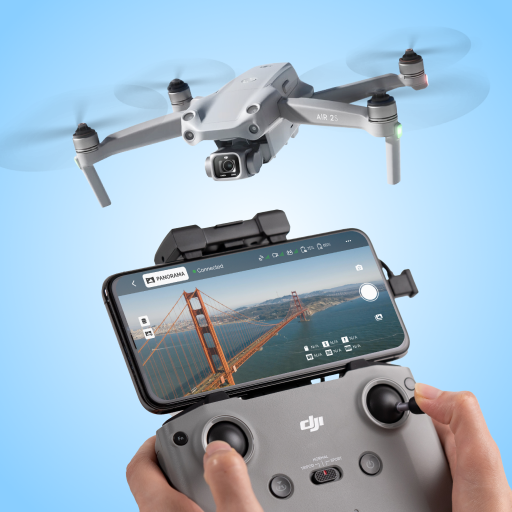
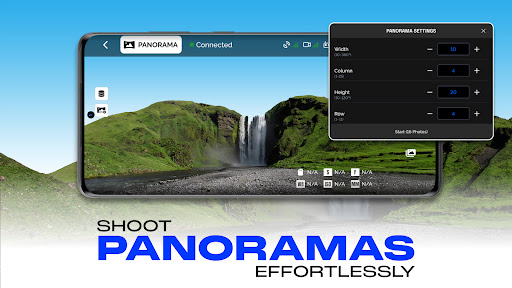
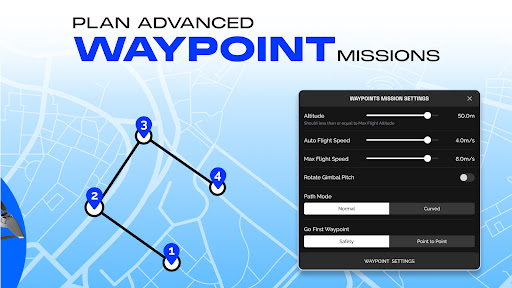
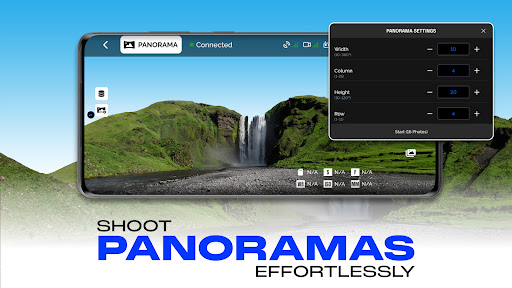
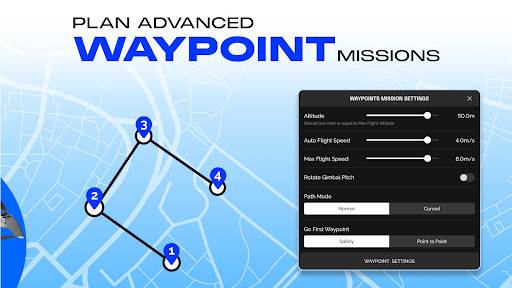
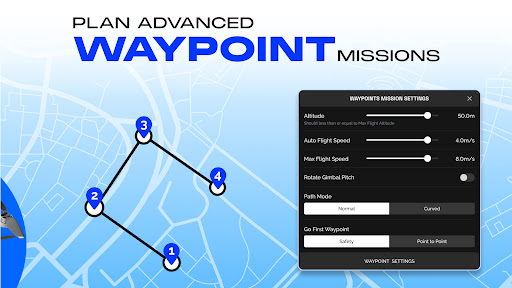
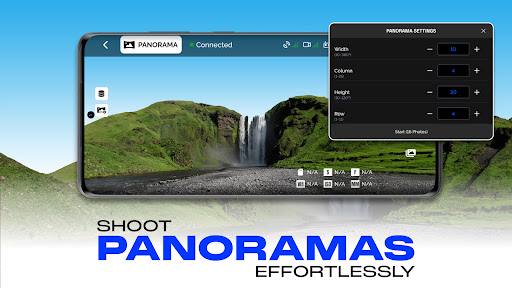
Enhance your flight with Smart Flight modes that include waypoint missions, panorama captures, and focus modes. Create waypoints with the Smart Flight feature, compatible with Phantom series drones, allowing precise navigation and automated routes. Capture stunning 360-degree panoramas effortlessly with the built-in panorama mode, providing professional-quality shots.
Camera Control & Optimization
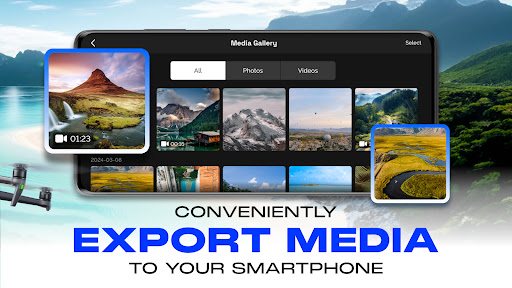
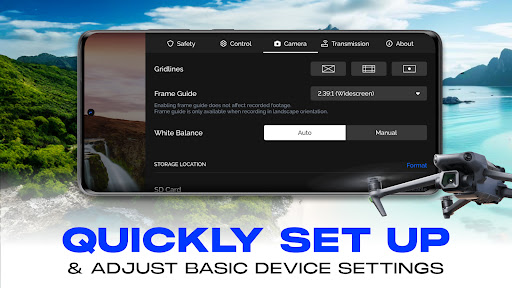
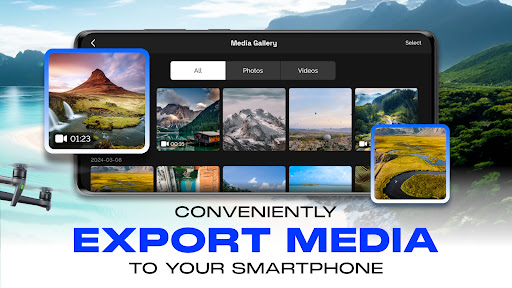
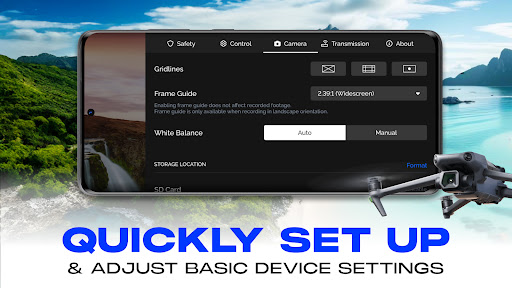
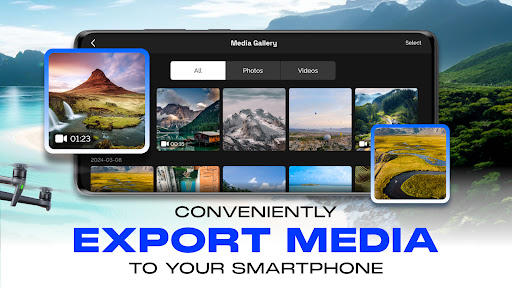
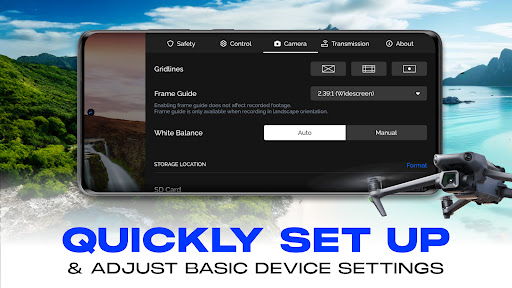
Take command of your drone's camera with customizable settings for ISO, shutter speed, and white balance. The app also displays an exposure graph, enabling precise adjustments for ideal image and video quality. Export your media directly to your device with ease, streamlining your workflow.
Guided Tutorials & User Assistance
Whether you're a new pilot or an experienced flyer, access comprehensive tutorials directly within the app. These guides help you learn the basics, optimize UAV performance, and master advanced controls—making drone piloting accessible and enjoyable.
Additional Functionalities
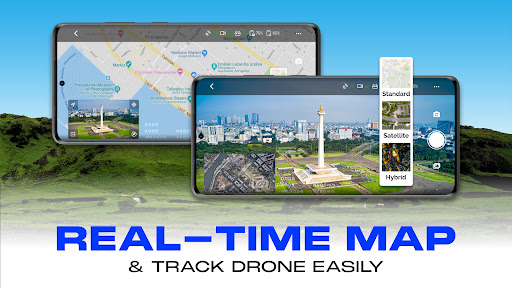
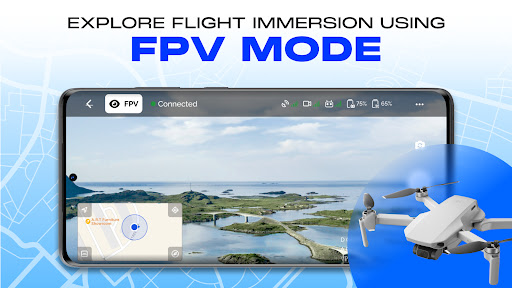
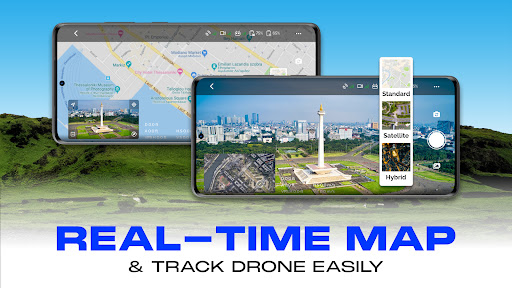
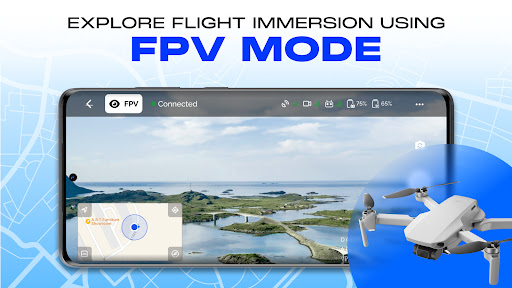
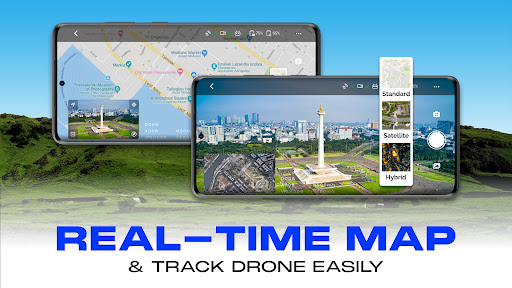
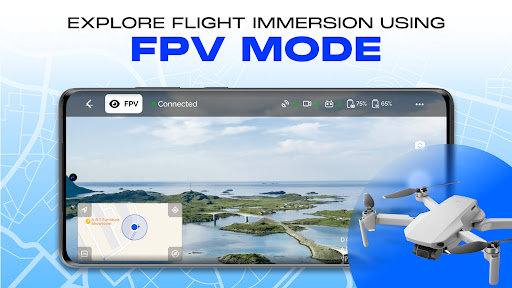
The app supports features such as drone battery monitoring, flight telemetry like altitude and speed, and live media preview. It also offers control options like preview media, play media, toggle LEDs, and Gimbal controls (when supported). These features collectively improve the overall flying and filming experience.
Compatibility & Limitations
The Go Fly Drone Remote Controller is compatible with a wide range of models including the Mini 3 Pro, Mavic 3, Matrice 300 RTK, and others utilizing Android SDK 5.10. However, some features such as Low Battery Warning and Gimbal Lock are not supported on certain models yet. Despite these limitations, the app remains a robust control solution for most compatible drones.
Why Choose the Go Fly Drone Remote Controller?
This app stands out from the crowd by consolidating a range of essential drone functions into one easy-to-navigate platform. Its real-time telemetry, multimedia controls, and user-friendly interface make it an indispensable tool for drone enthusiasts looking to enhance their flight capabilities.
Furthermore, its compatibility with multiple drone models and support for advanced features like waypoint missions, panorama photography, and gimbal control, offer unparalleled flexibility and control. Whether you're capturing breathtaking aerial shots or simply exploring your surroundings from above, the Go Fly Drone Remote Controller simplifies the process, making you feel like a seasoned drone pilot right from your smartphone.
Conclusion
In summary, the Go Fly Drone Remote Controller app provides an integrated, feature-rich experience that empowers drone users. Its straightforward setup, comprehensive controls, and support for a wide variety of models make it an excellent choice for anyone eager to elevate their UAV flying and aerial photography. Ready to take your drone adventures to new heights? Download the app and start exploring the skies like never before!
Pros
- User-friendly interface suitable for users of all skill levels
- Broad compatibility with various drone models
- Provides real-time flight metrics and data
- Offline maps accessible for remote areas
- Allows customization of control settings
Cons
- Limited functionalities in the free version
- Reports of occasional app crashes
- Consumes a high amount of battery power
- Not optimized for older device models
- Requires a subscription for access to premium features











