


Discover the Benefits of QuickBooks Workforce
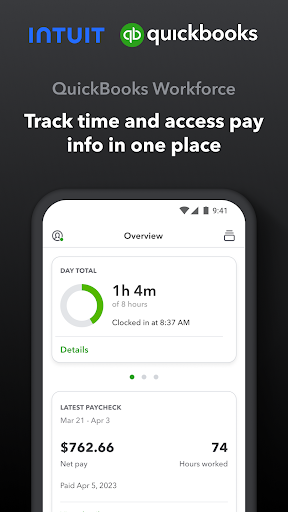
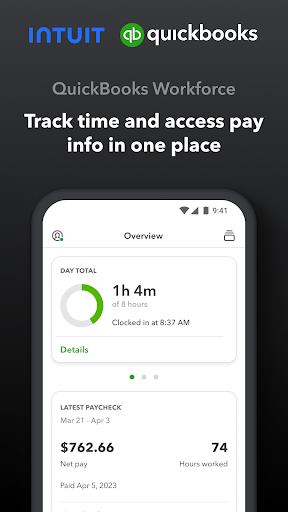
QuickBooks Workforce is a powerful mobile application designed to streamline payroll, time tracking, and team management for small businesses, freelancers, and teams of all sizes. Whether you’re managing employee paychecks or tracking hours on the go, this app offers a range of features that make financial management more efficient and less stressful. Seamlessly integrating with QuickBooks Online Payroll and QuickBooks Desktop Payroll, as well as QuickBooks Time (formerly TSheets), QuickBooks Workforce consolidates essential HR and payroll functions into one user-friendly platform.
Key Features of QuickBooks Workforce
Empowering Employees with Easy Access
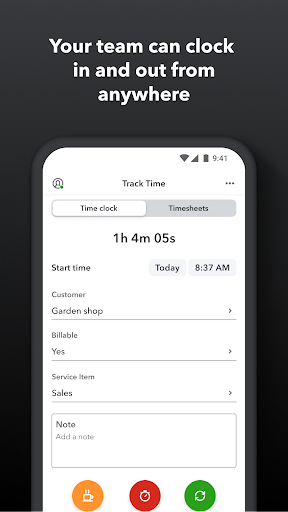
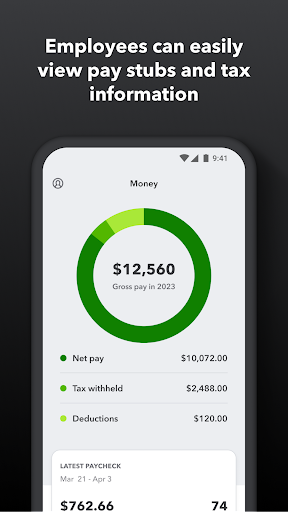
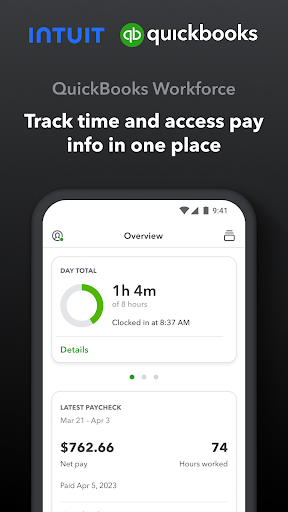
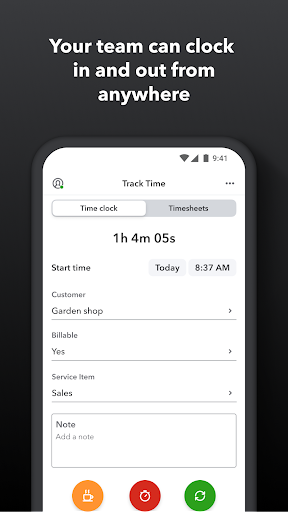
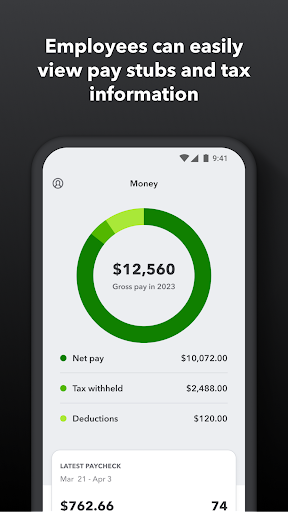
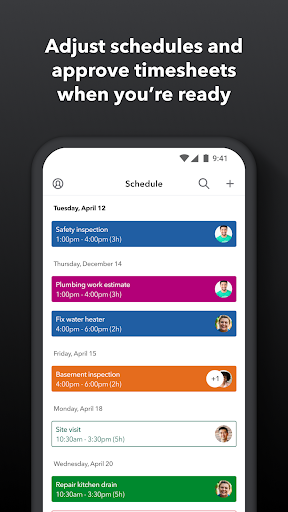
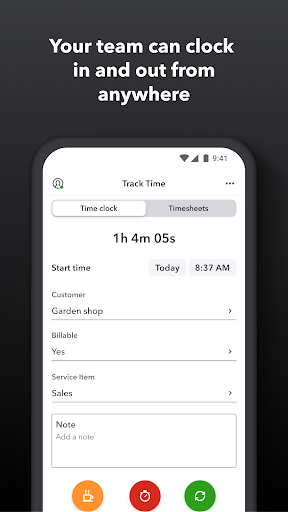
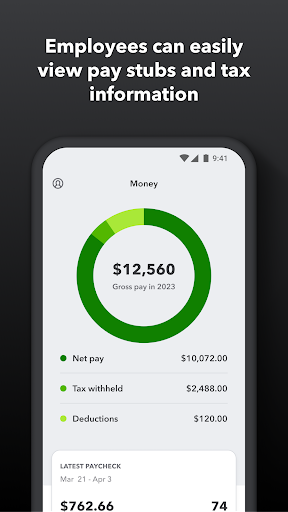
Employees can access vital payroll information anytime and anywhere. This includes viewing your pay stubs, W-2 forms, and other pay details with just a few taps. The app also enables users to clock in and out—even without internet or cellular service—ensuring hours are recorded accurately regardless of location. Additionally, team members can manage paid time off, sick days, and holidays, submit edits to timesheets, and adjust work schedules effortlessly.
Advanced Time Tracking and Job Management
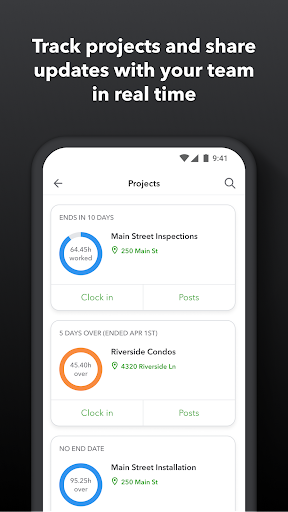
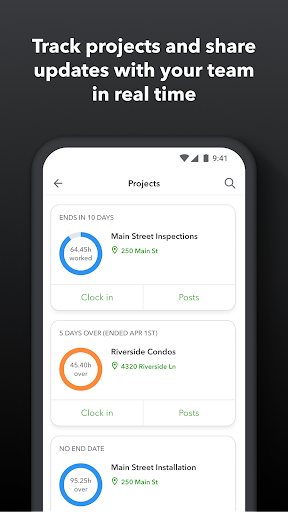
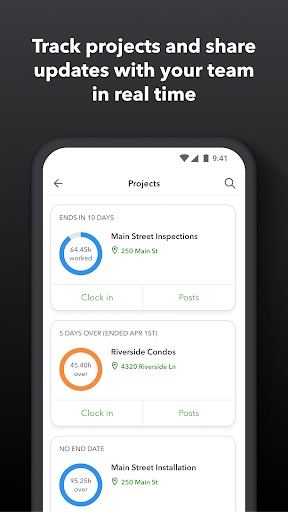
QuickBooks Workforce offers diverse options for precise time tracking. Employees can switch between jobs, pause tracking, or take a break, all within the app. GPS location-based tracking ensures accurate time registration on mobile devices, which is especially beneficial for on-site workers. For QuickBooks Time Elite users, added features include attaching photos and updates to project activity feeds, enhancing communication and project accountability.
Tools for Employers and Admins
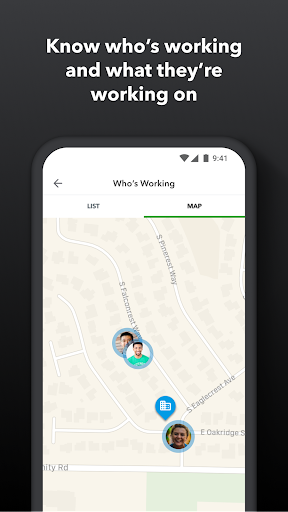
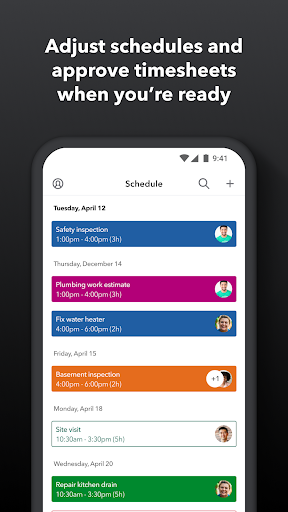
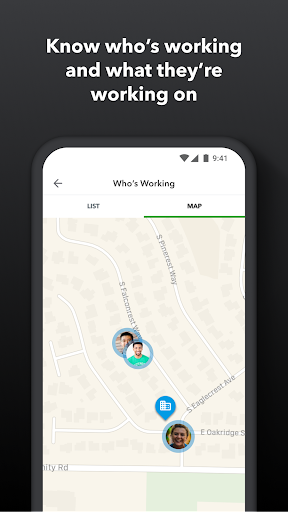
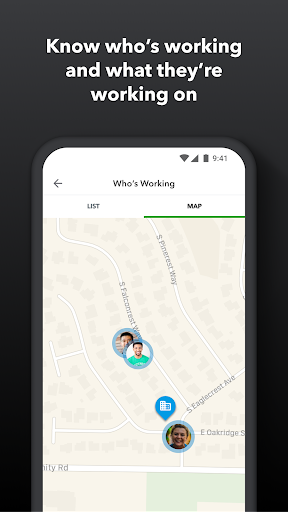
Employers and administrators have extensive control over team management. They can approve, edit, or remove timesheets, set up schedules by job or shift, and monitor who is working and where in real-time. The app allows for setup of geofences, reminding team members to clock in or out when entering or leaving job sites—an essential feature for field workers. Additionally, administrators can generate various time reports for an overview of daily and weekly hours, maintain project budgets, and oversee overall team productivity. For those using QuickBooks Time Elite, there are enhanced capabilities like tracking vacation and holiday accruals, managing overtime alerts, and adjusting project deadlines.
Extra Benefits and Integration Capabilities
QuickBooks Workforce is designed to reduce payroll costs and eliminate the need for manual data entry. It provides real-time reports in multiple formats such as PDF, CSV, or online views, facilitating smooth payroll processing and invoicing. The app seamlessly integrates with QuickBooks Online, QuickBooks for PC (Pro, Premier, & Enterprise), and other payroll, accounting, and invoicing software — simplifying your financial workflows. Additionally, the detailed time logs help protect against labor disputes and audits, ensuring compliance and accuracy. With a developer open API, businesses can customize and extend its functionalities to better suit their needs.
Ease of Use and Security
Getting started with QuickBooks Workforce is straightforward. Once you receive an employer’s email invitation, setting up the app takes just minutes. Available on both Android and iOS devices, it ensures accessibility across different platforms. The user interface is sleek, intuitive, and easy to navigate, making onboarding seamless. Critical notifications keep users informed about schedules, pending approvals, or clock-in prompts. When it comes to security, QuickBooks employs advanced encryption protocols to safeguard sensitive employee and payroll data, offering peace of mind for users concerned about data privacy.
Why QuickBooks Workforce is a Must-Have for Your Business
Managing payroll and employee hours can often be a stressful and time-consuming process. QuickBooks Workforce streamlines this workflow by consolidating time tracking, payroll management, and team communication into one comprehensive app. Its reliable integration with popular QuickBooks products and other payroll solutions simplifies your administrative tasks, reduces errors, and accelerates payroll cycles. Whether you’re a small business owner, HR manager, or freelance professional, QuickBooks Workforce acts as your personal assistant—helping you stay organized, compliant, and ahead in your financial management. If you’re looking for a smart, efficient way to handle payroll and employee time management, this app is definitely worth exploring.
Pros
- User-friendly interface suitable for all users
- Seamless integration with QuickBooks
- Mobile access for use on the go
- Efficient management of payroll
- Provides timely updates and notifications
Cons
- Limited offline capabilities
- Needs a stable internet connection
- Subscription costs may be high
- Few options for customization
- Initial setup process can be complicated











