

Introduction to Smart Printer: Print Documents
Imagine a world where printing important documents or cherished photos is just a few taps away, no matter where you are. The Smart Printer: Print Documents app transforms this vision into reality, offering a seamless and efficient printing experience directly from your smartphone. Whether you have an urgent report, a memorable photo, or a web page you want to preserve in hard copy, this app has you covered. Designed to be user-friendly and versatile, it supports a broad range of file types and printer models, ensuring that you're never far from a printed document.
Main Features of Smart Printer: Print Documents
Effortless Printing Anywhere
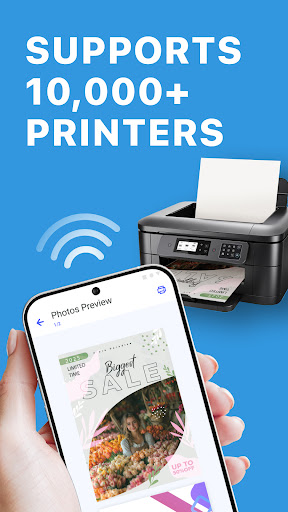
With Smart Printer: Print Documents, the days of rushing back to a computer to print documents are over. The app allows you to connect directly to compatible printers via •Wi-Fi, •Bluetooth, or •USB. This means you can print from your phone whether you're at a coffee shop, in a meeting, or relaxing at home. It essentially turns your mobile device into a portable printing station, making on-the-go printing a reality.
Intuitive User Interface
The app boasts a clean, straightforward design that ensures even users with minimal technical skills can navigate effortlessly. From accessing various file types to adjusting print settings, everything feels intuitive. This ease of use encourages quick setup and smooth operation, helping you get your prints done efficiently without hassle.
Versatile File Compatibility
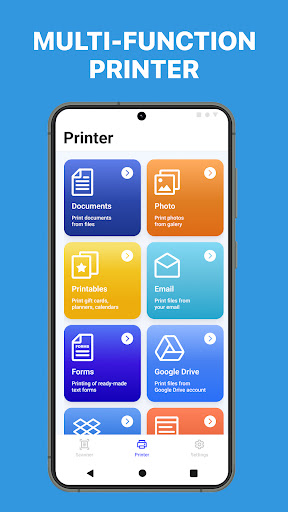
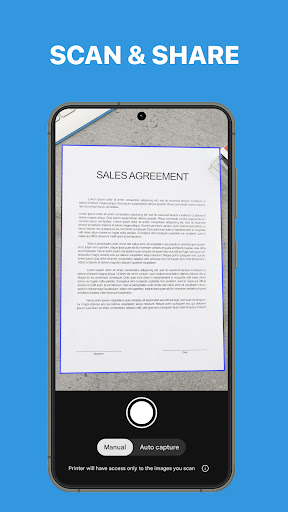
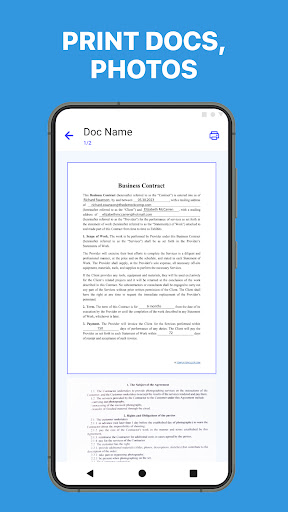
Supporting a broad spectrum of file formats, Smart Printer makes printing documents, PDFs, images, and web pages simple. Whether you're printing a Word report, an Excel spreadsheet, a PDF brochure, or an image in JPG, PNG, GIF, or WEBP formats, this app can handle it. Additionally, printing email attachments or •web pages directly from your browser is just a few taps away.
Customization and Print Quality Options
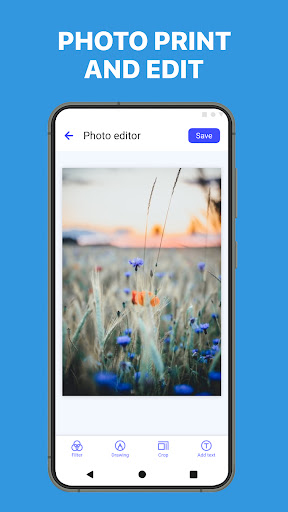
Take control of your prints with customizable settings. Adjust the size, orientation, and quality to meet your needs. Choose between color or black-and-white prints, decide on the number of copies, and preview your content before printing — ensuring accurate and satisfying results every time.
Cloud Integration and Accessibility
In sync with today’s digital lifestyle, Smart Printer integrates seamlessly with popular cloud storage services like •Google Drive, •Dropbox, and •iCloud. This means your documents can be accessed and printed directly from the cloud, eliminating the need for downloads and making remote printing more convenient than ever.
Enhanced Security Features
Security is paramount when handling sensitive information. The app ensures that all connections are secure, providing peace of mind during the printing process. Your data remains protected, whether you’re printing confidential reports or personal photos.
Template Library for Creative Projects
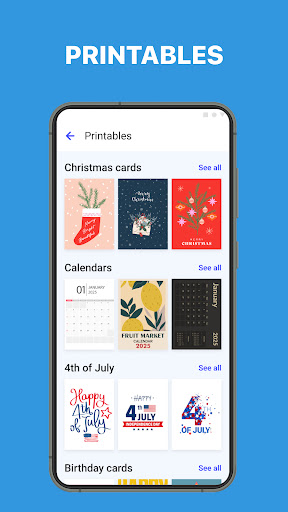
Looking to add a personal touch to your prints? The app offers access to over 100 free templates, including cards, invitations, calendars, and photo frames, updated monthly. These can help elevate your printing projects with minimal effort.
Why Choose Smart Printer: Print Documents?
Designed for both professionals and casual users, Smart Printer: Print Documents is the ideal solution for anyone needing quick, reliable, and high-quality printing directly from their mobile device. Its compatibility with a wide array of •printer brands like HP, Canon, Epson, Brother, and more ensures seamless operation regardless of your setup. Whether printing at home, in the office, or on the move, this app simplifies your workflow and enhances productivity.
Experience effortless printing today and discover how Smart Printer redefines the way you turn digital files into tangible copies. Say goodbye to complicated setups and hello to a smarter, more convenient printing experience at your fingertips.
Pros
- Easy to connect with various printers
- Supports multiple file formats
- Delivers high-quality print output
- User-friendly interface
- Provides fast printing speed
Cons
- Limited free features
- Requires internet connection for cloud printing
- Occasional app crashes
- Ads present in the free version
- Subscription needed for premium features











