




Overview of the Video Browser App
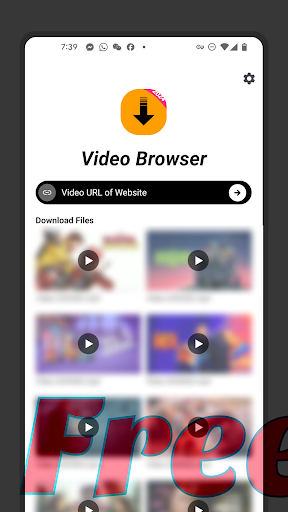
The Video Browser is a powerful Video Downloader application designed to elevate your video entertainment experience. This app enables users to download HD videos from a wide range of websites and watch them offline whenever they want. Whether you're at home or on the move, Video Browser makes it easy to keep your favorite videos accessible at all times. With its user-friendly interface and robust features, this app is ideal for anyone seeking a seamless way to discover, download, and enjoy videos.
Key Features of Video Browser
1. Download HD Videos
Enjoy crisp and clear quality videos by effortlessly downloading high-definition content from various website sources. Whether it’s a trailer, a clip, or a full-length movie, Video Browser ensures your videos are downloaded in the best possible resolution.
2. Play Downloaded Videos
Once your videos are downloaded, you can play them directly within the app. The integrated video player supports a broad spectrum of formats, providing smooth and hassle-free playback without the need for additional software.
3. Download From Any Website
With support for virtually any website, if you can see a video online, you can save it to your device. This flexibility allows you to download videos from platforms you frequently visit, giving you full control over your content.
4. User-Friendly Interface
The app features an intuitive design that streamlines navigation. Finding and downloading videos is simple, enabling users of all technical levels to enjoy the full benefits of Video Browser without frustration.
5. Fast Download Speeds
Optimized for speed and efficiency, Video Browser allows you to download videos swiftly, saving you time and letting you start watching sooner.
6. Secure and Private
Your privacy is a priority. The app ensures that downloads are secure, keeping your personal information protected during every download.
7. Manage Your Downloads
The download manager helps organize your video library, letting you easily keep track of your downloaded content and manage your storage effectively.
8. Regular Updates
Continuous improvements and updates keep Video Browser performing at its best and introduce new features that enhance your experience.
How to Use Video Browser
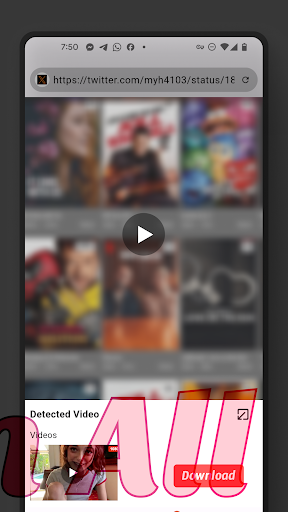
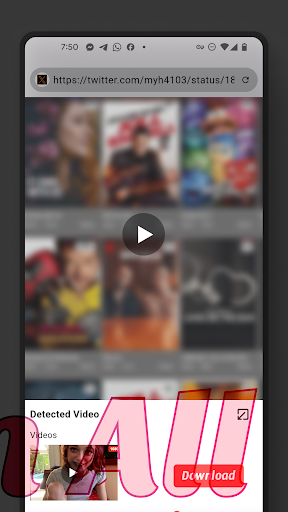
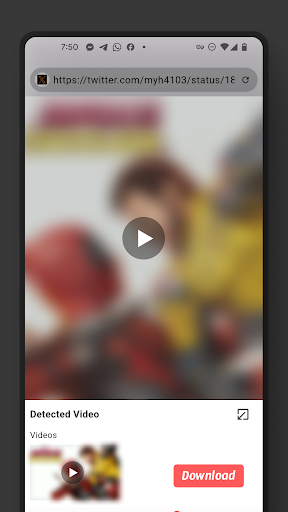
Browse: Launch the app and navigate to the website with the video you wish to download.
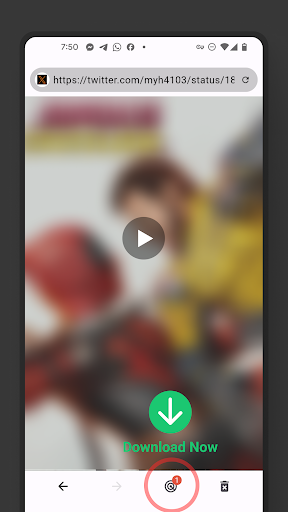
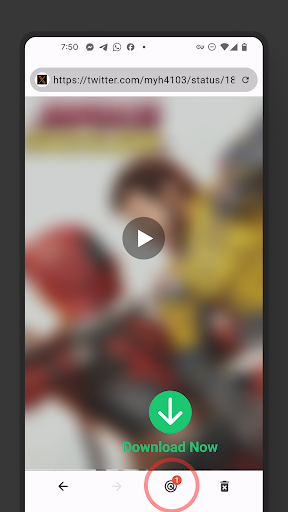
Download: Tap the download button next to your chosen video. Select your preferred quality and initiate the download process.
Watch: Once downloaded, access the Downloads section within the app to enjoy your video offline at any time.
Enhanced Video Discovery and Management
Streamlined Video Discovery
One of the standout advantages of Video Browser is its user-friendly interface that simplifies the discovery of new videos. Powered by a smart algorithm that adapts to your viewing habits, the app curates a personalized feed so you spend less time searching and more time watching.
Efficient Search and Filters
Find your favorite videos quickly with advanced search and filter options. Filter results by categories, upload date, or video length, making your search experience more effective and tailored to your preferences.
Bookmark and Save for Later
Save videos you’re interested in with the bookmark feature. Organize your saved content into custom playlists, enabling you to easily revisit your favorite videos anytime.
Social Media Integration
The app seamlessly connects with all major social media platforms, allowing you to share videos with friends or see trending content within your social circles. Stay updated on the latest viral videos and participate in online conversations effortlessly.
Conclusion
Video Browser offers an all-in-one platform to discover, download, organize, and enjoy videos. Its combination of robust features, ease of use, and privacy focus makes it an essential app for casual viewers and dedicated video enthusiasts alike. Whether you're looking to save videos for offline viewing, find specific content with ease, or share your favorite videos on social media, Video Browser is designed to meet all your needs and transform your video-watching experience.
Pros
- Supports multiple video formats.
- User-friendly interface.
- High-speed video playback.
- Easy video downloading.
- Allows bookmarking of videos.
Cons
- Limited cloud storage capacity.
- Advertisements present in the free version.
- No offline viewing available for free users.
- Restrictions on format conversions.
- Premium features require a subscription.











