

Introduction to Vector Ink: SVG, Illustrator
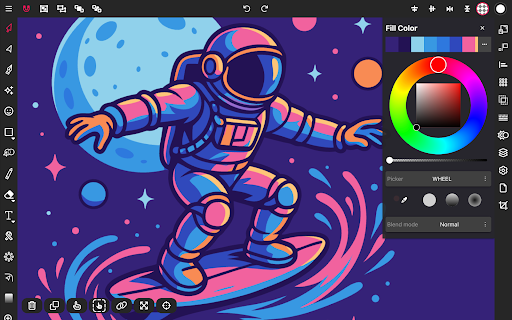
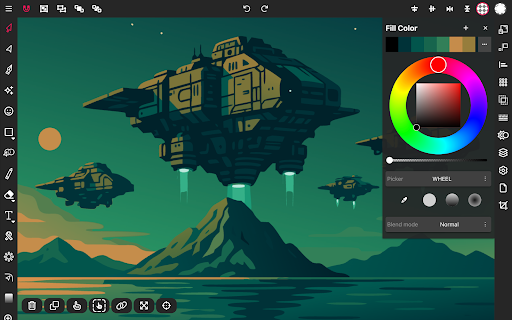
If you are passionate about creating vector graphics on your mobile device, then Vector Ink: SVG, Illustrator is undoubtedly a must-try application. This innovative app has quickly gained recognition within the graphic design community for its powerful features and user-friendly interface, making vector graphic design more accessible and efficient on the go.
Unleashing Creativity with Ease
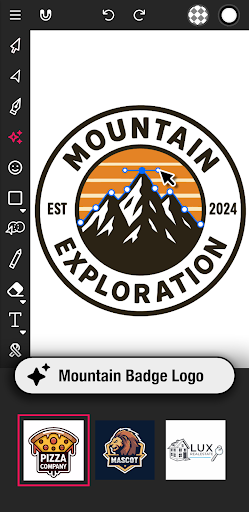
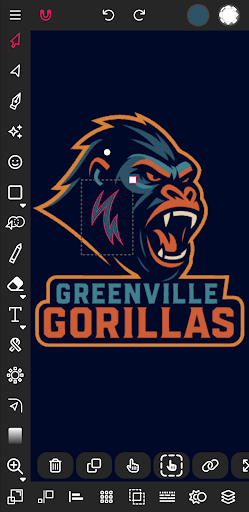
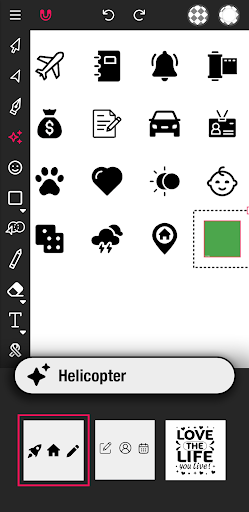
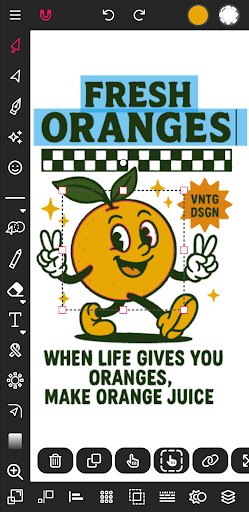
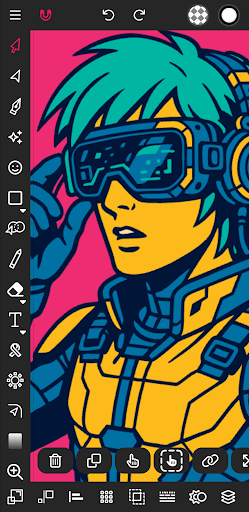
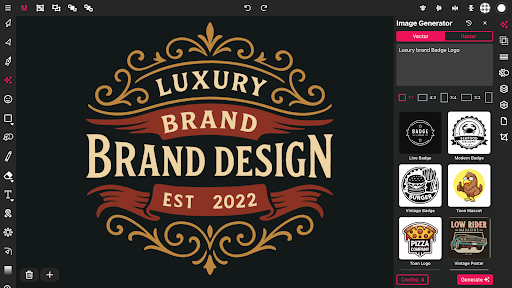
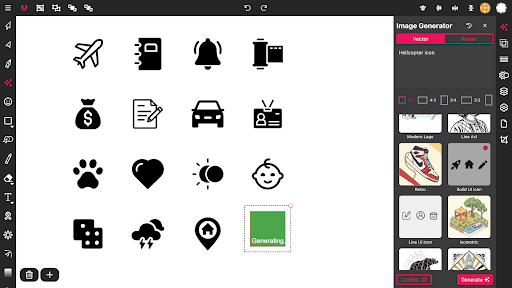
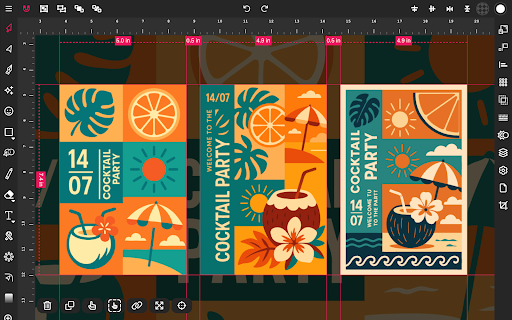
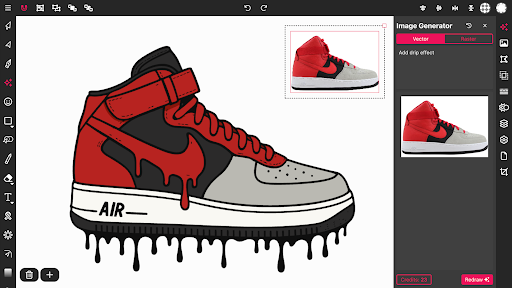
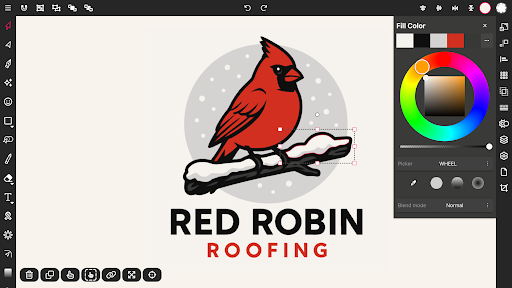
From the moment I launched Vector Ink, I was impressed by how intuitive and organized the interface is. Designed for both professional designers and beginners, the app offers a seamless experience. The thoughtfully arranged toolset allows users to start creating logos, illustrations, icons, and more within minutes. Whether you're sketching freehand or building precise shapes, Vector Ink makes the design process smooth and enjoyable.
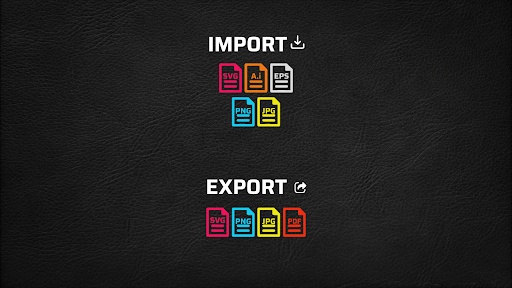
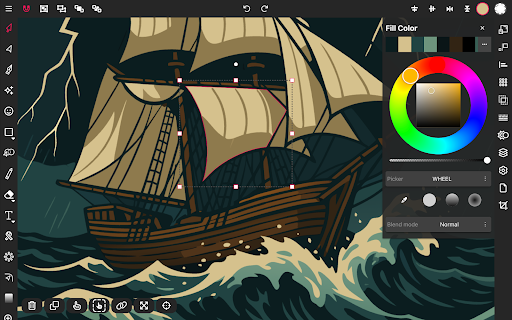
One feature that immediately caught my attention is the app's capability to handle SVG files effortlessly. Importing and exporting SVG graphics is straightforward, which is excellent for cross-platform workflows. The support for layers adds depth to your creations by enabling complex compositions with grouped objects and adjustable layer order. This layered structure simulates professional design environments, empowering users to craft intricate illustrations with ease.
Powerful Features Designed to Enhance Your Workflow
Smart Vector Tools for Precision and Creativity
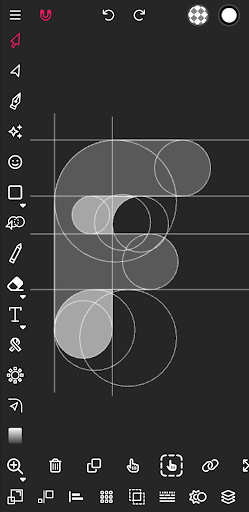
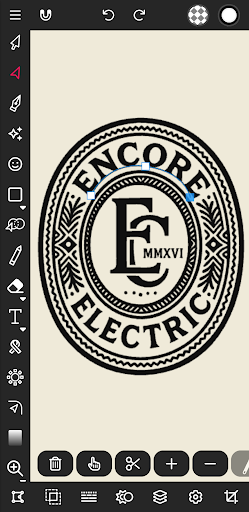
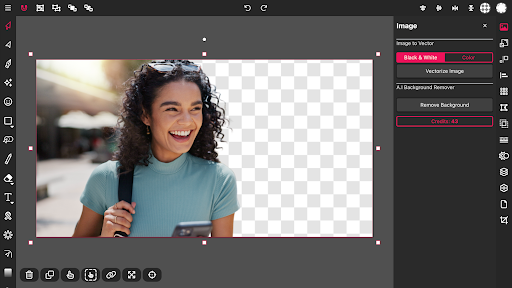
The app offers a suite of vector tools including Path Builder, Pen Tool, Gradient Tool, and Corner Tool. These tools facilitate the creation of complex vector shapes quickly and accurately. The Path Builder is particularly notable for its ability to merge multiple shapes or trace over imported artwork with perfect geometric precision, drastically reducing hours of manual work.
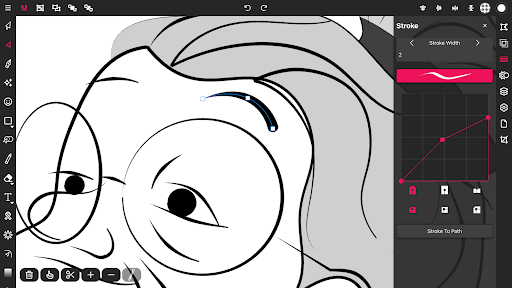
Designers can also utilize features like Boolean controls, Cut and join paths, and convert stroke to path to refine their illustrations further. Creating professional logos or detailed icons is made much easier with these intelligent tools.
Drawing Capabilities and Stylus Support
The Draw Tool supports freehand drawing with smart guides to help stabilize strokes, making your sketches look polished. The inclusion of a built-in digital stylus technology (even for finger drawing) enhances precision and allows for detailed work, even in tight spaces on your canvas. Auto-connection of strokes means you can lift your stylus and resume drawing without manually merging lines, facilitating natural and fluid drawing experiences.
This feature is a game-changer for illustrators and logo designers who often import sketches from paper or other apps, then trace them digitally to achieve vector clarity.
Color Management and Gradient Features
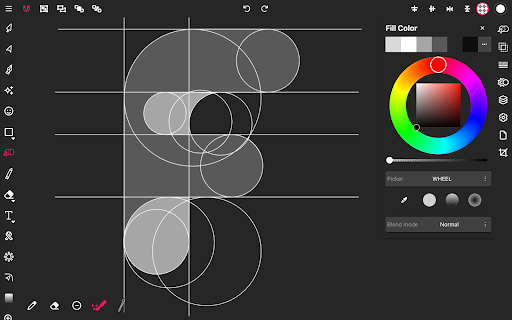
Vector Ink provides extensive color tools including multiple color pickers (wheel, RGB, HSB, hex) and a robust palette editor. Creating and managing custom palettes is simple, and the gradient tool allows for linear and radial gradients with adjustable stops, adding depth and vibrancy to your designs. The palette generator feature ensures you never run out of inspiring color combinations, and you can save palettes for future projects.
Additional Editing and Export Options
Construction of complex designs is streamlined with features like distribute tool, layers management, and stroke controls. Users can add, delete, or re-order layers, group objects, and control stroke width and caps for a refined appearance.
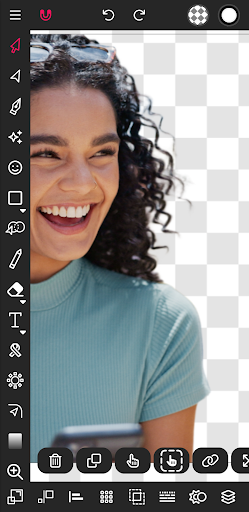
For sharing or further editing, the app supports import and export of PNG, JPG, and SVG formats. You can export at any size, create transparent backgrounds, and export individual shapes as SVG content, offering flexibility for professional workflows.
Performance and Responsiveness
Performance is a strong suit of Vector Ink; it operates smoothly on both Android and iOS devices, with no noticeable lag—even during detailed projects. Touch input responsiveness is excellent, making designing with your finger or stylus a fluid experience. The app's optimization ensures you can work on intricate illustrations or simple doodles without frustration.
Final Thoughts
Overall, Vector Ink: SVG, Illustrator emerges as a powerful, versatile, and user-friendly mobile vector graphic design app. It bridges the gap between professional-grade design software and mobile convenience, enabling users to craft stunning vector graphics anytime, anywhere. Whether you are aiming to produce logos, icons, or promotional posters, Vector Ink provides all the essential tools and features needed to bring your creative ideas to life efficiently.
Discover the potential of mobile vector design and elevate your artistic projects with Vector Ink today. Its combination of precision tools, seamless SVG handling, and intuitive interface makes it an indispensable tool for graphic designers, illustrators, and hobbyists alike.
Pros
- User-friendly interface suitable for beginners
- Extensive selection of design tools and functionalities
- Supports SVG file format
- Regular updates that introduce new features
- Compatible with multiple platforms
Cons
- Lacks advanced features for professional use
- In-app purchases can be costly
- Prone to occasional bugs and crashes
- Requires internet connection for complete functionality
- Limited options for exporting files











