
Introducing Projector - TV Cast, HD Mirror: Your Ultimate Screen Mirroring Solution
In an era where seamless connectivity and high-quality media sharing are essential, Projector - TV Cast, HD Mirror emerges as a reliable and versatile app designed to transform your mobile experience. Whether you want to enhance your productivity, entertain guests, or enjoy immersive viewing sessions, this app provides an effortless way to cast your smartphone screen onto any compatible TV or display. With features tailored for both work and leisure, it exemplifies how modern technology bridges the gap between your device and your big screen.
Key Features of Projector - TV Cast, HD Mirror
Wireless Screen Casting Made Easy
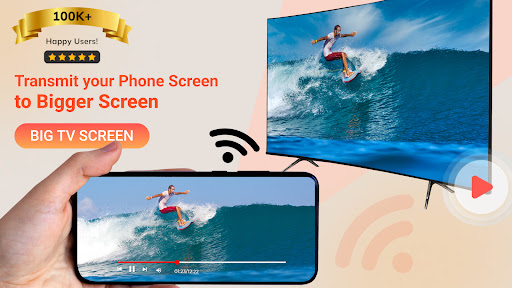
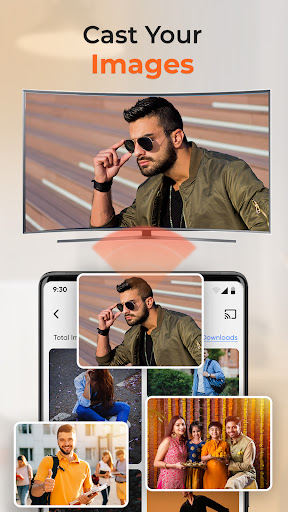
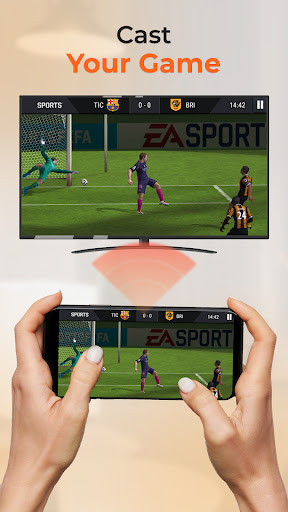
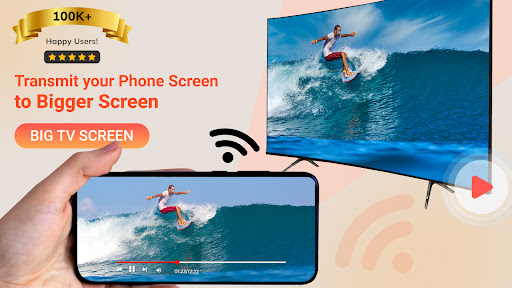
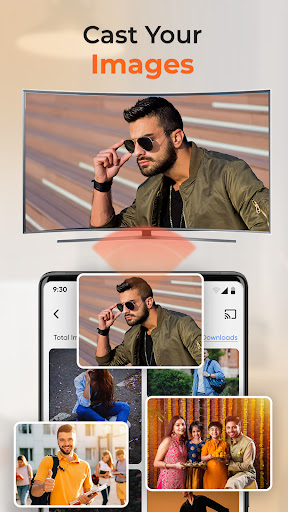
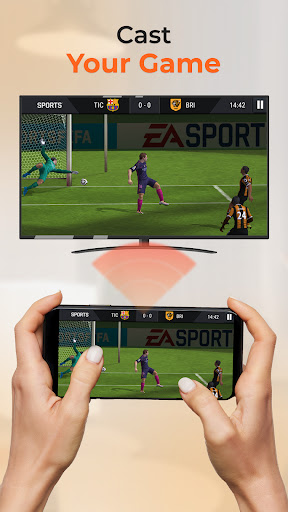
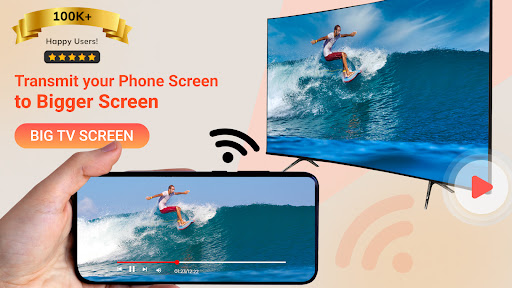
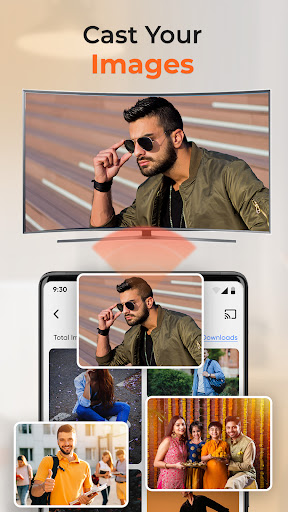
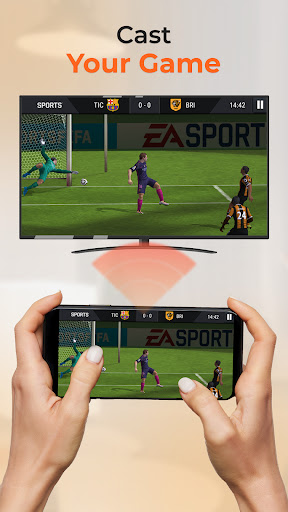
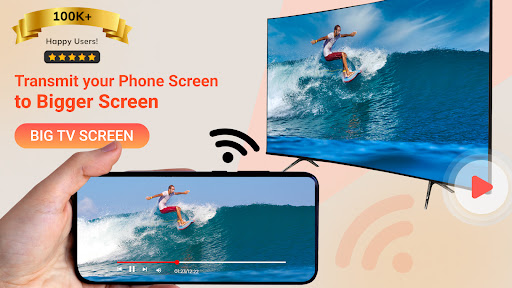
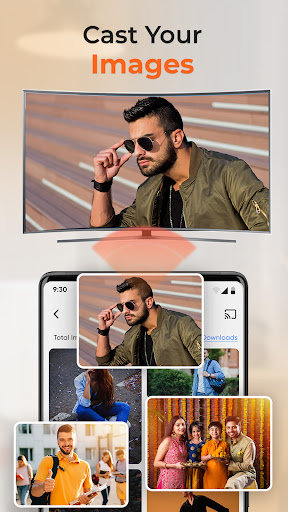
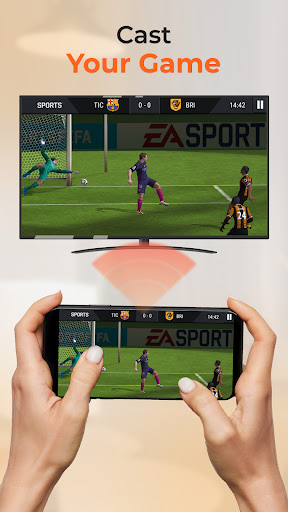
Say goodbye to cumbersome cables and adapters. This screen mirroring app allows you to connect your phone wirelessly with a simple tap, offering ultra-smooth screen cast capabilities with minimal lag. Whether you're streaming a movie, sharing a slideshow, or presenting slides at a meeting, the app ensures your content appears sharp and vibrant on larger screens, thanks to HD mirror technology.
High-Definition Mirroring and Casting
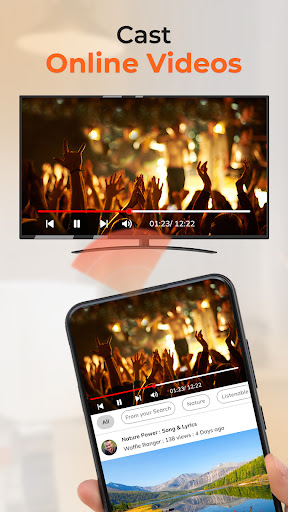
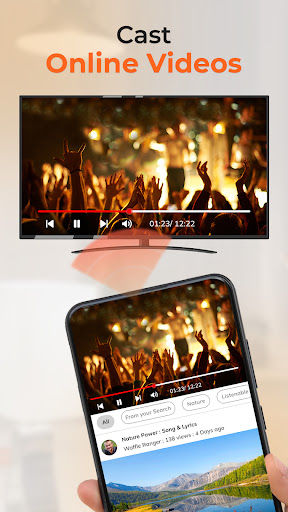
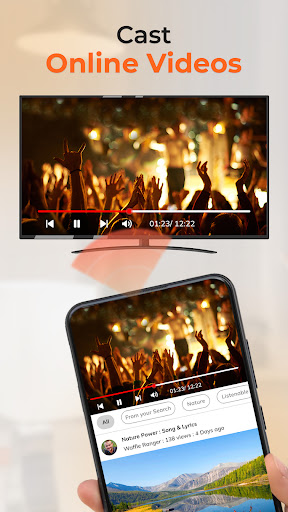
Experience crystal-clear visuals with support for HD mirror mode and high-resolution casting. The app supports a broad range of video formats, making it suitable for streaming movies, sharing photos, and more—all with excellent visual quality. The powerful and portable screen cast feature is perfect for both professional presentations and casual entertainment.
Compatibility and Flexibility
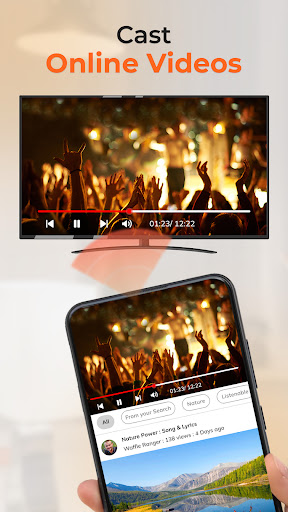
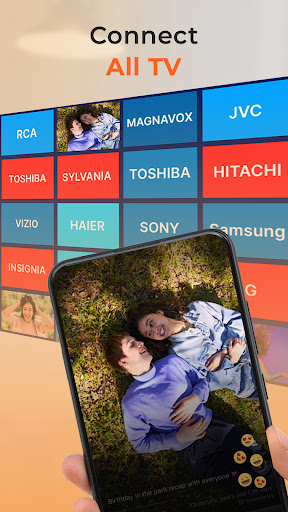
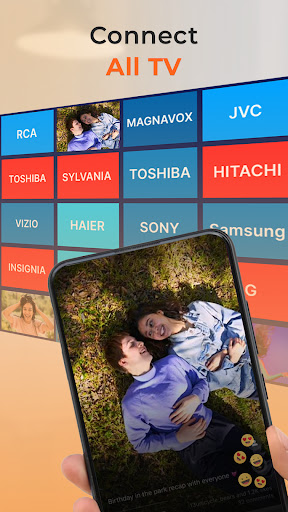
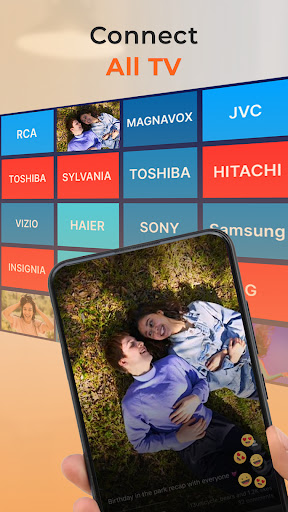
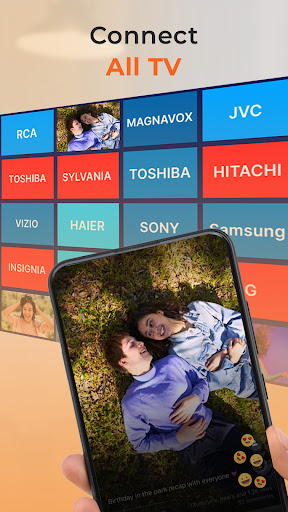
Designed to work effortlessly across multiple platforms, Projector - TV Cast, HD Mirror supports Chromecast, Roku, Apple TV, and other major streaming devices. Its reliable TV cast functionality ensures stable streaming to a variety of smart TVs, making it ideal for homes and offices with mixed device environments. This versatility allows users to enjoy content whether they’re in a conference room or relaxing at home.
Additional Useful Features
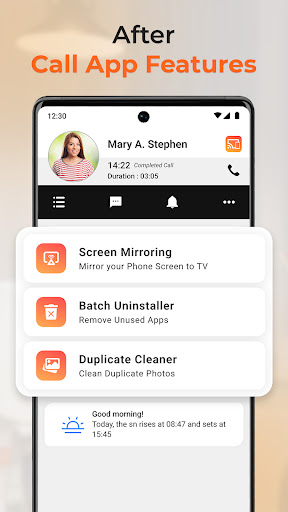
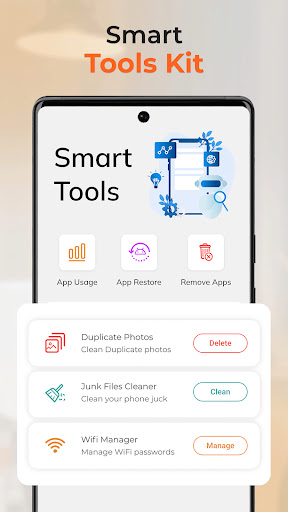
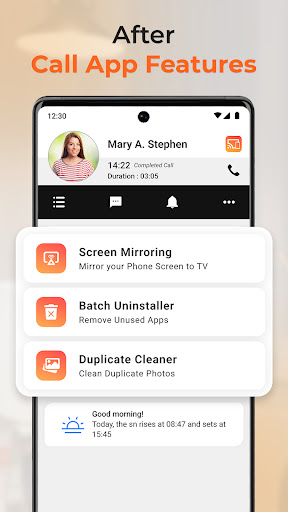
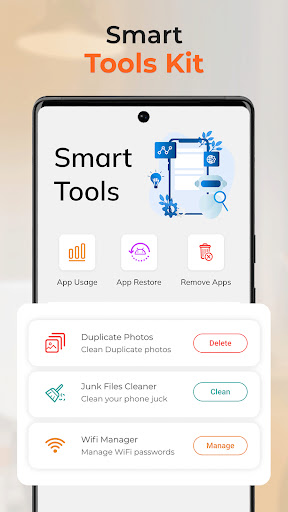
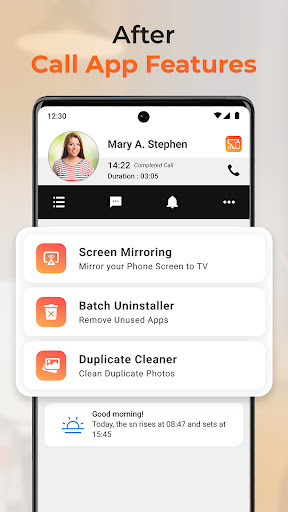
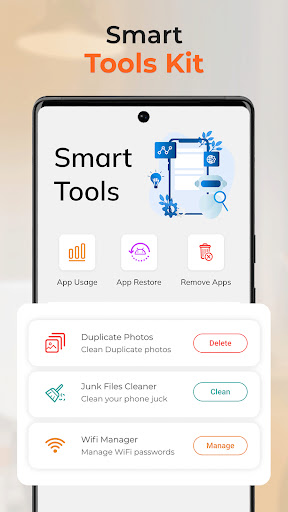
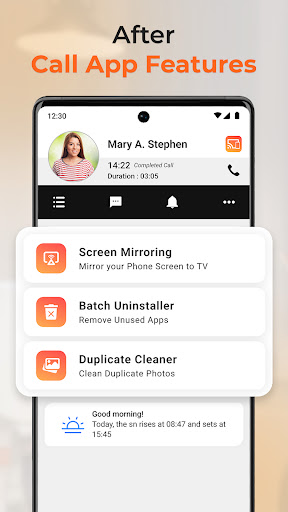
Beyond simple screen sharing, the app includes features like built-in caller info for identifying and blocking spam calls, enhancing your user experience. Its lightweight design means it won’t strain your device’s resources, and the intuitive interface makes setup quick and straightforward. You can easily reconnect to previously used devices, saving time during repeated uses.
Why Users Choose Projector - TV Cast, HD Mirror
- No cables or physical connections required—just tap to connect and start casting.
- Perfect for work presentations and home entertainment.
- Impressive HD mirror visuals and responsive screen cast.
- Compact and user-friendly, enabling quick setup on the go.
- Supports cross-platform devices for broad compatibility.
Whether you're in a meeting, teaching a class, or enjoying movie night with family, this app turns your mobile device into a powerful media hub. Its reliable streaming and real-time screen cast capabilities make it a top choice for those seeking wireless screen mirroring solutions. Plus, with continuous improvements and user-centric design, it remains a favorite among tech enthusiasts and casual users alike.
Experience the Benefits Today
Upgrade your entertainment and productivity setup with Projector - TV Cast, HD Mirror. Feel confident sharing ideas, conducting presentations, or simply enjoying big-screen content without hassles. Whether you're looking to improve your work-from-home setup or enhance your weekend movie nights, this app delivers an effortless and high-quality screen sharing experience. Download now and explore the full potential of your mobile device with high-definition casting and mirroring. Work smarter, present better, and relax more—right from your palm.
Note
This app is a standalone mobile application designed to enable wireless screen sharing and casting. It’s important to clarify that it is not associated with or endorsed by any official “Projector” brand. The term “Projector” is used solely to describe the core function—wireless mirroring—to elevate your screen sharing and entertainment experiences on your TV or display.
Pros
- Simple setup and easy connection process.
- Supports a variety of video formats.
- Streams high-quality video.
- Compatible with different TV brands.
- Intuitive and user-friendly interface.
Cons
- Dependence on a stable Wi-Fi connection.
- Limited features in the free version.
- Potential lag on older devices.
- Occasional intrusive advertisements.
- Not all smart TVs are compatible.











