
Introducing 1Password: Password Manager
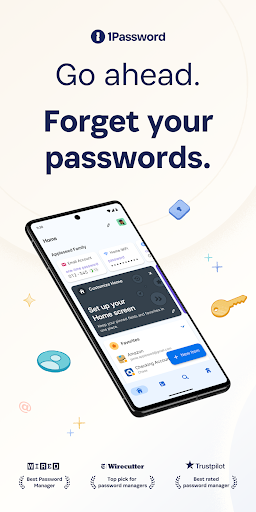
Since its inception in 2006, 1Password has been the go-to solution for individuals and businesses seeking reliable password management. Trusted by millions worldwide and over 150,000 companies, 1Password stands out as one of the top-rated password managers, praised for its security, ease of use, and versatile features. Recognized by reputable sources such as The New York Times Wirecutter, this tool offers an unbeatable combination of compatibility and robust protection, making it an essential app for safeguarding your digital life.
Key Features of 1Password
Generate Strong Passwords
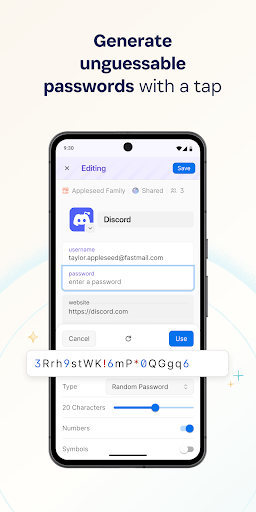
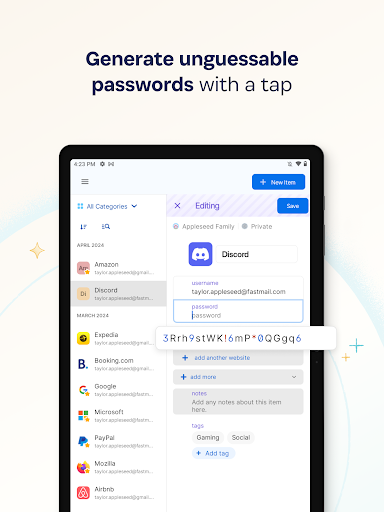
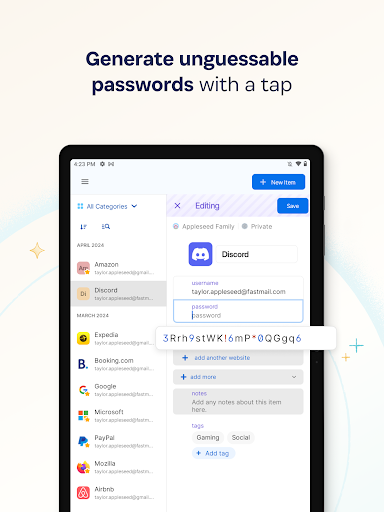
The built-in password generator is a standout feature, allowing you to create strong, unguessable passwords with just a tap. These passwords are designed to withstand hacking attempts and can be accessed seamlessly across all your devices. Whether you're using the browser extension, mobile app, or desktop application, 1Password ensures your login credentials are both secure and easily accessible.
Automatic Sign-In
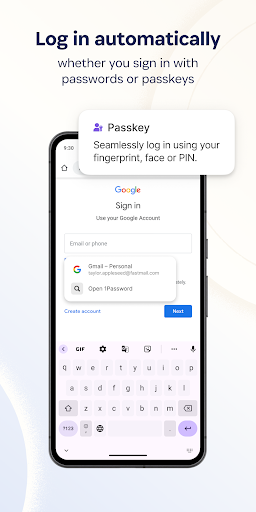
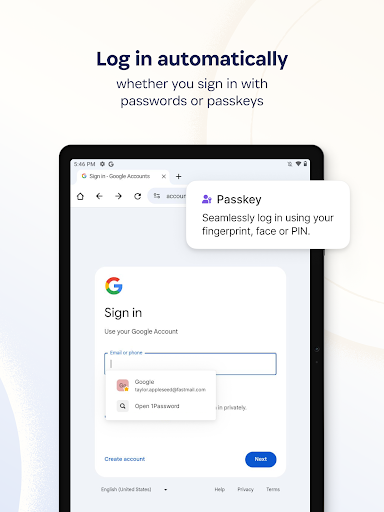
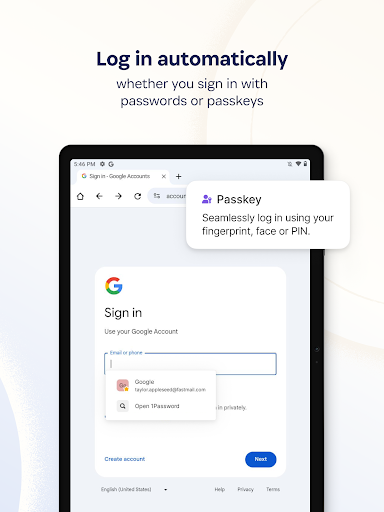
Say goodbye to manual login hassles. 1Password offers auto-fill capabilities, filling in usernames and passwords automatically on websites and apps. With support for popular browsers like Google Chrome on Android devices, signing in to your online accounts becomes swift and effortless—a true boost to your productivity.
Built-in Two-Factor Authentication (2FA)
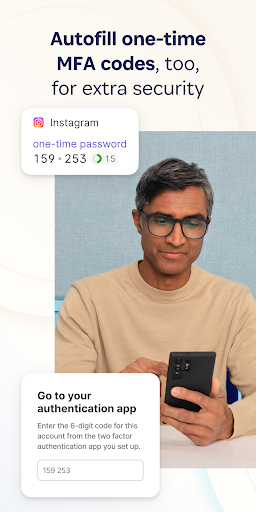
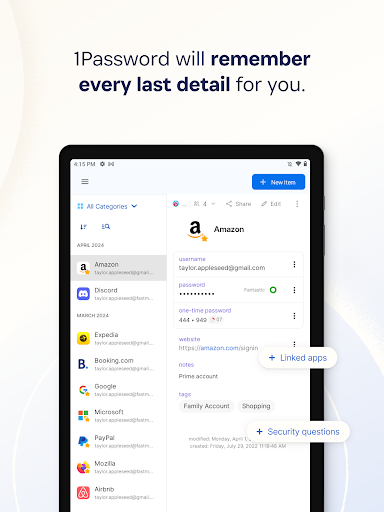
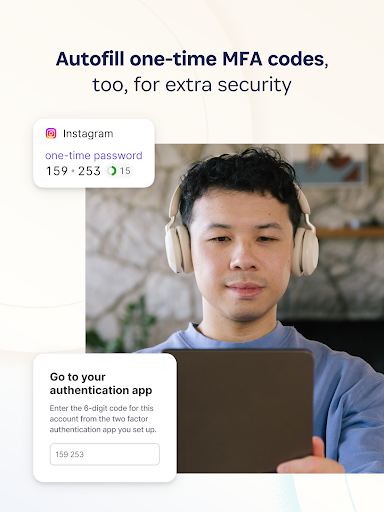
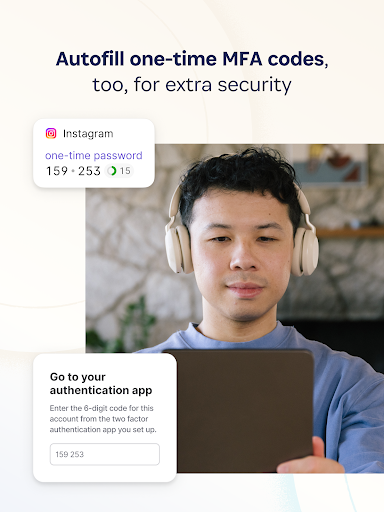
Enhance your online security with 1Password's ability to generate and autofill one-time 2FA codes. This feature eliminates the need for separate authenticator apps and simplifies two-factor authentication processes, keeping your accounts safer without added complexity.
Industry-Leading Passkey Support
Discover the future of secure authentication with passkeys. 1Password can generate, store, and even use passkeys—an innovative and more secure alternative to traditional passwords. When supported by a website, passkeys allow you to log in with increased convenience and security, sometimes even eliminating the need for passwords altogether.
Login with Other Providers
If you prefer signing in via OAuth providers like Google, Facebook, or others, 1Password supports storing and autofilling these credentials. This feature streamlines the login process on Android devices, making it easier to access your accounts without remembering multiple passwords.
Securely Organize Your Digital Life
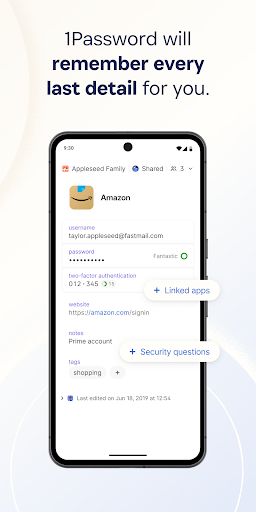
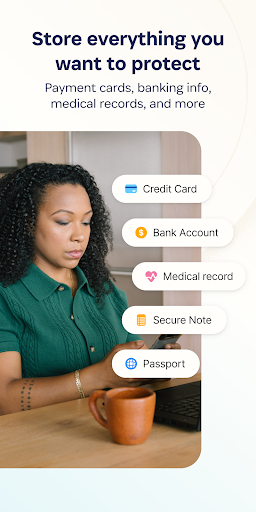
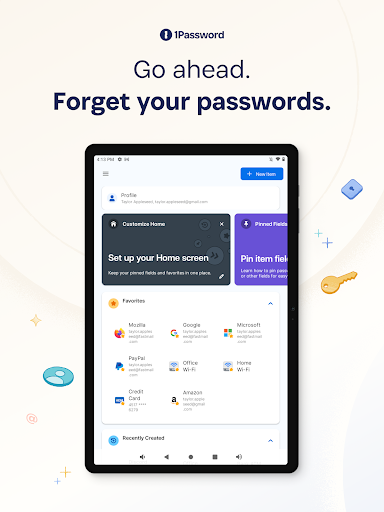
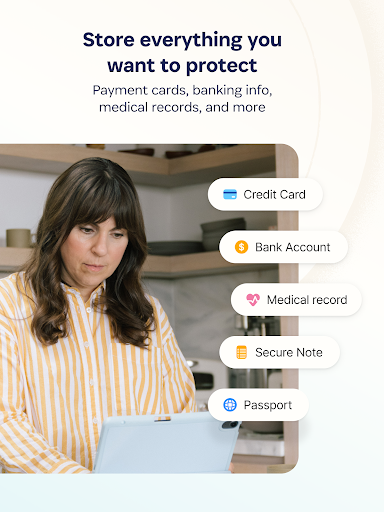
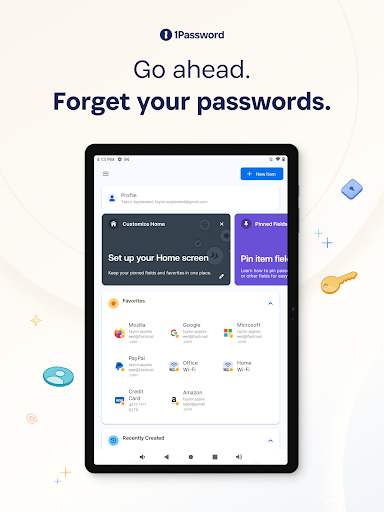
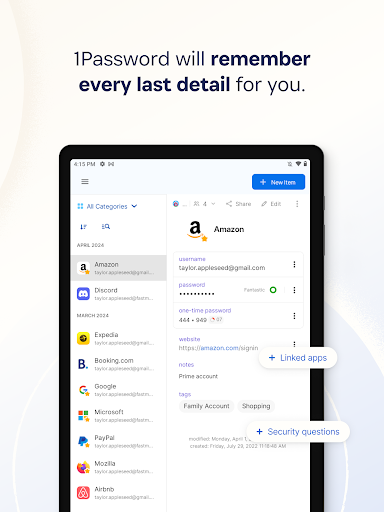
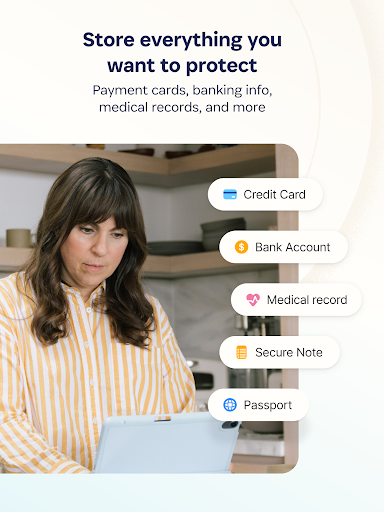
Beyond passwords, 1Password serves as a comprehensive digital vault. Store credit cards, secure notes, banking information, medical records, and more. Your sensitive data is encrypted end-to-end and available across all devices, ensuring that your vital personal information is always within reach and protected.
Share Securely
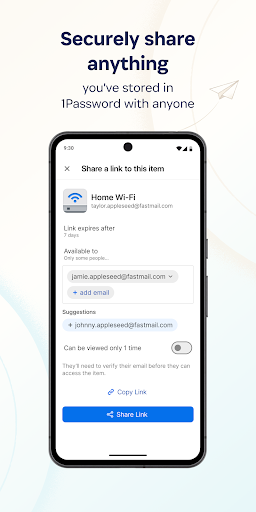
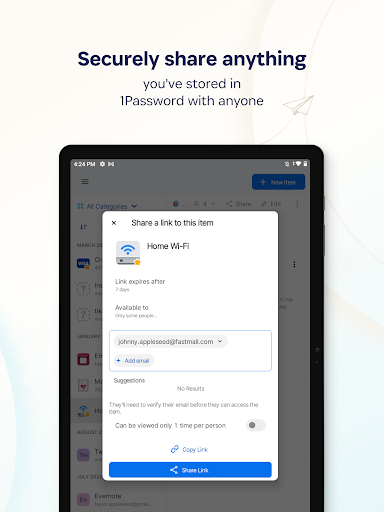
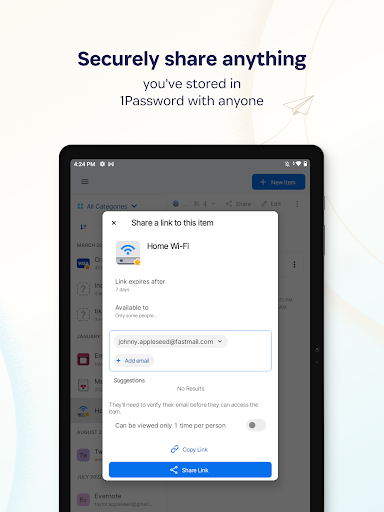
Need to share passwords or sensitive information? 1Password makes it easy to securely** share data with friends, family, or colleagues—even if they don’t use 1Password. Share temporary Wi-Fi passwords, financial details, or other confidential info safely, avoiding unreliable channels like email or messaging apps which can be vulnerable.
Enhanced Security
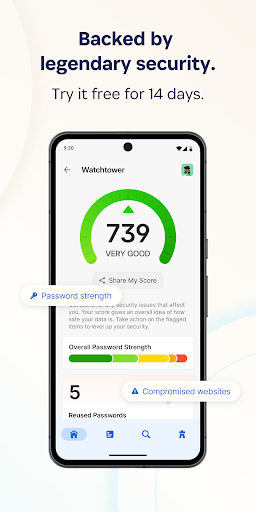
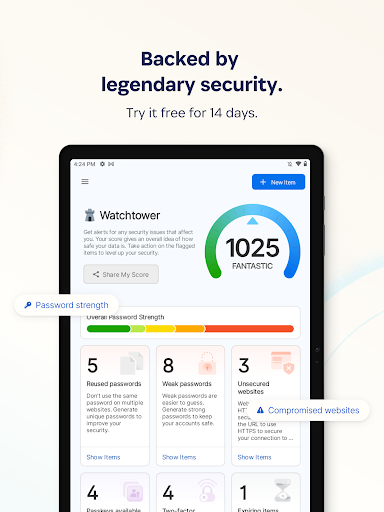
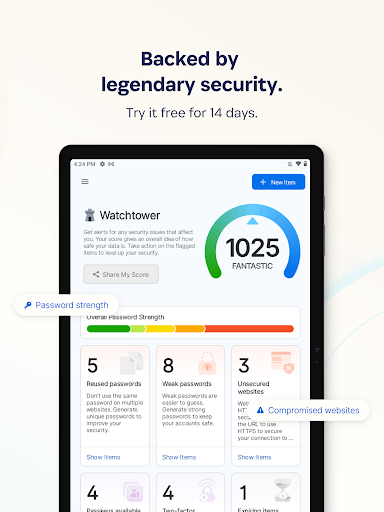
The app offers sophisticated security measures, including biometric authentication to unlock your vault and real-time security alerts via Watchtower. It’ll notify you immediately if your accounts are compromised in a data breach, empowering you to take swift action. 1Password is designed to keep your personal data safe from cyber threats efficiently.
Travel Mode
When traveling, protect sensitive data with Travel Mode. This feature temporarily hides vaults containing confidential information, preventing unauthorized access during your trip. Once you’re home, easily restore these vaults to regain full access.
Privacy & Security
At its core, 1Password prioritizes privacy. Its industry-leading security model guarantees that your data remains private; even the company cannot access your vaults. This commitment to privacy and security makes it a trusted choice for safeguarding personal and family data.
Getting Started with 1Password
Setting up 1Password is straightforward and user-friendly. The installation process is quick, with a sleek interface that’s both organized and intuitive. The app guides you through creating a Master Password—the only password you need to remember—serving as the key to your entire digital vault. For new users, a free 14-day trial allows you to explore all features before selecting a plan that fits your needs, whether individual, family, or business.
Why Choose 1Password?
With its robust security features, seamless cross-device synchronization, and user-centric design, 1Password has become an essential tool for anyone serious about digital security. Its ability to generate strong passwords, manage passkeys, and securely share sensitive data makes it an unbeatable password manager app. Whether you’re managing personal accounts or team credentials, 1Password simplifies your digital security landscape while providing peace of mind.
Conclusion
If you’re tired of trying to keep up with multiple passwords or worried about online security, 1Password is your perfect digital security companion. Its powerful features and simple interface help you take control of your online credentials effortlessly. Protect yourself and your loved ones—try 1Password today and experience the peace of mind that comes with a secure digital life.
Pros
- User-friendly interface for easy navigation.
- Supports multiple platforms seamlessly.
- Advanced security features protect data.
- Allows secure sharing with family and team.
- Biometric login for quick access.
Cons
- Requires subscription after the trial period.
- Can be complex for first-time users.
- Limited free version features.
- Occasional sync issues across devices.
- Some features may be redundant.











