


Overview of the Brightspace Pulse App
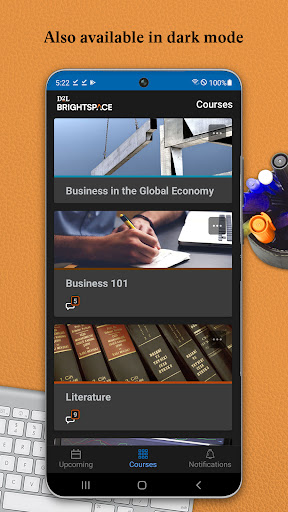
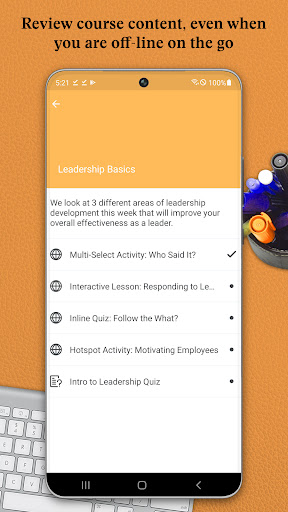
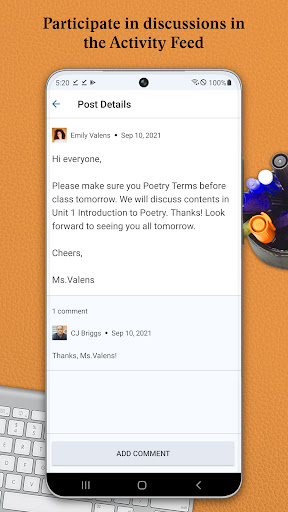
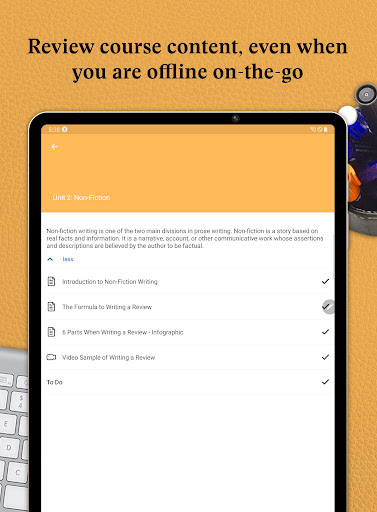
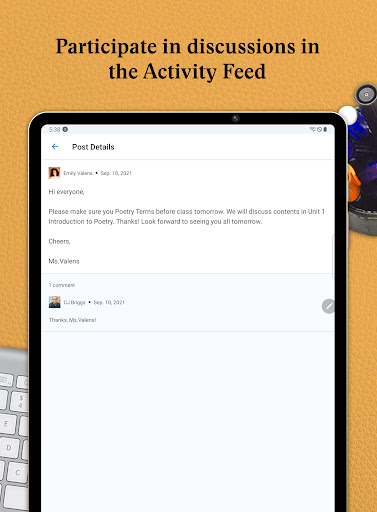
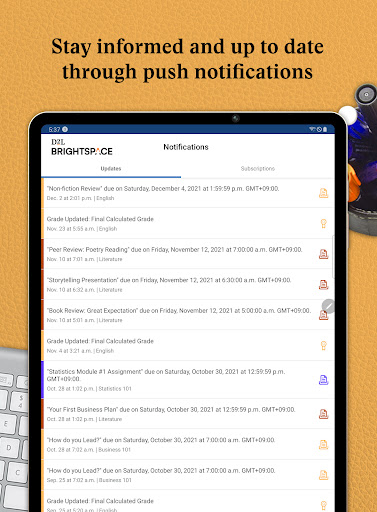
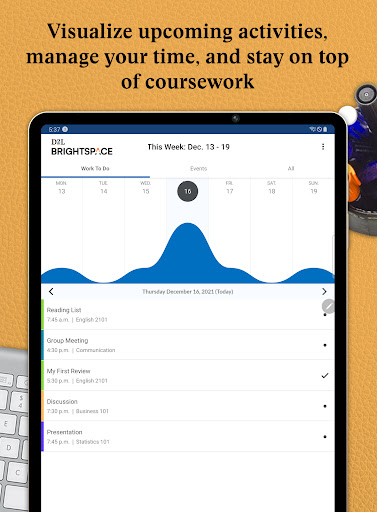
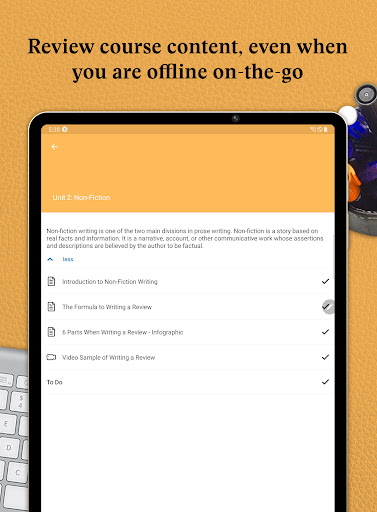
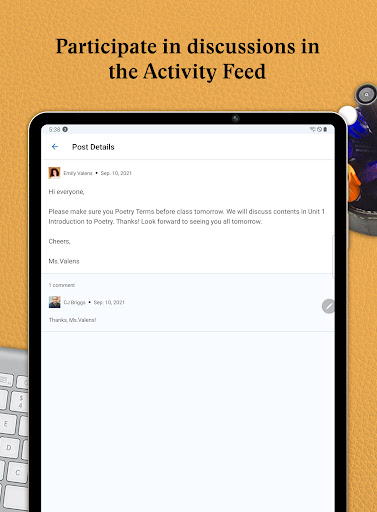
Help instructors and learners stay connected anytime, anywhere, with the Brightspace Pulse app. This powerful tool is designed to streamline your educational experience by providing a centralized platform to manage coursework, monitor upcoming deadlines, and receive real-time updates. Whether you're a student juggling multiple classes or an instructor managing numerous courses, Brightspace Pulse offers a seamless way to stay organized and informed on the go.One of the core features of the app is its ability to visualize “•content”, such as upcoming activities and important dates, ensuring you never miss a deadline. You'll find all essential course information in one place, with the option to add your own important milestones. Notifications play a vital role in keeping you updated; you receive instant push alerts about announcements, grades, quizzes, and assignments—the key components of your academic progress. Additionally, the app allows offline access to course materials, including videos and audio content, enabling you to review materials even without an internet connection.The app also facilitates interaction through the Activity Feed, where you can participate in discussions and stay engaged with your classmates and instructors. For comprehensive management of your coursework, users can log in via the browser, allowing access to more advanced functions directly from a desktop environment when necessary.
Features and Benefits of Brightspace Pulse
Intuitive Academic Calendar
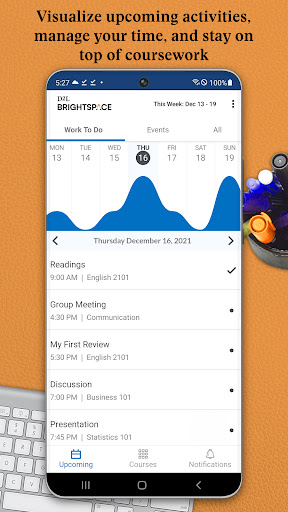
The app simplifies your “•academic calendar” by consolidating all vital deadlines, assignments, and course events into a single, easy-to-navigate interface. It syncs effortlessly with your institution’s Brightspace platform, making sure you stay up-to-date with all course-related activities. This organized view helps prevent last-minute rushes and forgotten tasks, providing peace of mind and better time management.Real-Time Notifications and Updates
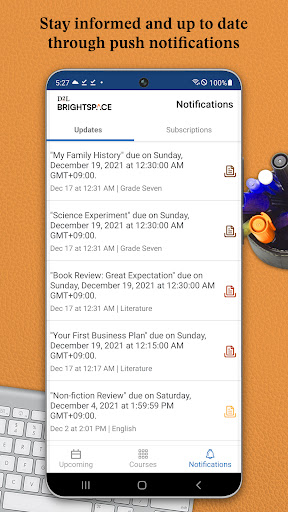
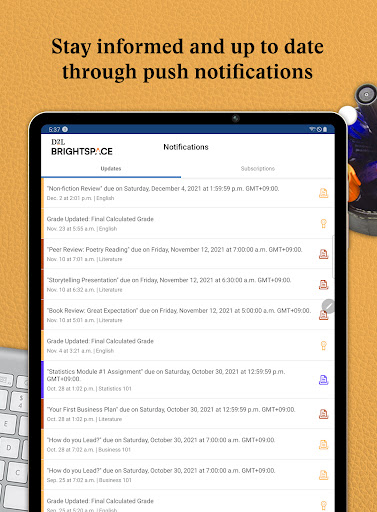
One of the standout features of Brightspace Pulse is its instant notification system. You’ll receive alerts for new grades, upcoming tasks, and important messages from instructors, ensuring you never miss critical updates. The user-friendly interface makes navigating these notifications simple and effective, catering to students and educators alike.Performance Tracking and Grades
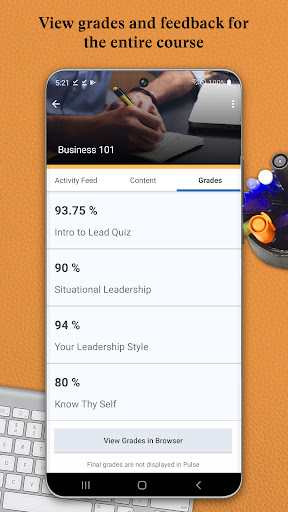
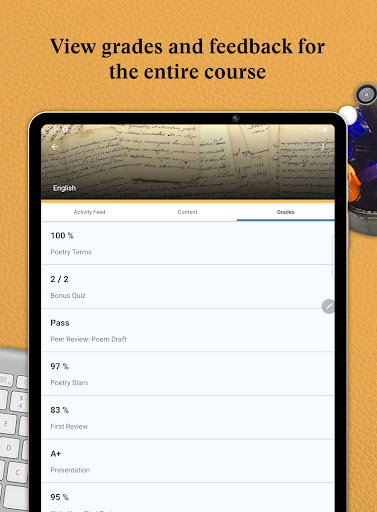
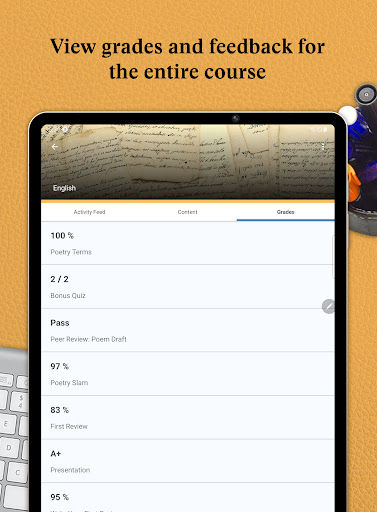
Stay motivated by monitoring your academic performance directly through the app. You can check your grades, see progress over time, and evaluate your strengths and areas for improvement. This immediate feedback loop encourages proactive learning and helps you stay aligned with your educational goals.Customization and User Experience
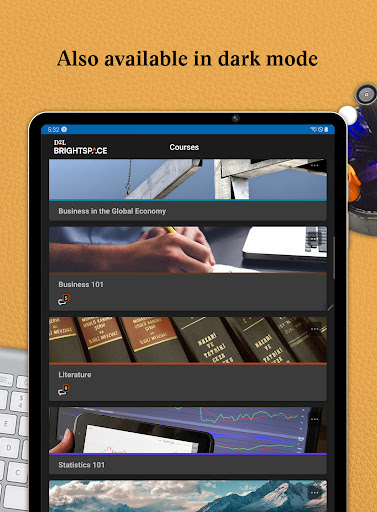
The application offers personalized settings to tailor notifications for each course, reducing information overload and focusing only on what matters most. The visual design is sleek and clean, making navigation a hassle-free experience. The calendar view enables planning your week or month ahead, making multitasking and workload balancing much easier.Why Choose Brightspace Pulse?
If you’re part of an academic community seeking a dependable app to organize your studies or manage your courses efficiently, Brightspace Pulse is an excellent choice. Its features cater to both students and educators, providing straightforward tools to enhance communication, improve time management, and boost overall academic success. By integrating seamlessly with D2L Brightspace, this app transforms your mobile device into a personal academic assistant, ensuring that you stay connected, informed, and motivated throughout your educational journey. Whether you want offline access or real-time updates, Brightspace Pulse has got you covered—making your learning experience more organized and less stressful.
Pros
- Intuitive interface for straightforward navigation.
- Real-time alerts for significant updates.
- Compatibility with various learning platforms.
- Custom notifications for assignments and grades.
- Offline mode for on-the-go studying.
Cons
- Limited features in the free version.
- Occasional synchronization problems with some courses.
- High battery consumption during extended use.
- Interface may feel overwhelming for beginners.
- Needs continuous internet connection for complete features.










