

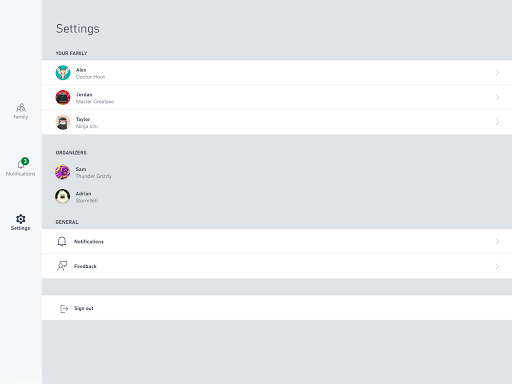
Overview of the Xbox Family Settings App
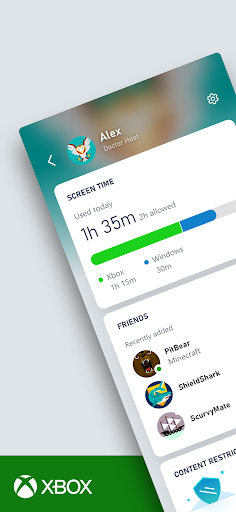
The Xbox Family Settings app is a powerful tool designed to help parents manage their children’s gaming activities on Xbox consoles seamlessly. With the increasing popularity of online gaming and digital entertainment, parents often seek effective ways to set boundaries and ensure a healthy gaming environment for their kids. This app provides a comprehensive solution that offers peace of mind by enabling you to control •screen time, content restrictions, and monitor online interactions — all from your mobile device. Whether you're looking to establish limits or stay updated on your child’s gaming habits, the Xbox Family Settings app makes it easy to stay on top of everything.
Easy Setup Process
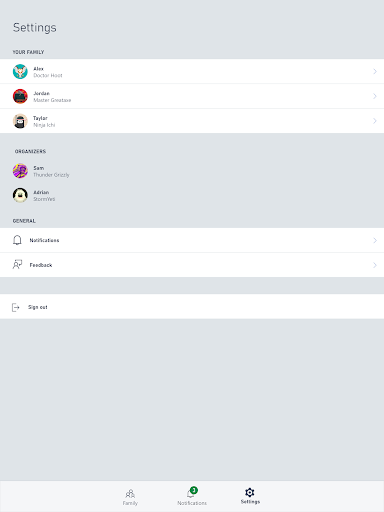
Getting started with the Xbox Family Settings app is surprisingly simple, especially for those already within the Microsoft ecosystem. Once you download and install the app, you'll need to link your Xbox account and create profiles for each family member. This process is straightforward and guided, making it accessible even for users with limited tech experience. Through the app, you can assign permissions, set daily •screen time limits, and establish age-appropriate content filters. Its clean, user-friendly interface ensures that managing family gaming settings is as intuitive as possible, helping parents enforce healthy gaming habits without hassle.
Key Features for Better Gaming Management
Personalized Screen Time Controls
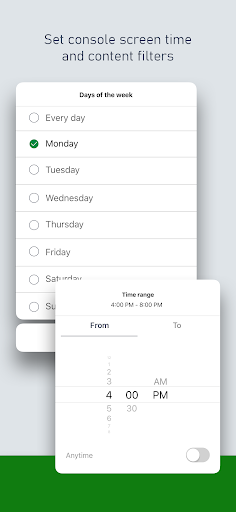
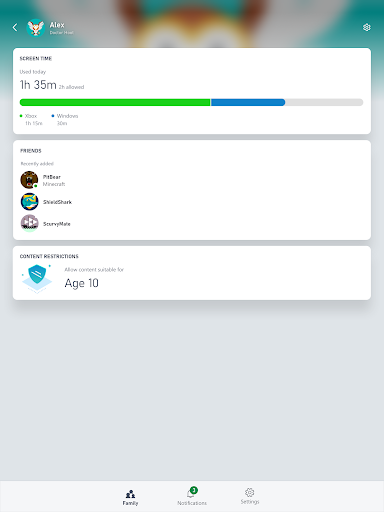
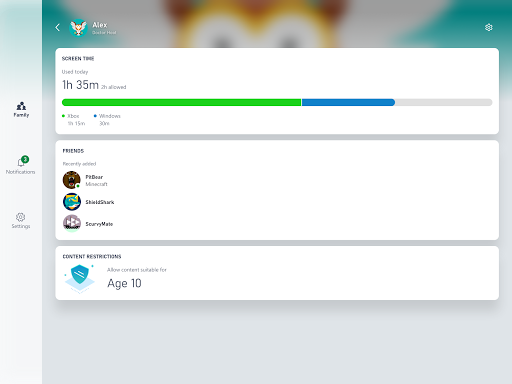
One of the standout features of the Xbox Family Settings app is its ability to set and customize •screen time limits for each child. Parents can assign specific gaming hours for each day of the week, making it easier to balance gaming with other responsibilities. No more disputes over weekend gaming sessions; you can control when and how long your kids play, fostering responsible gaming habits while respecting their entertainment needs.
Remote Friend Request Management
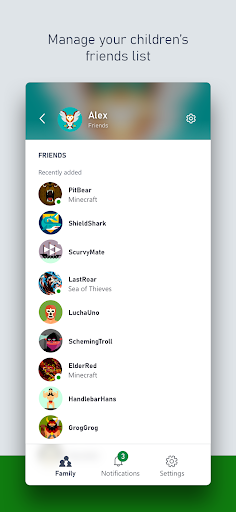
Staying aware of your child's social interactions online is crucial. The app allows parents to approve or decline friend requests remotely, providing an added layer of safety for online interactions. Notifications are sent directly to your device, keeping you informed about new friend requests and ensuring your child’s online experience remains positive and secure.
Content Restrictions and Age-Appropriate Filtering
The Xbox Family Settings app features robust content filtering options that automatically block games and media that aren’t suitable for your child’s age. You can customize these settings based on your family’s preferences, preventing surprises like inappropriate game recommendations during sleepovers or family game nights. This peace of mind allows you to ensure a safe gaming environment aligned with your family values.
Real-Time Monitoring and Insights
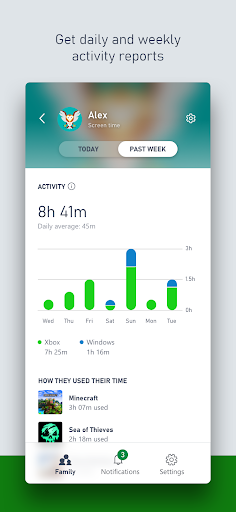
Parents can access real-time activity reports, providing insights into what games your children are playing and the duration of their gaming sessions. This feature facilitates open conversations about responsible gaming and helps identify any habits that might need attention. Additionally, the app enables positive reinforcement by rewarding extra •screen time for good behavior or achievements, encouraging healthy gaming habits.
Why the Xbox Family Settings App Is a Must-Have
In today’s digital age, managing children's gaming habits requires both oversight and flexibility. The Xbox Family Settings app offers a balanced approach, allowing kids to enjoy their gaming while parents maintain control. Its comprehensive features, combined with an easy-to-use interface, make it an essential tool for tech-savvy parents seeking to foster a safe and responsible online gaming environment. With this app, you gain peace of mind knowing you can set appropriate boundaries, monitor activities in real time, and encourage positive gaming behavior—all from your mobile device. Ultimately, the Xbox Family Settings app helps create a healthier balance between screen time and other activities, making it a valuable addition to any modern family’s digital toolkit.
Pros
- User-friendly interface that simplifies navigation.
- Enables setting screen time restrictions for children.
- Offers customizable content filtering options.
- Provides real-time activity monitoring.
- Sends notifications for new friends or purchases.
Cons
- Features are limited when offline.
- Some settings can be difficult to locate.
- May experience occasional syncing problems.
- Only available within the Xbox environment.
- Supports a limited number of languages.











