


Introduction to Screen Time - Parental Control
In today's digital age, parents face the challenge of managing their children's screen time effectively. The Screen Time - Parental Control app offers a comprehensive solution to monitor, restrict, and guide kids' usage of smartphones and tablets. Compatible with both Android and iOS devices, this app empowers parents to set healthy boundaries around their children's digital habits, promoting a balanced lifestyle. Whether it's limiting app usage, blocking inappropriate content, or tracking location, Screen Time provides all the tools needed for effective parental guidance in a connected world.
Main Features of the Screen Time Parental Control App
Monitoring and Tracking
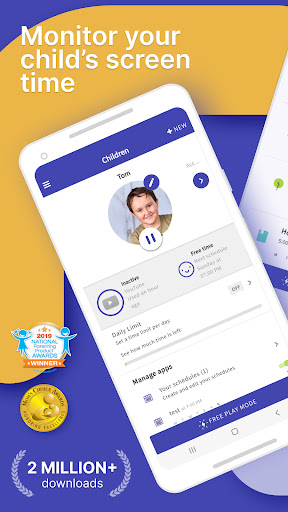
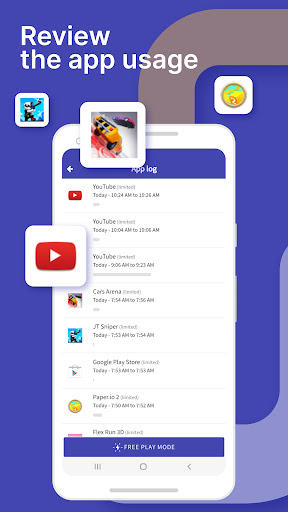
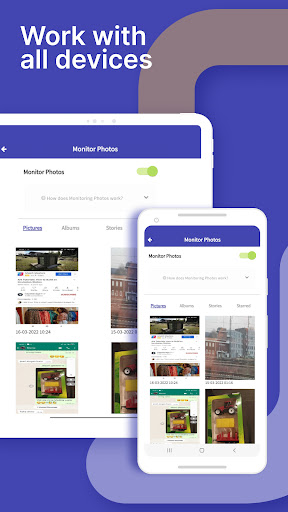
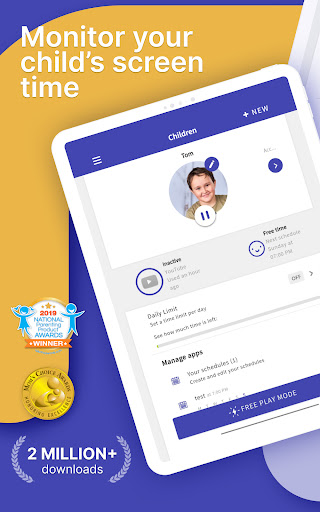
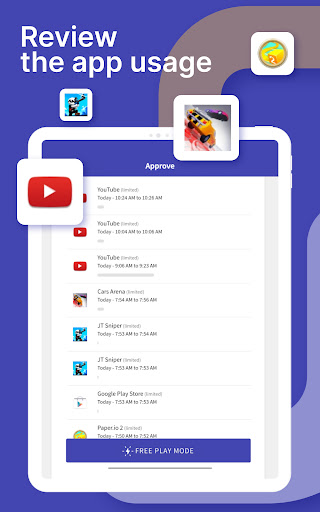
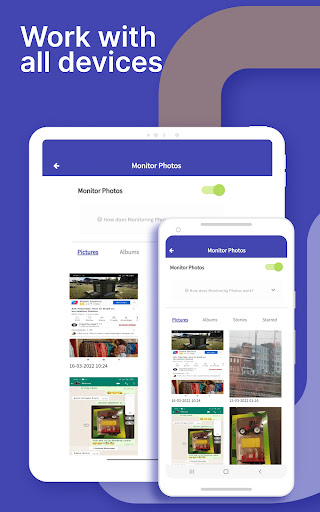
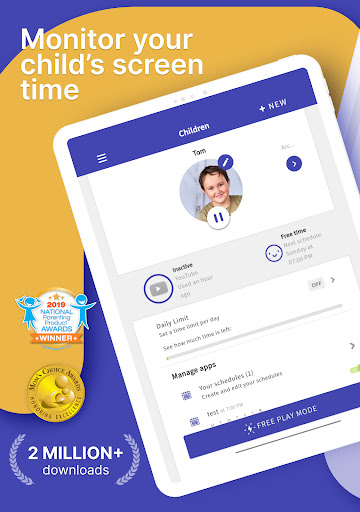
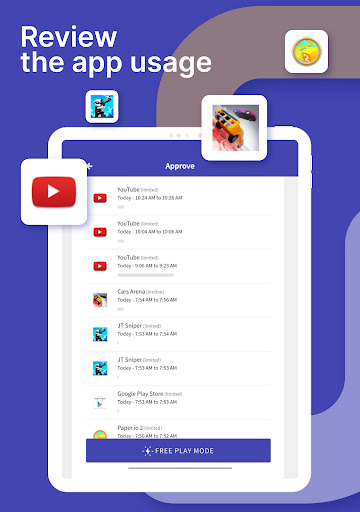
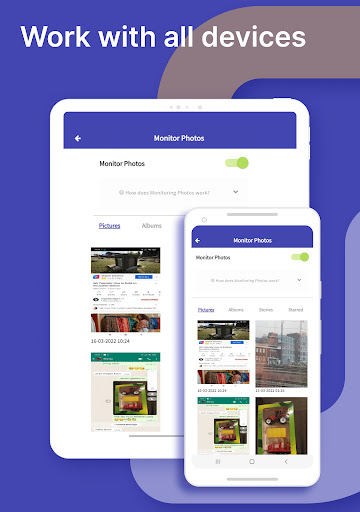
The app allows parents to monitor your kids’ screen time effortlessly. With real-time tracking, you can see which apps are being used and for how long, as well as monitor the websites visited. It also provides insights into social media activity, highlighting how much time your children spend on platforms like YouTube and other sites. Additionally, you can view your child's web history and search history, enabling a transparent understanding of their online behavior.
Content Management and Restrictions
Content blockers help prevent children from accessing inappropriate websites and content. When necessary, parents receive notifications if their kids try to install new apps, helping to keep the digital environment safe. The Premium version enhances control by allowing parents to block certain apps entirely during specific times, such as bedtime, or restrict access altogether. Setting website restrictions and web search limitations further ensures child-safe browsing.
Time Limits and Scheduling
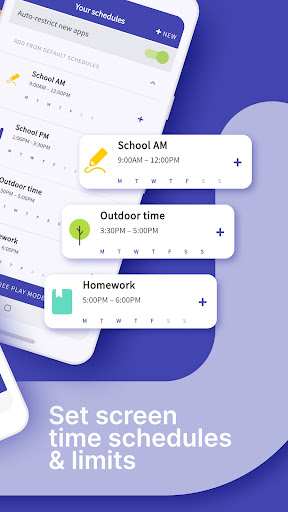
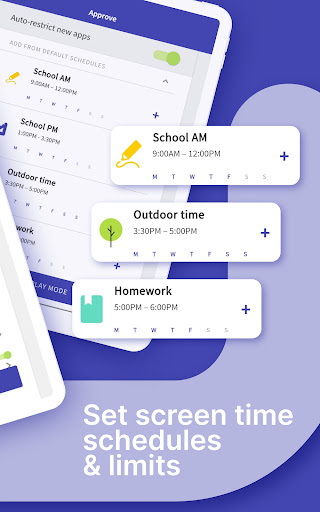
Parents can set daily time limits for their children's device usage, customization based on age or individual needs. Additionally, you can create schedules to specify when devices can or cannot be used, effectively managing screen time during homework, dinner, or bedtime. The instant pause feature allows you to quickly suspend device activity at any moment, ensuring children stay focused on offline activities.
Location Tracking and Alerts
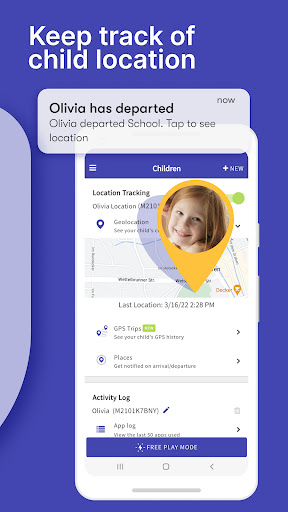
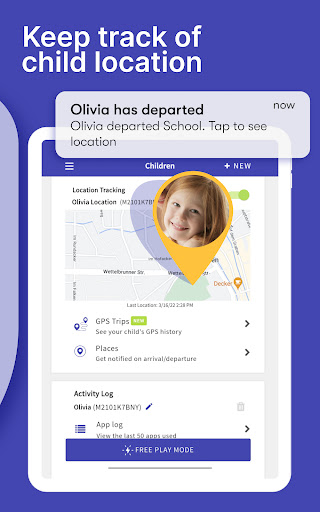
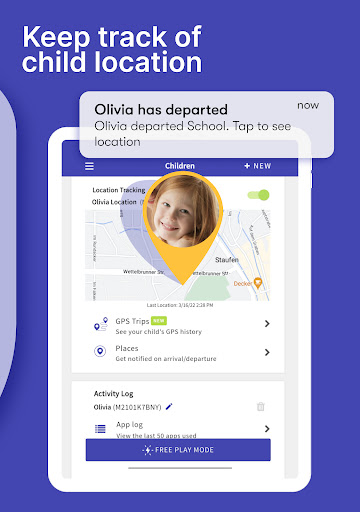
With built-in GPS tracking, parents can see the real-time location of their children. Receive alerts when your child arrives or leaves specific locations, providing peace of mind and safety assurance. The location tracker is a vital feature for parents who want to keep an eye on their child's whereabouts.
Additional Parental Controls
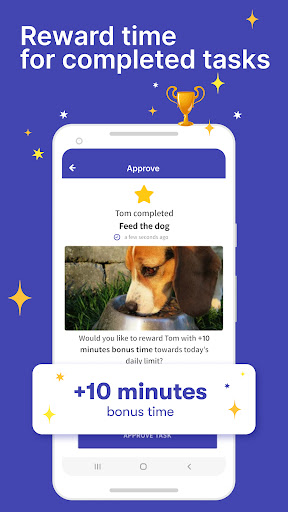
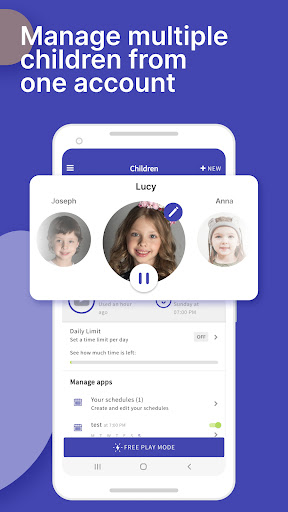
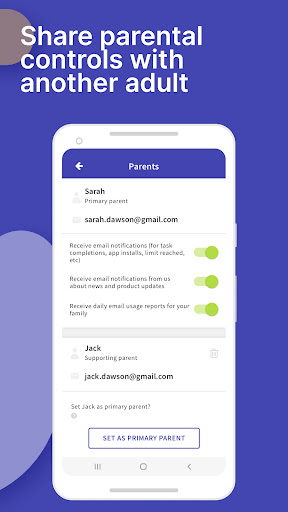
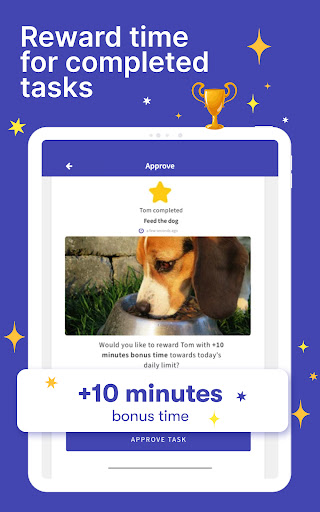
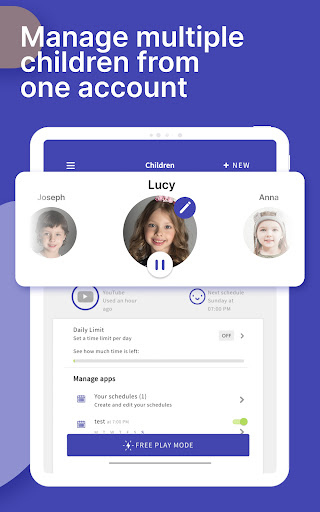
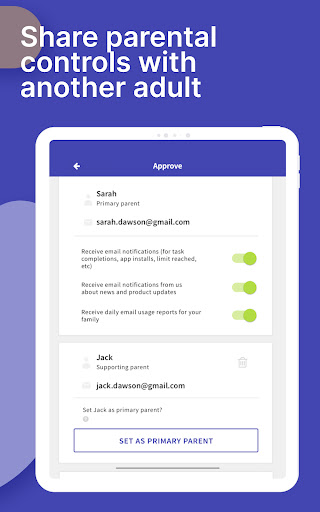
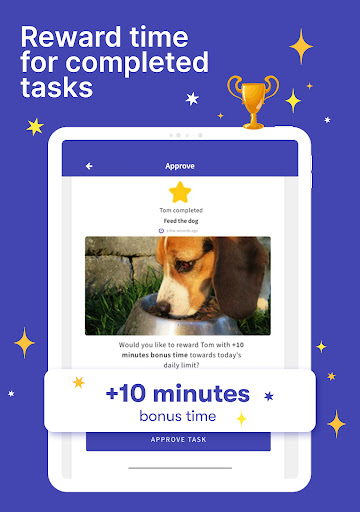
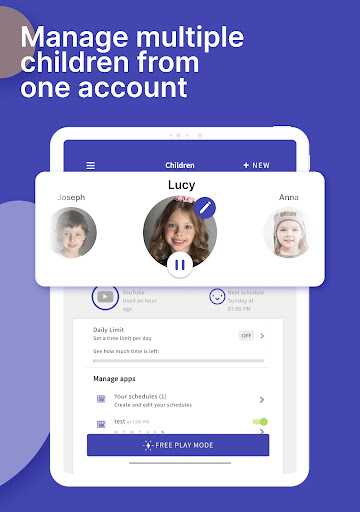
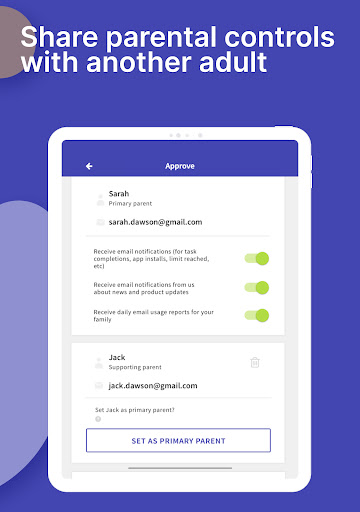
The app also offers features such as set tasks and chores which children can complete to earn extra screen time, promoting responsibility and motivation. During long trips or special occasions, activate Free Play mode to temporarily override restrictions. Sharing access with other adults involved in your child's care is simple, and you can manage up to 5 devices per account for a family with multiple children.
Getting Started with Screen Time
Setting up Screen Time - Parental Control is straightforward. Download the app on both Android and iOS devices, create an account, and link your child's device. The intuitive setup process makes it easy to get started, so you can begin managing screen time right away. New users are offered a 7-day free trial of the Premium version—no credit card required—allowing you to explore all features before deciding on a membership.
Why Choose Screen Time - Parental Control?
In an era where digital devices are deeply integrated into daily life, Screen Time - Parental Control stands out as a vital tool to foster healthy digital habits. It combines monitoring, content filtering, time management, and location tracking into one comprehensive app. By actively managing your child’s screen usage, you can reduce arguments about device time, encourage outdoor activities, and promote better sleep for your kids. With features like reward systems and reminders for breaks, it also helps nurture responsible digital behavior.
Support and Feedback
For assistance or feedback, the app provides helpful help pages and a contact page. Whether you encounter issues or wish to suggest new features, the support team is ready to assist you in creating a safer and more controlled digital environment for your children.
Conclusion
Are you ready to take control of your kid’s screen time? Download Screen Time - Parental Control today, and enjoy peace of mind knowing you are actively guiding and protecting your children in their digital lives. This powerful parental control app offers everything needed to promote healthier screen habits, keep devices in check, and ensure children use technology responsibly and safely.
Pros
- User-friendly interface for easy navigation
- Comprehensive usage reports
- Customizable screen time limits
- Easy blocking of inappropriate content
- Supports multiple child profiles
Cons
- Premium features require a subscription
- Limited features available in the free version
- May impact device performance
- Requires a stable internet connection
- Complex setup process for users without technical skills











