

Discover the Benefits of the Merrick Bank goMobile App
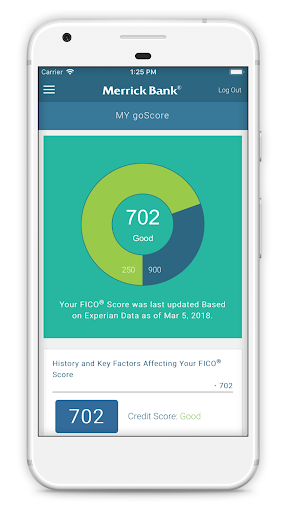
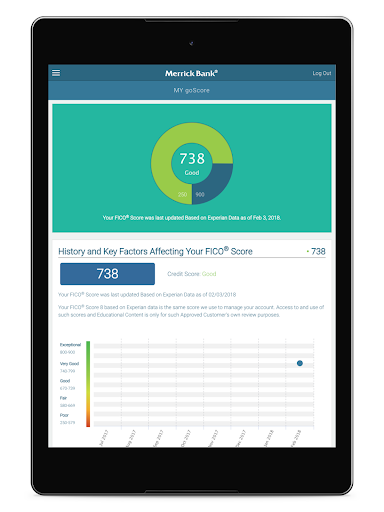
The Merrick Bank goMobile app is a completely free and powerful mobile banking solution designed to give you full control over your finances right from your smartphone. With an intuitive interface and a host of features, this app allows you to manage your Merrick Bank account conveniently and securely. Whether you want to check your account balance, view recent transactions, schedule payments, or monitor your FICO® Score through goScore®, this app has you covered.
Key Features of the Merrick Bank goMobile App
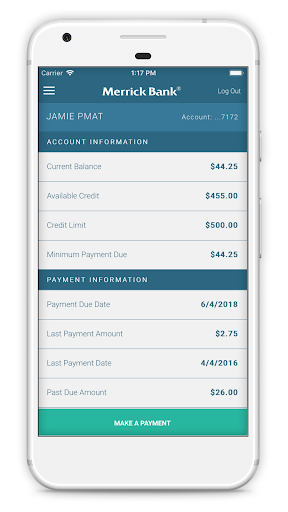
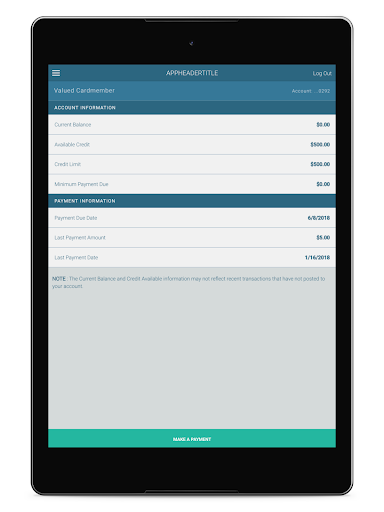
The app's core functionalities include quick access to your account information, setting up and managing notifications, and viewing detailed statements — all from the comfort of your device. You can effortlessly check your monthly billing statements, review recent transactions, and track your payment history. The latest update introduces the ability to monitor your FICO® Score— a valuable tool for understanding your credit health and avoiding surprises.
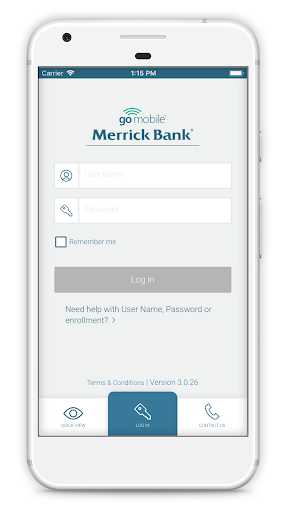
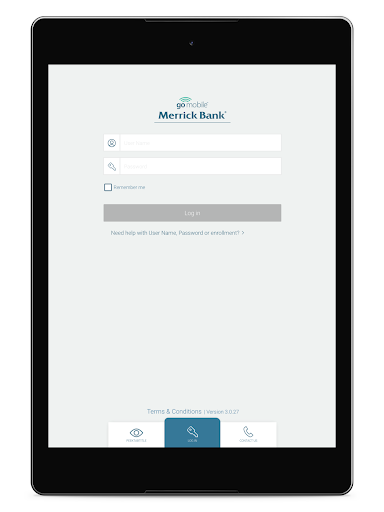
Enhanced security is a top priority for Merrick Bank. With features like Fingerprint ID login and encrypted data transmission, you can trust that your sensitive information stays protected. Additionally, the app offers convenient in-app card controls, enabling you to freeze or unfreeze your card instantly if you suspect fraud or misplacement. These security measures ensure peace of mind while managing your account on the go.
How to Get Started with Merrick Bank goMobile
Getting started is simple. The app is optimized for Android™ devices and is available 24/7 for all Merrick Bank customers. To begin, use your existing online Cardholder Center login credentials. If you're not enrolled yet, you can sign up through your desktop browser at www.merrickbank.com/cardholdercenter. Once logged in, the app syncs seamlessly, allowing you to access your account anytime, anywhere.
Why Merrick Bank goMobile Stands Out
One of the biggest advantages of this mobile banking app is its real-time transaction alerts. Each time you make a purchase or payment, you'll receive instant notifications, helping you stay on top of your spending and detect any suspicious activity promptly. The convenience continues with the mobile check deposit feature—simply snap a photo of your check, and it's deposited directly into your account without visiting the bank.
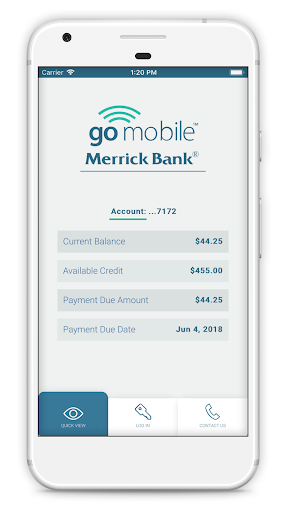
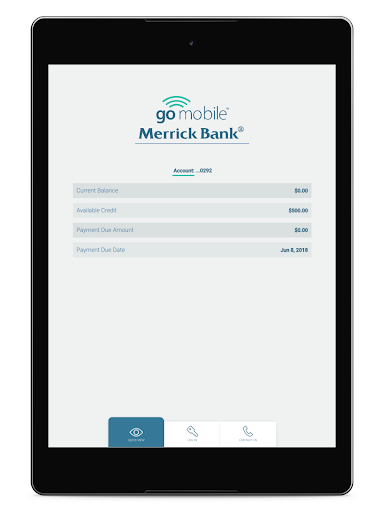
In addition to these features, the app provides quick views of your current balance and recent transactions, making it easy to keep track of your finances. The intuitive design ensures that even users with minimal tech experience can navigate the app effortlessly.
Security and Reliability You Can Trust
Security is a major focus for Merrick Bank Mobile. Besides encryption and device recognition technology, the app offers robust protection to ensure your financial data remains confidential. The in-app card controls feature allows you to quickly respond to potential threats by temporarily disabling your debit or credit card if needed.
Potential Areas for Improvement
While the Merrick Bank Mobile app provides a solid foundation of banking features, some users have noted the absence of advanced budgeting tools. Incorporating features such as spending categorization or financial goal tracking could make the app even more comprehensive. Additionally, a few users have experienced minor glitches with mobile check deposits, which the bank may address in future updates.
Conclusion: Is the Merrick Bank goMobile App Worth Downloading?
Overall, the Merrick Bank goMobile app is a reliable, user-friendly mobile banking tool that empowers you to manage your finances efficiently from your smartphone. Its seamless interface, real-time alerts, and security features make it a standout choice for Merrick Bank customers seeking convenience and peace of mind. While there is room for new features like budgeting tools, the app’s core functionalities are robust enough to meet most banking needs. If you're looking for a straightforward and secure mobile banking experience, downloading the Merrick Bank goMobile app is highly recommended.
Pros
- User-friendly interface
- Quick account access
- Secure login methods
- Real-time account updates
- Easy bill payment
Cons
- Limited features
- Occasional app crashes
- Slow customer support
- No fingerprint login
- Basic design











