

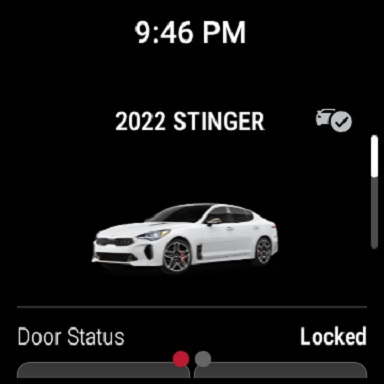
Description of the Kia Access App
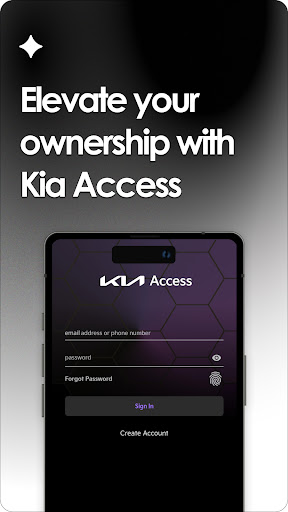
The Kia Access app is an official vehicle management and connectivity tool designed exclusively for Kia owners. As a comprehensive smartphone application, it consolidates features from the Kia Owner’s Portal and Kia Connect (formerly known as UVO link), offering a seamless and user-friendly experience right at your fingertips. The app aims to enhance convenience, safety, and vehicle maintenance management for Kia drivers, making it a valuable companion for everyday car ownership.
Key Features and Functionality
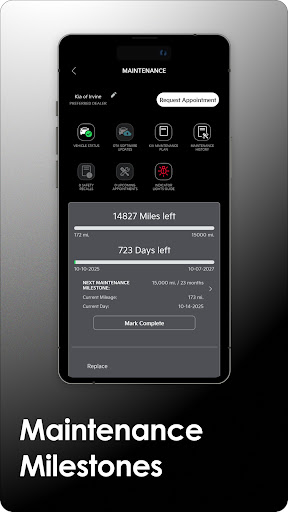
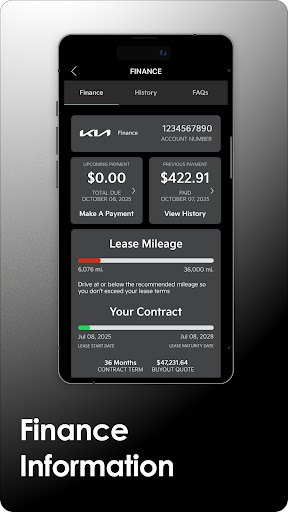
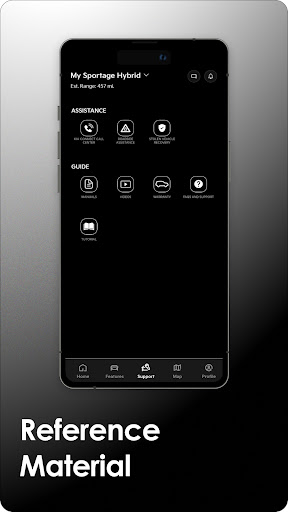
Once installed, Kia Access provides access to essential vehicle information and services. Users can consult the Owner’s Manual, view quick guides, watch instructional videos, and review warranty information, all through an intuitive interface. For financed vehicles, the app enables users to check vehicle payment information and keep track of maintenance milestones. These features help owners stay informed and proactive in managing their vehicle’s health and expenses.
Remote Vehicle Control Features
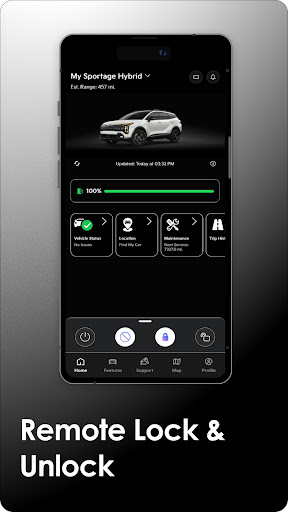
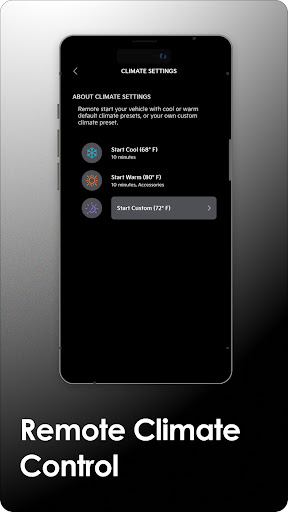
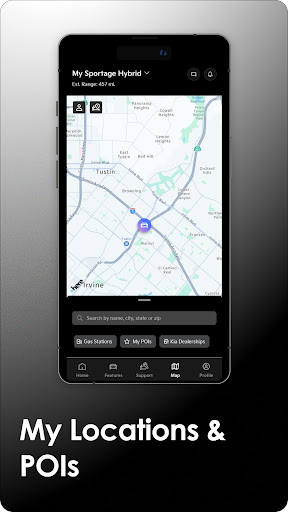
Vehicles equipped with Kia Connect unlock a suite of remote control features that elevate owner convenience. For instance, you can remotely lock or unlock doors, initiate horns and lights, or send locations directly to your vehicle’s navigation system, making it easier to find your car in busy parking lots. Additionally, drivers can remotely set cabin temperatures, ensuring comfort before entering the vehicle on chilly mornings. These capabilities are especially beneficial during busy days or in emergency situations, offering instant access and control wherever you are.
Enhanced Features for Plug-in Hybrid and Electric Vehicles
Owners of Kia’s plug-in hybrid and electric vehicles will enjoy specialized features, such as remotely checking battery status, estimating driving range, locating nearby charging stations, and scheduling charging times. These functions help optimize the use of eco-friendly vehicles, supporting a sustainable driving experience and simplifying the charging process.
Additional Benefits and Compatibility
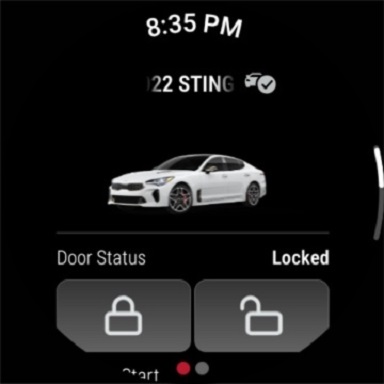
Beyond basic control, Kia Access supports Vehicle health reports to monitor powertrain, chassis, and airbag systems—though these reports are not a substitute for regular maintenance. The app is available for Wear OS devices, providing quick access to features even when your phone isn’t nearby. Activation and usage require an active Kia Connect subscription, with a complimentary 1-year trial available on new vehicles. After that period, continued use of full services requires a paid subscription.
Important Considerations
While Kia Access offers many useful functions, some features—such as remote climate control—may not be supported on all models (e.g., certain 2019 Optima LX) or in specific locations like Massachusetts. Owners should review compatibility and availability periodically. Additionally, use remote features responsibly—avoid activating functions in enclosed or poorly ventilated areas for safety reasons. Users must agree to the Kia Privacy Policy and Terms of Service when using the app.
Summary
Overall, Kia Access is more than just a vehicle app—it’s a comprehensive control center that brings vehicle management, remote control, and diagnostics directly to your smartphone. Designed to give owners peace of mind, it enhances everyday convenience, safety, and vehicle maintenance management. Whether warming up your car in winter, locating your parked vehicle, or monitoring its health, this app offers an intuitive, feature-rich experience tailored for Kia drivers seeking seamless connectivity. Embrace Kia Access to make your driving experience smarter, safer, and more convenient—right from your pocket.
Pros
- User-friendly interface
- Remote start feature
- Vehicle health reports
- 24/7 roadside assistance
- Customizable notifications
Cons
- Requires stable internet connection
- Limited free features
- Occasional app crashes
- Drains battery quickly
- Complex initial setup











