



Introducing Norton Family Parental Control
Norton Family Parental Control is a comprehensive tool designed to help parents ensure their children’s online safety and promote healthy digital habits. With the rapid increase in internet usage among young users, it’s more important than ever to have a reliable solution that allows parents to monitor and manage their child's online activities effectively. Norton Family provides a suite of features that teach children safe, smart, and healthy online habits while giving parents peace of mind.
Key Features of Norton Family Parental Control
This powerful parental control app offers a variety of features tailored to safeguard your child's online experience. Whether your child is using a Windows PC, iOS, or Android device, Norton Family equips you with the tools necessary to supervise and guide their digital journey. Let’s explore some of the standout features that make Norton Family a must-have for modern parents.
Web Supervision
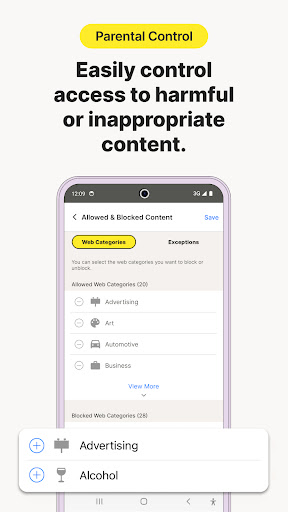
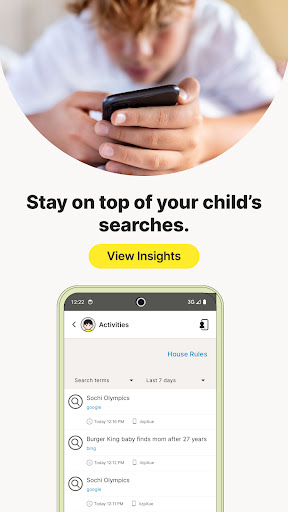
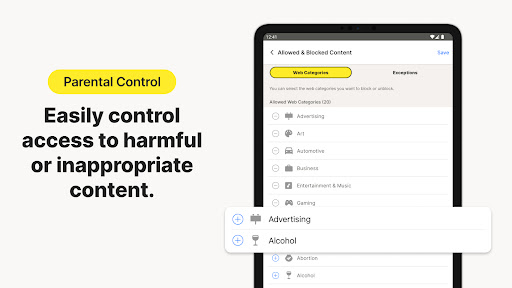
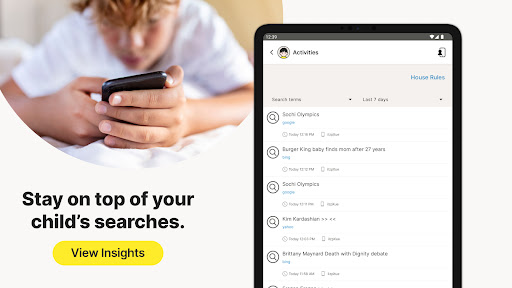
With Web Supervision, parents can monitor the websites their children visit, providing insight into their online exploration. This feature enables you to block inappropriate or harmful content actively and ensure your child's browsing is safe and suitable. The app notifies you of the sites visited, empowering you to intervene when necessary, creating a safer web environment for your kids.
Time Management & Limits
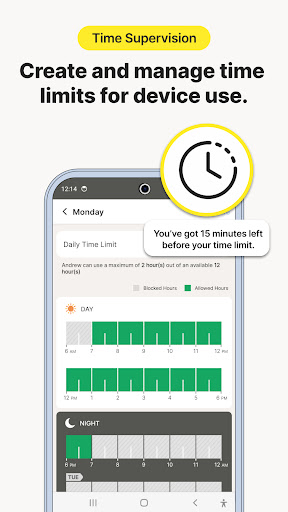
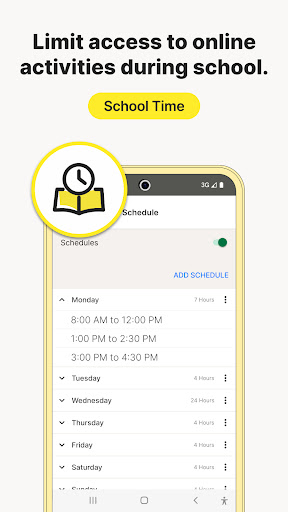
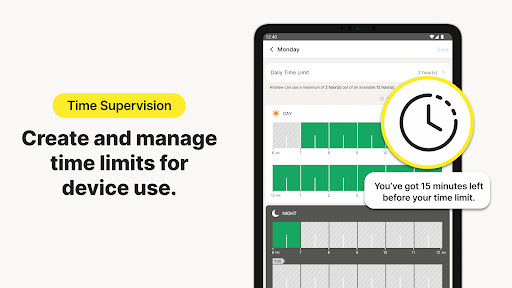
Balancing screen time is crucial, especially during remote learning and bedtime routines. Norton Family allows you to set time limits on device usage, helping your children focus on schoolwork and healthy offline activities. While it recognizes that remote learning requires internet access, the app helps manage content and session durations, promoting a balanced digital lifestyle.
Location Tracking & Alerts
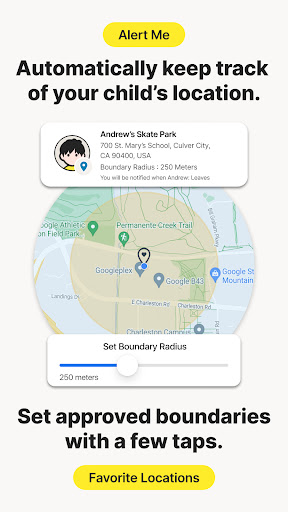
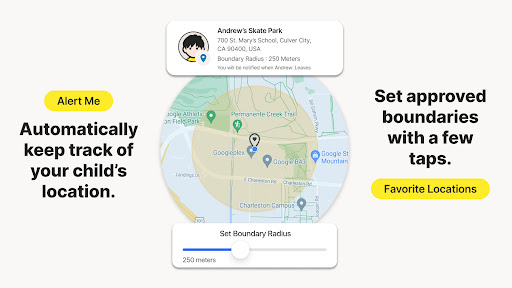
For families with mobile devices, geo-location features provide real-time tracking of your child's whereabouts. You can receive automatic alerts when your child arrives at or leaves designated areas of interest. This feature enhances safety and provides peace of mind, especially when kids are out exploring or traveling.
Device Lock & Instant Lock
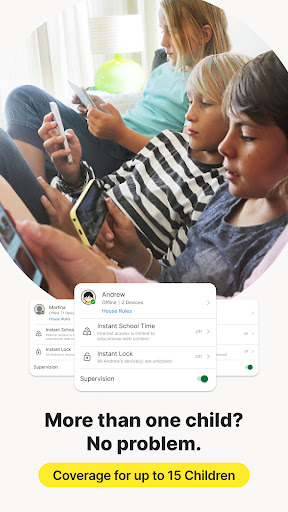
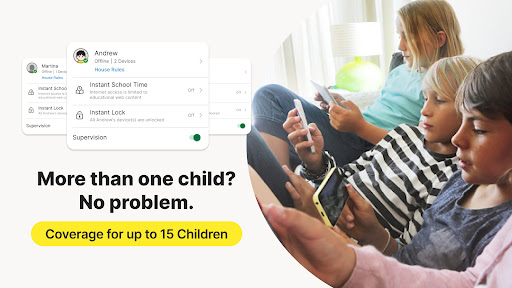
Need to get your child’s attention or encourage a break? The Instant Lock feature allows you to remotely lock their device temporarily. This helps your child refocus or join family activities without distractions. Importantly, communication remains possible during lock mode, so kids can still contact family members if necessary.
App and Video Supervision
Parents can oversee the applications their children have downloaded on Android devices, approving or restricting usage as needed. Additionally, Video Supervision lets you see a list of YouTube videos your children watch, along with snippets, enabling proactive conversations about online content and safety.
Additional Features for Enhanced Control
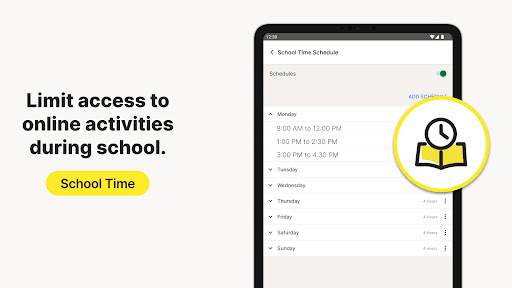
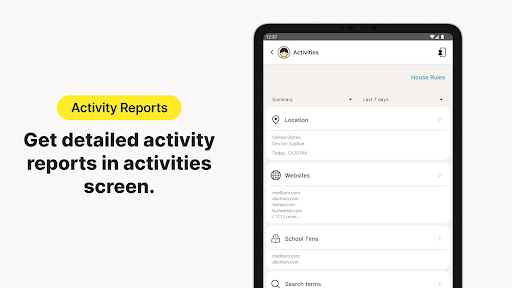
Norton Family isn’t just about monitoring; it actively helps guide healthy online behaviors. Features like setting device usage limits, managing content accessible during school time, and receiving location-based alerts make it a versatile parental control solution. Its user-friendly interface and centralized dashboard streamline management, even for those less experienced with technology.
Why Choose Norton Family Parental Control?
In today’s digital age, ensuring your child's safety online is a top priority. Norton Family offers a reliable, easy-to-use platform that allows you to stay connected and informed about your child's online activities. It helps you nurture responsible digital habits while providing the tools to intervene when necessary. Its features are designed to work across multiple devices and platforms, making it a flexible choice for busy families.
Final Thoughts
If you're seeking a trusted parental control app that covers all bases—from website monitoring and time management to location tracking—Norton Family Parental Control is an excellent option. It empowers parents to guide their children toward healthy online behaviors without invading their privacy. With its intuitive setup and comprehensive feature set, Norton Family helps you become a proactive parent in the digital world, fostering safety, balance, and responsible internet use for your kids.
Pros
- Offers comprehensive web filtering capabilities.
- Provides customizable tools for managing time.
- Includes location tracking for children.
- Features an intuitive and user-friendly interface.
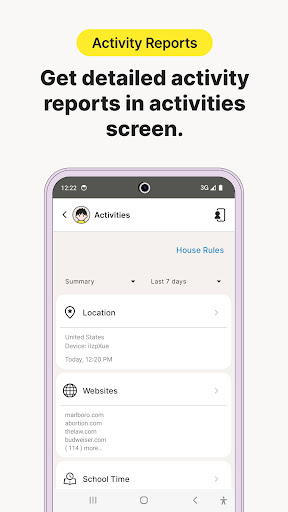
- Generates detailed activity reports.
Cons
- Limited functionality available on iOS devices.
- Some reports may lack sufficient detail.
- Does not offer social media monitoring features.
- Requires a continuous internet connection.
- May generate occasional false alerts.











