
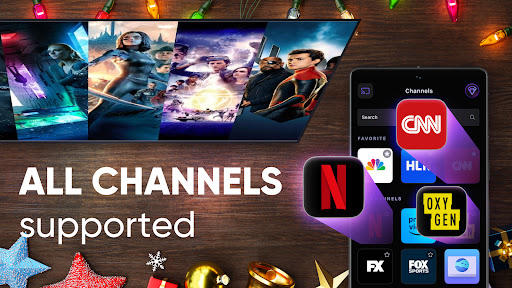
Experience Seamless Control with the TV Remote Control for Roku TV App
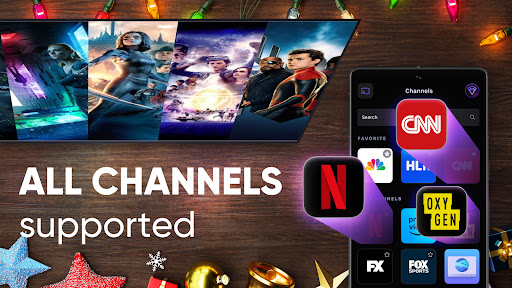
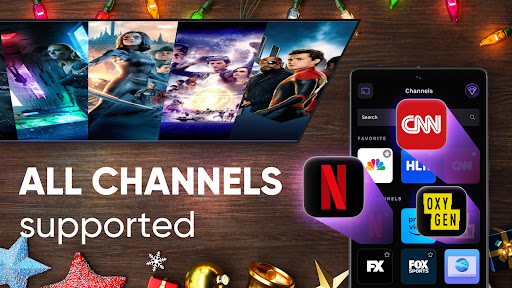
Transform your home entertainment setup with the TV Remote Control for Roku TV application, the ultimate companion for streaming and managing your Roku device. Compatible with all Roku models—from Streaming Stick to Ultra—and works flawlessly with popular Roku TV brands like TCL, Onn, Sharp, Insignia, Hisense, and RCA. Trusted by millions globally, this app elevates your TV viewing experience by offering easy casting, comprehensive remote control, and user-friendly features designed to make your entertainment smarter and more convenient.
Effortless Casting in Full HD & 4K Quality
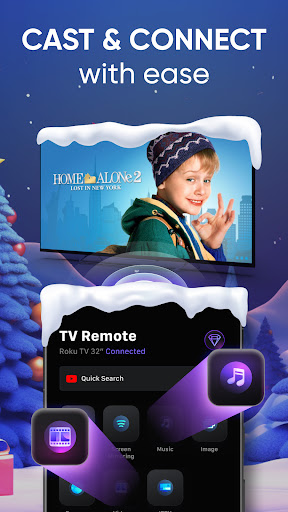
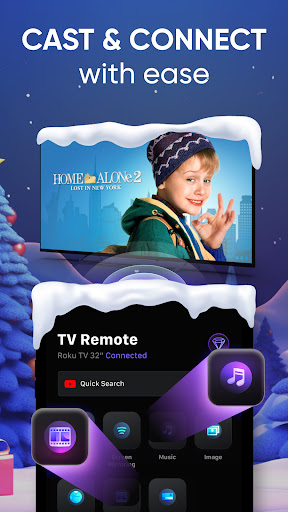
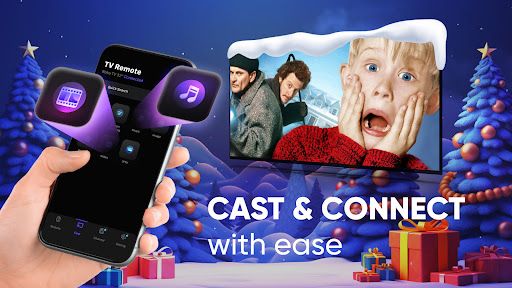
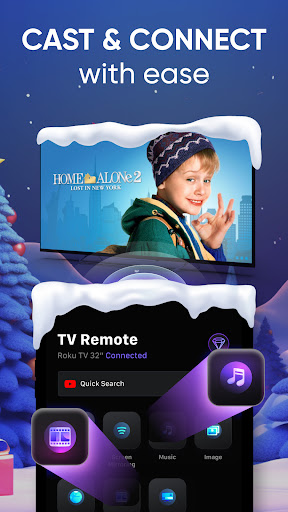
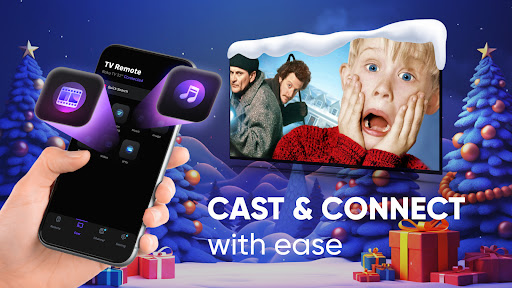
One of the standout features of the TV Remote Control for Roku TV app is its robust casting capability. Easily stream your favorite web videos, online movies, IPTV, livestreams, and live TV shows directly to your big screen. Whether it’s sharing family photos and videos stored on your Android device or enjoying web content, the app supports all popular media formats—including mp4, m3u8, and hls—and delivers content in stunning Full 4K HD. This ensures that every detail, whether in movies or personal memories, looks sharp and vibrant, providing a premium viewing experience.
Smart Features that Enhance Your Viewing Experience
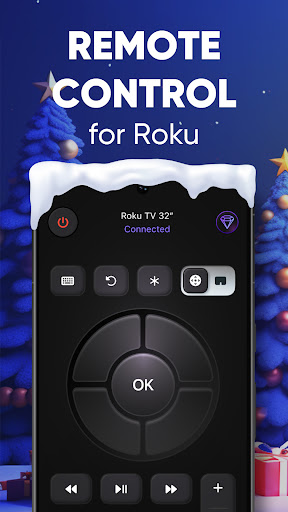
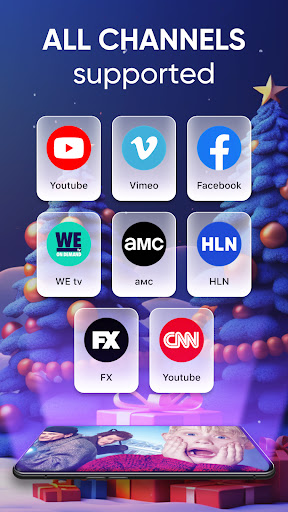
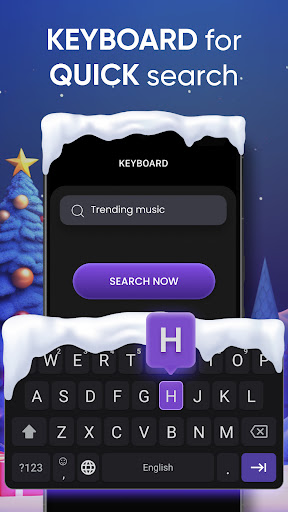
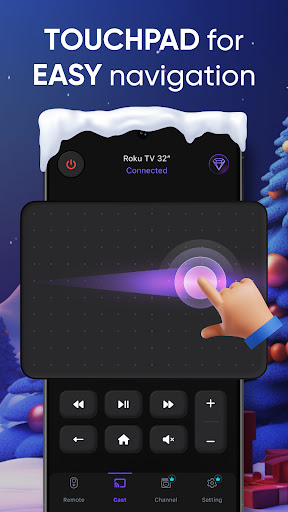
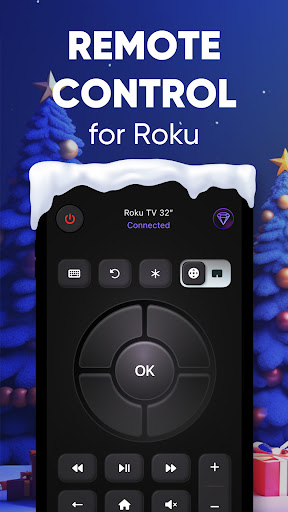
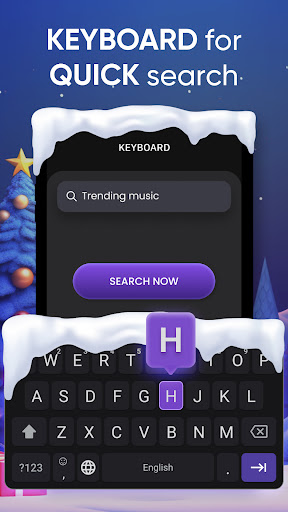
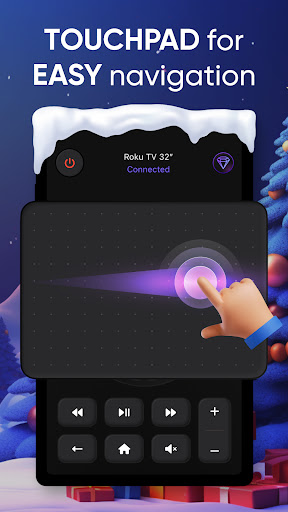
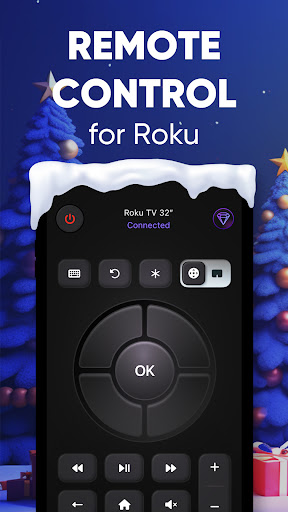
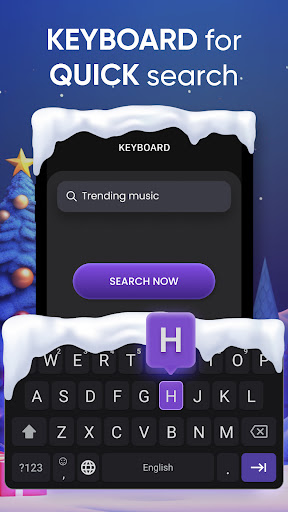
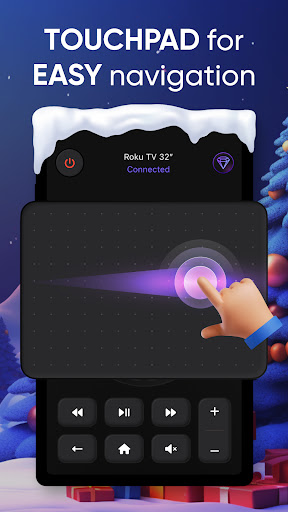
This intuitive app isn’t just about casting; it also offers a suite of smart features to streamline your interaction with your Roku TV. Enjoy easy casting with just a tap—share photos, videos, and music effortlessly from your phone library. Stream media content directly from your favorite websites, thanks to built-in web video support. The built-in remote control feature allows you to navigate apps, control playback, and adjust settings seamlessly from your Android device, turning your phone into a versatile remote. For quick access, the widget feature lets you operate your Roku TV directly from the home screen, while the responsive touchpad offers smooth navigation. The keyboard functionality simplifies text input for searching or logging into accounts, making every operation more convenient.
Complete Control at Your Fingertips
Control your Roku TV like a pro with feature-rich remote functionalities right on your Android device. Easily browse apps, play or pause shows, change volume, switch channels, or tweak settings—all from your phone. The app acts as a smart remote, eliminating the hassle of losing physical remotes or dealing with batteries. Its responsive interface and customizable remote layout mean you can tailor the controls to suit your preferences, ensuring a personalized viewing experience every time.
Getting Started and Tips for Optimal Use
Setup is straightforward. Tap the Connect button, and wait for your Roku TV to appear. If it doesn’t show up initially, a quick restart of the app usually does the trick. Once connected, search for your desired video or enter a URL, then select the media to cast it in superb quality. Remember to keep your Roku TV and phone on the same Wi-Fi network for the best experience. If you encounter issues, try restarting your devices or using the app’s report feature for assistance. It’s worth noting that the app streams only the video component—not full web pages—and does not support DRM-protected content from services like Netflix or Amazon Prime.
Why Choose the TV Remote Control for Roku TV App?
This app truly transforms your TV entertainment experience. It’s compatible with all Roku devices, supports multiple TVs, and offers a range of features from voice commands to customizable remote layouts. Its ability to cast high-quality media, combined with an intuitive interface, makes it a must-have for anyone looking to simplify their TV remote control needs. Whether you're binge-watching, sharing family moments, or searching for a specific show, this app keeps everything within easy reach—no more lost remotes or fumbling through cluttered drawers.
Final Thoughts
Upgrade your home entertainment system today with the TV Remote Control for Roku TV app. With seamless casting, comprehensive remote control features, and user-friendly design, it’s the perfect solution for modern streaming enthusiasts. Download now, and enjoy smarter, easier, and more enjoyable TV viewing—right from your smartphone.
Pros
- User-friendly interface for easy navigation
- Compatible with most Roku TV models
- Fast and responsive control commands
- Supports voice commands for hands-free use
- Customizable remote layout
Cons
- Requires a stable Wi-Fi connection
- May drain phone battery quickly
- Ads can be intrusive at times
- Limited features in the free version
- Occasional lag in response time











