


Introducing Fax.Plus - The Best Online Fax Service for Android Devices
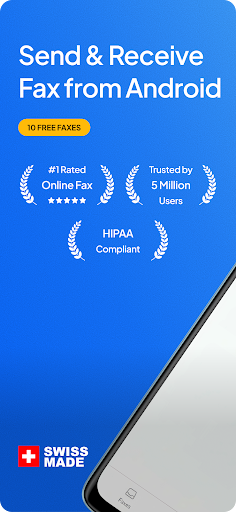
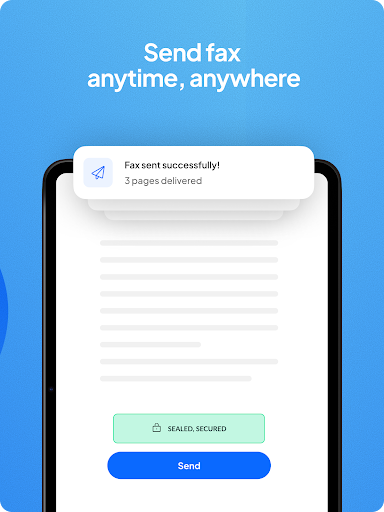
If you're searching for a reliable, fast, and secure way to send and receive faxes directly from your Android phone or tablet, Fax.Plus is your go-to solution. Recognized as the best-rated online fax service, Fax.Plus offers a seamless experience without the need for traditional fax machines, landlines, or other equipment. Its user-friendly interface combined with powerful features makes it a favorite among professionals and casual users alike.
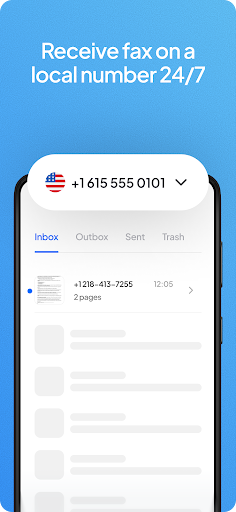
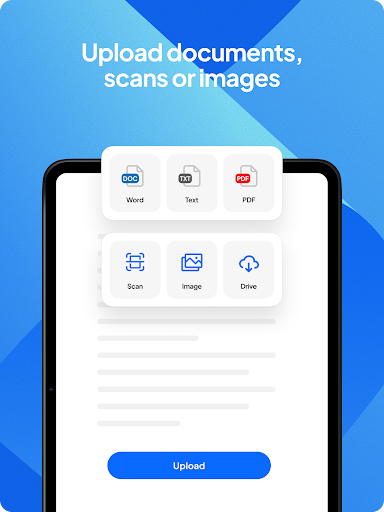
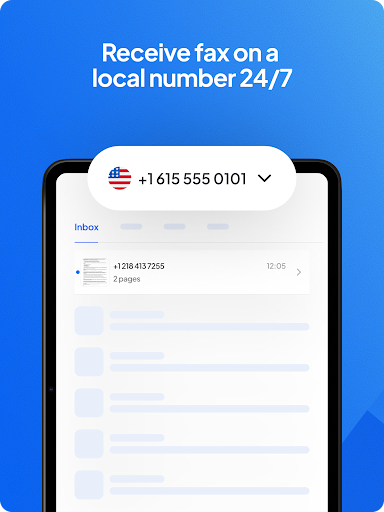
One of the standout advantages of using Fax.Plus is its versatility. You can quickly send faxes by capturing images with your phone’s camera or importing documents from local storage or cloud platforms like Google Drive and Dropbox. With the first 10 pages free, it provides an accessible entry point for occasional faxing needs. The app supports worldwide coverage, enabling users to send and receive faxes in over 180 countries, and even get a dedicated fax number from over 40 countries to manage incoming faxes with ease.
Key Features of Fax.Plus
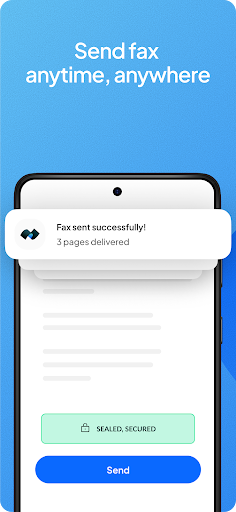
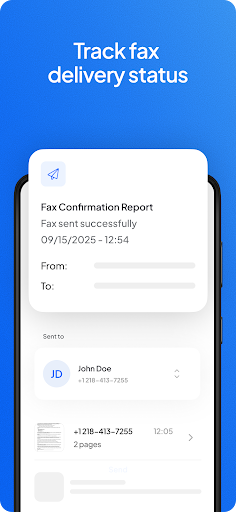
- Send and receive faxes anytime and anywhere
- Send faxes directly from email
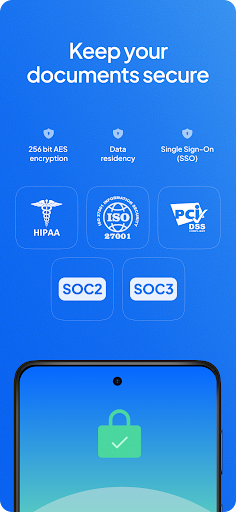
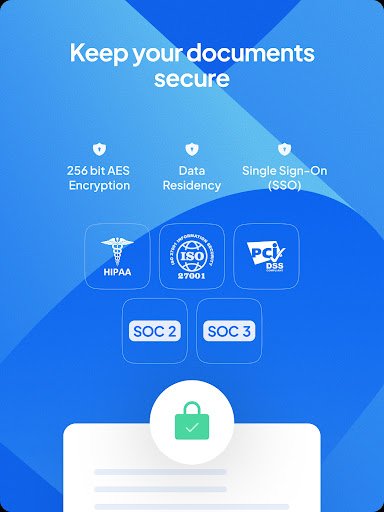
- HIPAA compliant faxing for secure medical document transmission
- Programmable fax API for integrations
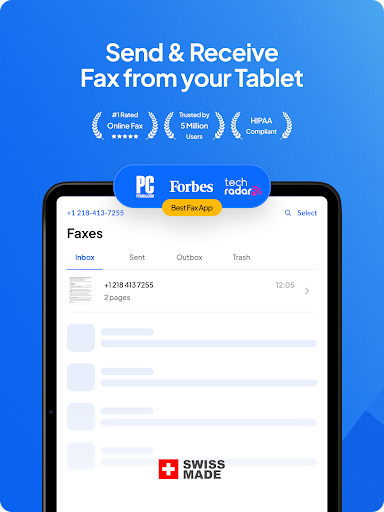
- Cross-platform compatibility
- Scan documents with your mobile camera — including automatic detection, cropping, and perspective correction
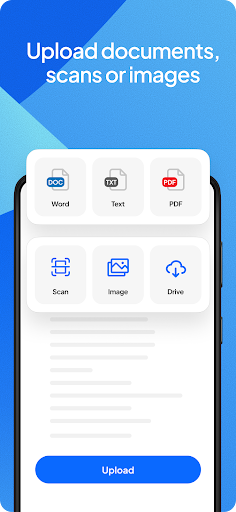
- Import documents from local storage or clouds
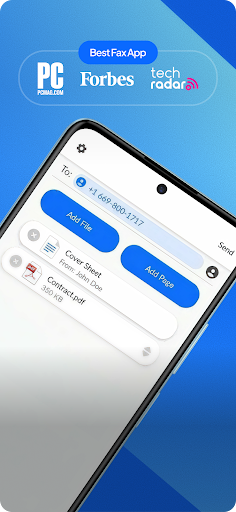
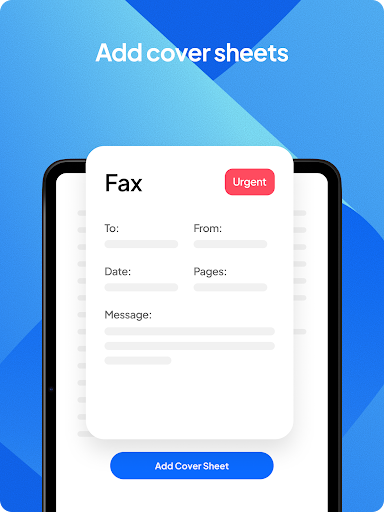
- Add cover pages with customizable text
- Support for various document formats like PDF, Office files, JPG, PNG, TIFF
- Sign documents electronically and send them back instantly
- Forward, reply, or resend faxes to any fax machine
- Organize your archive by adding notes and scheduling faxes
- Enable retries for failed faxes to enhance delivery success
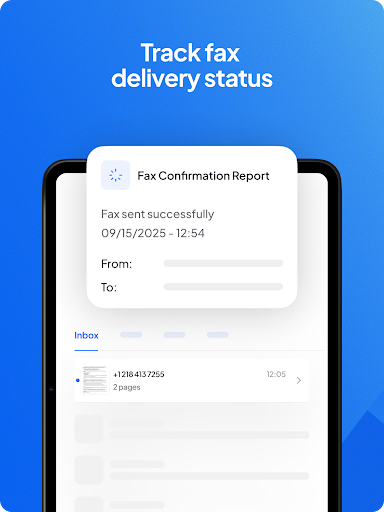
- Receive notifications via email for all fax activities
Simple and Secure Faxing Experience
Setting up Fax.Plus on your device is straightforward. Its sleek and intuitive interface ensures that even users unfamiliar with digital faxing can navigate the app effortlessly. The fact that you can use your phone’s camera to scan physical documents simplifies the process further, turning your mobile device into a portable fax machine.
Security is a top priority with Fax.Plus. All your sent and received faxes are stored in a fully encrypted archive for your peace of mind. For those handling sensitive information, activating advanced security controls and entering into a business associate agreement (BAA) ensures HIPAA compliance, making it suitable for medical and legal professions.
Beyond basic faxing, the app supports scheduling fax transmissions, adding notes for organization, and even sending faxes to human-operated telephony lines, ensuring broad compatibility with traditional and modern communication channels.
Pricing options start at just $6.99 per month, with a free plan that allows sending up to 10 pages. For businesses and power users, the range of plans provides additional features including multiple user accounts, increased page limits, and dedicated support. You can learn more about the plans here.
Why Choose Fax.Plus?
With robust features, global coverage, secure transmission, and user-friendly design, Fax.Plus redefines how we handle faxing in the digital age. Its capability to operate from anywhere, whether from your mobile device or through API integrations, makes it an essential tool for busy professionals, medical staff, legal experts, and even casual users who occasionally need to send a document via fax.
If traditional fax machines are a hassle or unavailable, downloading Fax.Plus transforms your smartphone into a powerful, portable fax machine. Say goodbye to clutter, ink, and waiting in line — embrace the convenience of digital faxing today.
Pros
- User-friendly interface
- Supports multiple file formats
- Secure transmission
- Affordable pricing
- Eliminates the need for a fax machine
Cons
- Requires an internet connection
- Limited free version
- Contains advertisements in the free version
- Occasional crashes of the app
- Limited customer support











