


Introduction to Smart TV Cast: Screen Share
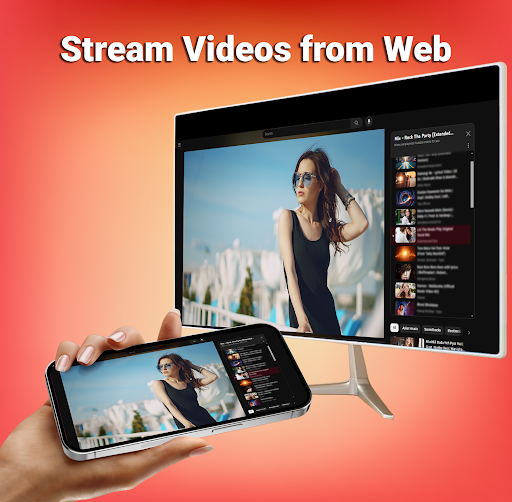
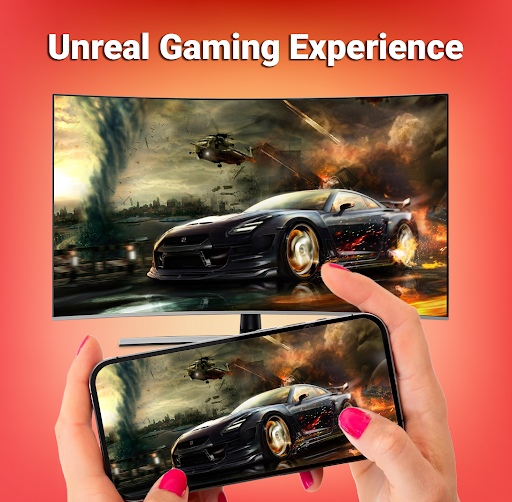
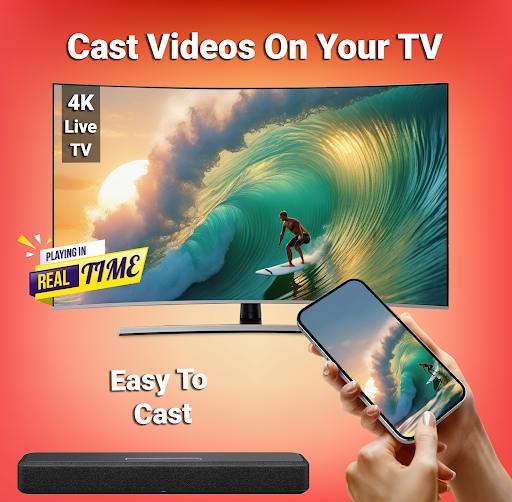
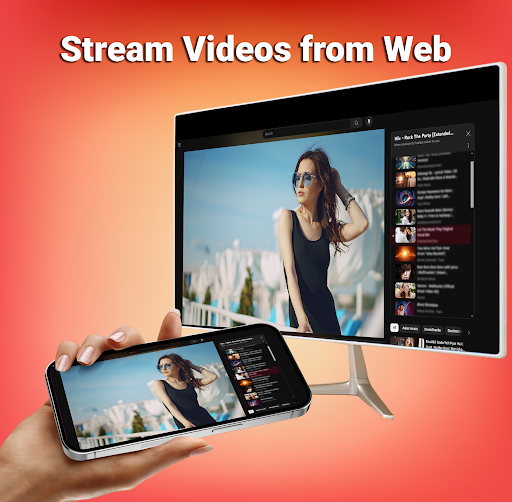
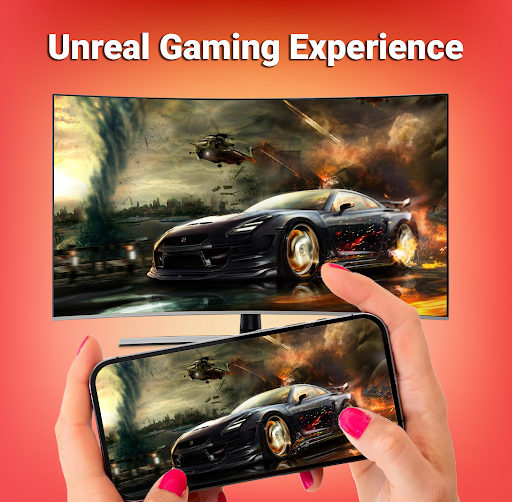
Are you tired of watching movies, sports, photos, and other favorite shows on the tiny screen of your Android device? Smart TV Cast: Screen Share is a powerful app designed to transform your viewing experience by allowing you to effortlessly cast your smartphone screen onto a larger smart TV. Whether you're streaming videos, sharing photos, playing games, or browsing the web, this app provides a seamless and high-quality screen mirroring solution that brings your content to life on the big screen.
Key Features of Smart TV Cast: Screen Share
Easy and Quick Setup
Setting up Smart TV Cast: Screen Share is straightforward. Available for both Android and iOS, the app guides you through the connection process, ensuring even beginners can enjoy smooth casting. Ensure both your smartphone and TV are connected to the same •Wi-Fi network and support wireless display or screen mirroring functionalities. Just enable the Wireless Display option on your phone, tap the start button within the app, and you’re ready to streaming your device’s screen to your TV.
Versatile Screen Casting Capabilities
This app excels at casting a wide range of media contents. From videos and music to photos and documents, Smart TV Cast supports multiple formats, ensuring you can cast virtually anything with minimal lag. The interface is designed for simplicity, featuring a single-click cast button that makes screen sharing accessible for everyone.
Enhanced User Experience
With an intuitive, sleek design, the app offers a user-friendly experience. All icons are self-explanatory, allowing for easy navigation. During your viewing sessions, you can control the TV’s volume and playback directly from your smartphone—turning your device into a remote control. The app also ensures a stable streaming experience at •real-time speed with a strong Wi-Fi connection, making your media sessions smooth and enjoyable.
Security and Compatibility
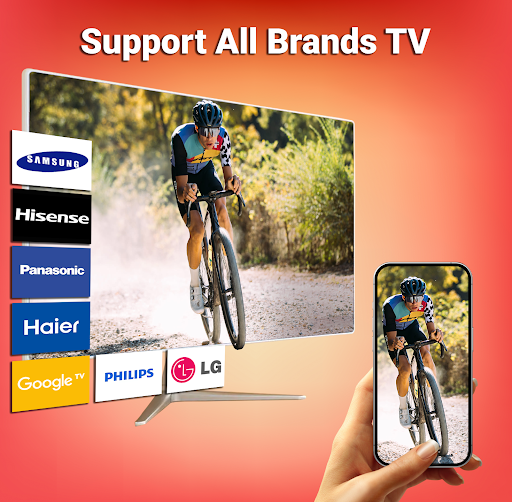
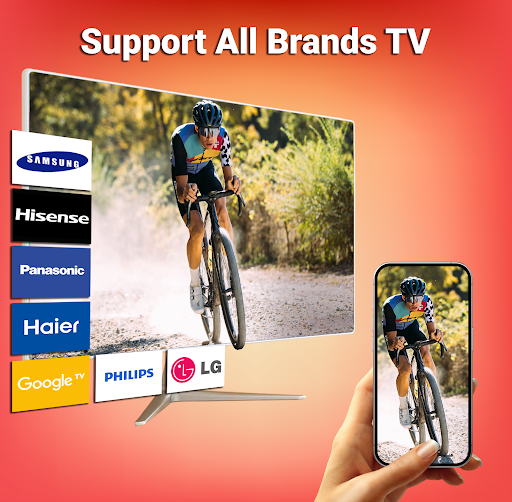
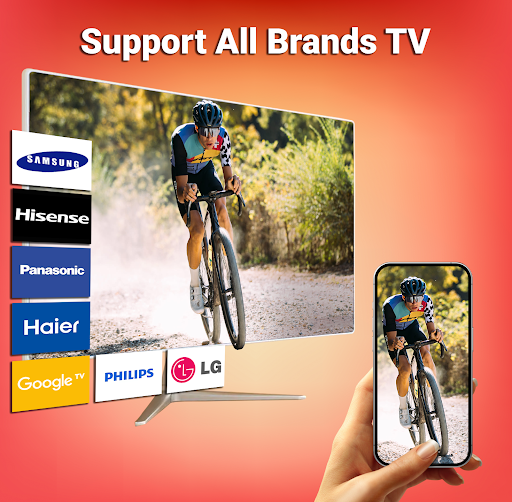
Smart TV Cast: Screen Share emphasizes security, providing a protected connection that safeguards your files and data during streaming. It works seamlessly with •Miracast, Chromecast, Fire TV, and other smart TV platforms, supporting multiple devices simultaneously for a versatile casting experience.
Why Choose Smart TV Cast: Screen Share?
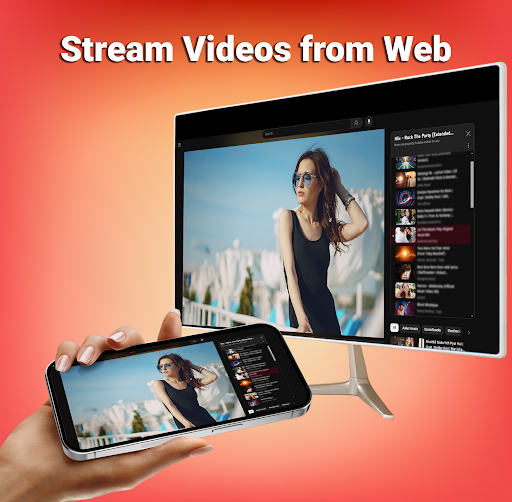
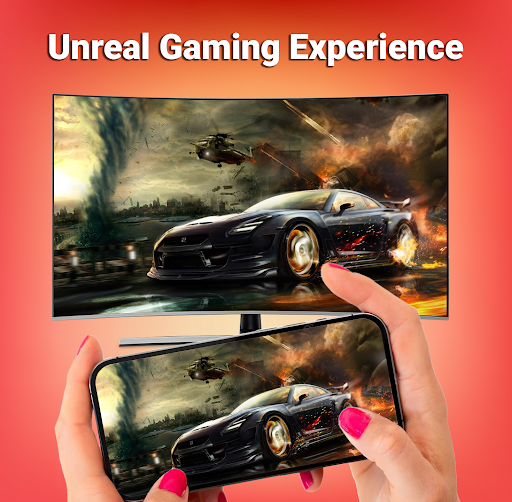
If you’re seeking a •stable and •reliable wireless screen mirroring solution, this app is an excellent choice. It eliminates the need for cables or complicated setups, letting you enjoy movies, sports, photos, and even web browsing on a larger display. Whether hosting a family movie night, business presentation, or a casual gaming session, Smart TV Cast makes screen sharing effortless.
User Experience & Design
The app features a modern, clean interface that is easy to navigate. Its straightforward design guarantees that even those new to screen mirroring can start casting with just a few taps. The absence of intrusive ads enhances the experience, though an ad-free premium version is available for those who prefer it. This user-centric approach makes the app suitable for all users, including those who may not be tech-savvy.
Conclusion
In summary, Smart TV Cast: Screen Share is an all-in-one, easy-to-use solution for anyone looking to elevate their entertainment and presentation experiences. Its quick setup, wide media support, and reliable performance make it a top choice for wireless screen mirroring. Say goodbye to small screens and enjoy your favorite content on the big screen with just a tap. Download Smart TV Cast today and unlock a new level of viewing convenience and fun!
Pros
- User-friendly interface
- Compatible with various devices
- High-quality video streaming
- No lag during casting
- Works with popular applications
Cons
- Requires a stable internet connection
- Contains ads in the free version
- Limited support for file formats
- Initial setup may be challenging
- High battery consumption











