
Discover the Power of AI Photo Enhancer - PixLift
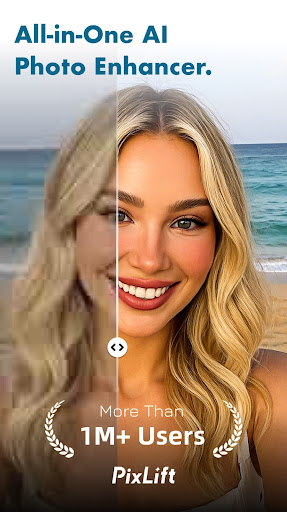
Are you tired of poor-quality photos that fail to capture your special moments perfectly? Whether it's an old family portrait or a recent selfie, PixLift is the ultimate all-in-one AI photo editor designed to elevate your images with just one tap. Equipped with advanced artificial intelligence, this innovative app transforms pixelated, blurry, or damaged photos into stunning HD-quality pictures, making your memories look as vivid as if they were taken with the latest smartphone camera.
Key Features of PixLift
Seamless Photo Enhancement
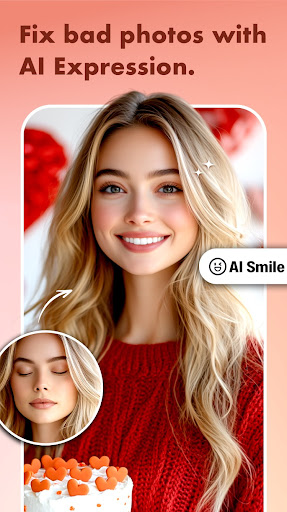
With PixLift’s AI Photo Enhancer, you can effortlessly boost the quality of your images. Whether you're working with old black-and-white photos or recent snaps, the app can convert your photos into HD selfies or group pictures. Its intelligent algorithms analyze facial features and details to enhance facial expressions, skin textures, and overall clarity. The unblur photo tools are perfect for fixing photos that are out of focus or pixelated, making them look crisp and clear.
Retouch and Personalize Your Portraits
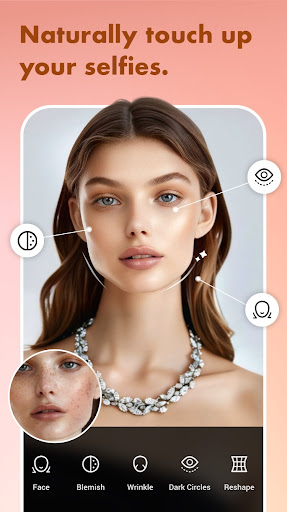
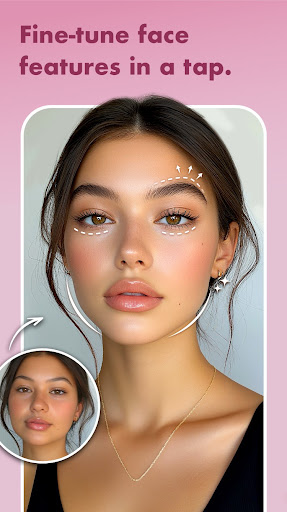
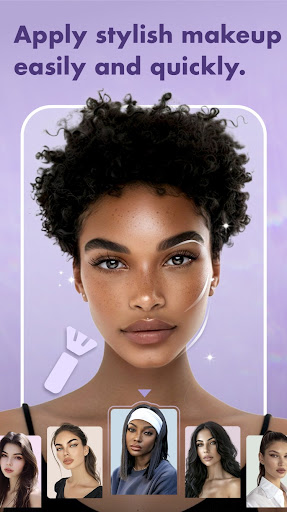
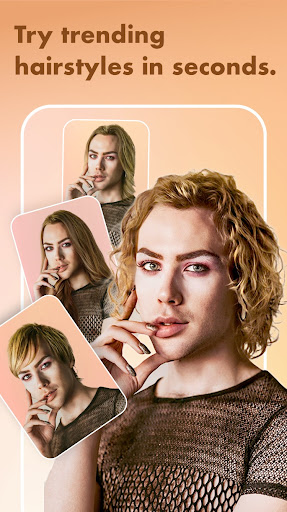
The Face Editor & AI Retouch feature set allows you to remove imperfections such as acne, blemishes, and dark circles, all with a few taps. Want to refresh your selfies? Fine-tune your facial features, apply trendy makeup filters, or experiment with a hair color changer. This makes it easy and fun to retake bad photos or create professional-looking AI portraits and headshots that stand out on social media platforms like Instagram, Facebook, or TikTok.
Restore Old Photos with Ease
Got a vintage collection of family photographs? PixLift helps restore and unblur old, damaged, or scratched photos, breathing new life into cherished memories. It can repair colorize old B&W images and enhance the details in skin and eyes, making your vintage photos appear sharp and vibrant. This feature is also perfect for reviving old family albums, preserving your history for future generations.
Creative Editing Tools
Beyond enhancement and retouching, PixLift offers a suite of creative tools, including:
- Cartoon and anime photo effects to generate digital art or toon-me pictures.
- Over 100 collage layouts with customizable backgrounds, stickers, filters, fonts, and doodles.
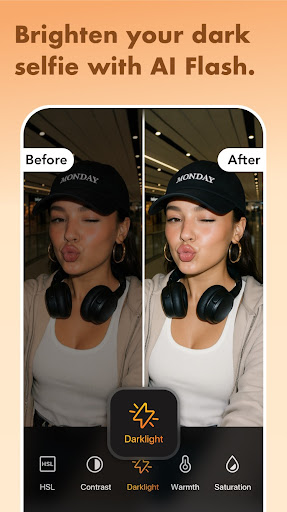
- Adjustments for HSL, brightness, contrast, shadows, and highlights to fine-tune your images perfectly.
Why Choose PixLift? The Benefits for Every User
Whether you're a casual photographer, a social media influencer, or a professional content creator, PixLift is designed to meet your needs. Its user-friendly interface makes complex photo editing simple and accessible:
- Effortlessly enhance portrait, selfie, or group photos, giving them a professional finish.
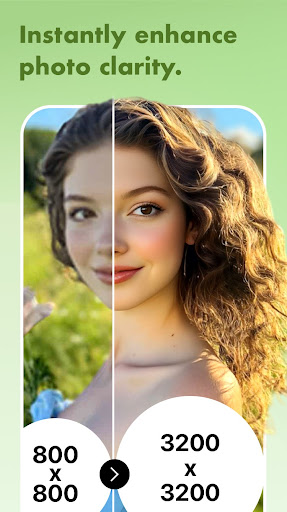
- Quickly sharpen out-of-focus images or upscale pixelated photos into high-resolution masterpieces.
- Apply trendy filters and effects to add flair to your images before sharing online.
- Create stunning photo collages using a wide variety of templates and layouts.
Experience the Future of Photo Editing with PixLift
Getting started with PixLift is straightforward. Its powerful AI-driven technology enables batch editing, allowing you to process multiple photos simultaneously—saving you precious time while ensuring all your images look their best. Whether you want to enhance a single portrait or overhaul an entire photo collection, this free photo editor delivers professional results effortlessly.
Conclusion: Revolutionize Your Memories with PixLift
In today’s visual world, a striking image can speak a thousand words. With AI Photo Enhancer - PixLift, you can ensure that every photo you share is of the highest quality—vivid, detailed, and visually stunning. Its array of features — from unblur tools and HD enhancement to creative filters and old photo restoration — makes it an essential companion for enhancing your photographic memories. Whether you're looking to retouch selfies, restore vintage images, or create artistic digital art, PixLift simplifies the process, empowering everyone to produce professional-looking photos with ease.
Pros
- Significantly improves image quality
- User-friendly interface
- Fast processing speeds
- Compatible with various image formats
- Requires minimal storage space
Cons
- Limited features available for free
- Needs an internet connection to operate
- Subscription may be expensive
- Sometimes encounters processing errors
- Not every edit achieves perfect results
You May Like

Remini - AI Photo Enhancer
Photography
4.6
B612 AI Photo&Video Editor
Photography
4.6
FaceApp: Perfect Face Editor
Photography
4.7
Video Editor & Maker - InShot
Photography
4.8
PhotoDirector: AI Photo Editor
Photography
4.5
Photo Studio: Edit Photos App
Photography
4.7
Amazon Photos: Photo & Video
Photography
4.8
Timestamp Camera
Photography
4.8
AI Photo Editor - Lumii
Photography
4.8
X PhotoKit
Photography
4.3
Beauty Camera -Selfie, Sticker
Photography
4.8
Galleryit - Photo Vault, Album
Photography
4.7