

Introduction to the PDF File Reader App
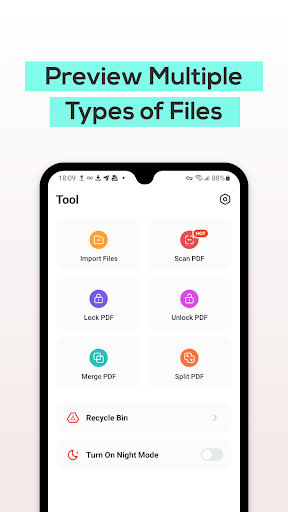
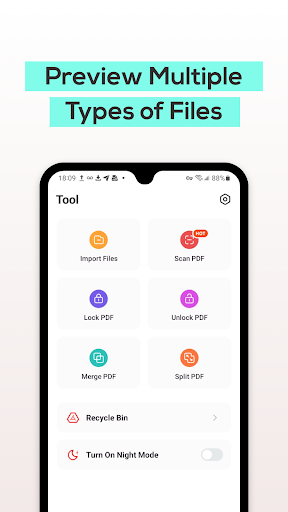
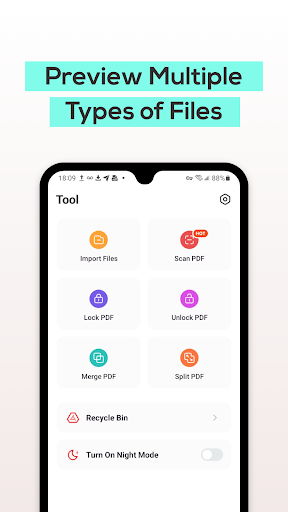
Are you searching for an efficient PDF tool to manage, view, and organize PDF files directly on your mobile device? Look no further! The PDF File Reader is a powerful, user-friendly application designed to simplify your document handling experience. Whether you're a student, professional, or casual user, this app provides a comprehensive suite of features that make working with PDF documents smooth and hassle-free. With its support for multiple formats like Word, PowerPoint, and Excel, the PDF File Reader is truly a versatile tool for all your document viewing needs.
Key Features of PDF File Reader
View PDF Files with Ease
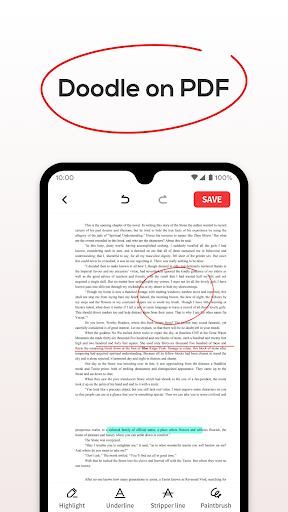
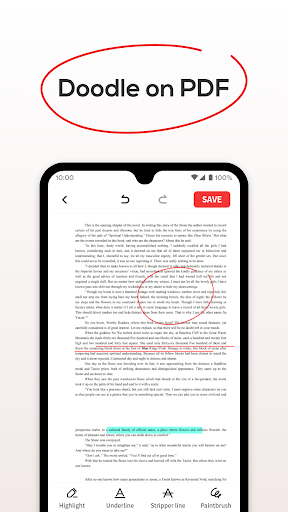
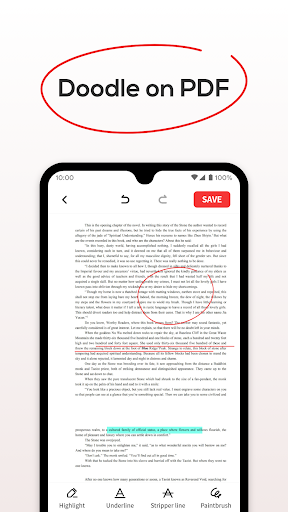
The core function of the PDF File Reader is to enable you to open and view PDF files effortlessly. Its sleek interface ensures quick access to your documents, allowing you to perform basic operations such as highlighting, filling, and underlining text. This makes annotating important sections or marking crucial information simple and efficient. Whether you're reviewing lengthy reports or reading a compact flyer, the app handles large files with impressive speed and stability—no lag, no fuss.
Quick Search for Files
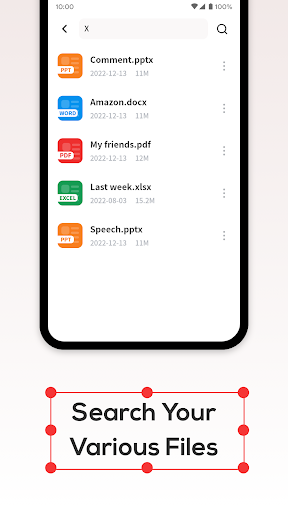
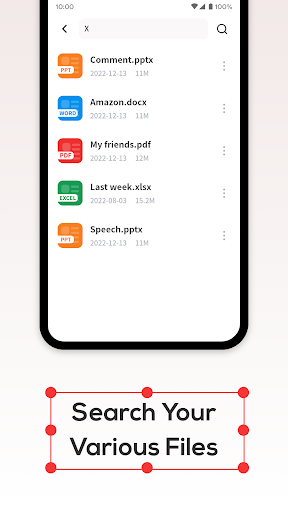
Never waste time hunting for a document again. The app includes a powerful search function that lets you locate specific PDF files instantly. This feature is especially useful if you manage a large collection of documents, providing rapid access so you can focus on your tasks without delay.
Recycle Bin for File Management
Accidental deletions are a thing of the past. The Recycle Bin feature allows you to either delete files permanently or temporarily move them to the Recycle Bin. Files in the Recycle Bin are retained for only seven days before being automatically purged, ensuring your storage remains organized and clutter-free.
Enhanced User Experience
Intuitive Interface and Smooth Performance
From the moment you open the PDF File Reader, you'll notice its clean and intuitive design. Navigating through your documents feels natural, even if you’re not tech-savvy. Opening and scrolling through PDFs is lightning-fast, making it easy to handle image-heavy or complex files without lag. This quick responsiveness translates into a seamless reading experience, much like having a fast-forward button for your PDFs.
Advanced Annotation and Customization
Boost your efficiency with the app’s annotation tools. You can easily highlight key points, add notes, and mark important sections. The night mode feature is particularly handy for late-night reading sessions, reducing eye strain and allowing you to focus comfortably. These thoughtful touches demonstrate how the app is tailored to enhance your productivity and comfort.
Integration with Cloud Services
Stay connected and make your workflow seamless with the PDF File Reader’s support for popular cloud platforms like Google Drive and Dropbox. Uploading, downloading, and managing files across services is straightforward, giving you easy access to your documents anytime, anywhere. The app's multi-language support further expands its accessibility, making it suitable for users worldwide.
Additional Benefits
And the best part? The app is completely free. You get a full-featured PDF reader packed with useful tools without any cost, making it an unbeatable choice for anyone looking to streamline their document management on mobile devices. Its versatility and ease of use make it a must-have in your digital toolkit, whether you're tackling work projects, studying for exams, or simply organizing personal files.
Final Thoughts
In an era where digital document management is essential, the PDF File Reader shines as a reliable and versatile solution. Its speed, comprehensive features, and user-centric design set it apart in a crowded market. Whether you're reviewing reports, editing annotations, or managing multiple files, this app helps you stay organized and productive on the go. Give it a try today and discover how it can become an indispensable part of your digital workflow. Happy reading!
Pros
- Fast loading and rendering of documents
- Supports multiple file formats
- User-friendly interface
- Access to documents offline
- Includes annotation tools
Cons
- Contains advertisements in the free version
- Limited options for cloud storage
- Some features require a premium subscription
- Occasional app crashes reported
- Large files may experience slow loading











