









Overview of the Cloud Storage: Cloud Drive App
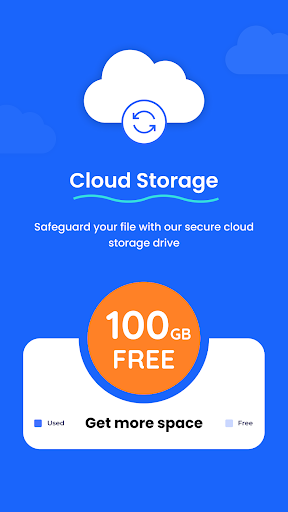
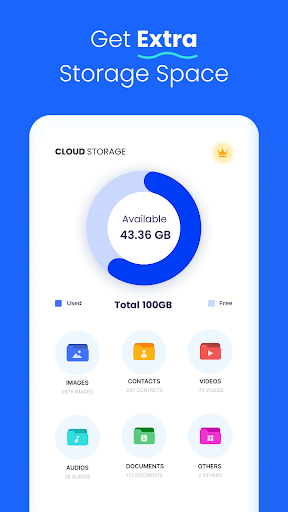
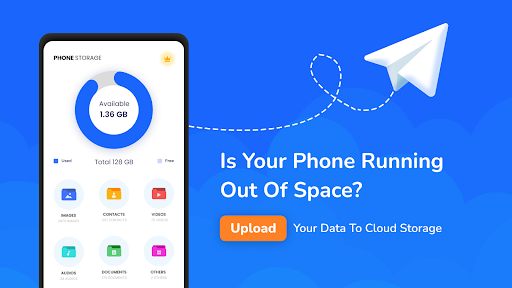
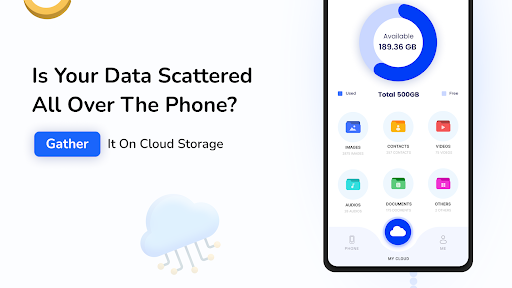
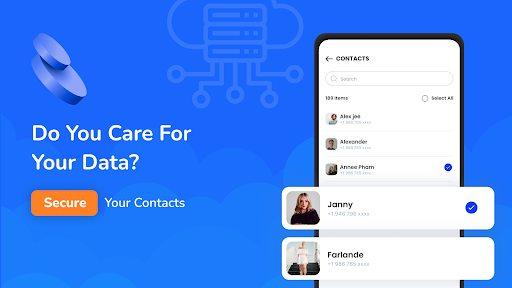
The Cloud Storage: Cloud Drive App is an innovative cloud storage solution designed to help users effortlessly backup, store, and share their digital files. Whether you need to preserve precious memories or manage critical work documents, this app offers a seamless experience with generous free storage and robust features. Get started today to enjoy 100GB of free cloud storage space and enjoy peace of mind knowing your files are safely stored in the cloud, accessible from any device, anywhere.The app is perfect for backing up photos, videos, documents, contacts, and even app data, making data management straightforward and secure. Its user-friendly interface simplifies file uploads and downloads, whether you’re at home or on the go. With features optimized for convenience, security, and collaboration, the Cloud Storage: Cloud Drive App is a top choice for individuals and teams seeking reliable cloud storage.
Key Features of the Cloud Storage: Cloud Drive App
Secure Cloud Storage and Easy Uploads
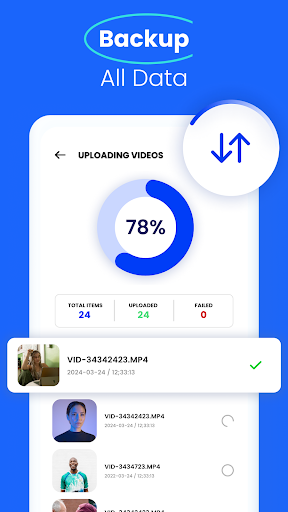
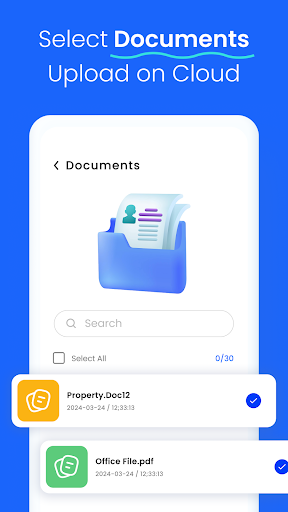
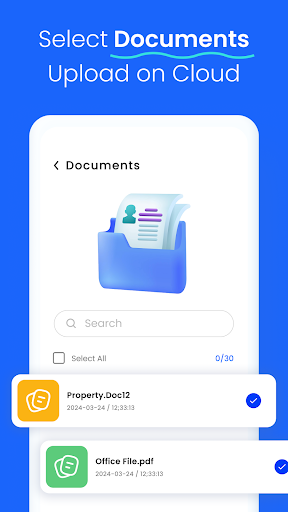
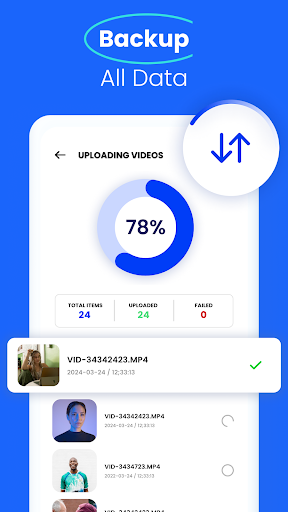
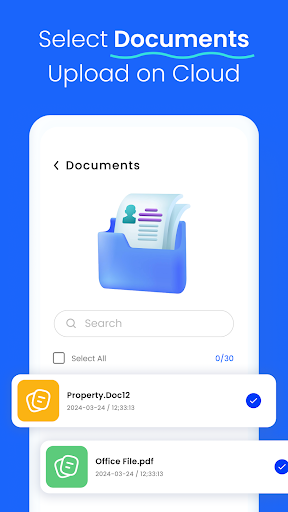
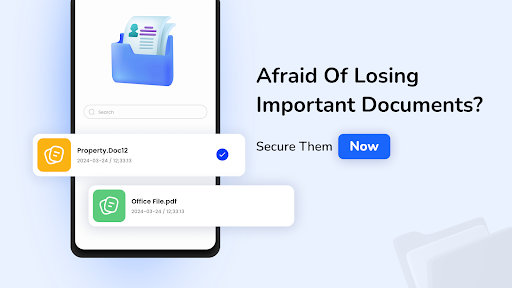
The app allows users to securely **save your documents** through a cloud drive designed with top-notch encryption standards. Upload and store various file types effortlessly, ensuring your data is protected and accessible from any mobile device at any time. The intuitive process for backing up photos, videos, and other media makes managing large quantities of data a breeze.
Generous Free Storage Space
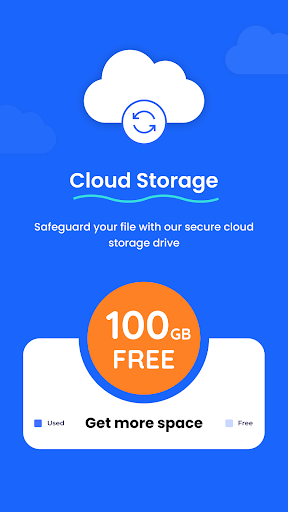
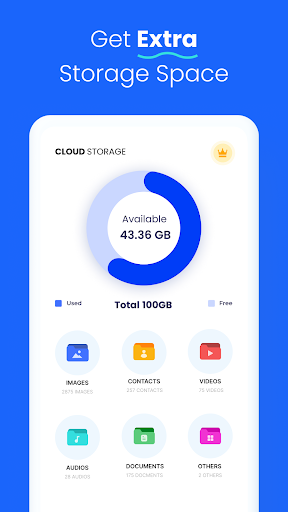
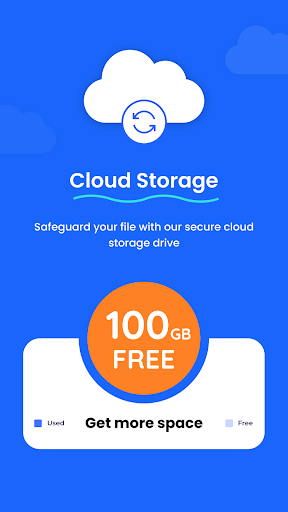
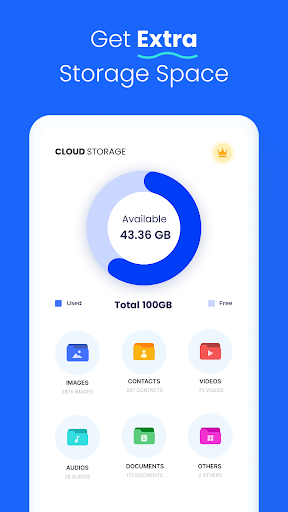
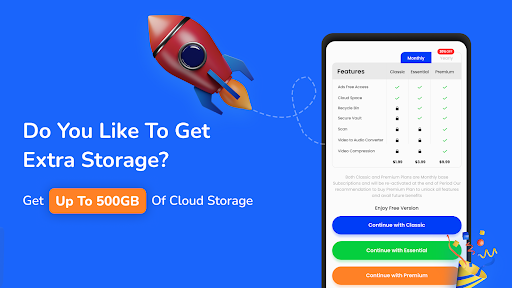
Enjoy a substantial capacity with 100GB of free storage for all your files. Whether you’re storing family albums, important work files, or media collections, this ample space helps keep everything organized and in one secure location.
Reliable Backup and Data Restoration
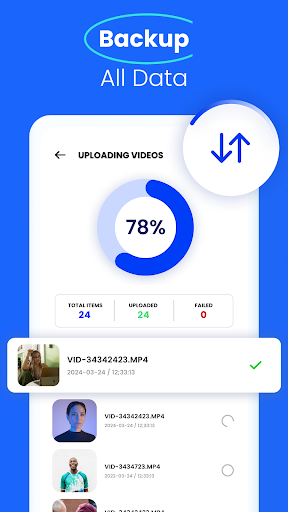
With this app, backup your data directly from your smartphone or tablet. Restore anything from your photo galleries to documents with just a few taps. The app also supports data recovery from previous versions, providing an extra layer of protection against accidental deletions or overwrites.
Multimedia Support and Editing
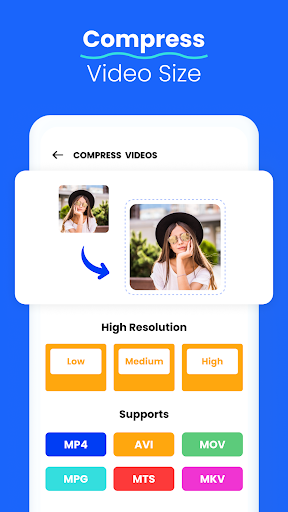
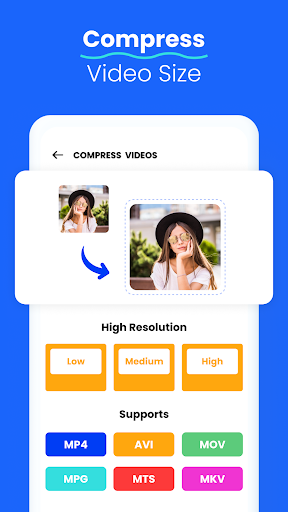
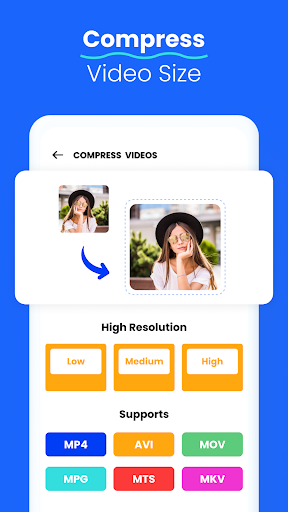
Play and preview your stored audio and video files with the built-in media players. Convert MP4 videos into MP3 audio files for flexible usage. Additionally, the app includes a built-in image or photo editor that enables flipping, resizing, cropping, and rotating images, allowing you to fine-tune your visuals before saving or sharing.
Secure Storage for Photos and Videos
Access your photos and videos safely from your mobile phone or tablet, knowing your data is protected on the cloud. The app’s secure environment guarantees hassle-free storage, giving you peace of mind whether you're at home or away.
Collaboration and Sharing
Share folders and files easily with colleagues or family members. Set permissions to control access levels, making teamwork more efficient. This makes it ideal for collaborative projects or shared media collections.
Offline Access and Version Control
Download important files for offline access, perfect for flights or remote areas without internet. The app also offers file versioning, enabling you to revert to previous versions if needed—saving you from accidental edits or deletions.
Enhanced Security Measures
Security is a priority, and the app delivers with encryption that safeguards your data against unauthorized access. Rest assured that your most sensitive information remains private and protected.
Why Choose the Cloud Storage: Cloud Drive App?
This app provides a comprehensive cloud storage solution for both personal and professional use. Its ease of use, combined with the ability to store large media files and documents, makes it a versatile tool for upgrading your digital storage game. Whether you're looking to backup family memories or manage business files, the Cloud Storage: Cloud Drive App offers reliable, secure, and accessible storage options. With seamless synchronization across devices, your files stay updated no matter where you access them, and with advanced security features, your data remains safe from breaches.Download it today and experience a smarter way to manage your digital life with confidence.
Pros
- User-friendly interface
- Large storage capacity
- Quick upload speeds
- Data secured with encryption
- Compatible across multiple platforms
Cons
- Limited free storage space
- Needs internet connection to operate
- Occasional synchronization problems
- Subscription plans may be expensive
- No offline access available











