

Discover the Power of HD Camera for Android: 4K Cam
Are you looking for an all-in-one photography solution that transforms your Android device into a professional-quality camera? Look no further than HD Camera for Android: 4K Cam. This feature-rich, free camera app is designed to help you capture stunning photos and videos with ease, whether you're taking quick selfies, breathtaking scenery, or special moments like birthdays and weddings. With a suite of advanced features and an intuitive interface, HD Camera for Android: 4K Cam makes mobile photography simple, fun, and incredibly effective.
Unmatched Features for High-Quality Photography
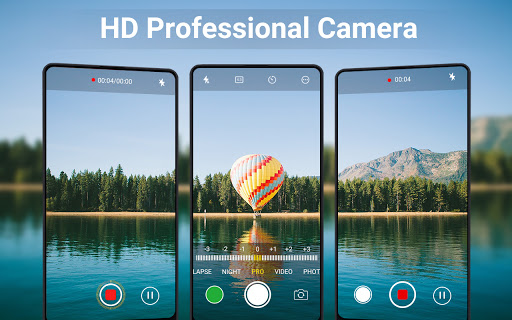
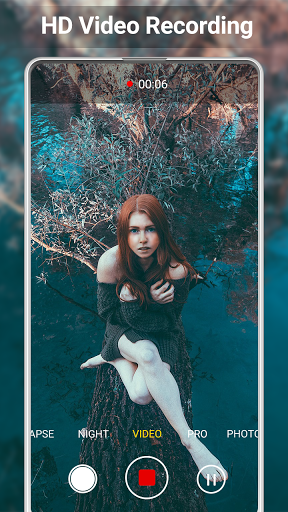
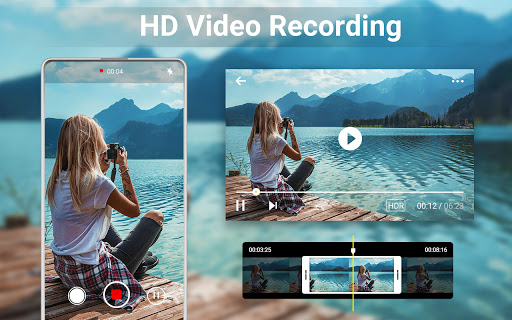
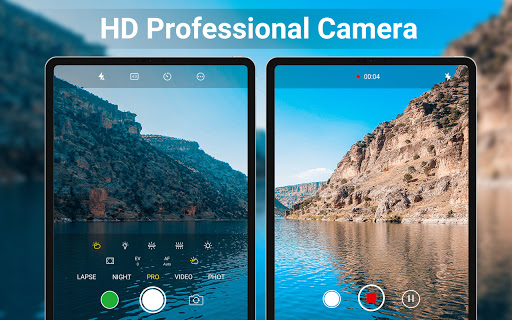
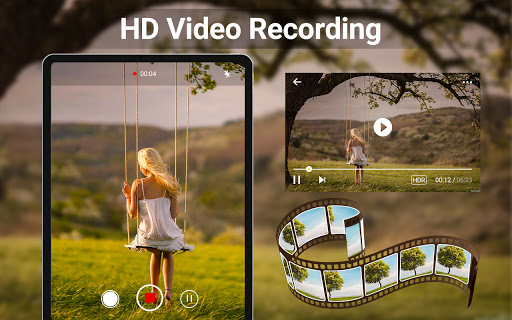
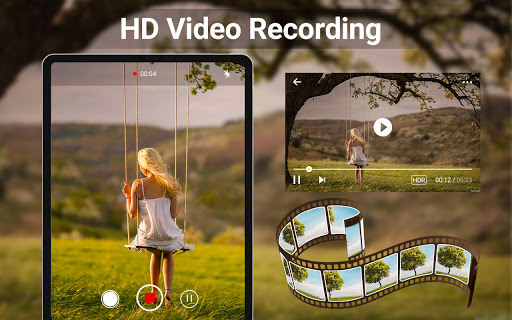
HD Camera stands out with its comprehensive set of tools geared toward both casual users and photography enthusiasts. The app offers 4K Camera capabilities, allowing you to record ultra-high-definition videos that retain every detail and nuance. Whether shooting videos or capturing still images, the app ensures professional-grade clarity and color accuracy.
Professional Capture Modes
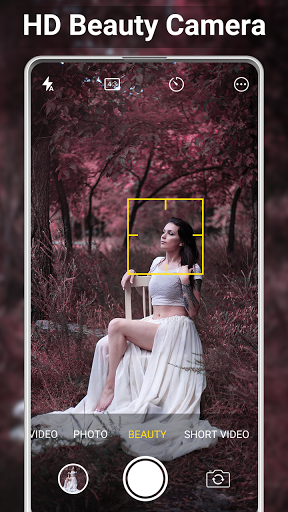
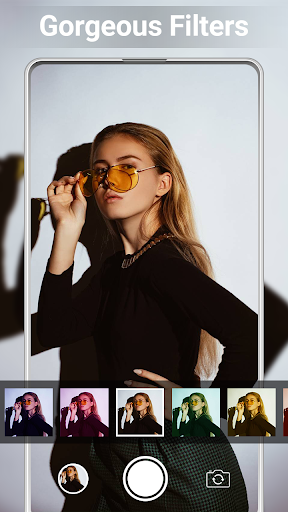
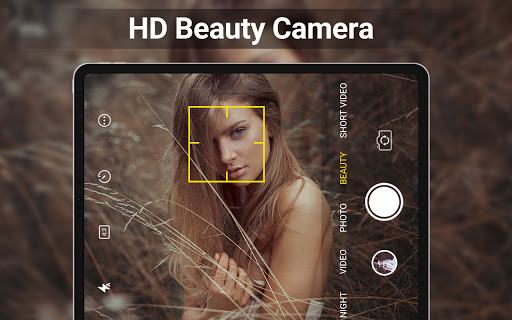
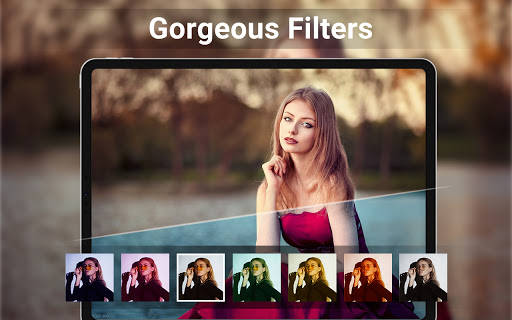
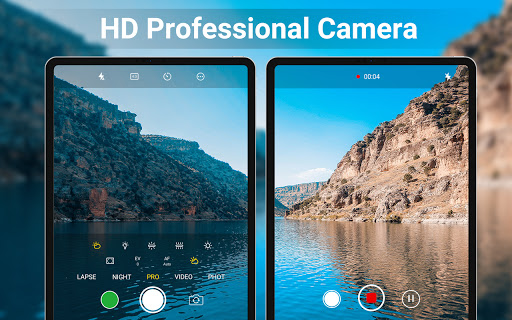
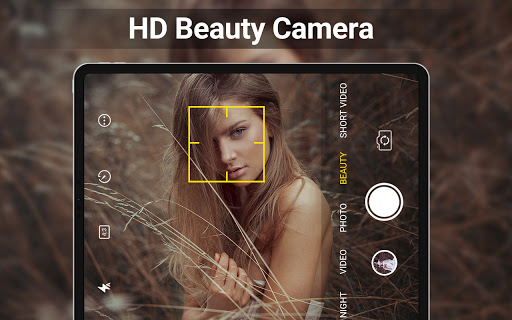
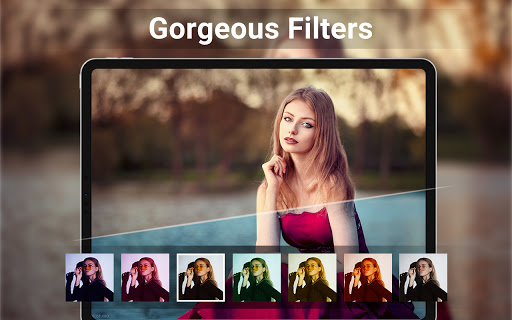
This camera app features panorama, night mode, and portrait mode to adapt to various shooting scenarios. It includes intelligent Face Detection and auto-stabilization, so your selfies and videos are sharp and steady. Additionally, the app offers real-time filters—you can preview filter effects instantly before snapping your shot or starting a video, helping you create expressive and vibrant images effortlessly.
Advanced Camera Settings
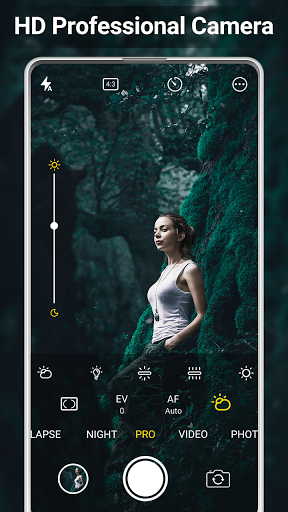
For those seeking finer control, Camera Pro features include scene modes, adjustable white balance, ISO, and exposure compensation/lock. These options empower you to fine-tune your shots to perfection, whether capturing a sunset, a detailed close-up, or a dimly-lit concert.
Effortless Editing and Sharing
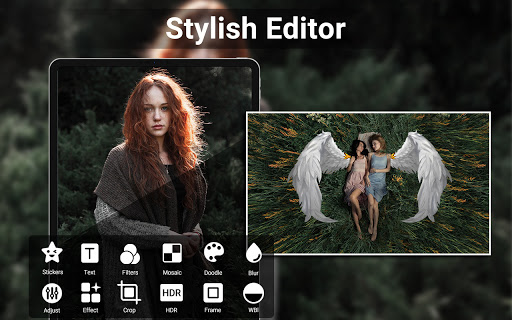
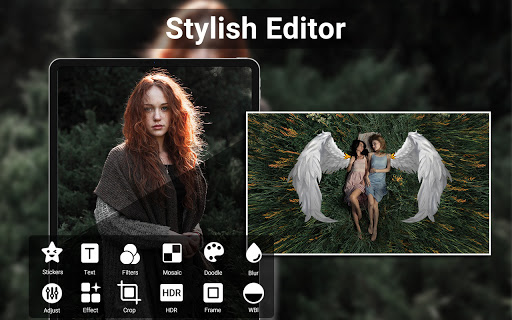
Beyond capturing images and videos, HD Camera makes editing quick and intuitive. Use the built-in Photo Editor Pro to adjust brightness, contrast, temperature, and more—perfect for refining your photos before sharing. Create eye-catching photo collages and grids with ease, making your social media posts stand out. Additionally, trimming and cutting videos is streamlined, so you can produce short clips without hassle.
Additional Editing and Customization Features
The app supports applying Date & Timestamp, location coordinates, or custom text overlays to your images, adding context and personalization. Whether adding a date to memory photos or geotagging your adventures, these features enhance your content for social sharing.
Enhanced Shooting Options and Utility Features
HD Camera for Android: 4K Cam is designed to give you maximum flexibility. It supports HDR for balanced light in high-contrast scenes, quick snap modes for fast capturing, and continuous shooting to take multiple shots rapidly. Want to be discreet? Turn off the shutter sound. Use the capture timer for scheduled shots or change save paths to an external SD card, making organization straightforward.
Additional Practical Features
Location tagging via GPS is optional, allowing you to add geotagging to your photos. Golden ratio lines assist with composition, and a camera line overlay helps you compose perfect shots. Plus, you can include custom overlays for personal or professional branding.
Why Choose HD Camera for Android: 4K Cam?
This app combines professional-level camera features with a user-friendly design, making it ideal for everyone from beginners to experienced photographers. Its reliable performance ensures you won’t miss important moments, while the high-definition recording capabilities enable you to produce stunning content suitable for social media, personal archives, or professional portfolios. Whether capturing spontaneous moments or carefully planned shoots, HD Camera for Android: 4K Cam helps you unlock your full photographic potential with a powerful, versatile tool packed into your smartphone.
Pros
- Supports high-quality 4K resolution.
- User-friendly interface.
- Easy to navigate.
- Offers a wide range of camera modes.
- Fast and responsive performance.
- Regular updates introducing new features.
Cons
- Limited compatibility with older devices.
- Includes in-app advertisements.
- Some features require additional in-app purchases.
- May drain battery quickly at high settings.
- Occasional bugs in HDR mode.











