


Introduction to Perfect Viewer
Main Features of Perfect Viewer
Wide Format Support
Perfect Viewer supports a broad range of file formats, ensuring compatibility with most digital comics and ebooks. You can view:
- Image formats: JPEG, PNG, GIF, BMP, WebP, and TIFF.
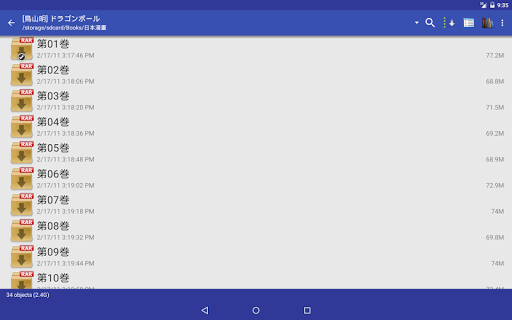
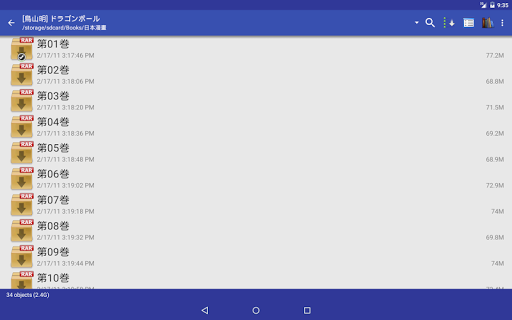
- Archive formats: CBZ/ZIP, CBR/RAR, 7Z/CB7, LZH, CBT/TAR.
- Ebook formats: EPUB, HTML, and TXT.
- Additional support for PDF, XPS, and DJVU files after installing the relevant plugin.
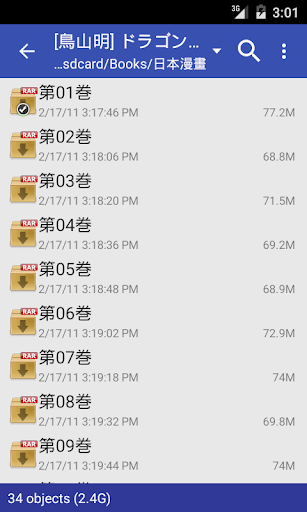
It also allows opening files from network sources such as Google Drive, Dropbox, OneDrive, and network protocols like FTP, SFTP, and CIFS/SAMBA, enabling seamless access to your cloud or local network files.
Flexible Viewing and Layout Options
Perfect Viewer offers multiple page layout and viewing modes to match your reading preferences:
- Auto single page and auto dual page view modes
- Support for screen orientation-based switching
- User-selectable modes: Page mode, Vertical scroll mode (ideal for webtoons), and Horizontal scroll mode
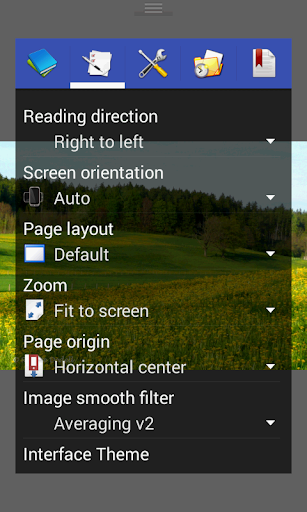
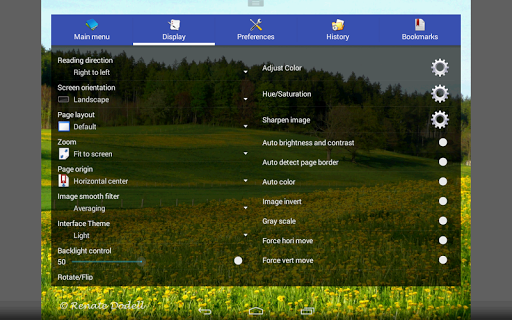
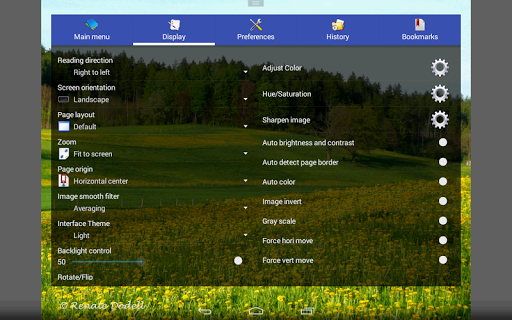
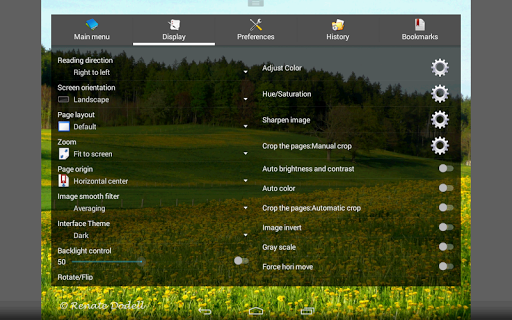
- Additional display options like Full size, Fit Screen, Fit Width, Fit Height, and Stretch
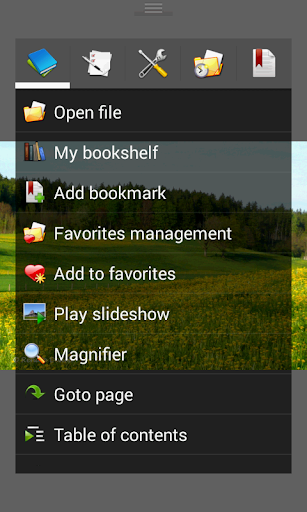
Furthermore, the app supports pinch-to-zoom, flying gestures for smooth navigation, and the ability to set images as wallpaper.
Advanced Reading Experience
This app enhances your reading comfort through features such as:
- Support for left-to-right and right-to-left reading directions
- Automatic white border removal for cleaner images
- Brightness, contrast, and gamma adjustments for personalized viewing
- Color filters like averaging, bilinear, bicubic, and Lanczos3
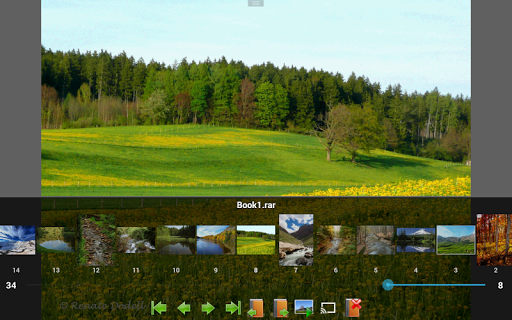
- Support for caching next and previous pages for smooth browsing
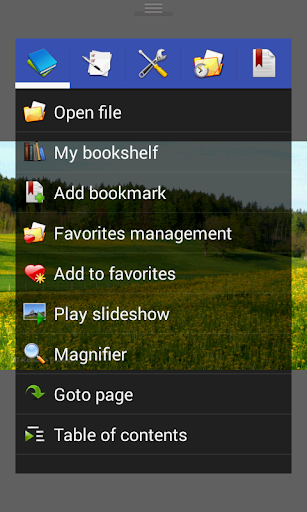
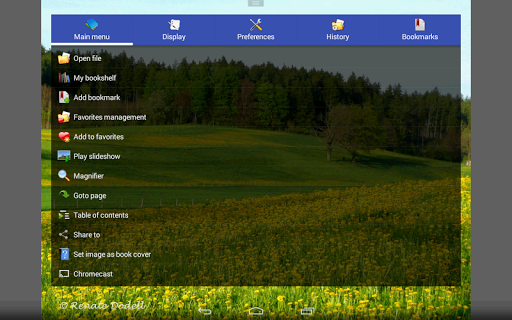
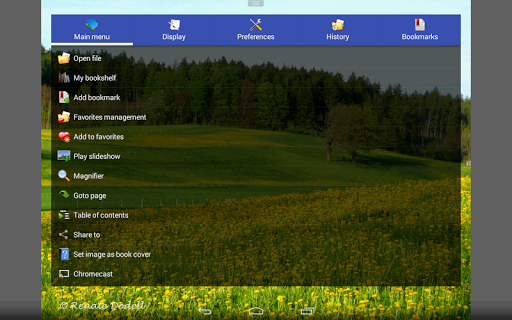
Additionally, integrated slideshow feature and simple bookmarking make your reading sessions more enjoyable and personalized.
Unique and Useful Features
Perfect Viewer includes several innovative tools:
- Colorize: Converts black & white images into 4-color images (available for donated users, requiring the donation app).
- Network support for fetching comics directly from online servers using plugins and supports for cloud storage services after installing the source plugins.
- Support for extracting files from archives and managing files with delete/rename options.
- Tools to auto cut off white borders, adjust brightness, contrast, gamma.
- Support for Google Chromecast for casting content to larger screens.
Performance and User Experience
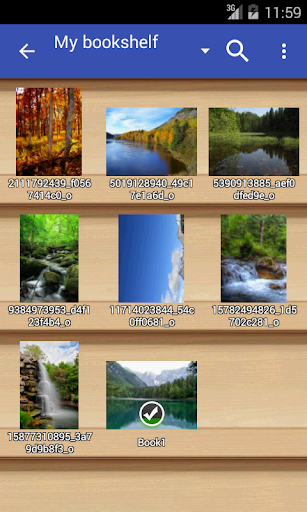
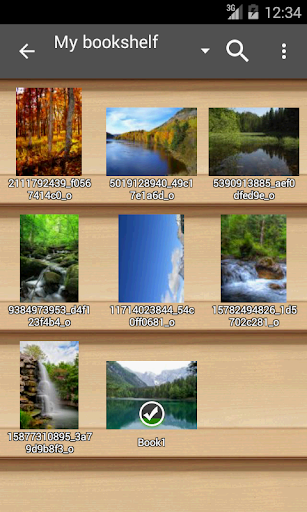
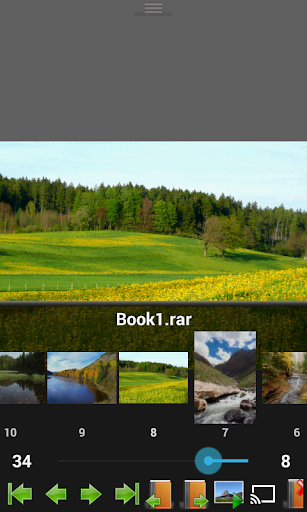
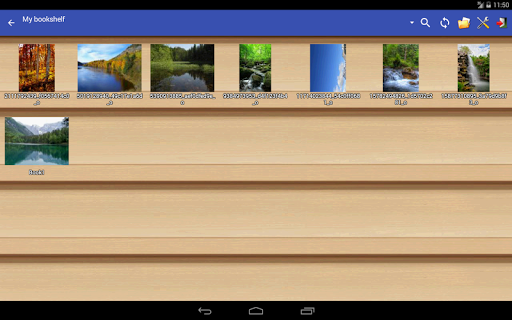
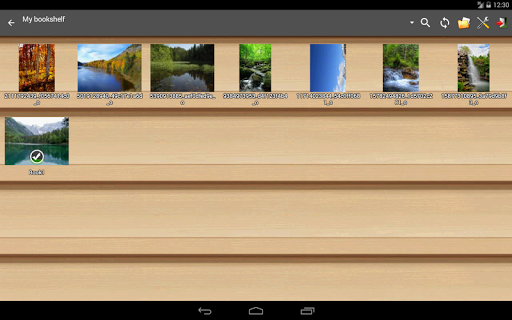
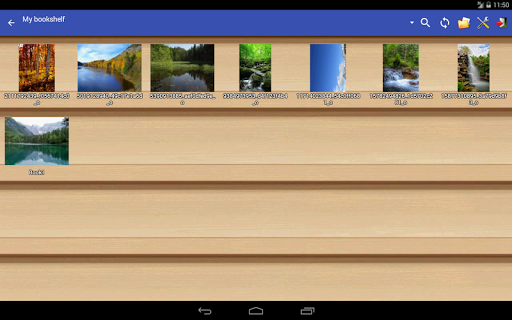
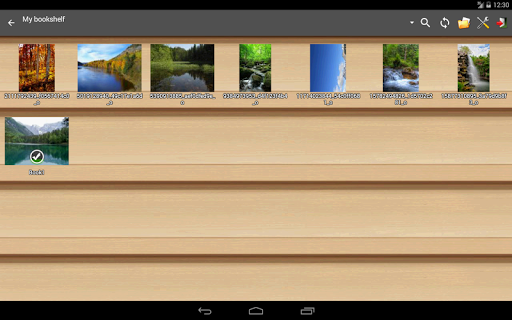
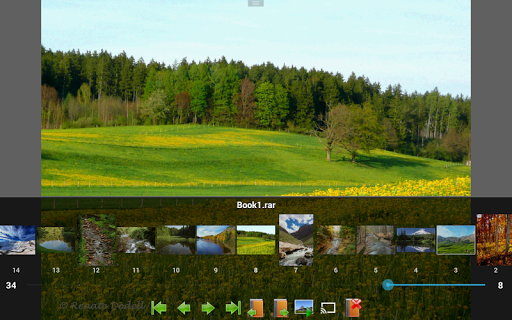
Designed for efficiency, Perfect Viewer runs smoothly on various devices without lag or crashes, even with large files. Its lightweight design ensures minimal resource consumption, making it suitable for older or less powerful smartphones and tablets. The app’s intuitive interface, including a bookshelf function for organizing your collections, allows quick access to your favorite comics and ebooks. Features like thumbnail browsing, file management (delete, rename), and cache support ensure a seamless reading experience from start to finish.
Summary
Pros
- Highly customizable interface
- Supports multiple file formats
- Fast and lightweight
- Offline reading mode
- Regular updates
Cons
- No built-in store for comics
- Limited cloud integration
- Steep learning curve
- No social sharing features
- Ads in free version










