
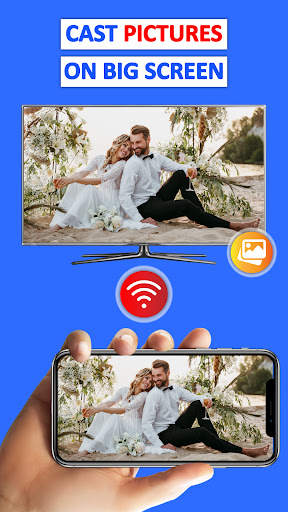
Introduction to Cast Phone to TV, Chromecast
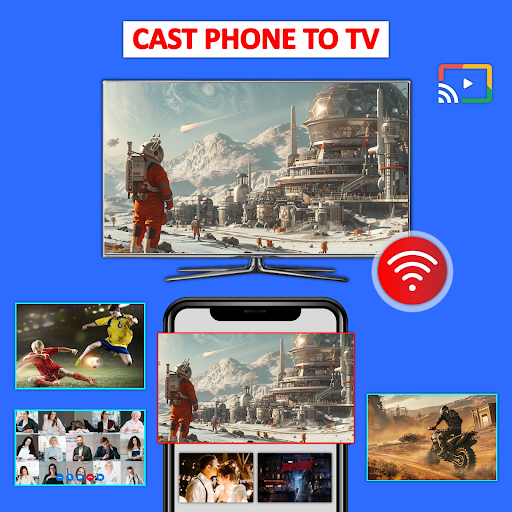
Have you ever wished to enjoy your favorite videos, photos, music, or presentations on a bigger screen? The Cast Phone to TV, Chromecast app transforms your mobile device into a powerful screen mirroring tool, allowing seamless streaming and viewing experiences on various smart TVs and streaming devices. Whether you're looking to cast movies, share photos, or give presentations, this app is your go-to solution for wireless media sharing and real-time screen mirroring.
Key Features of Cast Phone to TV, Chromecast
Versatile Media Support
The app supports a comprehensive range of media formats, including videos, photos, music, PDFs, e-books, and presentations. This flexibility ensures you can cast virtually any media content from your phone or tablet to your TV, making it ideal for movies, audio, documents, and even live video calls.
High-Quality Screen Mirroring
Enjoy HD quality streaming with minimal to no lag. The app allows real-time screen sharing, making it perfect for gaming, live events, or professional demonstrations. Play mobile games, showcase photos, or display presentations on a larger screen effortlessly.
Multiple Device Compatibility
Cast Phone to TV, Chromecast supports a wide array of devices, including Smart TVs (Samsung, LG, Panasonic, Hisense, Philips, Hitachi, Grundig, TCL), streaming devices such as Fire TV, Roku, and Anycast, as well as wireless adapters and DLNA receivers. This compatibility ensures you can cast media content on almost any big screen device with ease.
User-Friendly Experience
The app boasts an intuitive interface that simplifies the casting process. Once your phone and TV are connected to the same Wi-Fi network, a simple scan detects compatible devices. You can select your device and start streaming or mirroring your screen in just a few taps. The app also allows you to control playback, pause, skip, or stop casting directly from your phone.
Supports Various Use Cases
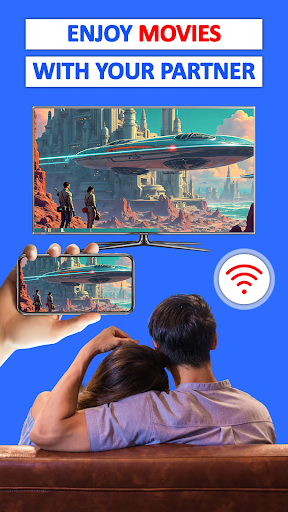
From watching movies and sports games with family to sharing vacation videos or conducting business presentations, this app covers all scenarios. It’s perfect for live streaming, video calls, and screen sharing during meetings, enabling real-time demonstrations and a wireless media experience.
How to Use Cast Phone to TV, Chromecast
- Ensure your smart TV supports Wireless Display.
- Connect both your phone and TV to the same Wi-Fi network.
- Open the Cast Phone to TV, Chromecast app.
- Scan and detect available devices.
- Select your preferred device and pair it.
- Start casting your media or mirror your screen in real time.
For an optimal experience, avoid using VPNs, proxies, or network segmentation tools that may interfere with device communication.
Benefits of Using Cast Phone to TV, Chromecast
Enhanced Entertainment
Stream your favorite movies, TV shows, and videos directly from your phone to your TV. Access streaming platforms like YouTube, Dailymotion, Vimeo, Twitch, and more, and enjoy big-screen entertainment without limitations.
Sharing Memories Made Easy
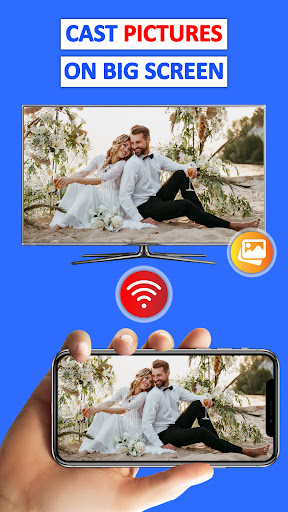
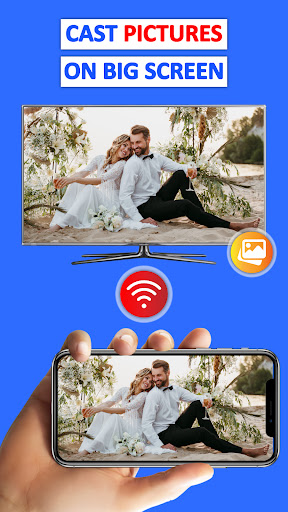
Share family photos, videos, or slideshows effortlessly on your TV. It’s a fantastic way to re-experience memories with friends and family in a more immersive way.
Convenience for Business and Education
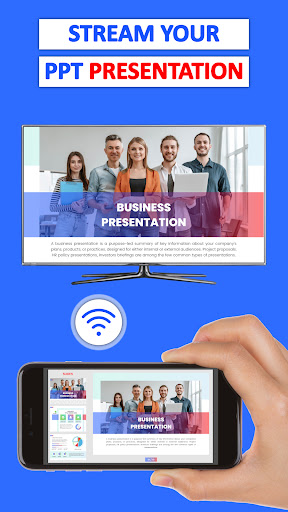
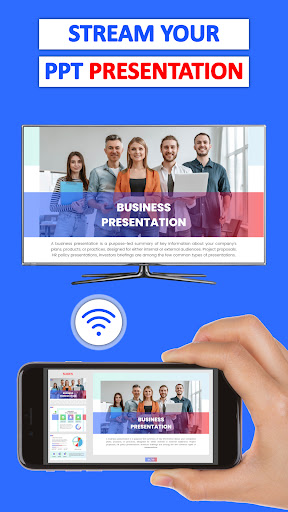
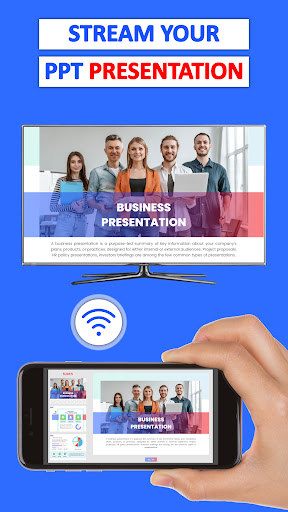
Use the app to give presentations, demonstrations, or collaborate remotely. The high-quality screen sharing capability ensures your audience sees everything clearly and without lag.
Multi-Device & Multi-Format Support
The app not only supports casting from multiple devices but also handles various media formats seamlessly, making it a reliable tool for home entertainment, professional use, and outdoor gatherings.
Final Thoughts
If you're seeking a reliable, easy-to-use, and versatile solution for screen mirroring and media casting, Cast Phone to TV, Chromecast is an outstanding choice. It turns your smartphone into a remote control for your big-screen experience, allowing effortless sharing of videos, photos, games, and presentations. With support for numerous devices and high-quality streaming, this app makes your multimedia experience more enjoyable and accessible than ever before. Give it a try and enhance your entertainment and professional productivity today!
Pros
- Seamless phone to TV casting
- Supports multiple file formats
- User-friendly interface
- High-quality video streaming
- Quick and easy setup
Cons
- Requires stable Wi-Fi connection
- Limited free version features
- May lag on older devices
- Occasional connectivity issues
- Ads in free version











