





Zoom for Chromebook: The Ultimate Remote Communication Tool
In today’s fast-paced digital world, staying connected has never been more important. Zoom for Chromebook emerges as a powerful, versatile app designed to facilitate seamless communication—whether for work, study, or social interaction. With a single web app that combines team chat, meetings, phone, and whiteboard features, Zoom on Chromebook offers a comprehensive solution tailored for remote users. Let’s explore the standout features and benefits that make this app a must-have for anyone seeking reliable and efficient online collaboration.
Key Features & Benefits of Zoom on Chromebook
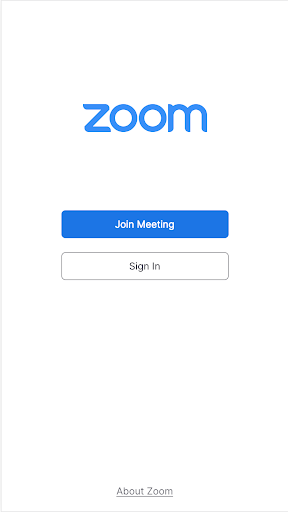
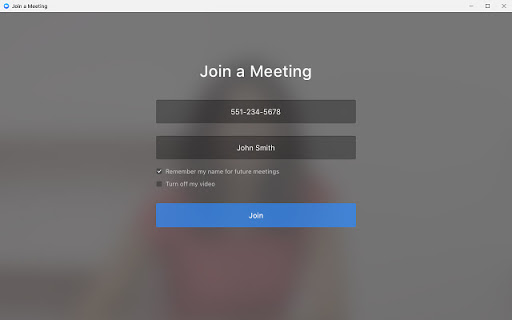
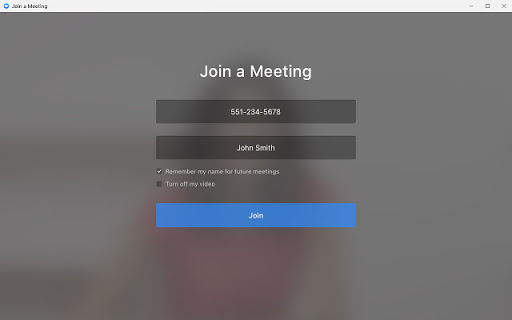
One of the primary advantages of Zoom for Chromebook is its user-friendly design that allows you to schedule or join video meetings with just a single tap. This simplicity streamlines your workflow, enabling you to jump into discussions without hassle. Additionally, the app integrates an AI Companion, which provides automated meeting summaries—a feature perfect for capturing key points and action items effortlessly.
Communication is at the heart of Zoom, and the app excels in this area by allowing you to chat with colleagues and external contacts within public or private channels. For those who need to connect via voice calls or send SMS messages, Zoom offers those capabilities as well, making it a truly all-in-one communication platform. Creatives and teams can also brainstorm together on virtual whiteboards, fostering collaboration regardless of physical location.
To ensure a professional appearance during meetings, users can activate virtual backgrounds—helping you look polished and consistent. The app automatically updates to ensure you always have access to the latest features and security enhancements, and for organizations wanting centralized control, remote install options are available for admins.
Please note that some features may require a paid Zoom One subscription or other licenses, such as phone and SMS. Upgrading your free account unlocks these capabilities, and availability of certain AI features like the AI Companion may vary by region and industry. For optimal experience, it’s recommended to use the latest version of Chrome OS (91+).
Why Choose Zoom for Chromebook? Personal and Professional Insights
Having used Zoom for Chromebook extensively, I can attest to its intuitive interface and robust functionality. Installing the app is straightforward via the Google Play Store. Once set up, navigating through its features is effortless, whether you’re a tech novice or seasoned user. The interface is clean and organized, allowing quick access to essential tools such as scheduling, chat, and whiteboards.
One of the most impressive aspects is the integration with Google Calendar. This makes scheduling and joining meetings seamless, eliminating the need to toggle between multiple apps. The **video and audio quality** are consistently high, with adaptive optimization that adjusts based on your internet connection, minimizing lag and distortions—crucial for professional meetings or virtual events.
Another highlight is the noise suppression feature, which helps maintain audio clarity in noisy environments. This, combined with options to activate virtual backgrounds, creates a professional ambiance that enhances your virtual presence. The app also supports breakout rooms—ideal for educators and team managers who want smaller discussion groups; it genuinely makes remote collaboration feel natural.
Security and Reliability
Security is a top priority for Zoom; the platform offers end-to-end encryption for meetings, ensuring your communications remain private. Recent updates have further bolstered security features, granting users greater peace of mind while connecting with colleagues or loved ones.
Final Thoughts
In summary, Zoom for Chromebook isn’t just a mere video conferencing app—it’s an essential tool that bridges gaps between remote teams, educators, students, and families. Whether you’re hosting webinars, collaborating on projects, or just catching up with friends, Zoom delivers a reliable, high-quality experience that adapts to your needs. Its ease of use, comprehensive feature set, and continual updates make it a standout choice in the realm of online communication.
If you haven’t explored Zoom for Chromebook yet, now is the perfect time. Embrace the power of virtual collaboration and unlock new possibilities for remote work and social connection.
Pros
- Seamless integration with Chrome OS
- User-friendly interface
- High-quality video calls
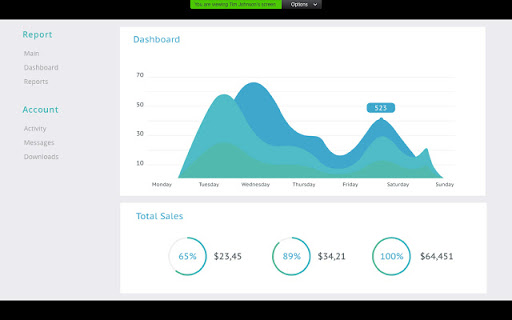
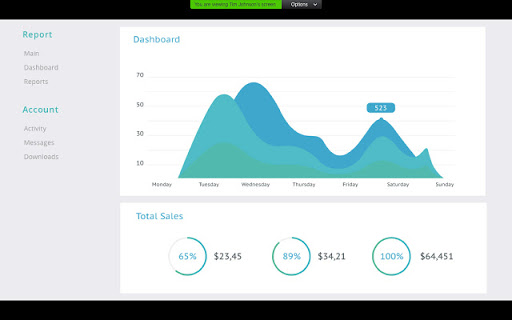
- Screen sharing capabilities
- Frequent updates
Cons
- Limited features compared to desktop
- Occasional connectivity issues
- Higher data usage
- Requires a good internet connection
- Can be resource-intensive










