



Discover the Power of QuickBooks Online Accounting
Are you a small business owner or a freelancer seeking a reliable and efficient way to manage your finances? QuickBooks Online Accounting is designed to be your ultimate financial partner, helping you streamline your accounting processes with ease. Whether you're self-employed or running a growing enterprise, this app offers a comprehensive suite of features tailored to meet your needs. From intuitive expense management to seamless invoicing, QuickBooks Online empowers you to stay on top of your business finances, wherever you are. Its user-friendly interface, coupled with robust tools, makes it a must-have for anyone looking to simplify their financial tasks while boosting productivity and growth.
Getting Started with QuickBooks Online Accounting
Setting up QuickBooks Online is straightforward and user-friendly. The app guides you through the initial setup process, ensuring that your business finances are organized from the get-go. You can easily link your bank and credit card accounts to get a complete view of your financial landscape. Creating your business profile, categorizing transactions, and connecting financial accounts can all be done seamlessly — it’s like having a personal financial advisor right in your pocket. With minimal effort, you can start tracking your expenses, invoices, and cash flows, enabling you to achieve better financial clarity in no time.
Simple Navigation and User Experience
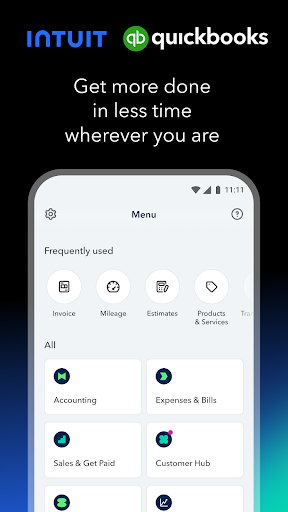
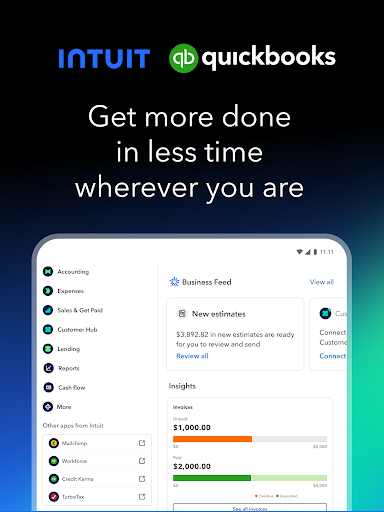
The interface of QuickBooks Online is designed for simplicity and ease of use. Its clean layout allows you to effortlessly switch between different tasks such as managing expenses, invoicing clients, or reviewing your financial reports. The dashboard provides a clear snapshot of your business’s health, displaying key insights and KPIs at a glance. This intuitive design ensures that even users with no prior accounting experience can navigate the app confidently, making financial management less daunting and more accessible.
Features That Make a Difference
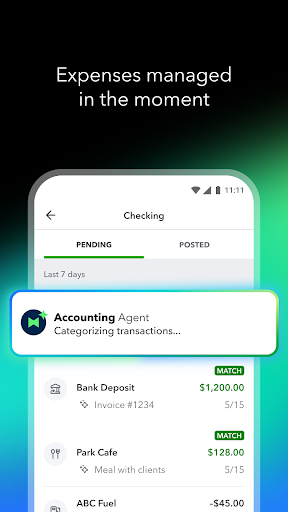
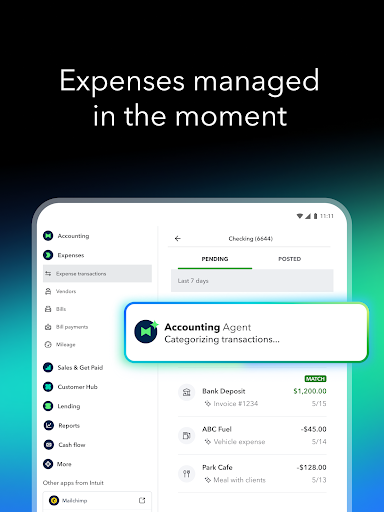
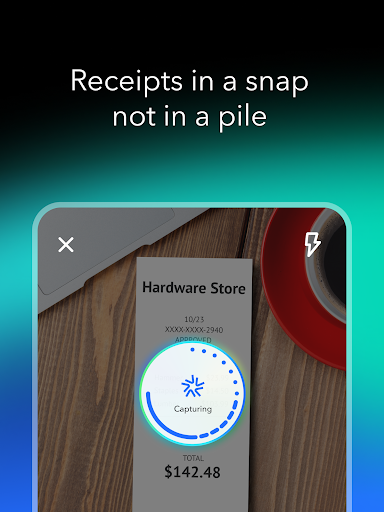
Expense Tracking: Say goodbye to shoeboxes full of receipts. With the receipt capture feature, you can snap photos of your receipts, and the app will automatically match them to your expenses. This instant, paperless process saves you time and reduces errors.
Multi-Currency Support: For international businesses, managing transactions in multiple currencies is vital. QuickBooks Online makes this easy, allowing you to handle international sales and expenses without fuss.
Integrations: Seamlessly connect with popular platforms like PayPal and Shopify. Managing online sales, payments, and expenses becomes streamlined and efficient.
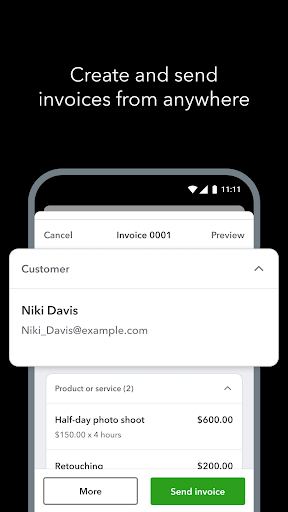
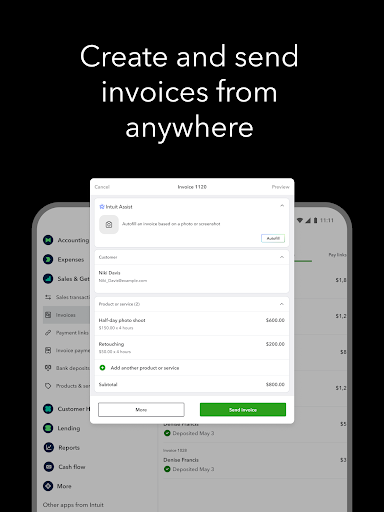
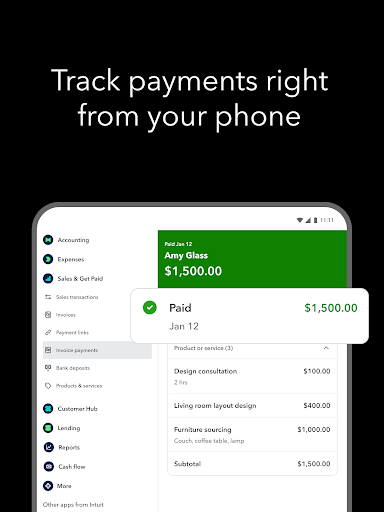
Invoicing and Estimates: Create professional invoices and estimates within minutes and send them directly from the app. You'll receive notifications once your clients view their invoices, keeping you in the loop and helping you get paid faster.
Real-Time Cash Flow Insights: Monitor your cash flow from anywhere, giving you the information needed to make better business decisions and plan for growth.
Multi-Currency Support: For international businesses, managing transactions in multiple currencies is vital. QuickBooks Online makes this easy, allowing you to handle international sales and expenses without fuss.
Integrations: Seamlessly connect with popular platforms like PayPal and Shopify. Managing online sales, payments, and expenses becomes streamlined and efficient.
Invoicing and Estimates: Create professional invoices and estimates within minutes and send them directly from the app. You'll receive notifications once your clients view their invoices, keeping you in the loop and helping you get paid faster.
Real-Time Cash Flow Insights: Monitor your cash flow from anywhere, giving you the information needed to make better business decisions and plan for growth.
Enhanced Productivity with AI Agents
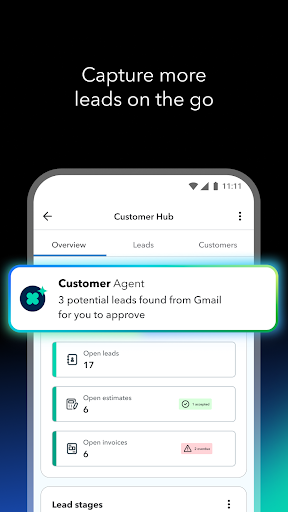
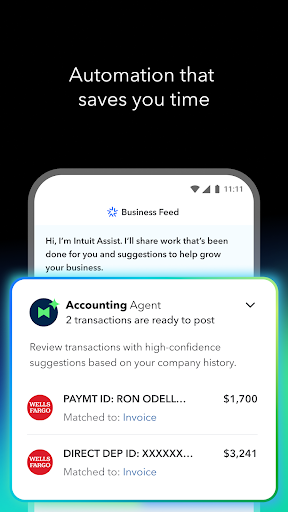
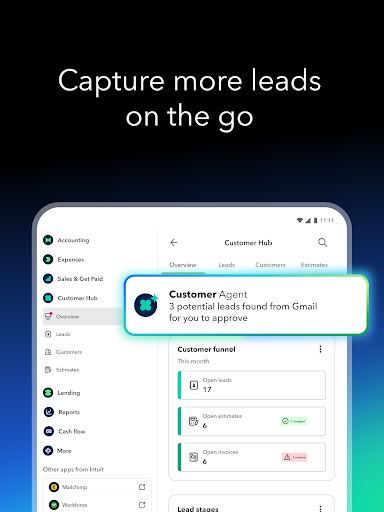
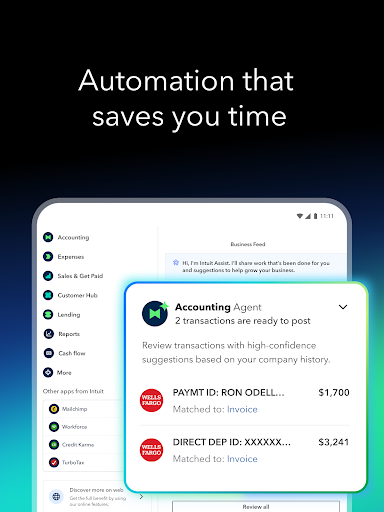
The latest AI agents for Accounting and Payments are integrated within QuickBooks to boost your efficiency. These smart tools automate routine workflows, allowing you to focus more on expanding your business rather than managing transactions. The Payments Agent even crafts tailored messages to prompt timely payments from your customers, ensuring steady cash flow and reducing late payments.
Security and Support You Can Trust
Handling sensitive financial data requires top-level security, and QuickBooks Online delivers with bank-grade encryption to safeguard your information. If you ever need assistance, the dedicated support team is readily available to help resolve any issues promptly. Rest assured that your financial data is protected, and expert help is just a click away.
Additional Benefits and Flexibility
Your QuickBooks Online subscription includes access to a host of features that adapt to your business needs. Whether on the web or mobile, you can manage your finances on the go. The sleek dashboard, AI enhancements, and integrations make it a versatile tool for any small business aiming to grow smarter, faster, and more efficiently. Plus, subscription management is straightforward—manage payments through your app store or platform, with automatic renewal options to ensure uninterrupted service.
Conclusion
In essence, QuickBooks Online Accounting stands out as a comprehensive, easy-to-use financial management solution for self-employed professionals and small businesses alike. Its combination of powerful features, intuitive interface, and secure environment makes it an excellent choice for simplifying accounting tasks while providing valuable insights to foster growth. If you’re searching for an accounting app that offers functionality, flexibility, and peace of mind, give QuickBooks Online a try. It might just become your trusted partner in building a profitable and organized business.
Pros
- User-friendly interface that allows for easy navigation
- Provides integration with numerous financial institutions
- Offers access to real-time financial data
- Includes comprehensive reporting and analytics features
- Receives strong functionality through its mobile app
Cons
- Can be costly for small businesses
- Offers limited options for customer support
- Initial setup can be complex for new users
- Experiences occasional issues with bank synchronization
- Might require extra training for effective use











