
Discover the Creative Power of Sketchbook Lite - Artbook
Are you passionate about digital art and looking for a versatile sketchpad that fits right into your pocket? Sketchbook Lite - Artbook is designed to be your ultimate companion for unleashing creativity on the go. Whether you're a professional artist, a hobbyist, or someone who enjoys doodling during spare moments, this app offers a seamless and enjoyable drawing experience.
Intuitive Interface and User-Friendly Features
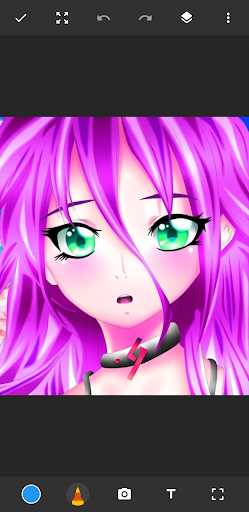
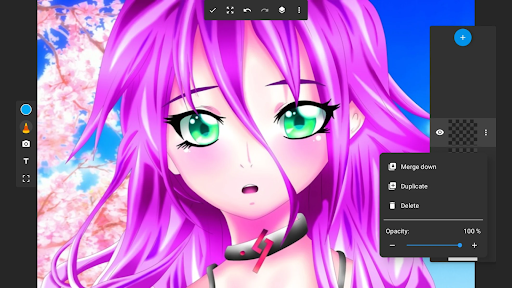
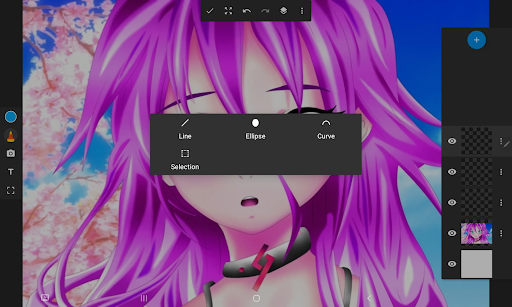
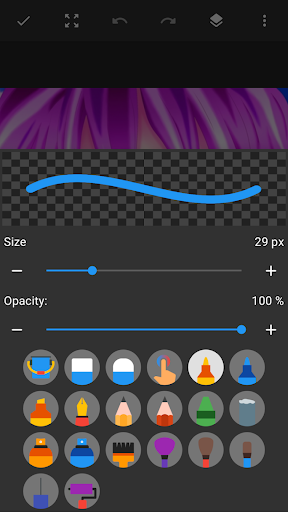
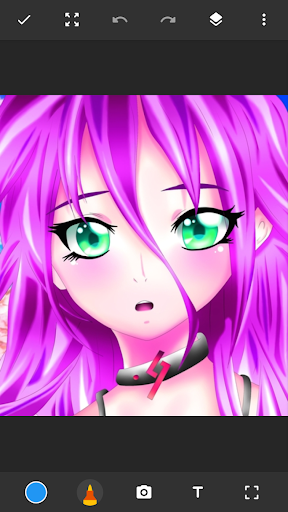
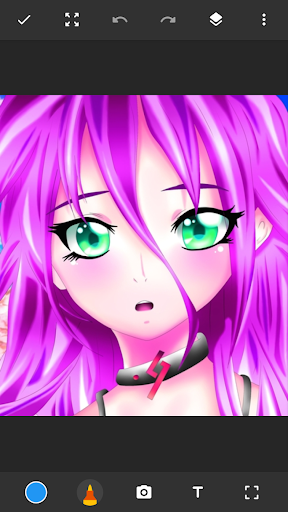
One of the first things you'll notice about Sketchbook Lite - Artbook is its clean, intuitive interface. The app’s layout is simple and clutter-free, allowing you to focus solely on your artwork without navigating through confusing menus. With a variety of brushes, pencils, and tools available at your fingertips, you can start sketching immediately without any extensive setup. The app caters to all skill levels, making it easy for beginners to learn and even more powerful for seasoned artists seeking advanced features.
Versatile Drawing Tools for Every Artistic Need
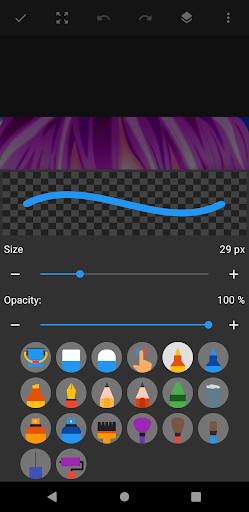
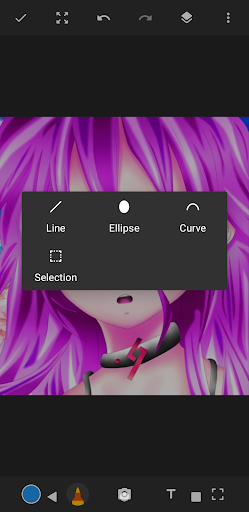
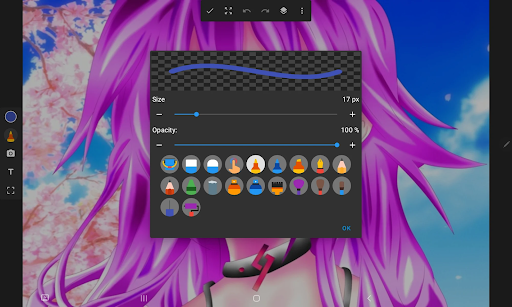
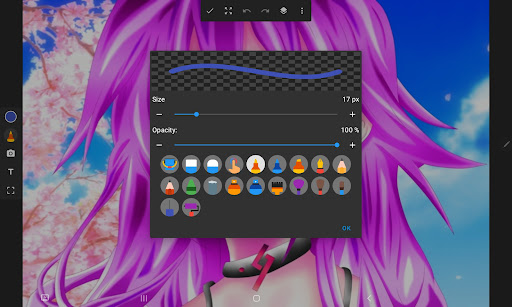
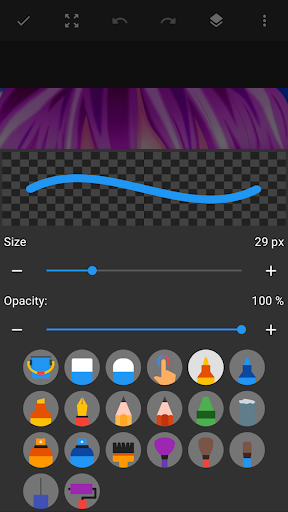
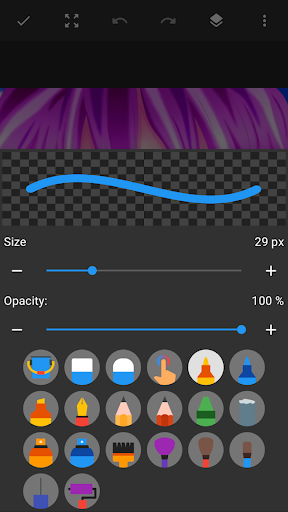
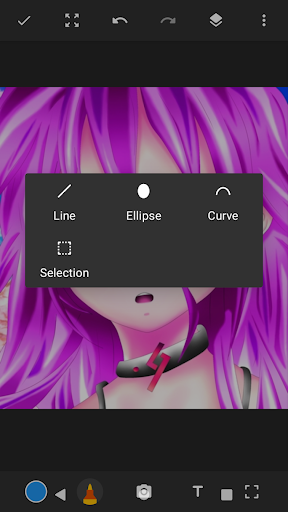
At the heart of Sketchbook Lite - Artbook are its •Great Sketchbook Brushstrokes and pencil tools. The app offers an extensive selection of •Brushes and •Pens with customizable sizes and styles, enabling you to produce realistic textures and detailed line work. Whether you're into watercolor effects, manga, or sketching on photos, this app adapts to your preferences, empowering you to create beautiful brushstrokes and fine details effortlessly.
Advanced Features That Elevate Your Artwork
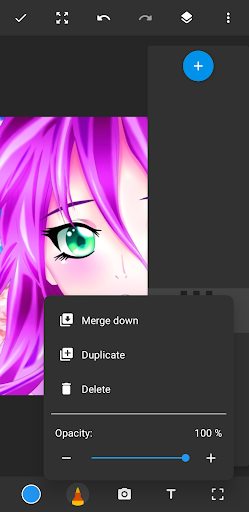
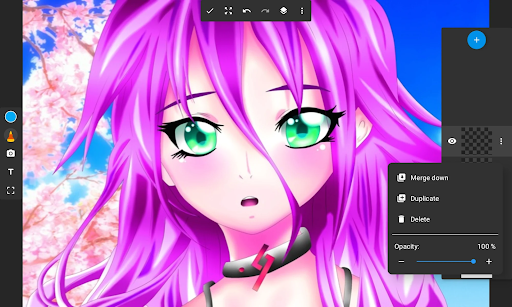
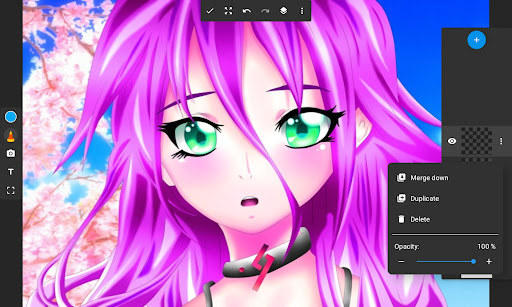
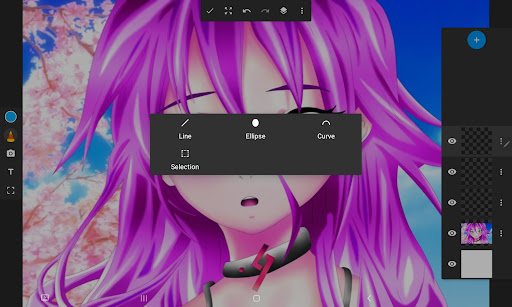
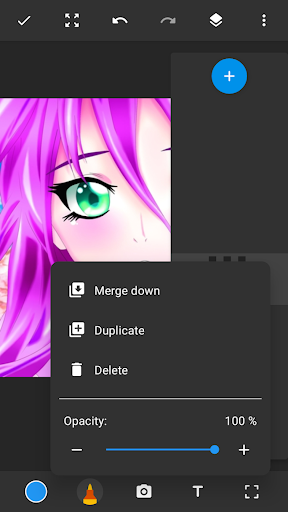
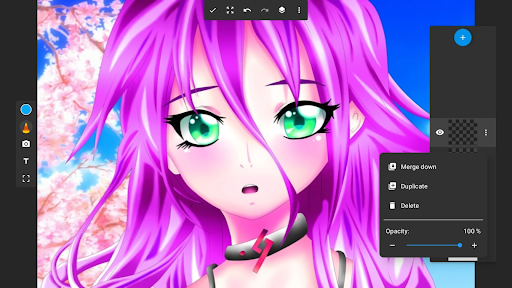
One of the standout features of Sketchbook Lite - Artbook is its •Layers system. This allows you to organize your sketches, experiment with different ideas, and make non-destructive edits with ease. Adjusting layer opacity, rearranging layers, or combining multiple elements becomes straightforward, giving you professional-level control over your digital art projects.
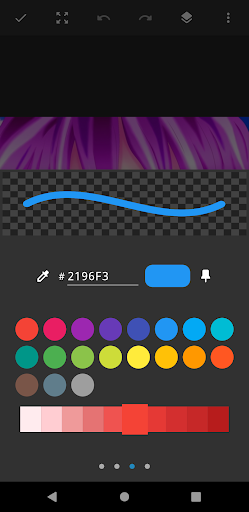
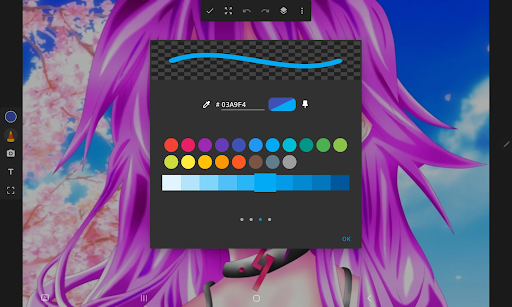
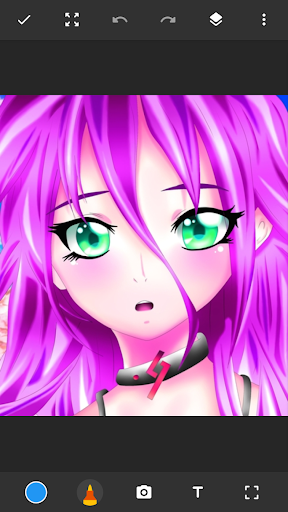
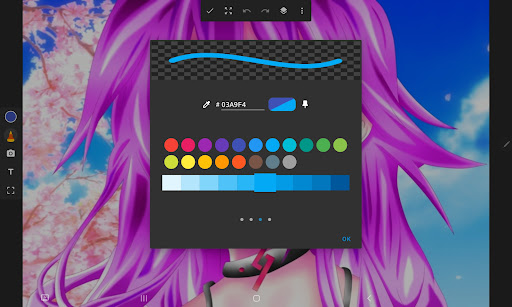
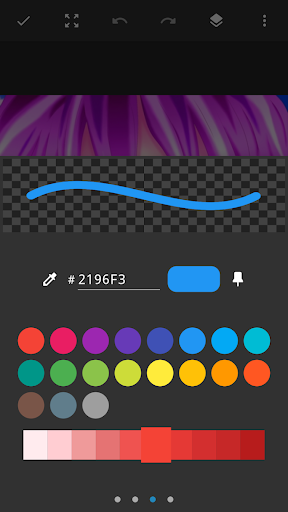
Furthermore, the app provides a •color palette designed to let your artwork burst with vibrant hues. Whether you’re coloring anime characters, creating detailed paintings, or designing manga scenes, the color toolset enables you to bring your visions to life with depth and vibrancy.
Drawing on Photos and Creating Digital Art Masterpieces
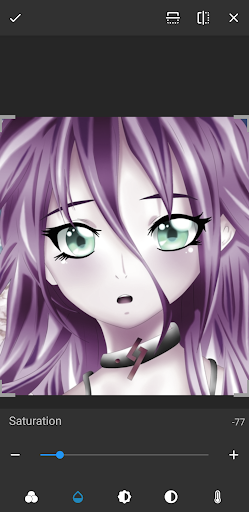
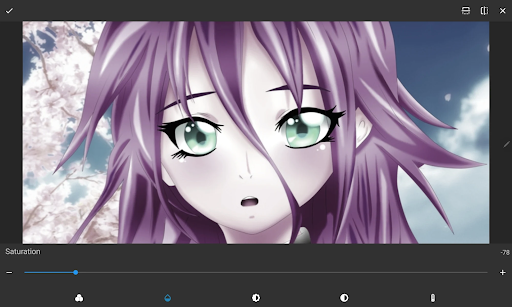
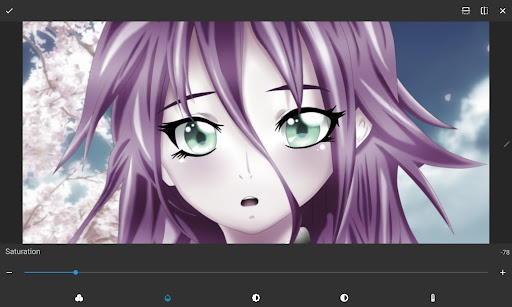
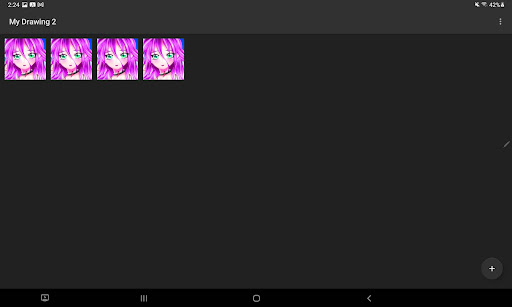
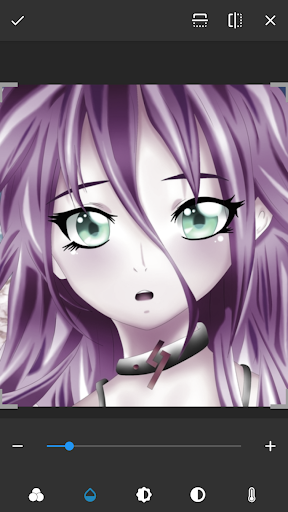
Sketchbook Lite - Artbook isn’t just about freehand sketching; it also lets you •draw on photos. This feature makes it perfect for photo editing, adding illustrations, or enhancing your images with artistic elements. Plus, with the ability to save your digital artworks in high resolution, you can easily share or print your masterpieces, ensuring your artwork looks stunning on any platform.
Perfect for Every Artist’s Needs
Whether you're doodling casually or working on detailed illustrations, Sketchbook Lite - Artbook adapts to your needs. The app’s •Create Amazing Digital Art features enable you to unleash your artistic potential, offering tools designed for precision and creativity. It combines the charm of traditional sketching with the convenience of digital editing, providing a comprehensive art studio right in your hands.
Why Choose Sketchbook Lite - Artbook?
If you seek a •drawing pad that offers powerful features yet remains simple to use, Sketchbook Lite - Artbook is a perfect choice. Its extensive customization options, layered support, and vibrant color tools make it suitable for both beginners and professional artists. Plus, its lightweight design ensures smooth performance on both Android and iOS devices, letting you sketch anytime, anywhere.
Embark on your artistic journey today with Sketchbook Lite - Artbook and transform your creative ideas into stunning digital artworks. Download now and experience the freedom of digital drawing combined with the joy of traditional sketching—anytime, anywhere.
Pros
- Intuitive interface suitable for beginners.
- A wide selection of brushes available.
- Supports editing with layers.
- Performs smoothly and responsively.
- Regularly updated with new features.
Cons
- Limited functionality in the free version.
- Does not include a text tool for annotations.
- Some features require an internet connection.
- Frequent advertisements can interrupt workflow.
- Does not offer advanced photo editing tools.











