

AI Drawing : Trace & Sketch
Discover the innovative AR Drawing app, a cutting-edge picture tracing application that empowers both beginners and seasoned artists to learn and enhance their drawing skills. Leveraging advanced AI Drawing technology, this app enables users to create stunning drawings and paintings simply by using their phone camera.
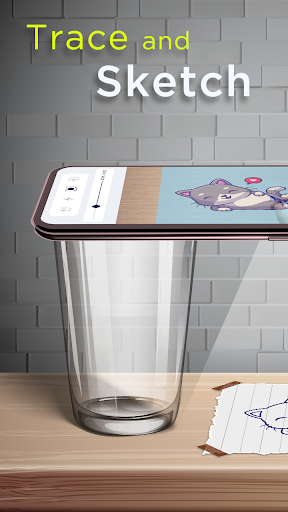
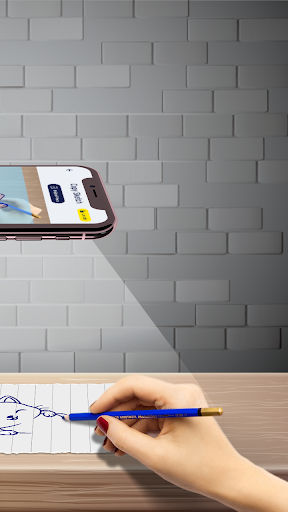
Whether you want to draw anything on any surface by projecting images or get inspired by AI-generated content, AI Drawing : Trace & Sketch offers a seamless experience. Just trace a projected image on paper or choose an image from your gallery, then use the app to turn your ideas into artistic creations. This app makes learning to draw as quick as three days, strengthening your skills while having fun.
Designed for all levels, the AR Drawing Trace to Sketch app is your perfect partner to unleash your creativity and explore new art possibilities. Its simple yet powerful features let you practice drawing, easily trace images, and even find the best images using its AI Image Creator. Search for images by describing what you want, and the AI will generate high-quality images for you to trace or sketch.
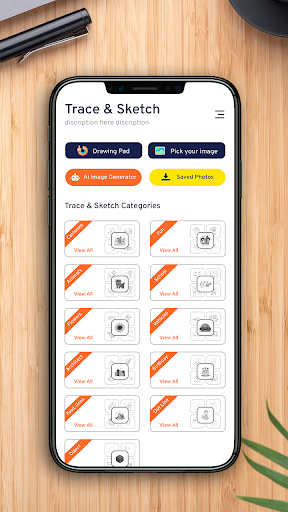
With an extensive library offering 200+ images across various categories—including Cartoons, Flowers, Vehicles, Food, Animals, Objects, and more—the app is a comprehensive tool for all creative minds.
Core Features of the Trace to Sketch App
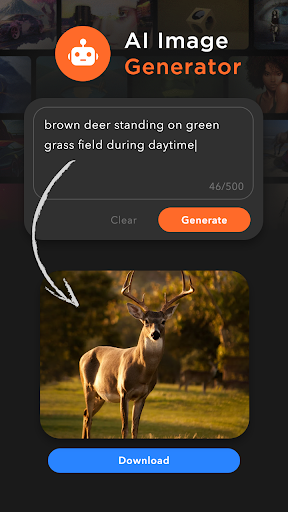
- AI Image Generator: Enter a description, generate an image, download it, and start tracing effortlessly.
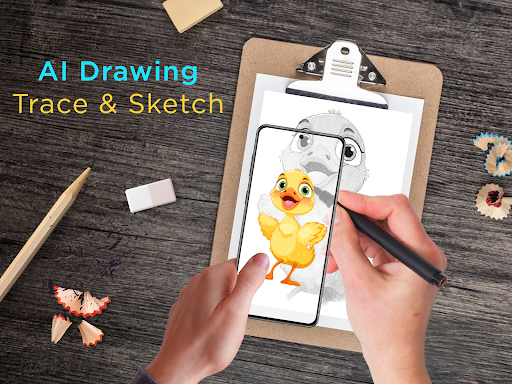
- Copy Sketch: Choose images from in-built categories or your device's gallery, then trace using the camera setup placed about one foot above your paper for accurate results.
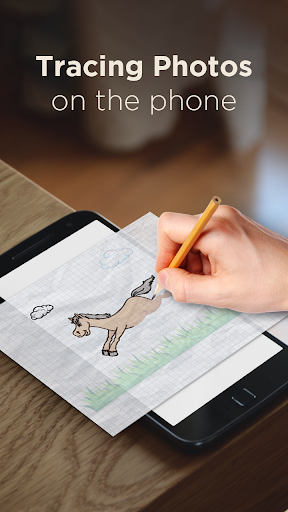
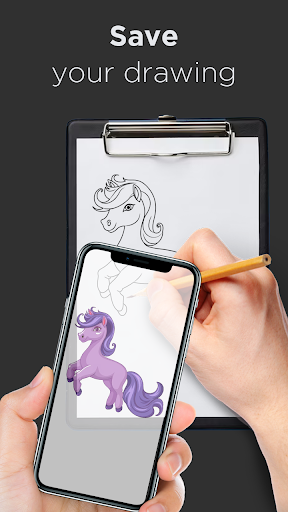
- Trace Sketch: Trace images directly on paper by overlaying a transparent image on your sketchbook while looking at your phone screen.
- Image To Sketch: Convert color photos into sketch modes with multiple stylized options for varied artistic effects.
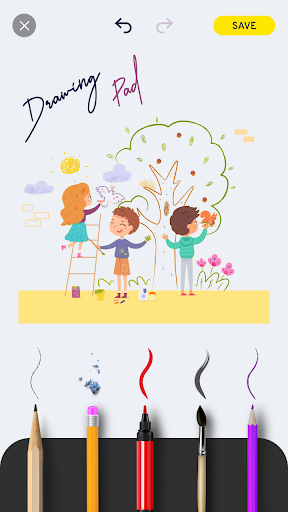
- Drawing Pad: Quickly sketch your ideas or practice new techniques on a dedicated digital sketchbook.
- Tracing Features: Select sample images or import your own, then trace them onto blank paper. Make images transparent, create line drawings, or turn photos into sketches for unique art pieces.
- Phone Camera Usage: Use your phone’s camera with built-in flashlight, turn images into sketches, or paint your creations directly.
- My Creations: View and manage all your sketchbook creations, download images, and share your artwork with friends.
Enhanced Drawing Experience
Enjoy a realistic drawing experience with tools like pencils, brushes, and erasers that simulate real-world art supplies. The app’s intuitive interface allows anyone—from fledgling artists to experienced illustrators—to create masterpieces with ease. The transparent overlay feature makes tracing simple and precise, aiding in the learning process.
Capture your art in high resolution and share it seamlessly across social media platforms, making it easy to showcase your progress and collaborate with others.
Unleash Your Creativity
If you’ve ever dreamed of transforming your doodles or casual sketches into something extraordinary, AI Drawing : Trace & Sketch is the perfect app to turn those visions into reality. Its layered guidance helps you follow along while drawing on paper, ensuring accuracy and confidence—even if you’re just starting out.
The app provides a variety of drawing tools and sketch modes for freehand creative expression, making it ideal for spontaneous ideas or detailed projects. Whether you're exploring abstract art, realistic portraits, or whimsical sketches, this app accommodates all styles with ease.
Furthermore, the integration of AI-generated images allows you to discover new creative directions. Describe an image concept, download the AI-crafted picture, convert it into a sketch, and then trace or color it—adding a professional touch at every stage.
Start Creating Today
Download AR Drawing : Paint & Sketch now to unlock limitless artistic potential. Whether you want to learn, practice, or just have fun expressing yourself, this app is your portable art studio. Embrace the fusion of technology and creativity and start sketching your masterpiece today!
Pros
- Intuitive and user-friendly interface.
- Wide range of sketching tools available.
- Supports high-resolution image files.
- Fast and easy image import process.
- Frequent updates enhancing features.
Cons
- Limited features available in the free version.
- Requires an internet connection to operate.
- Prone to occasional crashes.
- Contains advertisements in the free version.
- Does not support offline mode.











