

Discover the Elegance of Simple Drawing - Sketchbook: The Ultimate Digital Drawing App
Are you searching for the best drawing app for your pocket that combines simplicity with powerful features? Whether you’re a beginner or an experienced artist, Simple Drawing - Sketchbook offers an intuitive platform that allows you to create beautiful sketches effortlessly. With no need for paper or fancy tools, this app transforms your device into a portable art studio, enabling you to draw, doodle, and paint anytime, anywhere.
Why Choose Simple Drawing - Sketchbook?
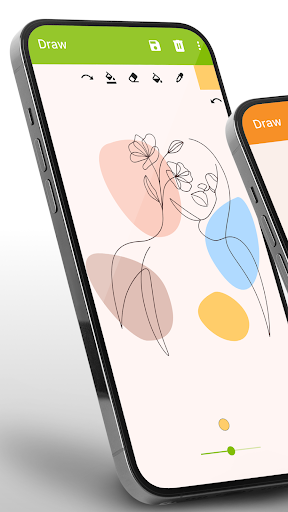
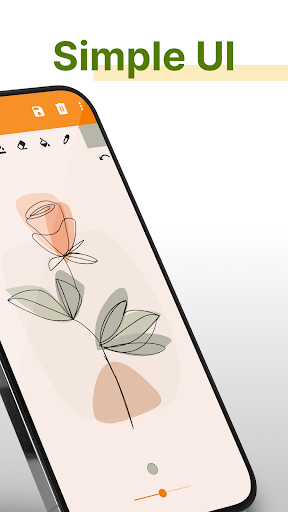
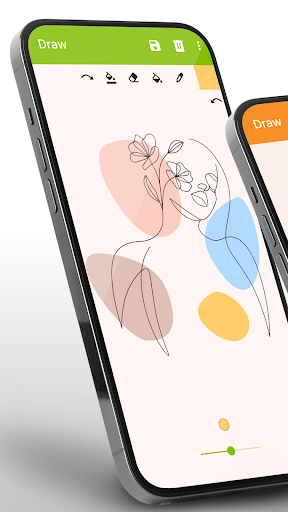
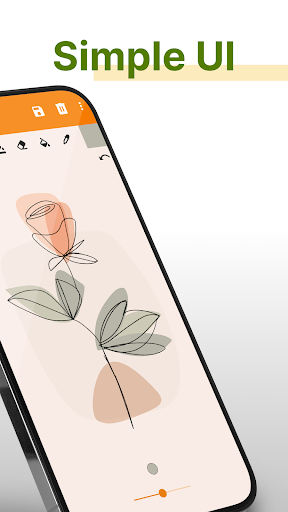
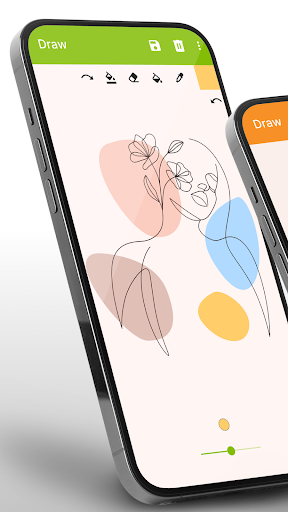
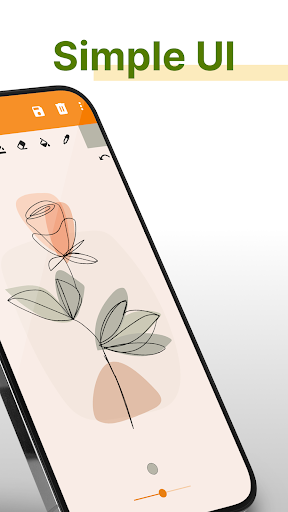
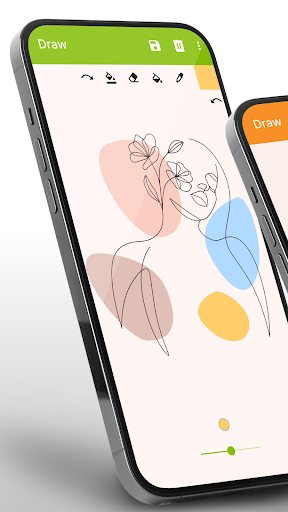
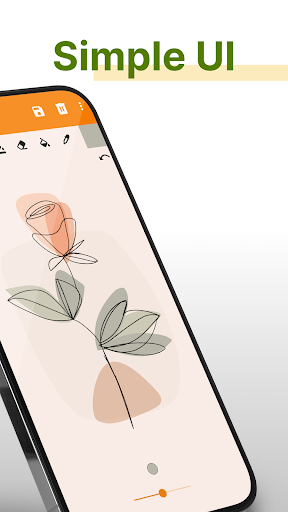
This popular sketchbook application is designed for quick sketching and easy painting. Its user-friendly interface encourages creativity without the clutter of complex menus or overwhelming options. Whether you want to share your fun doodles, refine sketches, or just relax with some spontaneous drawing, this app is your perfect companion. It supports offline & online work modes, so you can sketch without internet interference or upload your artwork whenever you’re connected.
Features That Make It Stand Out
Simple Drawing - Sketchbook is packed with features tailored for all skill levels, including:
✔️ Versatile Drawing Tools
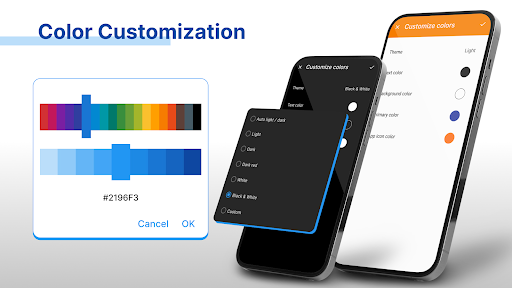
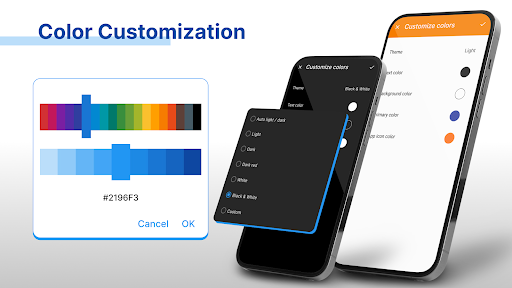
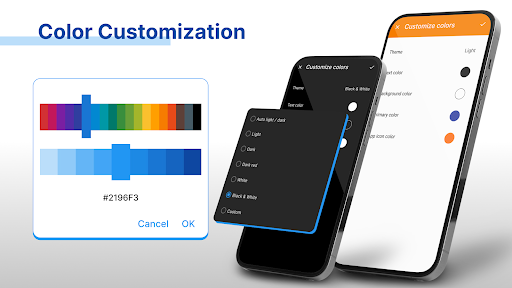
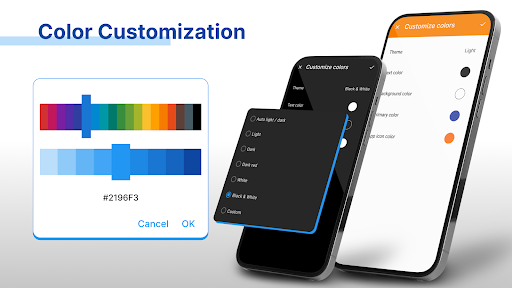
Choose from a variety of brushes, pens, and pencils—each mimicking real-life drawing instruments—and modify their size and color to suit your style. Whether you prefer vibrant colors or subtle shades, the extensive color palette allows you to create vivid and detailed artwork with ease.
✔️ Customizable Canvas
Change the background color or import images from your gallery to create layered designs. You can also open existing artwork files and continue enhancing your sketches.
✔️ Easy Editing Tools
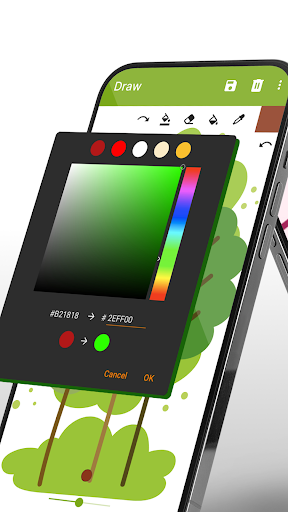
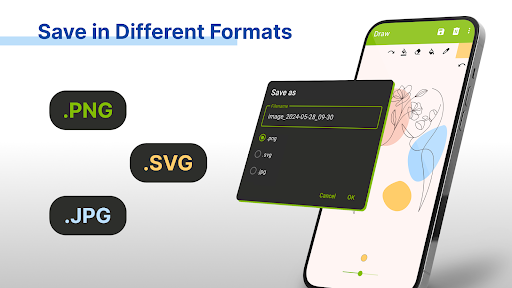
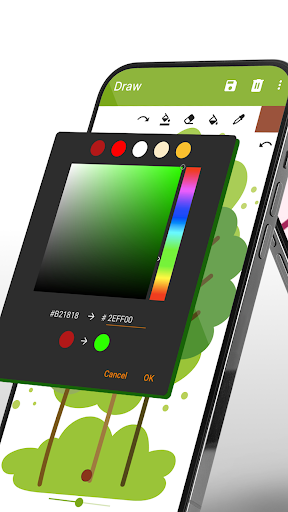
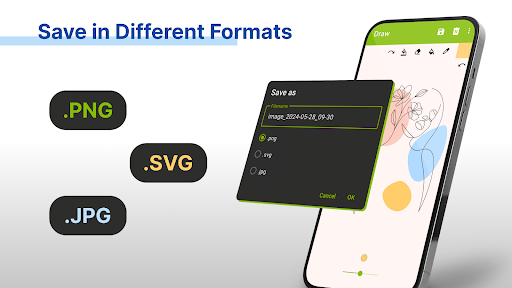
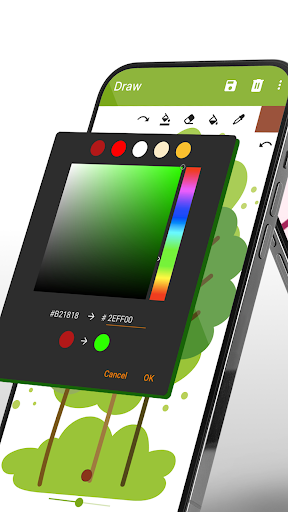
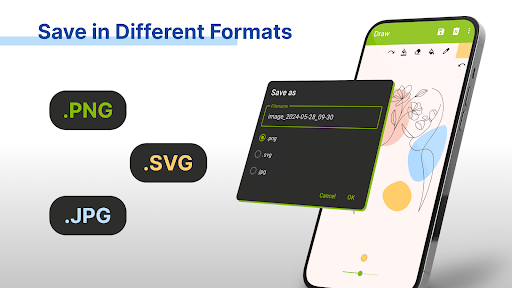
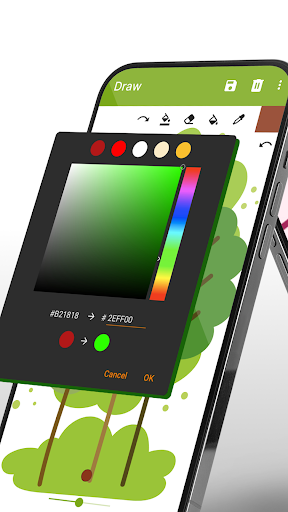
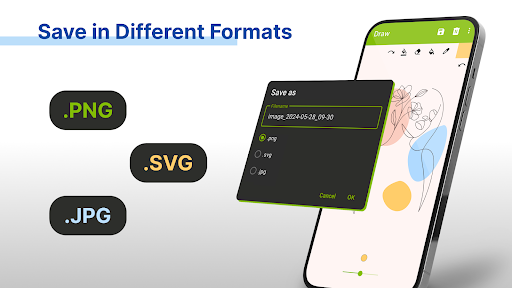
Use the eraser to correct mistakes, and add new colors by selecting from the palette or entering their hexadecimal codes. Supported formats include PNG, JPG, and SVG vectors, giving you flexibility for different purposes.
✔️ Sharing & Community
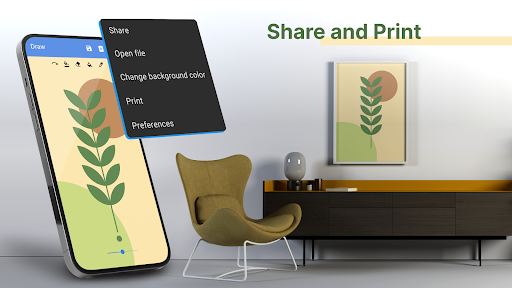
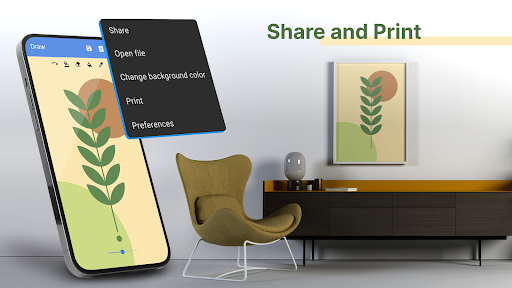
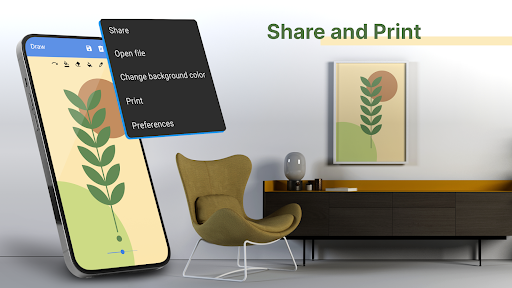
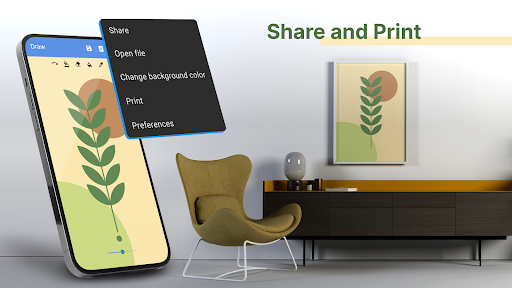
Share your artworks via email, social media, or export them for printing. The app seamlessly integrates with platforms like Instagram and Facebook, allowing you to showcase your creativity. Plus, join a community of fellow artists for inspiration, feedback, and fun challenges.
✔️ Accessibility & Compatibility
Designed for both kids and adults, Simple Drawing - Sketchbook works well on various devices. It’s perfect for beginners learning sketching or artists wanting a quick digital sketchpad during their busy day.
Unleash Your Creativity Anytime, Anywhere
This freehand drawing app is ideal for capturing spontaneous ideas, doodling during commutes, or honing your artskills at home. No matter your age or experience level, the app provides a fun and inspiring environment to explore your artistic side.
Perfect for Learning and Family Fun
Kids love to draw cars, animals, and flowers, helping them express feelings and ideas visually. Simple Drawing - Sketchbook supports learning sketching through playful drawing sessions, making it an excellent tool for families and educational activities. It’s a fantastic way to encourage creativity and artistic growth in children and beginners alike.
Get Started and Share Your Art
Downloading Simple Drawing - Sketchbook grants access to endless creative possibilities. Draw from scratch, edit your previous projects, or experiment with different colors and brushes. Once your masterpiece is complete, share it proudly on your favorite social networks or keep it stored in your digital sketchbook for future inspiration.
Conclusion
Looking for a robust yet simple drawing application? Simple Drawing - Sketchbook is your ideal digital art companion, offering a powerful drawing pad that fits right in your pocket. Its seamless performance, extensive tools, and user-friendly interface make it a top choice for artists, students, and casual doodlers alike. Dive into your artistic journey today—no paper needed, just your imagination and this versatile sketching app!
Pros
- User-friendly interface suitable for beginners
- Offers a wide range of brushes and tools
- Supports layers for creating detailed artwork
- Easy options to save and share your creations
- Regular updates introducing new features
Cons
- Free version has limited functionalities
- App occasionally crashes
- Advertisements can be disruptive
- Lacks a text tool for adding annotations
- Some features require an internet connection











