

Concepts: Sketch, Note, Draw - A Comprehensive Creative App
Ever faced that moment when you're overflowing with ideas but lack a proper space to jot them down? Concepts: Sketch, Note, Draw steps in as your ideal digital companion, seamlessly blending a notebook, whiteboard, and sketchpad into one powerful application. Whether you’re an artist, designer, or simply someone who loves doodling, this app transforms your creative flow, providing an intuitive platform to think, plan, and create.
Main Features of Concepts: Sketch, Note, Draw
Infinite Canvas for Limitless Creativity
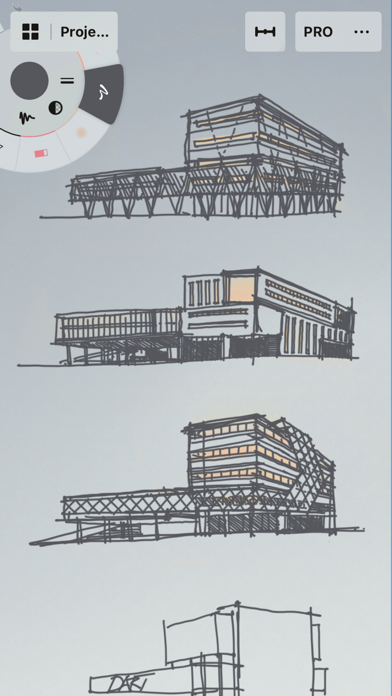
The standout feature of this app is its infinite canvas. Say goodbye to the constraints of traditional paper sizes — you can pan, zoom, and explore your ideas without boundaries. This makes brainstorming, storyboarding, product sketching, or doodling a fluid and unrestricted experience. You can easily organize your thoughts, experiment, and make adjustments, ensuring your ideas evolve naturally.
Realistic Tools and Versatile Brushes
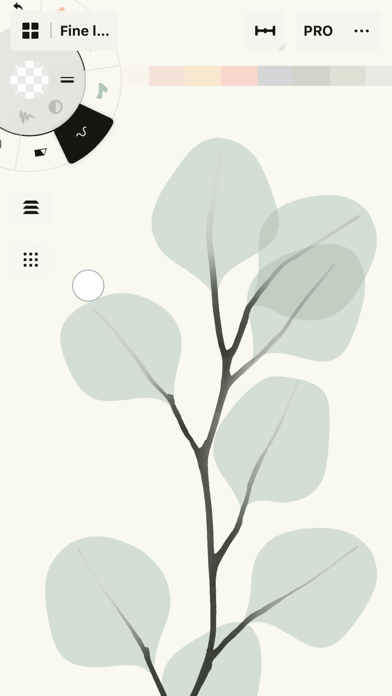
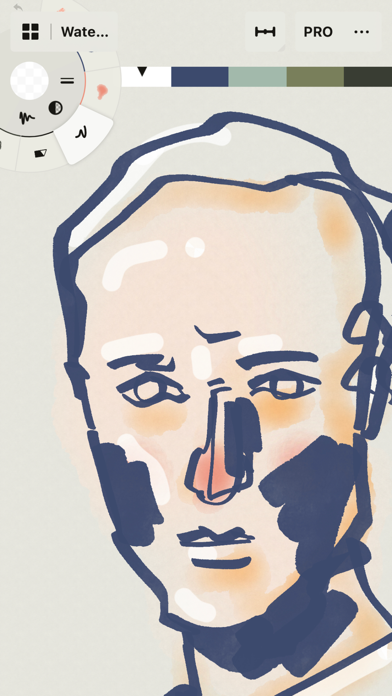
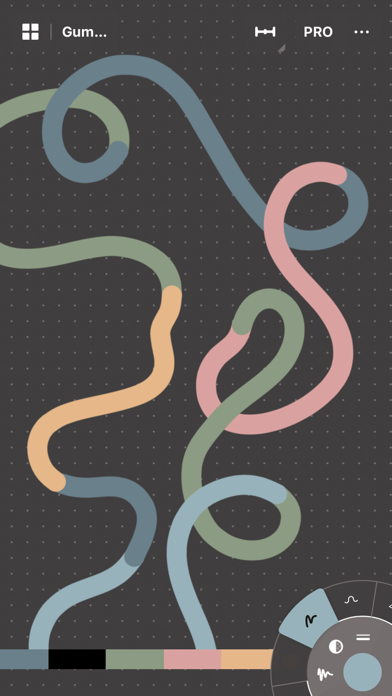
Concepts offers a rich palette of realistic pencils, pens, and brushes that respond dynamically to pressure, tilt, and velocity. With adjustable live smoothing, your strokes will look natural and professional. Whether you prefer watercolor effects, technical line work, or calligraphy, the app provides a wide array of tools to match your style. These tools make for a vector-based sketching experience, meaning every stroke is editable, scalable, and easy to refine.
Color Selection and Customization
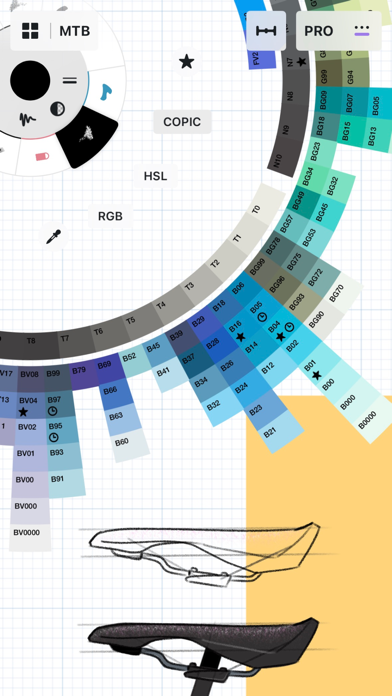
Getting the perfect color is effortless thanks to the intuitive HSL, RGB, and COPIC color wheels. You can experiment with color combinations that look great together and save your favorite palettes to maintain consistency across your projects. This feature is especially useful for artists and designers who focus on color harmony.
Layer Management and Editing Tools
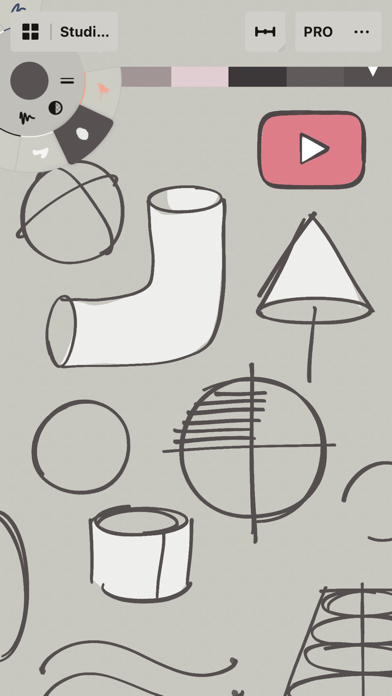
With an infinite layering system, you can organize your work neatly, adjust opacity, and automatically sort elements. The app’s selection, nudge, and slice tools allow you to easily modify and manipulate your sketches without redrawing. This vector-based approach ensures full flexibility and precision in your creative process.
Additional Features for Enhanced Creativity
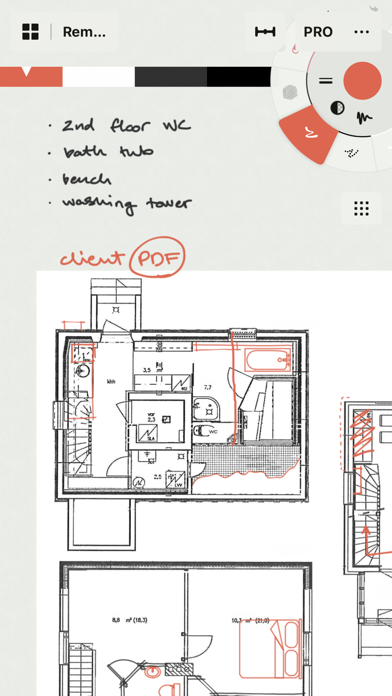
Personalize your workspace with options to customize your canvas, tools, gestures, and more. Drag and drop images onto the canvas for reference or tracing. Export your work as images, PDFs, or vector files for printing, sharing, or further editing. Whether you’re working on sketches, notes, storyboards, or detailed illustrations, Concepts adapts to your workflow.
Free and Premium Options for Every Creative Need
Free Features
The free version lets you enjoy endless sketching on the infinite canvas, access a selection of paper types and tools, and use the full COPIC spectrum alongside RGB and HSL color wheels. With five layers and unlimited drawings, you can explore your ideas freely. Export options include JPG format for sharing and quick feedback.
Premium Subscription Benefits
Upgrade to subscribe and unlock every library, service, and feature, including new updates. Your premium access works across Android, ChromeOS, iOS, and Windows. Try premium free for 7 days to experience the full potential of Concepts.
One-Time Purchases
Lock in lifetime access by purchasing the Essentials package, which unlocks essential editing tools, unlimited layers, shape guides, custom grids, and export options like PNG, PSD, SVG, and DXF. Additional advanced brushes and PDF workflows are available separately, tailored for professional use.
Why Creators Love Concepts: Sketch, Note, Draw
This app is trusted by industry leaders like Disney, Playstation, Philips, HP, Apple, Google, Unity, and Illumination Entertainment to develop and realize extraordinary ideas. It’s designed to be fast, smooth, and responsive on pen-enabled devices and Chrome OS, providing a seamless creative experience. The interface is intentionally minimalistic and user-friendly, allowing you to focus solely on your ideas without distraction or learning hurdles.
Whether you’re sketching, note-taking, storyboarding, or designing, Concepts offers the flexibility, precision, and tools to bring your visions to life. Its collaborative features make it easy to share your work and obtain feedback, making it a versatile choice whether you're working solo or with a team.
Pros
- Intuitive user interface design.
- Wide range of drawing tools available.
- Supports multiple file formats.
- Seamless synchronization across devices.
- Responsive and lag-free performance.
Cons
- Limited features in the free version.
- Occasional app crashes reported.
- Offline mode is not available.
- Steep learning curve for beginners.
- Intrusive advertisements in the free version.










