

Introducing the Remote for Fire TV & FireStick App
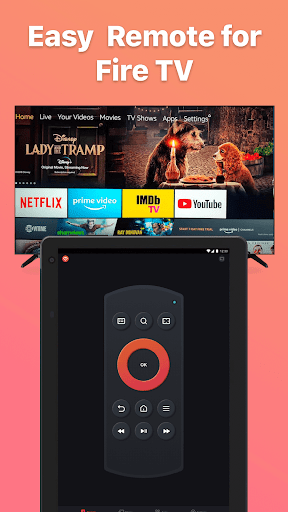
Struggling to find your TV remote? The Remote for Fire TV & FireStick app is a game-changer that transforms your Android or iOS device into a fully functional remote control for your Fire TV devices. This intuitive app supports various devices including •Fire TV Box, •Fire TV Stick, •Fire TV Cube, and •Fire TV. With seamless wireless connectivity, you can effortlessly control your Fire TV using your smartphone, making entertainment management more convenient and fun.
Key Features of Remote for Fire TV & FireStick
Full Remote Control Experience
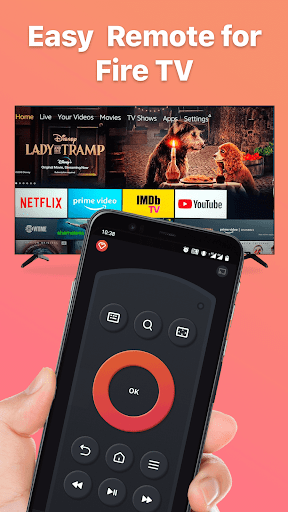
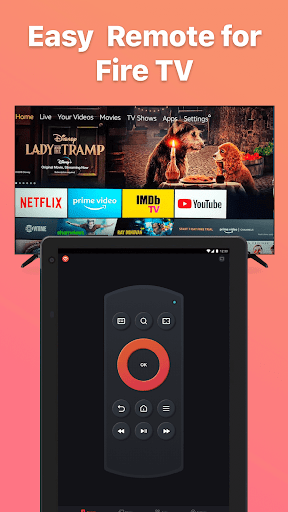
The app acts as a complete remote control, allowing you to navigate your Fire TV interface with simple touch gestures. Whether you want to scroll through menus or select your favorite apps, this app replicates the real Fire TV remote experience with the added convenience of your mobile device.
Keyboard and Search
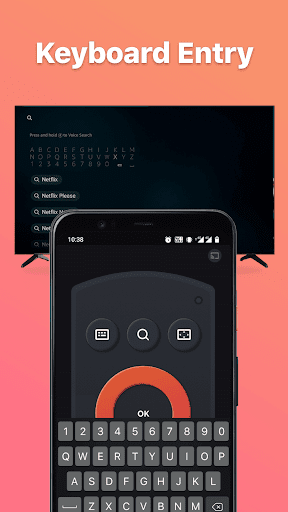
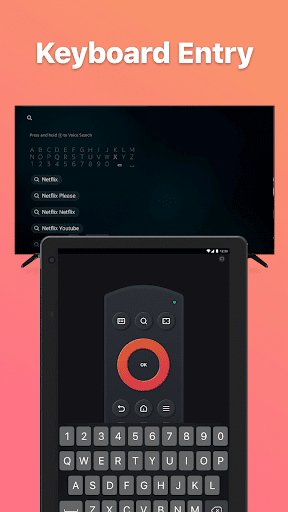
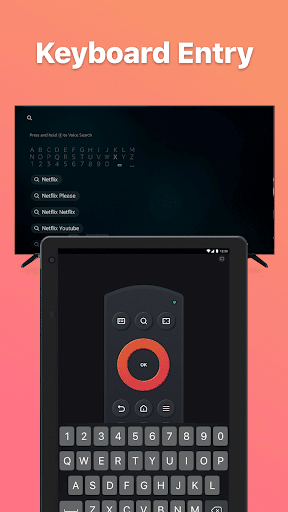
Typing can be tedious with traditional remotes, but with this app’s keyboard feature, entering text for searches, passwords, or login credentials becomes fast and easy. Say goodbye to clumsy scrolling and hello to quick text input.
Quick Access & Favorite Content
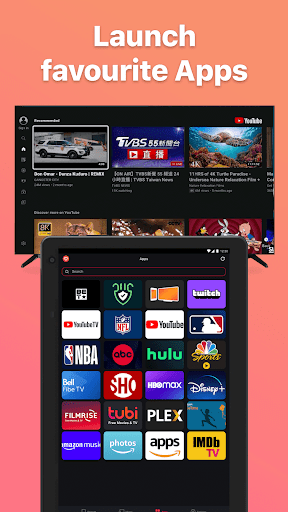
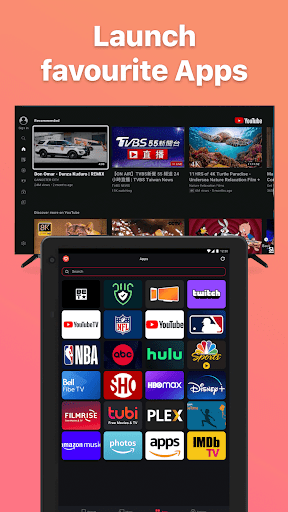
The app provides quick access to your favorite channels and apps, saving you time and effort. You can customize shortcuts to your most-watched content for even faster navigation.
Screen Mirroring & Casting
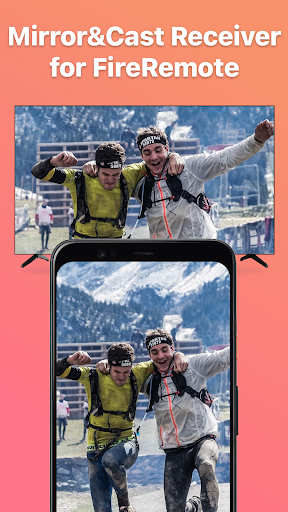
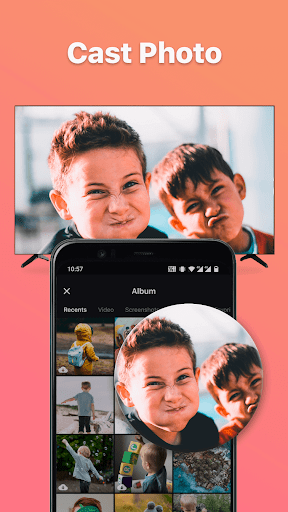
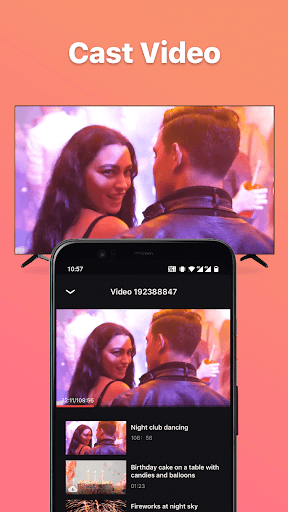
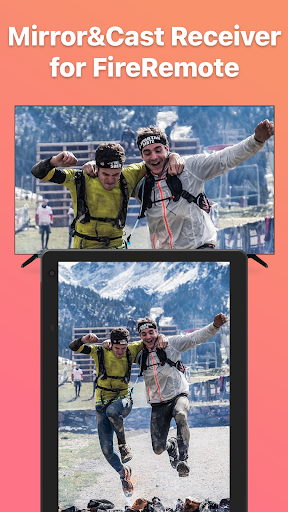
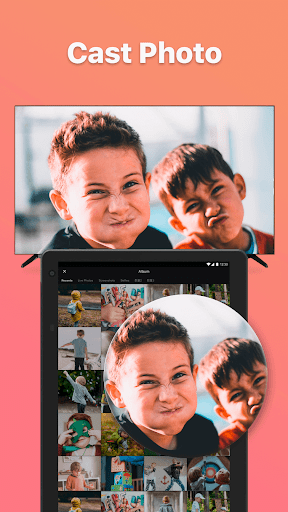
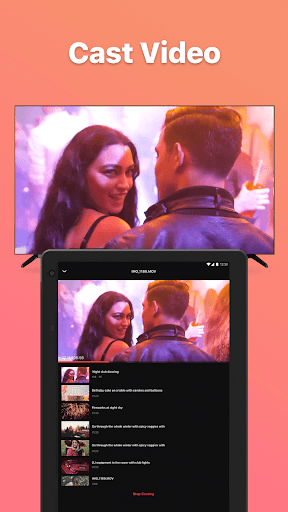
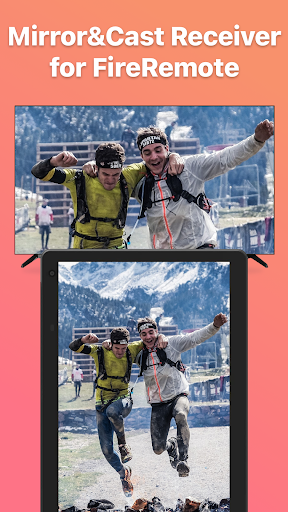
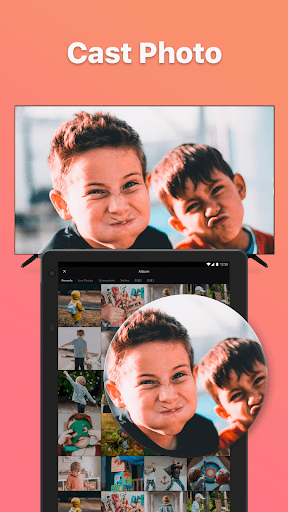
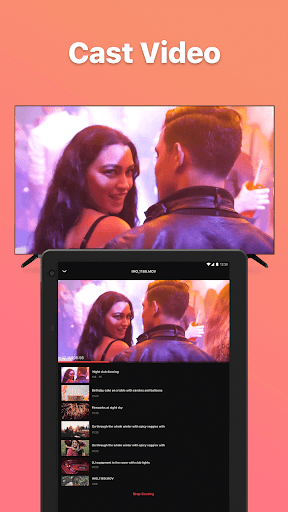
Get ready to share photos, videos, or even mirror your phone's screen to your Fire TV with minimal latency. To ensure a smooth casting experience, just download our companion app, Screen Mirroring Receiver for Fire TV. Connect your phone and Fire TV to the same Wi-Fi network, then seamlessly mirror or cast content directly from your device.
Power & Volume Controls
Controlling your TV's power and volume is straightforward with dedicated button controls. Turning your Fire TV on or off, adjusting sound levels, or muting your device is just a tap away.
How to Connect Your Device
- Enable ADB Debugging on your Fire TV device.
- Ensure your Fire TV is connected to your home Wi-Fi network.
- Connect your Android or iOS device to the same Wi-Fi network.
- Open the app and tap to search for devices; it will automatically detect your Fire TV or Fire Stick.
Note: For smooth screen mirroring and casting, download our Screen Mirroring Receiver for Fire TV app on your Fire device.
Troubleshooting & Tips
Having trouble connecting? Make sure both your device and Fire TV are on the same Wi-Fi network. If issues persist, reinstalling the app and rebooting your Fire device often resolves connection problems.
Please note that BoostVision is not affiliated with Amazon.com Inc., and this application is not an official Amazon product.
Enhanced Viewing Experience
Enjoy a Smarter TV Control
This app is designed to offer an intuitive and convenient way to control your Fire TV, making the experience more seamless than ever. The voice search feature allows you to find your favorite shows and movies without lifting a finger, adding a hands-free element that enhances your entertainment experience.
Multiple Device Management
If your household has multiple Fire TV devices, the app enables you to switch between them effortlessly. This feature makes it a great choice for family homes or shared spaces where multiple streaming devices are in use.
Secure & Easy Setup
The setup process is straightforward, requiring just a few steps to enable debugging and connect on the same network. Once connected, you'll enjoy fast, reliable control directly from your smartphone or tablet.
Why Choose Remote for Fire TV & FireStick?
Whether you’re a tech enthusiast or someone who often misplaces the remote, this app provides a cost-effective, easy-to-use, and feature-rich solution. With functionalities like screen mirroring, voice search, and customized shortcuts, it elevates your Fire TV experience while reducing the hassle associated with traditional remote controls.
Download the Remote for Fire TV & FireStick today and enjoy a smarter, more convenient way to control your entertainment setup. Never worry about lost remotes again and bring your Fire TV to your fingertips!
Pros
- Seamless integration with Fire TV
- User-friendly interface
- Quick setup process
- Wide range of control features
- Supports voice commands
Cons
- Requires a stable internet connection
- Limited to Fire TV devices
- Occasional lag with older devices
- Ads in the free version
- No support for other streaming devices











