

Introducing Tayasui Sketches: The Ultimate Digital Sketchbook
If you have a passion for doodling, sketching, or digital art, Tayasui Sketches is an app you should definitely explore. Renowned for its simplicity and powerful features, this intuitive drawing tool transforms your smartphone or tablet into a seamless digital sketching experience. Whether you're a casual artist or a professional illustrator, Tayasui Sketches offers everything you need to bring your creative ideas to life with remarkable ease and realism.
Unparalleled User Experience and Interface
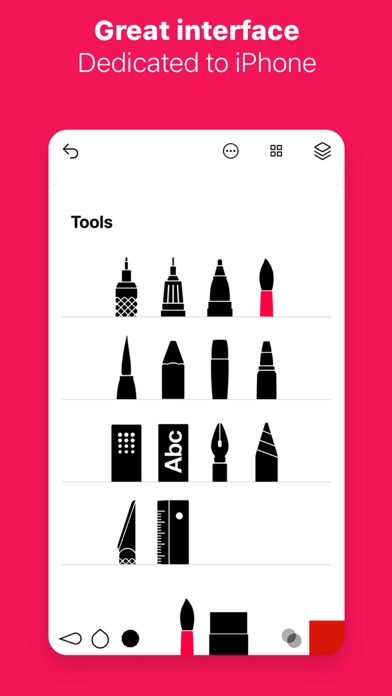
One of the standout qualities of Tayasui Sketches is its sleek, minimalistic design. The clean interface ensures that even beginners can navigate the app effortlessly, without feeling overwhelmed by complex menus or cluttered tools. Despite its simplicity, the app is loaded with a wide range of features that cater to various artistic styles and needs. Its user-friendly layout allows artists to focus on their creativity, making digital drawing more accessible and enjoyable.
Realistic Tools for Authentic Artistry
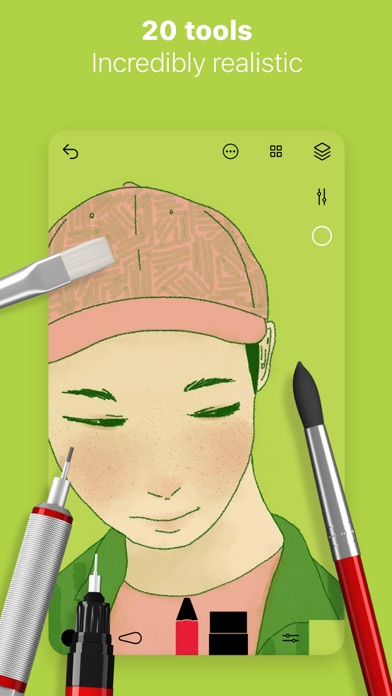
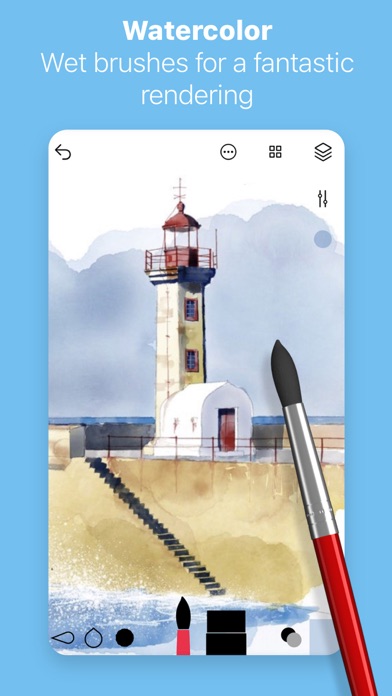
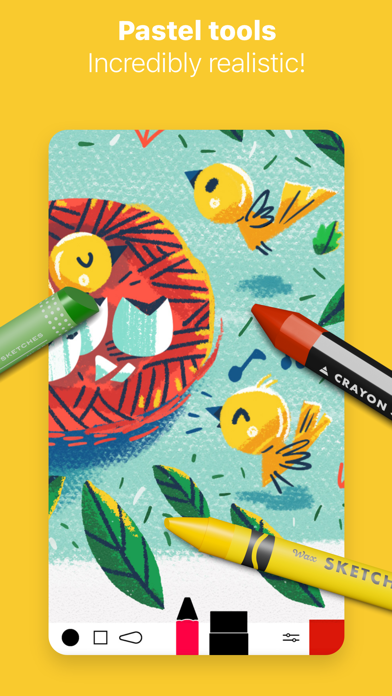
At the core of Tayasui Sketches are its authentic, high-quality brushes that replicate traditional artistic tools. You'll find brushes modeled after pencils, watercolors, felt pens, and more. Each tool behaves just as its real-world counterpart, supporting pressure sensitivity and tilt—particularly when using stylus devices like the Apple Pencil or compatible styluses. The standout feature is the watercolor brush, which beautifully blends colors, creating stunning effects akin to real watercolors on paper. These rich, realistic brushes help artists achieve professional-grade results directly on their digital canvas.
Enhanced Customization and Layer Management
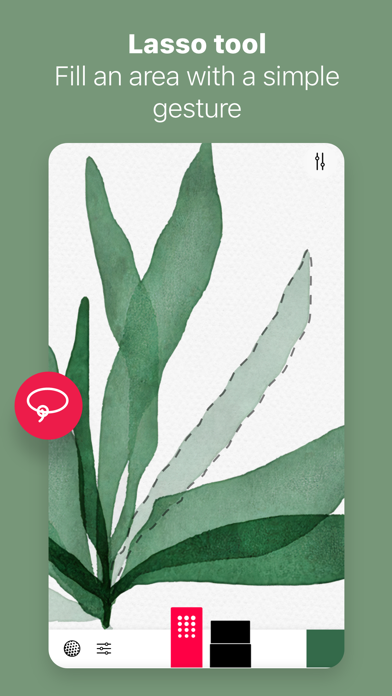
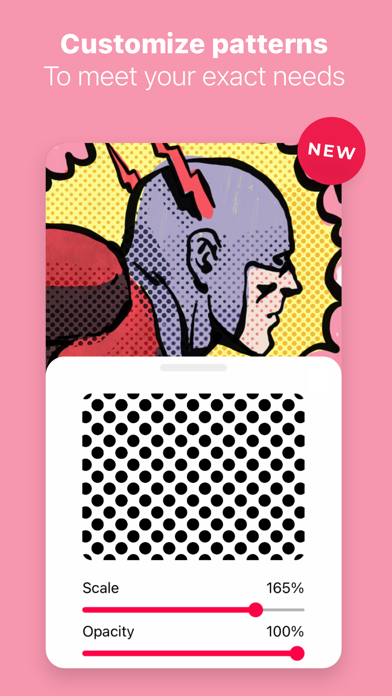
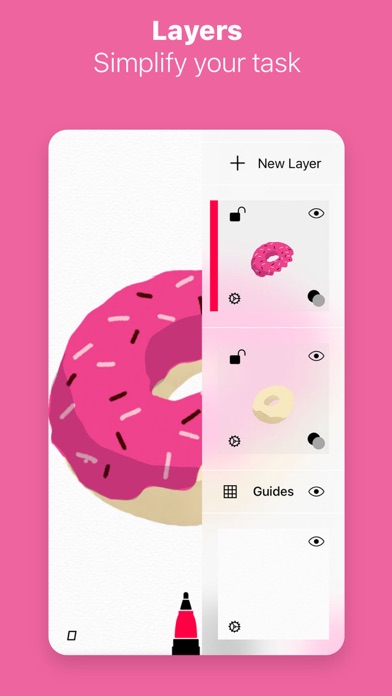
Customization plays a vital role in digital art creation, and Tayasui Sketches excels in providing comprehensive control options. You can adjust brush sizes, opacity, and colors to perfectly match your artistic vision. The support for layers enhances workflow flexibility, allowing artists to add depth, isolate elements, or experiment without risking the integrity of the entire piece. Reordering layers or adjusting their transparency is simple, offering a non-destructive workflow that encourages experimentation and refinement.
Import, Export, and Device Compatibility
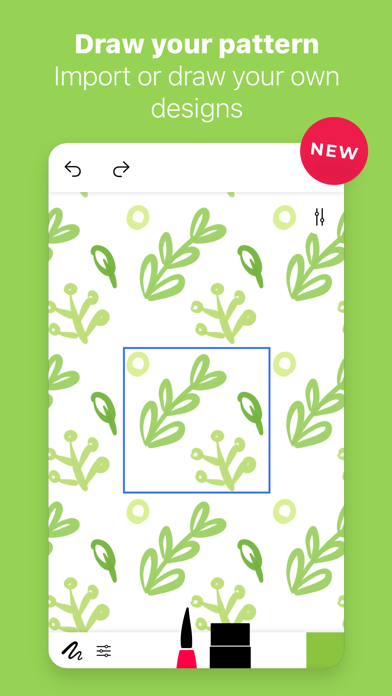
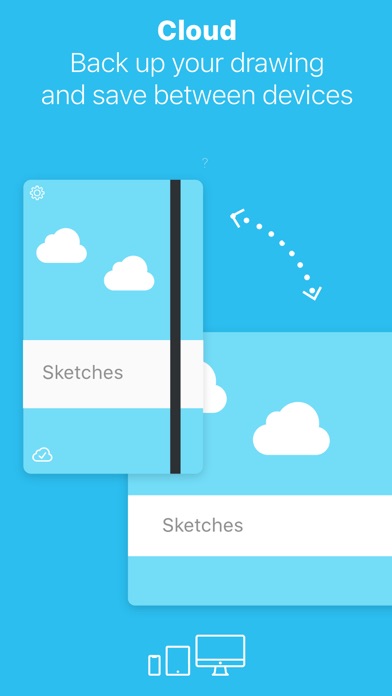
Whether you're sharing your artwork or continuing your projects across devices, Tayasui Sketches has you covered. The app supports importing and exporting files in multiple formats, enabling seamless transfer of projects. It works flawlessly across both Android and iOS devices, providing a consistent experience regardless of your device choice. Plus, it adapts well to tablets for a broader drawing area or smartphones when inspiration strikes on the go. With stylus support, it offers precision, making detailed sketches effortless.
Premium Features to Elevate Your Creativity
For artists seeking advanced capabilities, Tayasui Sketches offers Pro options. These include additional tool variants, more layers, and exclusive effects that enhance creative possibilities. Subscribers can enjoy the brush editor for customizing brushes, advanced sharing options, and additional export functionalities. A free trial is often available for new users to explore premium features, and subscription plans are flexible—offering weekly or yearly options with easy management through app stores. It's a worthwhile investment for those serious about refining their digital artwork.
Conclusion: A Must-Have for Artists of All Levels
Overall, Tayasui Sketches combines intuitive design with professional tools to create a versatile digital sketchbook. Its realistic brushes, flexible layer management, and cross-platform compatibility make it an excellent choice for anyone looking to elevate their art. Whether you're just starting your creative journey or seeking a reliable tool for professional projects, Tayasui Sketches delivers a natural, responsive, and inspiring drawing experience that encourages artistic expression. Give it a try and unlock your creative potential today!
Pros
- User-friendly interface suitable for users of all ages.
- A variety of brushes to enhance creative expression.
- Supports layers, enabling the creation of complex artworks.
- Provides smooth and responsive drawing experience.
- Includes offline mode for use without an internet connection.
Cons
- Free version offers limited features.
- May experience occasional lag on older devices.
- Lacks direct options for sharing on social media platforms.
- Brush customization options are limited.
- Full access requires making in-app purchases.










