




Introduction to MapXplorer: Navigation, Radar
Are you searching for a reliable navigation app that offers seamless offline maps and real-time radar features? MapXplorer: Navigation, Radar is designed to provide an efficient and stress-free travel experience. Whether you're exploring uncharted territories or navigating busy city streets, this app acts as your virtual travel companion, ensuring you reach your destination with ease and confidence.
Key Features of MapXplorer
Offline Maps and Navigation
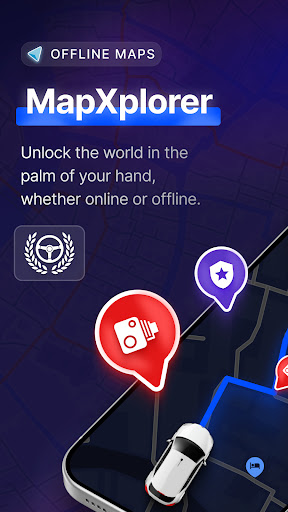
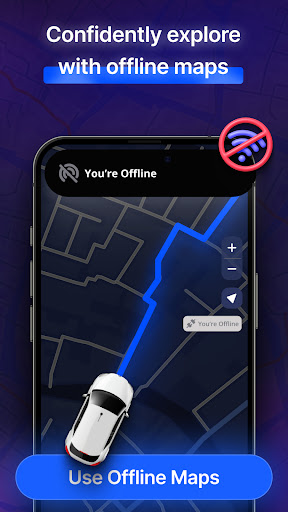
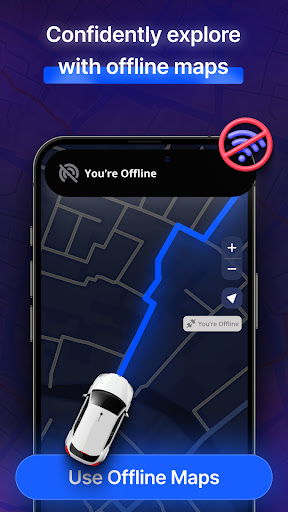
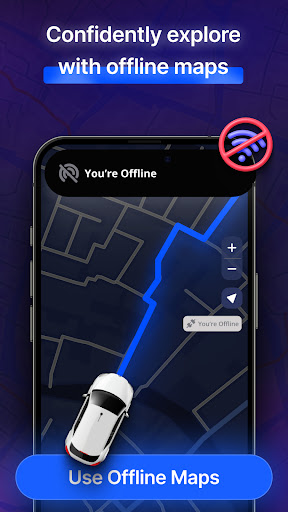
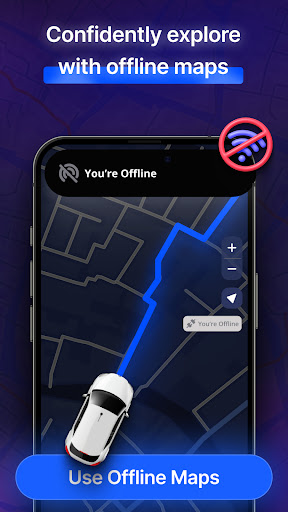
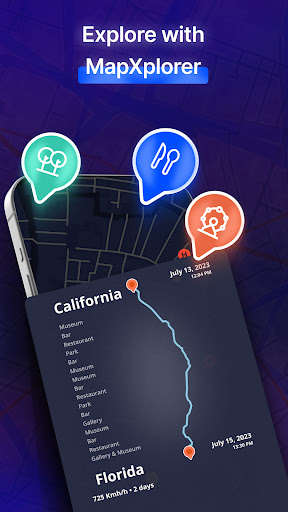
One of the standout features of MapXplorer is its robust offline mapping capabilities. You can effortlessly download maps for your favorite destinations and access them without an internet connection. This means no more worries about data usage or losing signal in remote areas. The app’s offline search function allows you to find essential points of interest, routes, and locations even when you're offline, making it ideal for international travel, adventure trips, or remote excursions.
Radar and Surroundings Awareness
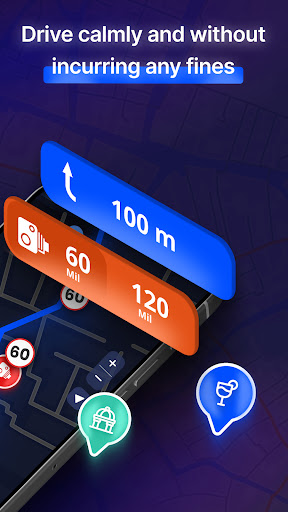
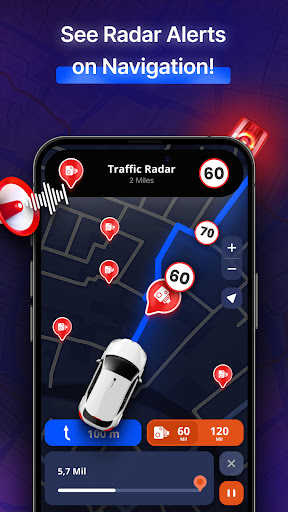
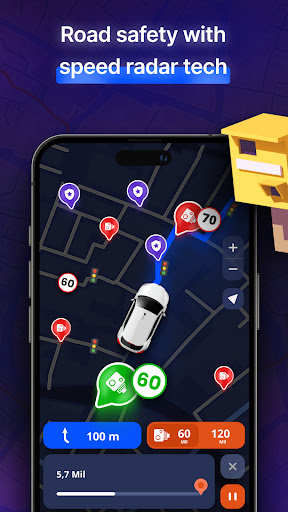
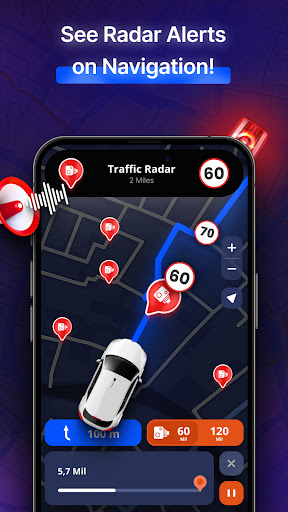
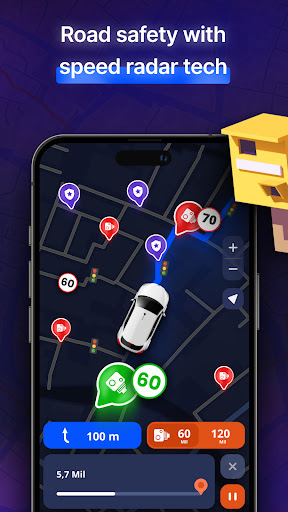
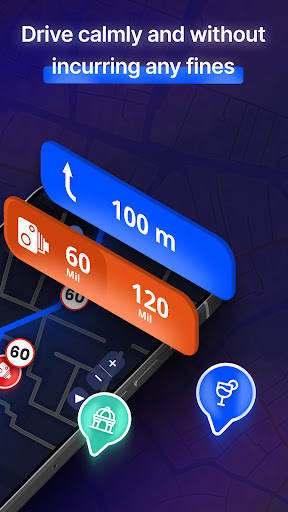
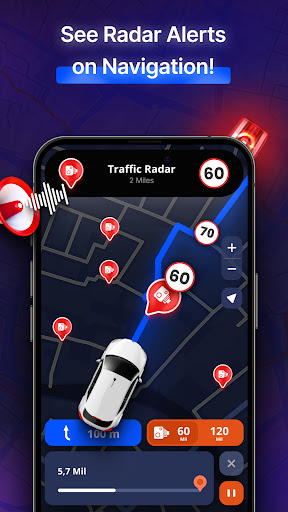
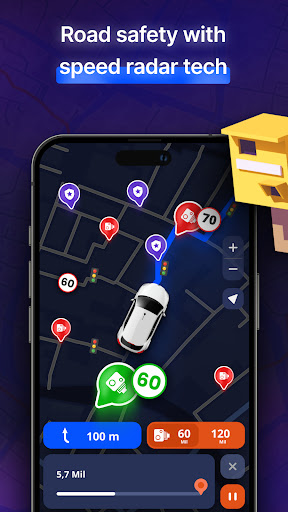
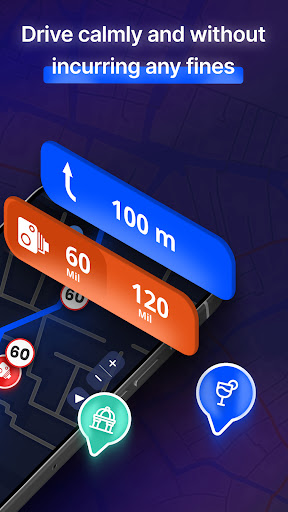
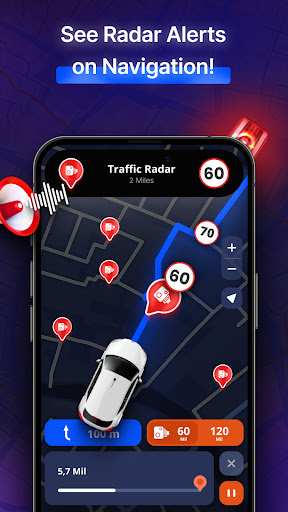
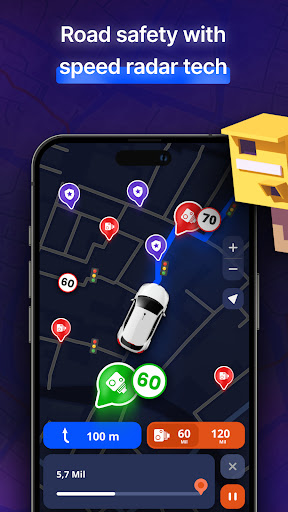
The radar feature keeps you aware of your surroundings with real-time notifications. With a built-in speed camera detector, you can stay ahead of potential hazards and speed traps. Discover nearby points of interest, vital amenities, or exciting local attractions on your route. This system heightens your situational awareness, whether you're hiking in nature or navigating city streets, making every journey safer and more enjoyable.
3D & Satellite View
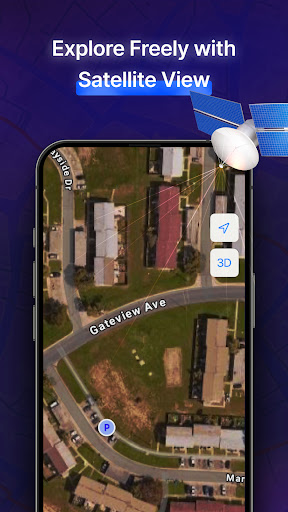
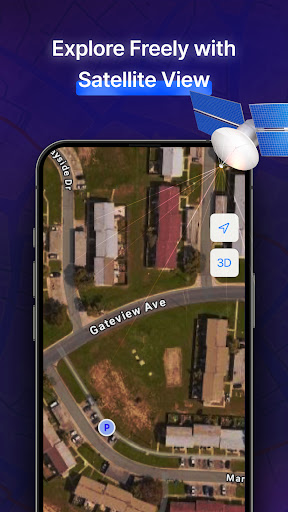
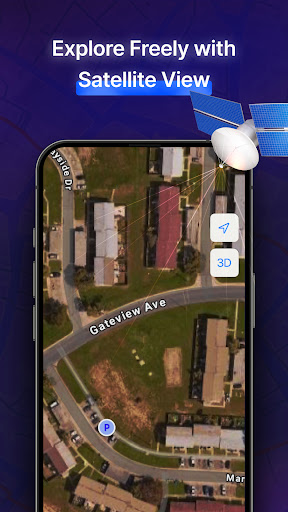
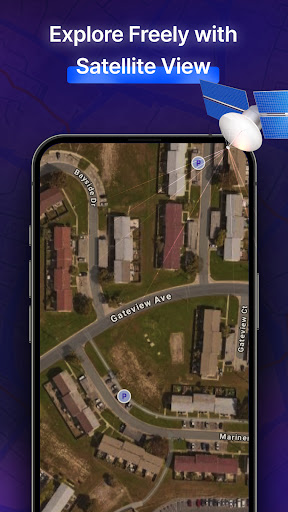
Explore your environment in stunning detail with 3D and satellite map views. This realistic visualization allows you to familiarise yourself with cities, landmarks, and routes from above. Use the satellite mode to perform detailed searches or immerse yourself in the landscape, providing a comprehensive perspective of unfamiliar areas.
AI Co-Pilot for Enhanced Driving
The AI Co-Pilot feature elevates your driving experience by offering intelligent, real-time voice guidance. It provides smart route suggestions, personalized driving tips, and adapts to your driving style. Whether navigating through traffic or on long road trips, your AI assistant helps you stay safe and on the best route, ensuring a smooth journey every time.
Points of Interest & Real-Time Alerts
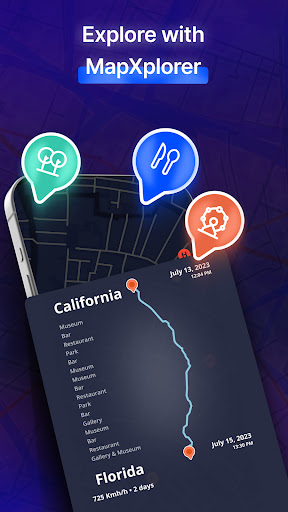
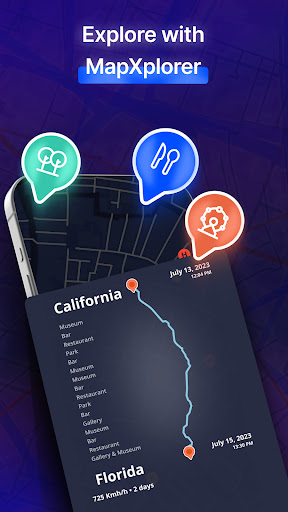
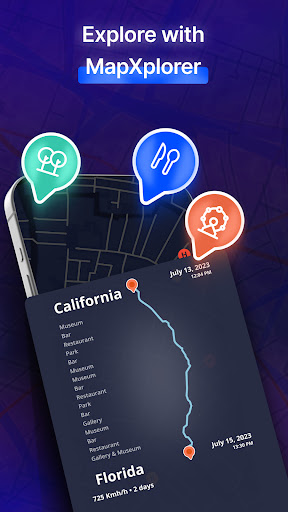
Discover interesting places nearby or at your destination with detailed info. The app also warns you in advance about speed traps, road hazards, traffic jams, accidents, police activity, and other potential obstacles. These real-time alerts keep you informed so you can adjust your plans promptly and travel confidently.
Navigation Customization & Vehicle Support
Plan routes tailored to your vehicle type — be it cars, trucks, or motorcycles. Customize route preferences like avoiding tolls or choosing scenic paths. This flexibility ensures your navigation aligns with your travel needs and preferences for a more personalized experience.
User-Friendly and Secure
The app boasts an intuitive interface that makes searching for locations, saving favorites, and navigating maps straightforward. Security is a priority; your location data is used solely for navigation purposes, maintaining your privacy and peace of mind during your trips.
Real-Time Traffic and Road Issue Alerts
Stay informed with real-time traffic updates and road issue warnings. Receive alerts about traffic jams, road hazards, accidents, and even mobile radars, police, helicopters, or drones—helping you avoid delays and stay safe.
Subscription and Premium Features
The core experience of MapXplorer is free, but subscribing unlocks exclusive features, advanced tools, personalized insights, and an ad-free environment. Enjoy continuous updates and support your navigation convenience by managing your subscription easily within the app settings. Subscription auto-renews but can be canceled at any time.
Conclusion: The Ultimate Navigation Companion
In summary, MapXplorer: Navigation, Radar combines powerful offline maps, real-time radar, detailed 3D views, and intelligent AI assistance to make your journeys safer and more enjoyable. Whether you're planning a road trip, exploring urban landscapes, or venturing into the wilderness, this app provides all the tools you need for efficient, stress-free travel. Embrace the future of navigation and discover new places with confidence—download MapXplorer today and take your navigation experience to the next level.
Pros
- User-friendly interface for straightforward navigation
- Precise real-time traffic information
- Offline maps available for remote regions
- Custom route planning capabilities
- Supports multiple languages for international users
Cons
- High battery usage while in use
- Occasional crashes on older devices
- Smaller POI database compared to competitors
- Requires frequent map updates for accuracy
- Advertisements shown in the free version











