

Introduction to PhotoGrid: Video Collage Maker
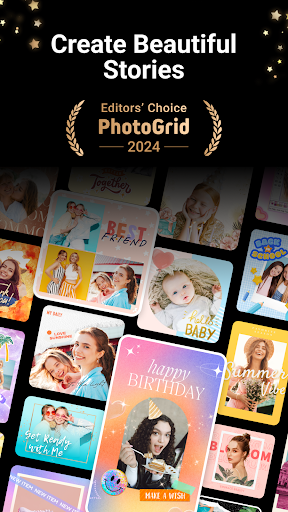
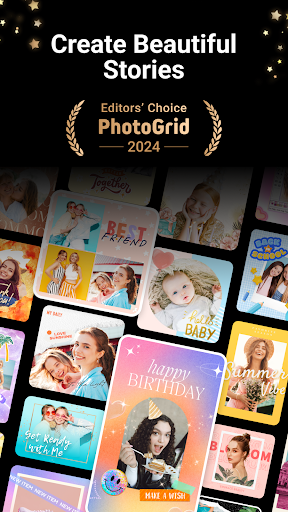
Are you looking for a versatile app to enhance your photos and videos effortlessly? PhotoGrid: Video Collage Maker is a comprehensive tool designed to cater to both casual users and professional content creators. Whether you're aiming to craft stunning social media posts, lively video collages, or personalized photo layouts, this app has you covered. It offers a wide array of features, including a large library of templates, advanced editing options, and seamless social media integration, making it an ideal choice for anyone eager to elevate their visual content.
Intuitive User Interface and Ease of Use
When you launch PhotoGrid, you're greeted with a clean, user-friendly interface that makes navigation straightforward and enjoyable. The main dashboard provides quick access to essential functions such as creating collages, editing videos, and adding decorative elements. Its intuitive design ensures a smooth experience whether you're a novice or an experienced editor, allowing you to bring your creative ideas to life with minimal effort.
Key Features That Make PhotoGrid Stand Out
Versatile Collage Creation
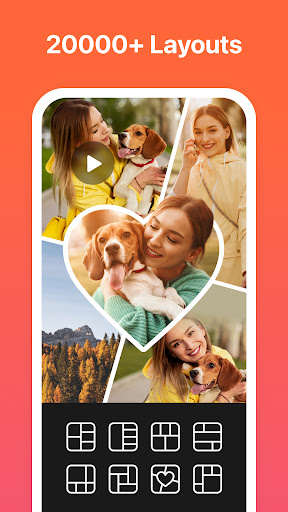
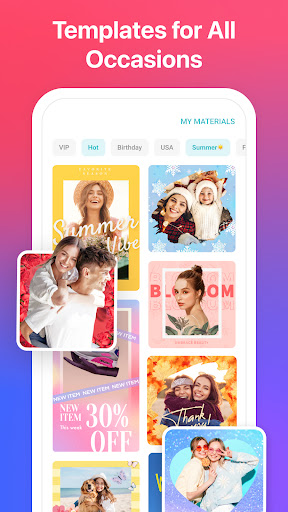
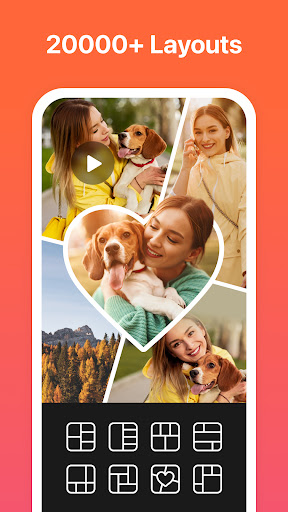
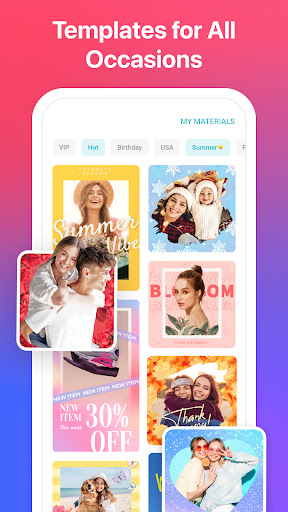
With over 20,000+ templates and layouts, PhotoGrid empowers users to craft personalized photo collages with ease. You can remix up to 16 photos in a single collage, creating fun and unique layouts such as filmstrips or scrapbook-style designs. The app also supports customizing aspect ratios to perfectly fit platforms like Instagram, Facebook, or Pinterest, enabling your content to shine wherever it is shared.
Powerful Video Editing and Video Grid Maker
Not just for photos, Video Grid Maker allows you to combine multiple videos into engaging video grids, perfect for showcasing vacation moments or event highlights. You can trim, synchronize multiple clips, and add blurred backgrounds without cropping, avoiding unwanted watermarks. Up to 4 videos can be combined simultaneously, providing ample creative flexibility.
Advanced Editing Tools
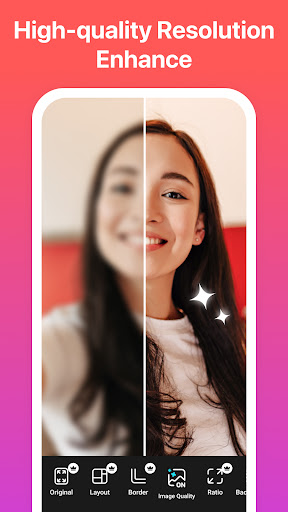
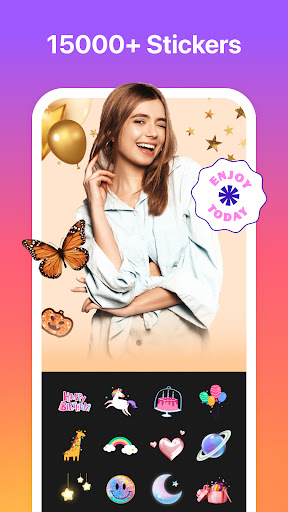
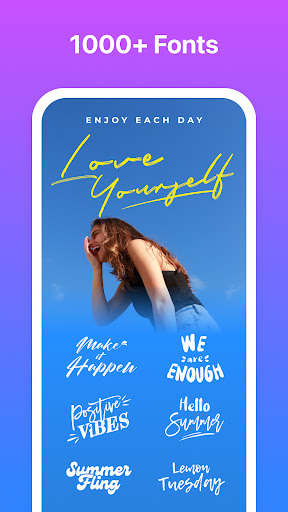
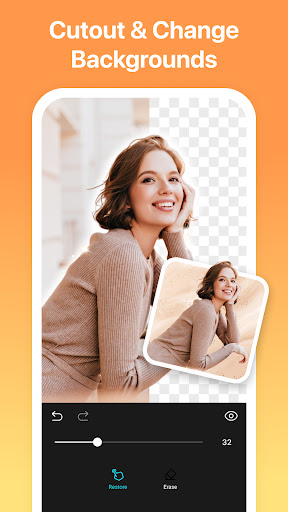
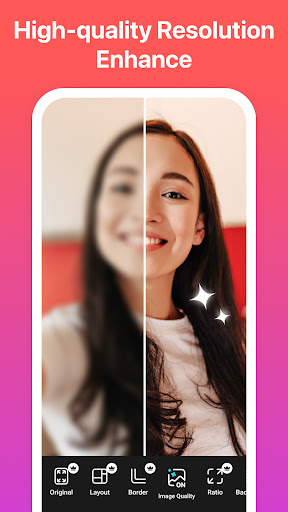
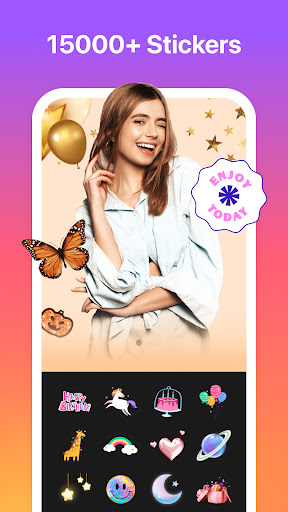
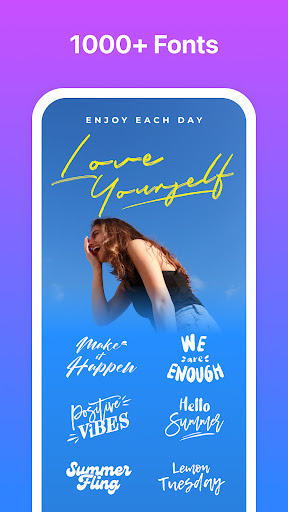
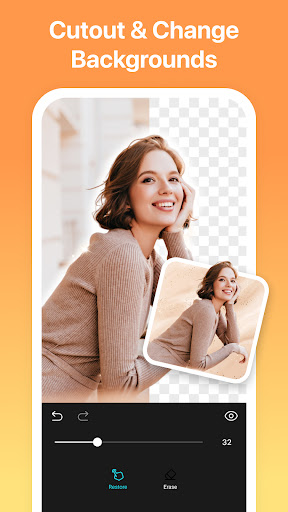
Enhance your images with a suite of professional editing features. Crop, rotate, resize, adjust brightness, contrast, and saturation—all within a single app. You can add fun stickers, personalized text with various fonts, backgrounds, graffiti, borders, and mosaic effects. For further customization, templates can be tailored to meet your specific needs, transforming raw images into eye-catching visuals.
AI & Special Effects
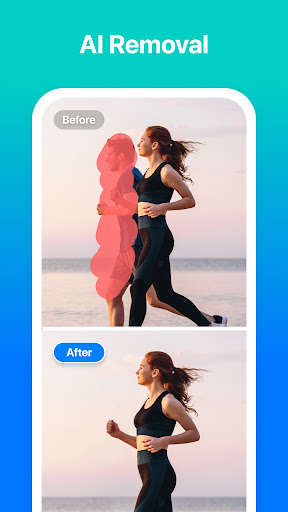
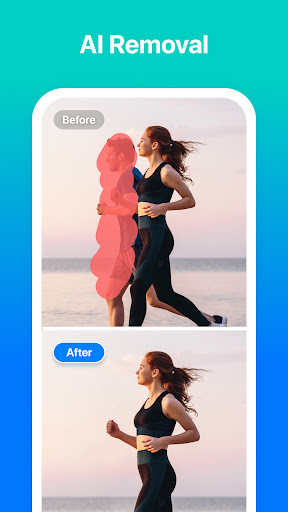
The new AI Removal feature stands out, allowing users to effortlessly delete unwanted objects or people from photos with a single tap. This advanced AI technology ensures your images look clean and professional, perfect for creating flawless social media content. Additionally, you can add lively filters and effects to make your photos pop.
Social Media Marketing Tools
Designed with social media marketers in mind, PhotoGrid offers customizable watermarks, including your own logo or icons like Instagram, Facebook, and WhatsApp. Multiple aspect ratios are available—such as for Facebook covers, Apple Watch, or A4 paper—that help you optimize your content for various platforms. You can also add stylish curved or straight text, enhancing your visual storytelling.
Exclusive Premium Plan Benefits
Upgrading to the PhotoGrid Premium Plan unlocks over 20,000 elements, enables you to create videos up to 3 minutes long, and provides an ad-free experience. You can choose any aspect ratio, share without watermarks, and enjoy unlimited access to all premium features—all designed to help you produce professional-grade media.
Why Choose PhotoGrid?
In the rapidly evolving world of social media, captivating content is crucial. PhotoGrid: Video Collage Maker offers a powerful yet user-friendly platform that makes creative content creation accessible to everyone. Its extensive library of templates, innovative AI tools, and seamless sharing options make it a top choice among enthusiasts and marketers alike. Whether you're creating vibrant photo mosaics, engaging video collages, or personalized stories, this app provides the toolkit needed to stand out and grow your online presence.
Get Started Today
Ready to transform your photos and videos into captivating stories? Download PhotoGrid now and explore the endless possibilities. With its comprehensive features and intuitive interface, you'll be amazed at what you can create—no matter your skill level. Dive into the vibrant world of visual content creation and watch your social media engagement soar!
Pros
- User-friendly interface for quick editing.
- Available with a wide variety of collage templates.
- Supports editing both videos and photos.
- Offers numerous filters and effects to enhance media.
- Regular updates introducing new features.
Cons
- Contains ads that may interrupt the user experience.
- Certain features require in-app purchases.
- Limited options for text editing.
- May experience occasional performance issues.
- Free version exports include watermarks.











