






Magic Eraser – The Ultimate Photo Editor
Magic Eraser is a comprehensive photo editor designed to cater to both casual users and professional designers. Powered by cutting-edge AI technology, this app offers an extensive suite of features to enhance your images, including a background eraser, dehaze photo editor, and an object remover. Whether you need a blur photo editor for detailed retouching, a blemish remover photo editor free, or a wrinkle remover photo editor, Magic Eraser provides professional-grade results with user-friendly tools.
Features
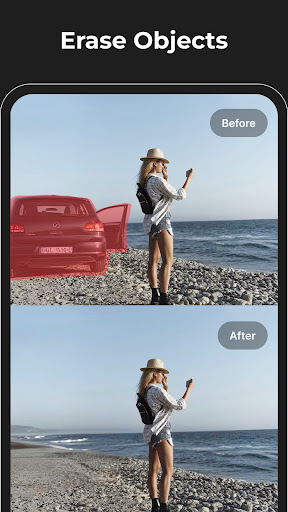
•Remove Objects & Text:
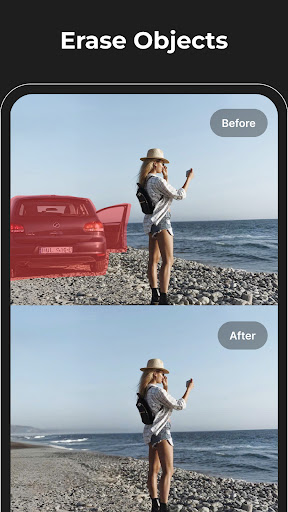
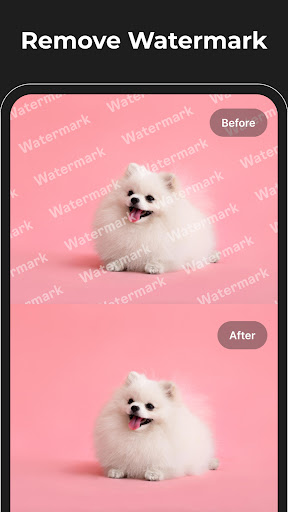
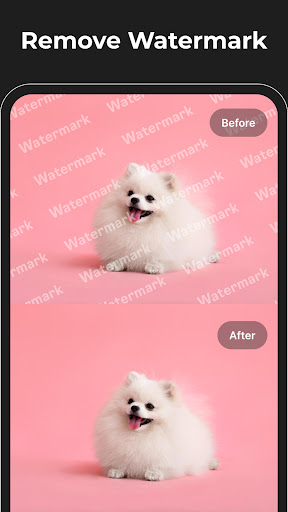
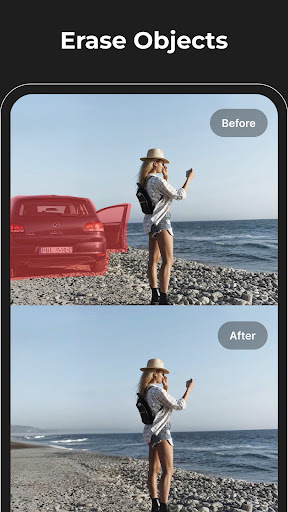
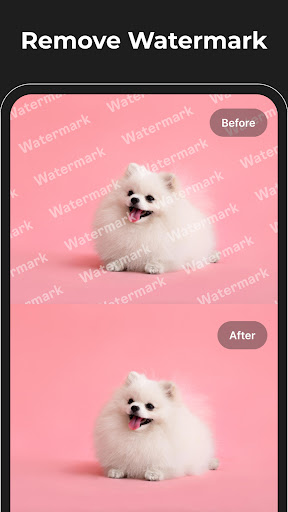
Effortlessly eliminate unwanted elements such as objects, text, watermarks, logos, and blemishes. Our intelligent eraser tool makes it possible to remove background text and create a pristine image. It functions seamlessly as both an object remover and a retouch remove objects solution, perfect for precise and natural edits like acne remover photo editor or blemish remover photo editor.
•Background Eraser & Enhancement:
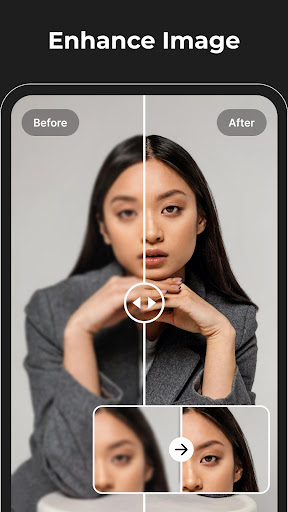
Separate your subject from the background effortlessly with our advanced background eraser. This tool not only removes backgrounds but also acts as a dehaze photo editor and unblur picture app to sharpen and improve your images. Achieve HD-quality results similar to a professional hd photo editor, ideal for product images, social media, and marketing materials.
•Image Enhancement & Retouching:
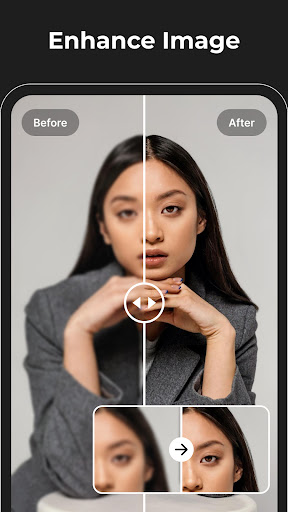
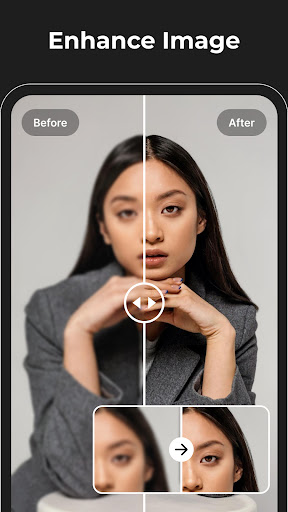
Bring your photos to life by enhancing sharpness, increasing contrast, and adjusting color balance using the app’s enhance photo quality features. Whether you’re using a blemish remover or a wrinkle remover photo editor, every detail can be perfected for a flawless finish. The app also includes a low to high quality image converter for better presentation.
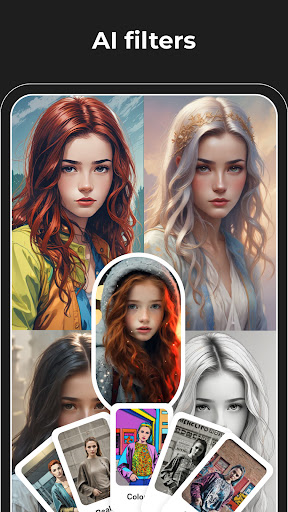
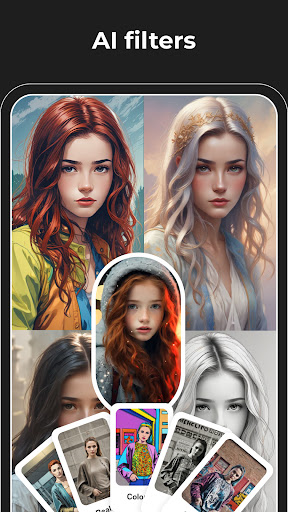
•Photo to Anime & Creative Effects:
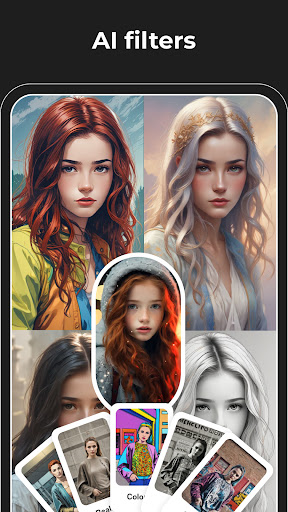
Transform your images into vibrant anime-style artworks. With our photo to anime converter and ai photo enhancer, you can create cartoon picture apps or generate ai cartoon photo editor artwork. These creative effects are perfect for social media, giving your photos a unique and eye-catching look.
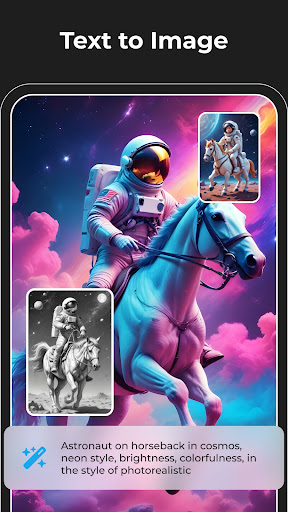
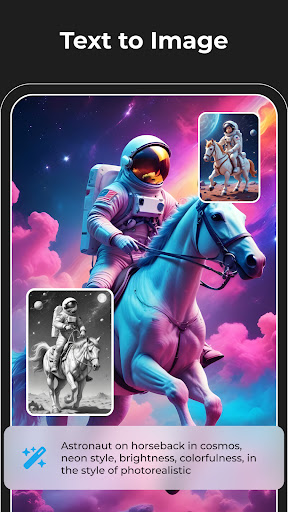
•AI Image Generation & Logo Design:
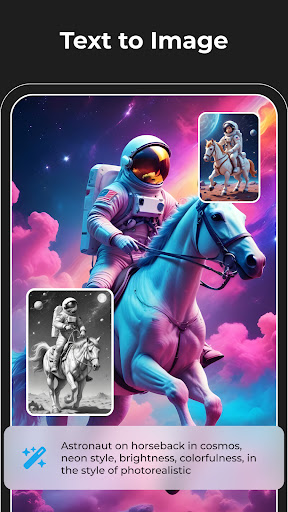
Unleash your creativity using our AI-powered tools. Create stunning visuals with the ai art generator free unlimited and design professional logos using the ai logo generator. Our ai image creator and ai generated images tools make it easy to bring new ideas to life with minimal effort.
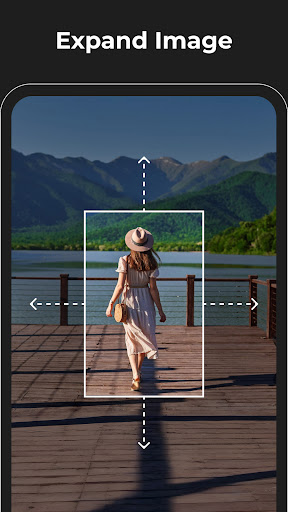
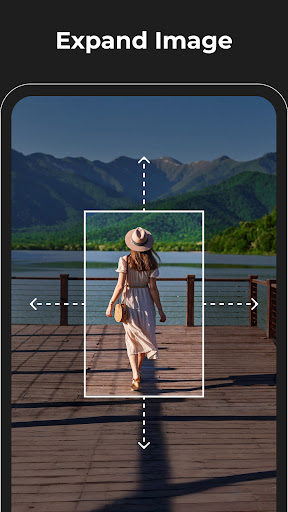
•Expand Background for Better Composition:
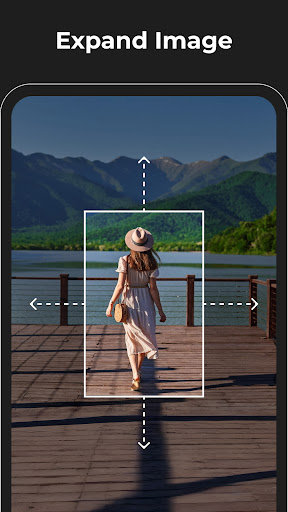
Improve your image layout by expanding the background. The expand photo feature allows you to increase canvas size for more balanced compositions, perfect for posters, banners, or social media covers.
•Replace Objects on Image (Premium Feature):
Upgrade your editing experience with our premium object replacement tool. Easily swap, add, or remove elements like clothing, accessories, or other unwanted items. This feature ensures a seamless match in color, lighting, and texture, delivering high-end, professional edits.
Why Choose Magic Eraser?
•Seamless Object Removal
Whether you're looking to remove that photo bomb or tidy up a picture, Magic Eraser's smart technology analyzes your images and fills in gaps seamlessly. The intuitive interface makes editing straightforward—just upload your photo, select the unwanted element, and watch it vanish as if by magic.
•Fast & Natural Results
The app supports high-resolution images, ensuring your edits retain their clarity and detail. It’s perfect for quick touch-ups or advanced photo retouching—making your images look natural, polished, and professional without the need for complex software.
•Creative Possibilities
From removing background distractions to creating surreal landscapes by removing scenery parts, Magic Eraser opens a world of creative possibilities. For social media enthusiasts or professional photographers, this app supports all your photo editing projects, making your visuals stand out.
Conclusion
If you're seeking a versatile, easy-to-use photo editing app that combines powerful AI-driven tools with an intuitive interface, Magic Eraser is the perfect choice. It simplifies complex edits like background removal, blemish correction, and creative transformations, elevating your photography to professional standards. Download Magic Eraser today and transform your images with the convenience of AI photo editing.
Pros
- User-friendly interface for quick editing
- Effectively removes unwanted objects
- Supports high-resolution images
- Offers multiple editing tools
- Fast processing and exporting
Cons
- Limited features in the free version
- Occasional glitches when removing objects
- Advertisements can be disruptive
- Requires internet connection for full features
- Lacks batch editing capabilities











