

MiraClean - File Manager
Discover the ultimate solution for managing your Android device's files and storage with MiraClean. This innovative app is designed to streamline your digital life by providing essential tools that help keep your device organized, secure, and performing at its best. Whether you're overwhelmed by unnecessary files or need quick access to your documents, MiraClean stands out as a lightweight and privacy-conscious app that makes managing your phone simple and efficient.
Key Features of MiraClean
•Scan and delete junk files:
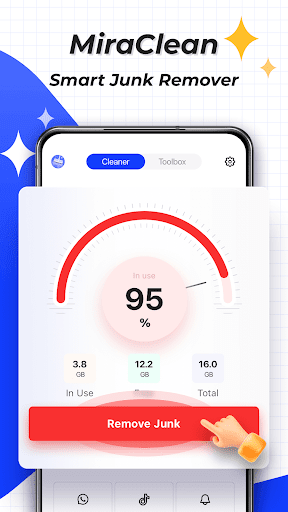
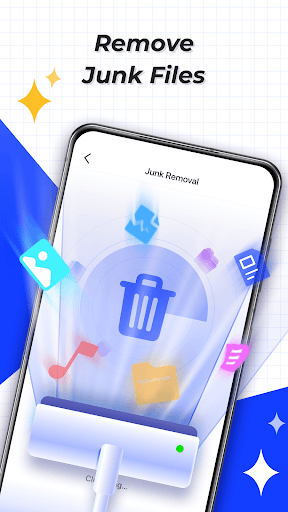
One of MiraClean's core functionalities involves identifying and removing temporary files, app caches, and residual data. Over time, these unnecessary files accumulate and slow down your device. With just a tap, MiraClean scans your storage and helps you safely delete clutter, freeing up valuable space and improving overall performance.
•Clear unwanted notifications:
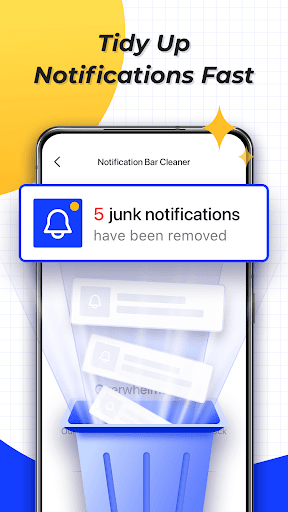
Managing notifications can be tedious, especially when your notification bar is flooded. MiraClean simplifies this task by allowing you to effortlessly clear unwanted alerts, helping you maintain a clean and distraction-free notification area.
•Manage files by type and size:
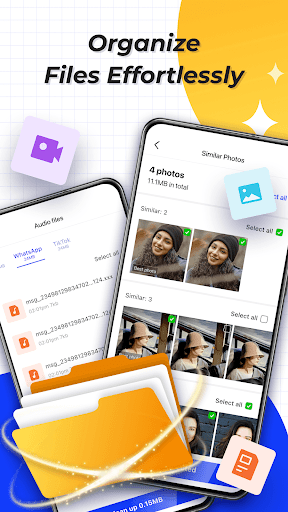
The app offers powerful sorting tools that enable you to organize files based on type and size. This feature makes it easier to identify large files or specific categories like photos, videos, or documents, streamlining your cleanup process and ensuring you keep only what’s necessary.
•Network data usage statistics:
Stay informed about how much mobile or Wi-Fi data your apps are consuming. MiraClean provides detailed statistics, empowering you to monitor and control your data usage effectively, which is especially useful if you have a limited data plan.
•Network speed test:
Evaluate your internet connection's performance with the built-in speed test feature. MiraClean measures your current download and upload speeds, helping you troubleshoot connectivity issues or verify your network's performance.
Why Choose MiraClean?
MiraClean is designed with user privacy in mind. It is lightweight, ensuring it won’t bog down your device’s resources, while offering a range of practical tools that cater to everyday needs. Its straightforward interface makes it accessible for both tech-savvy users and beginners alike.
Efficient and User-Friendly
The app boasts an intuitive dashboard that categorizes your files automatically into albums like photos, videos, documents, and more. This smart organization features lightning-fast search capabilities, allowing you to locate files from years ago within seconds. It’s like having a personal assistant dedicated to your device's organization.
Enhanced Security
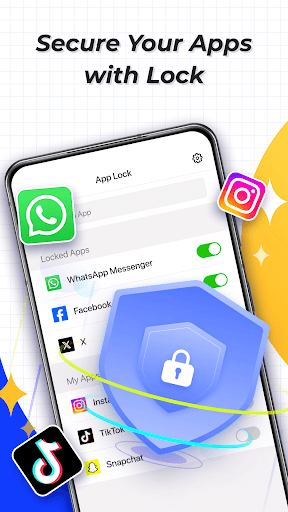
Concerned about privacy? MiraClean includes built-in encryption and offers a secure vault to store your most sensitive documents. This digital safe ensures your private data remains protected from prying eyes, giving you peace of mind while managing your files.
Performance Boosting
In addition to cleaning junk files, MiraClean helps enhance device performance by clearing cache and residual data. Many users notice a noticeable speed increase after just one cleanup session, resulting in a smoother, crash-free experience.
Final Thoughts
If you're looking for a reliable file manager and storage cleaner for your Android device, MiraClean is a highly recommended choice. Its balance of simplicity, security, and functionality makes it an essential app for users who want to maintain an organized and efficient device. Whether you're battling storage limitations or simply seeking a way to keep your device running smoothly, MiraClean has the tools you need. Download it today and experience a tidier, faster digital world with minimal effort.
Pros
- Intuitive user interface
- Comprehensive file organization
- Boosts device performance
- Secure file encryption
- Fast file transfer
Cons
- Ads in free version
- Limited cloud integration
- Occasional lag
- In-app purchases required
- No multi-device sync











