


Introduction to the Cut and Paste Photo Editor
Are you looking for a powerful and easy-to-use photo editing app that allows you to cut and paste objects effortlessly? The Cut and Paste Photo Editor is designed to bring out your creativity without the need for complex tools. With just a few taps, you can create stunning images by isolating objects, swapping faces, removing backgrounds, and more. This innovative application is perfect for both casual users and creative professionals who want quick results and a fun editing experience.
Key Features of the Cut and Paste Photo Editor
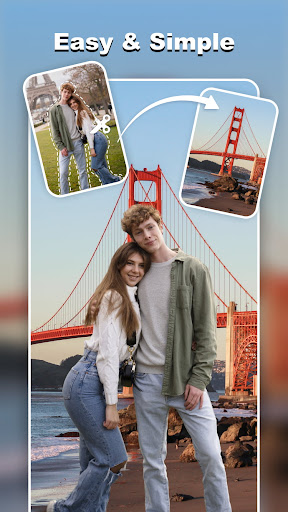
Simple 2-Step Process
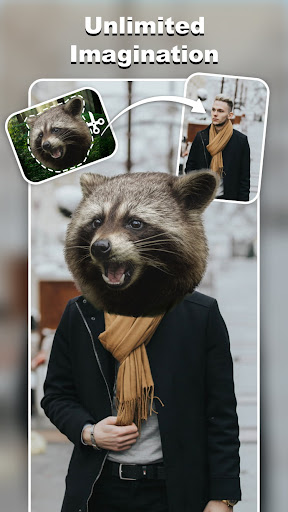
The app simplifies photo editing into two easy steps: Cut what you need and Paste it where you want. With this streamlined workflow, users can quickly craft impressive photo collages and compositions without any prior editing experience.
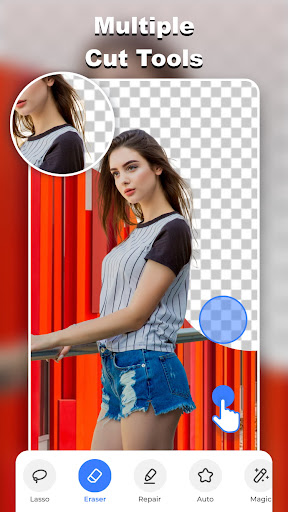
Advanced Cutting Tools
The Cut and Paste Photos app provides a variety of precision tools for cutting out objects. Features include the background eraser, lasso, smooth, repair, auto-cut, and magic cut. Whether you're isolating people, vehicles, or trees, or removing unwanted elements, these tools ensure pixel-perfect results with minimal effort. The app's smart auto tool intelligently detects edges, while manual erasing offers meticulous control for detailed edits.
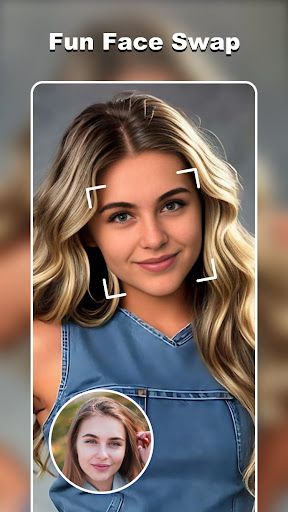
Fun and Creative Face Swap
Want to create fun headshots? With a single selfie, the AI Photo Generator enables you to explore various AI Art styles. Transform your photos into professional profile pictures ?, futuristic cyberpunk looks ?, princess vibes ?, muscular bodybuilder ?, or even showcase pregnancy glow — the possibilities are endless! The app's face swap feature allows for easy duplication and swapping of faces, making your creative ideas come alive.
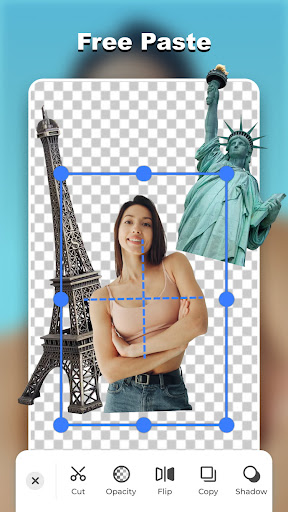
Seamless Pasting and Merging
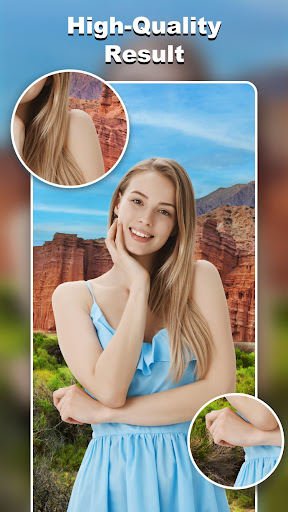
After cutting out objects, you can easily paste them onto any background or combine multiple elements to create funny or fantasy scenes. The editing tools allow you to adjust colors, flip objects, add neon backgrounds, and make copies. Everything is designed to be smooth and pixel-perfect, preserving image quality without damage.
Online Background Library & Templates
With an unlimited library of ready-to-use backgrounds, transforming your photos becomes quick and effortless. Whether you're seeking scenic landscapes, artistic textures, or studio backdrops, the app has you covered. Additionally, a broad selection of ready-made templates allows you to instantly add your cutouts for summer vibes ?, family moments ?, creative projects ?, or wedding invites. Just drag and drop to create stunning results.
Colorful Decorations and Stickers
Make your photos stand out with a variety of stylish stickers and decorations. From comic headgear to festive accents, these additions add a fun and personal touch to your images.
Specialized Tools for E-commerce and Text
For online sellers, the AI-powered background remover simplifies product photo editing, helping you produce professional-looking images with clean backgrounds quickly. Perfect for Amazon, eBay, Shopify, and Etsy, this feature helps your products attract more buyers. Plus, you can add stylish text captions with over 20 fonts and a wide range of colors, enhancing the overall presentation of your images.
Why Choose the Cut and Paste Photo Editor?
This powerful photo editor combines pixel-level precision, fast processing, and limitless creativity tools. Imagine placing yourself on the red carpet at the Cannes Film Festival or sending your friends to the moon. With the app's intuitive interface, even beginners can experiment with layered editing, apply effects, and share their masterpieces effortlessly. Whether you're editing casually for social media or creating content professionally, this app offers the flexibility and features needed to make your visions come true.
Additional User Experience Insights
Users find the app incredibly easy to navigate, even if they aren't tech-savvy. The included tutorials help new users get started quickly, and the range of filters, adjustments, and stickers keep the editing process fun and engaging. While some users note that the free version is accompanied by ads, the overall experience remains rewarding. Occasional manual tweaks are often needed for perfect edges, but the app's auto-correction tools address most issues efficiently.
Conclusion
Overall, the Cut and Paste Photo Editor is an excellent choice for anyone eager to explore creative photo manipulations with just a few taps. Its combination of user-friendly design, powerful tools, and versatile features allows you to produce impressive images for social media, professional projects, or personal enjoyment. Whether you're creating funny collages, professional product shots, or fantasy scenes, this app unlocks your imagination and makes editing fun and accessible for everyone.
Pros
- User-friendly interface.
- Wide variety of editing tools.
- Supports high-resolution images.
- Enables background removal.
- Features fun stickers and filters.
Cons
- Contains intrusive ads.
- Requires in-app purchases for certain features.
- Occasional app crashes reported.
- Limited free templates available.
- Uses a significant amount of device memory.











