
Introduction to Wifi Speed Test - Speed Test
Are you tired of inconsistent internet connections that slow you down at crucial moments? Wifi Speed Test - Speed Test is designed to help you accurately measure your network's performance. This versatile app serves as an internet speed test and wifi tester, providing comprehensive insights into your Wi-Fi and mobile data performance. Whether you're using 4G, 5G, DSL, or ADSL connections, this tool is your go-to solution for troubleshooting and optimizing your internet experience.
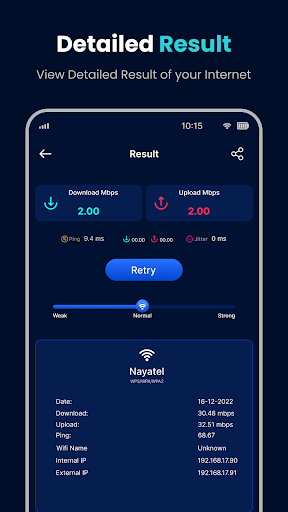
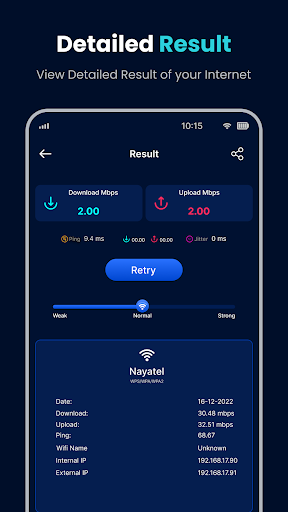
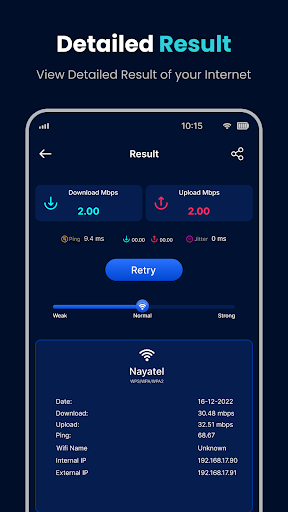
From checking your internal and external IP addresses to analyzing signal strength and network stability, the app offers detailed information that empowers users to make informed decisions about their network. It functions as a robust wifi analyzer, helping you find the strongest signal spots, detect connected devices, and manage your data usage effectively. With real-time graphs and speed metrics provided in Mbps, Wifi Speed Test - Speed Test ensures you stay in control of your internet quality at all times.
Key Features of Wifi Speed Test - Speed Test
Accurate Speed Testing
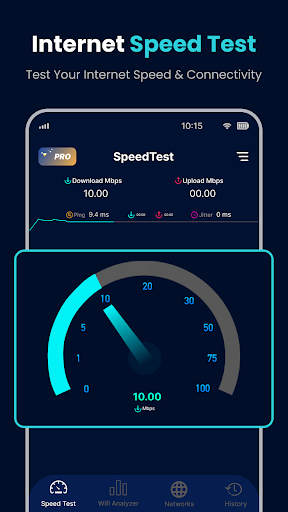
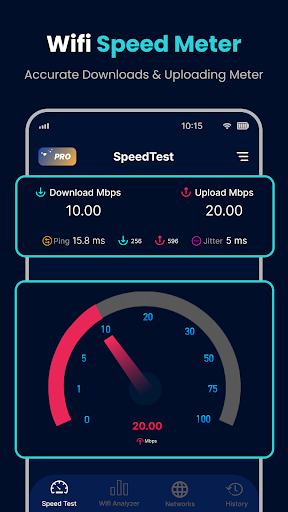
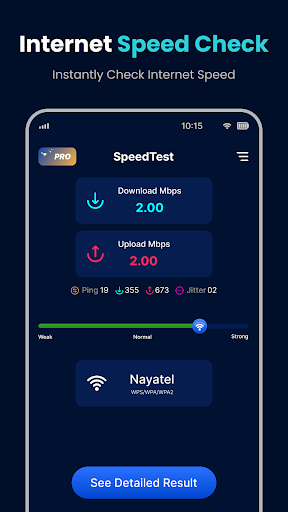
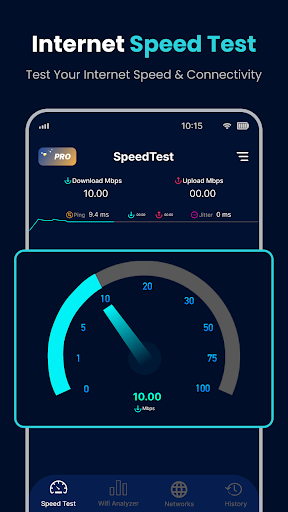
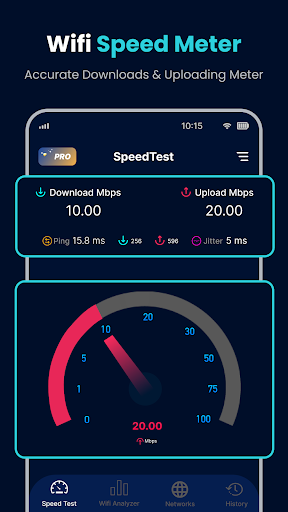
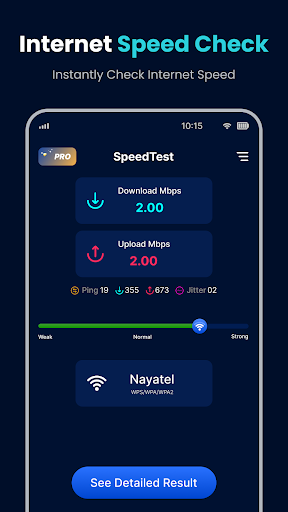
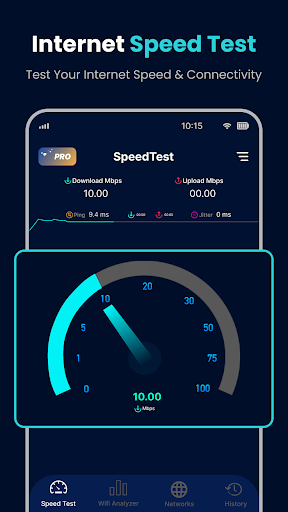
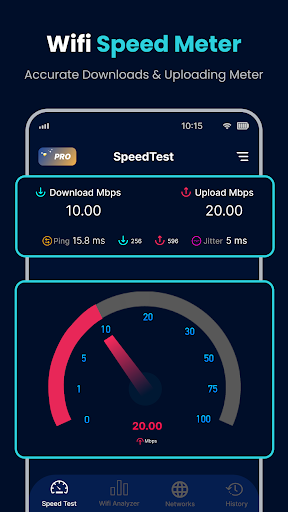
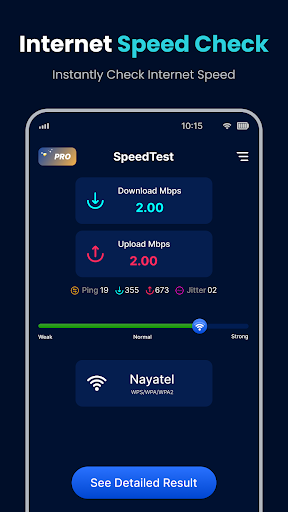
With just one click, you can perform a precise speed test for your download and upload speeds, as well as measure ping latency. The app intelligently connects to multiple servers globally to provide the most accurate results, making it a reliable tool for assessing your internet performance.
Network Stability and Signal Analysis
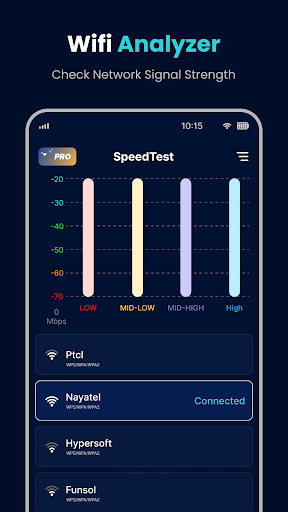
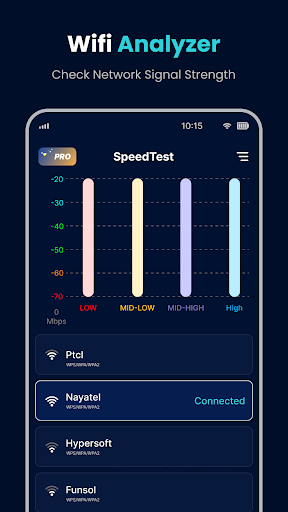
Advanced ping tests help identify network jitter and latency issues, while the wifi signal strength feature allows you to locate the best signal in your environment. The app visualizes data through detailed graphs, helping you understand fluctuations in your network’s speed over time.
Device and Data Management
Detect unfamiliar devices connected to your Wi-Fi network to safeguard your privacy. The data usage manager feature helps monitor your mobile data consumption, ensuring you stay within your plan limits and avoid unexpected charges. The app also offers real-time speed display in your device’s status bar for quick access.
Network Troubleshooting and Optimization
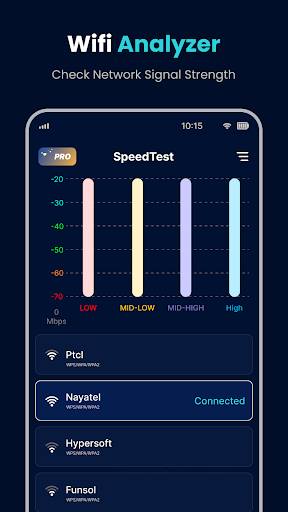
Identify issues related to network performance by analyzing connection data. Use the app to check surrounding Wi-Fi networks, evaluate signal coverage, and determine the best location for optimal connectivity. It's a comprehensive wifi analyzer designed to diagnose and enhance your internet experience effectively.
Why Choose Wifi Speed Test - Speed Test?
This internet speed tester and wifi speed meter is compatible with all wireless networks, including LTE, 4G, 5G, DSL, and ADSL. Its user-friendly interface makes it easy even for non-tech-savvy users to quickly perform speed tests and interpret results. The app's ability to perform fast internet speed tests with minimal effort and high accuracy makes it a must-have for anyone seeking reliable internet performance assessments.
Moreover, the wifi analyzer feature helps locate the strongest signals around you, ensuring better coverage and network stability. Whether you are troubleshooting connection issues at home or optimizing your Wi-Fi setup in the office, this app gives you the necessary tools to improve your overall network experience.
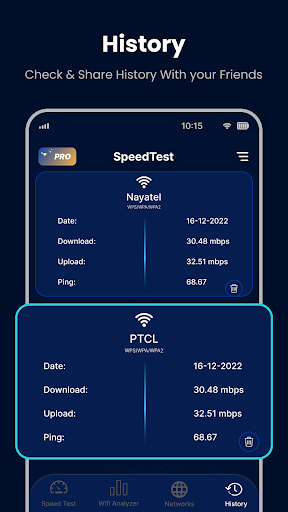
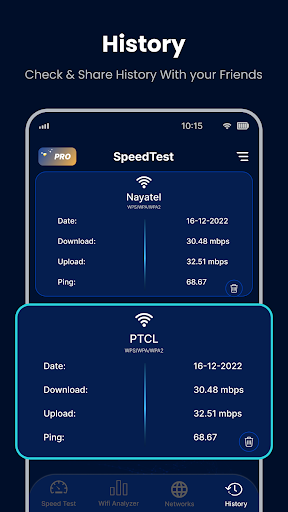
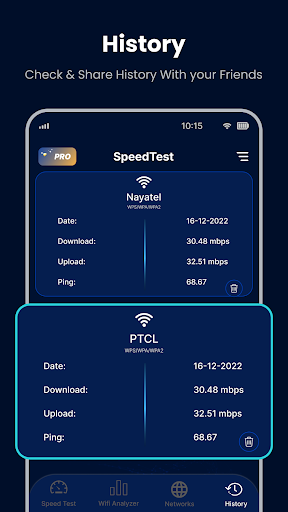
Being completely free, the app offers detailed real-time graphs of your internet speed, upload/download performance, and latency. It also logs your historical data, enabling you to monitor your connection quality over time and detect any recurring problems or inconsistencies.
Practical Benefits and Usage Tips
If your internet seems slower than usual, or you're experiencing frequent buffering during streaming or lagging in online gaming, Wifi Speed Test - Speed Test can provide instant insights. Simply disconnect from heavy downloads or apps during the test for the most accurate reading. The app’s quick and reliable results help you determine if your network is underperforming compared to what your service provider promises.
Building a habit of periodically testing your internet speed can help you catch issues early. Use it to verify the effectiveness of your router placement or to confirm if your network upgrades are paying off. The app's detailed analytics can even identify potential interference sources, guiding you to improve your wireless coverage effectively.
Pros
- Intuitive user interface design.
- Accurate speed test results.
- Quick testing process.
- Supports multiple server locations.
- No intrusive ads.
Cons
- Requires internet connection to operate.
- Limited advanced features.
- Occasional connection drops.
- In-app purchases required for premium features.
- Not compatible with all devices.











