
Introducing Lock Screen, Widgets - YoLock: The Ultimate Customization App for Your Smartphone
Are you tired of the dull, default lock screens that come with your device? Want to personalize your lock screen to reflect your personality and style? Look no further than Lock Screen, Widgets - YoLock. This innovative app offers a comprehensive suite of features designed to make your lock screen not just functional, but also stylish and uniquely yours. With YoLock, you can create a lock screen experience tailored specifically to your preferences, combining aesthetic appeal with practical utility.
Why Choose YoLock for Lock Screen Customization
Lock Screen, Widgets - YoLock stands out with its remarkable flexibility and user-friendly interface. Whether you want to change your background, add useful widgets, or enhance security, this app simplifies the process. Its intuitive drag-and-drop system allows you to arrange your lock screen elements effortlessly. Plus, with a sleek design, YoLock ensures your lock screen looks elegant without clutter.
Extensive Customization Options
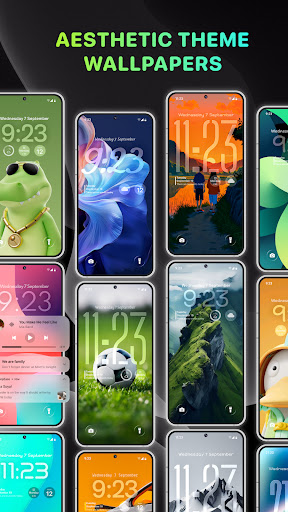
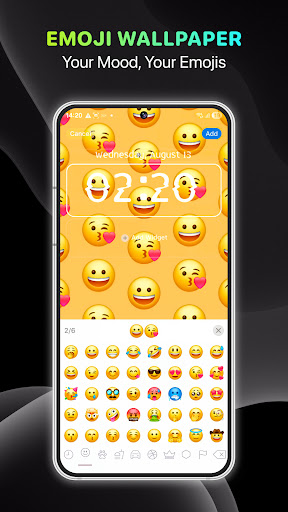
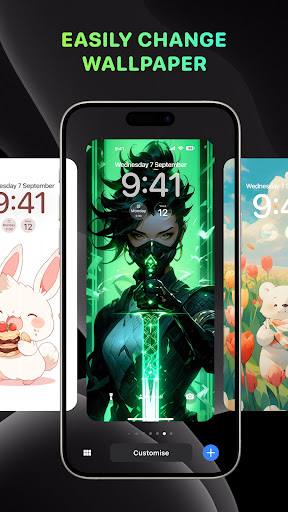
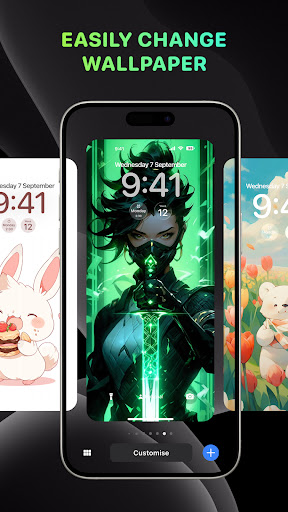
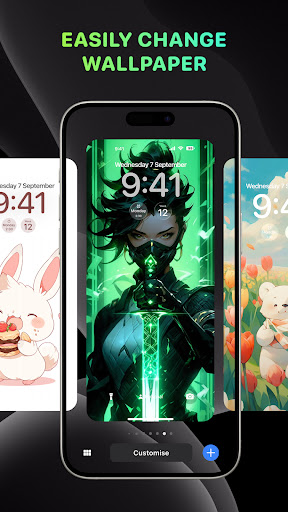
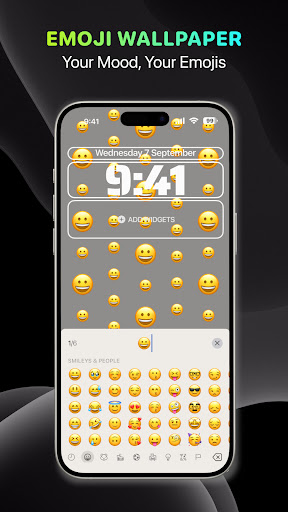
The primary attraction of YoLock is its vast array of customization features. You can start by selecting from a wide range of background images, including themes like Technology, Movies, and lively Animations. Want something personal? You can also use your own photos as lock screen wallpapers for a truly unique look.
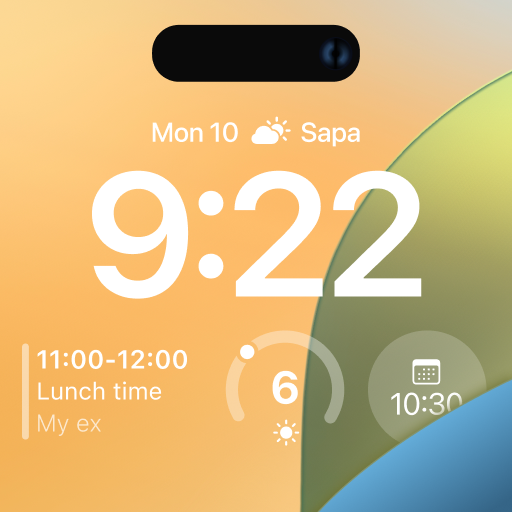
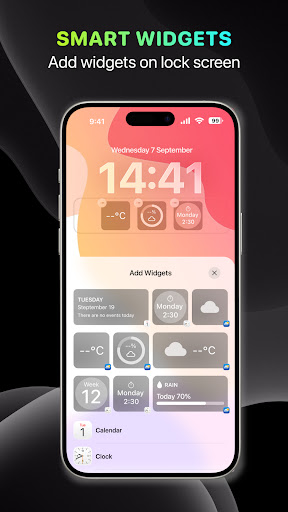
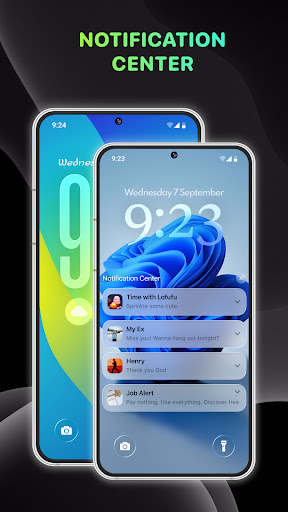
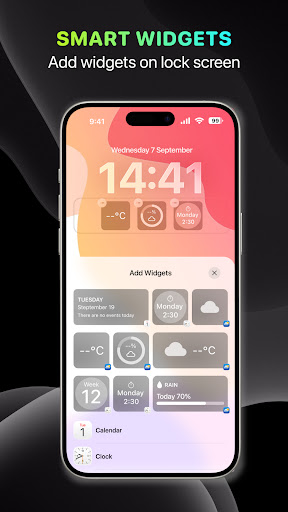
Beyond wallpapers, YoLock enables you to add various widgets that provide quick access to information and controls right from the lock screen. You can include weather updates, music controls, and OS notification widgets—making your lock screen a mini control center that keeps everything at your fingertips.
Advanced Security Features
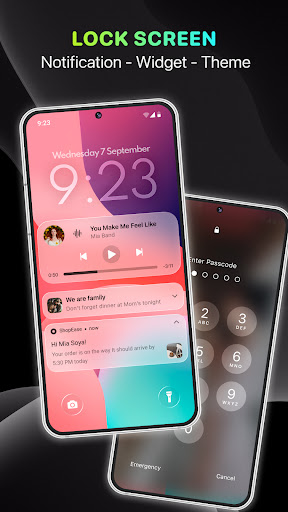
Your privacy and security are paramount, and YoLock offers multiple locking options to keep your device safe. Set up a PIN code based on memorable dates or numbers, or opt for a complex password with both letters and numbers for increased security. Biometric options like face recognition and fingerprint scanning ensure quick and secure unlocking.
No need to worry about security breaches—YoLock is designed to safeguard your personal information without storing or transmitting sensitive data. All security features are integrated via API AccessibilityServices, enabling smooth operation while respecting your privacy.
Enhanced Functionalities for a Smarter Lock Screen
YoLock transforms your lock screen into a powerful hub of quick actions. For example, swiping from left to right opens your camera, allowing you to take photos instantly. Want to check or call contacts? A simple tap can bring up your saved contacts for quick access.
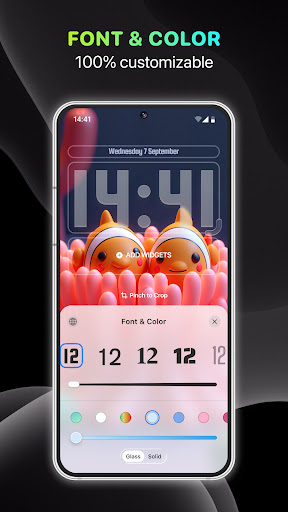
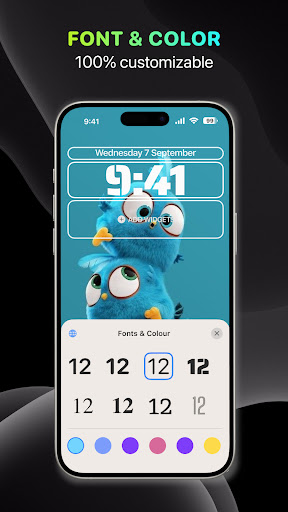
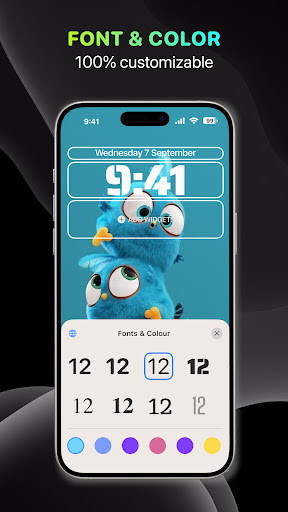
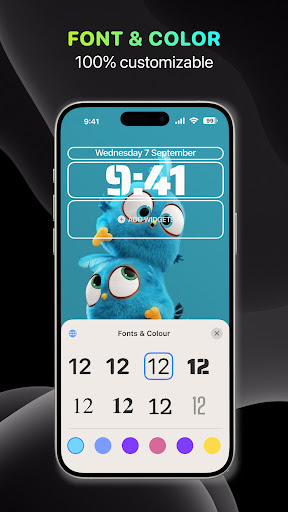
Music lovers will appreciate the ability to control playback directly from the lock screen. Adjust songs, pause, or skip tracks seamlessly with a user-friendly music control widget. You can also customize the clock display with various fonts, styles, and colors to match your mood or theme.
Moreover, the weather widget keeps you updated with real-time forecasts, helping you plan your day better. You can monitor weather conditions for your current location or other favorite places—a useful feature especially when preparing for outings.
Seamless Transition and User Experience
One of YoLock’s strengths is its lightweight and efficient design. It runs smoothly without draining your battery or causing lag, offering a quick and responsive user experience. Setting up and customizing your lock screen is straightforward, thanks to its intuitive interface guiding you through each step.
From switching between lock screen and camera to managing notifications and music, YoLock simplifies complex tasks with ease. Its comprehensive feature set ensures that your lock screen isn't just a barrier but an extension of your daily digital routine.
Conclusion: Elevate Your Smartphone’s Lock Screen with YoLock
If you're seeking an easy-to-use yet powerful app to customize your lock screen, Lock Screen, Widgets - YoLock is the ideal choice. Combining aesthetic flexibility with practical features, it offers a personalized experience that enhances both security and usability. Whether you're aiming for a stylish look or a functional control hub, YoLock provides all the tools needed to transform your device's lock screen into a reflection of your personality and daily needs. Give it a try and enjoy a smarter, more stylish smartphone experience today!
Pros
- Custom widgets improve user experience.
- Modern design with easy-to-use navigation.
- Quick and responsive performance.
- Supports various widget formats.
- Energy-efficient operation.
Cons
- Limited features in the free version.
- Occasional delays in widget updates.
- Requires frequent permissions.
- Ads in the free version can be disruptive.
- Some features may not be user-friendly.











