
Overview of Nova Launcher Prime
Nova Launcher Prime is a premium version that unlocks the full potential of the popular Nova Launcher app. Designed for users who crave extensive customization options and enhanced control over their Android device interface, Nova Launcher Prime offers a range of features that make your home screen truly personalized. To enjoy these advanced functionalities, you need to install Nova Launcher first and then upgrade to Nova Launcher Prime, which acts as a license to access premium features.
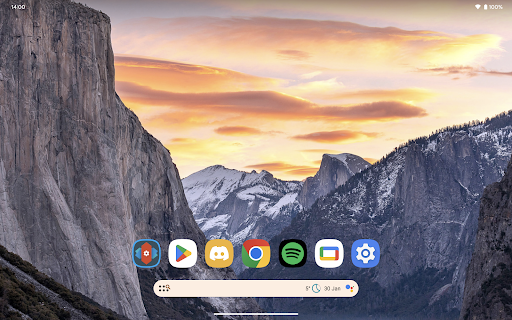
With Nova Launcher Prime, you can take your Android customization to the next level by enhancing your home screen's appearance, behavior, and interaction models. Whether you're a casual user or a power user, this app provides tools to fine-tune every aspect of your device's interface for a seamless and stylish experience.
Key Features of Nova Launcher Prime
Here are some of the standout features offered by Nova Launcher Prime:
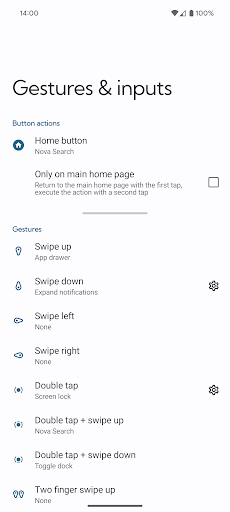
- Gestures: Enable swipe, pinch, double tap, and other gestures on your home screen to perform custom commands easily. For instance, swipe up on the home screen to open an app or double-tap to lock your device, making navigation intuitive and quick.
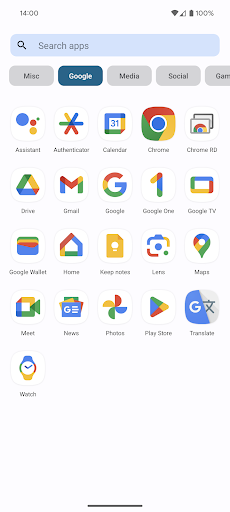
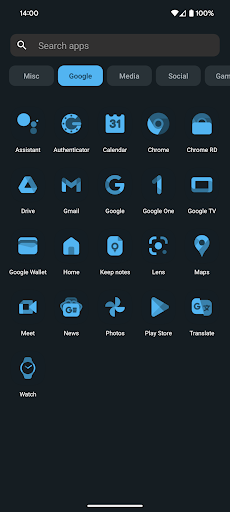
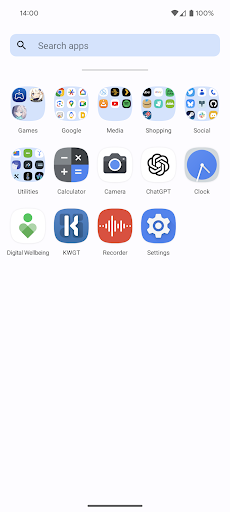
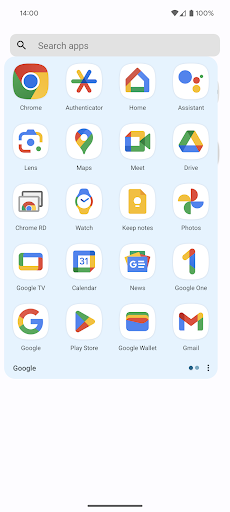
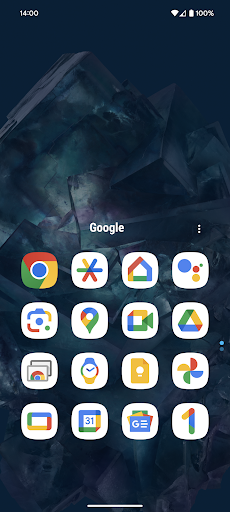
- App drawer groups: Organize your app drawer by creating custom tabs or folders, keeping your most-used apps organized and accessible in a clean, structured manner.
- Hide apps: Keep certain apps out of sight in your app drawer without uninstalling them. This adds a layer of privacy and declutters your interface.
- Custom icon swipe gestures: Assign swipe gestures on your home screen icons to launch apps or actions, boosting productivity without using additional space.
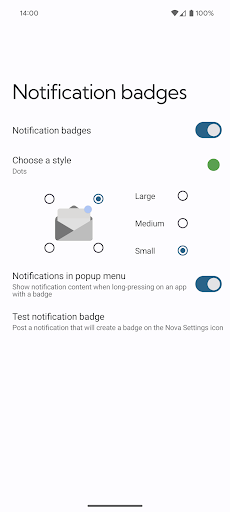
- And much more, including additional scrolling effects, notification badges, and customization options.
Enhanced Customization and Performance
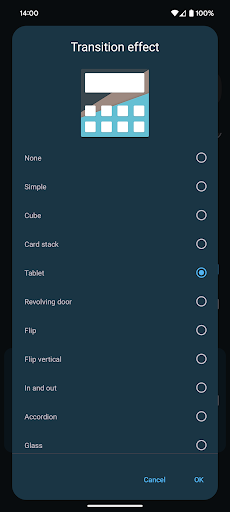
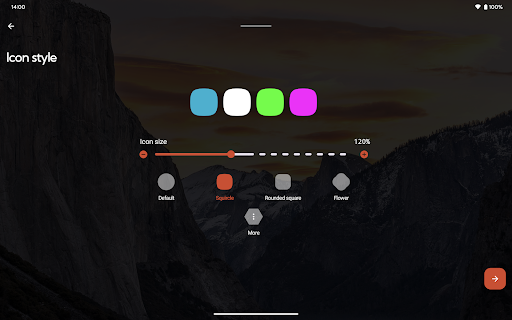
Nova Launcher Prime isn't just about looks; it’s a powerhouse of customization. It allows you to tweak nearly every visual aspect, including icon size, grid layouts, transition effects, and app drawer styles. This level of control helps you craft a home screen that matches your personal vibe and workflow.
One of the hallmarks of Nova Launcher Prime is its emphasis on performance. The launcher runs smoothly and quickly, providing a lag-free experience. It’s like replacing a sluggish interface with a sleek, high-performance engine. Whether you’re scrolling through menus or opening apps, everything feels fluid and responsive, ensuring a delightful user experience.
Widgets and Gesture Integration
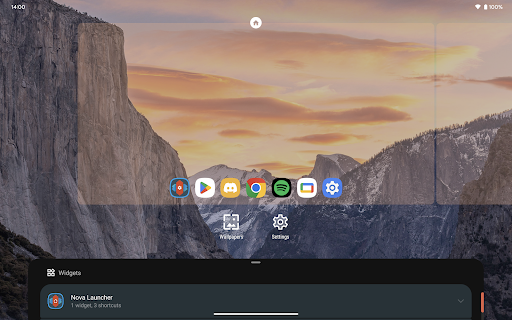
Another feature I really appreciate is the seamless integration of widgets and gestures. You can add weather updates, calendar events, music controls, and more directly to your home screen, resized and customized to your liking. Gestures like two-finger swipe or double-tap can launch favorite apps or toggle features, making navigation more intuitive and reducing clutter.
Backup and Ease of Use
If you like to experiment with your layout or switch devices frequently, Nova Launcher Prime’s backup and restore functionality is invaluable. Save your personalized setup and restore it effortlessly on any device, saving you time and effort to get your customized interface back in place.
Why Choose Nova Launcher Prime
Overall, Nova Launcher Prime is an essential app for anyone serious about Android customization. It transforms your device’s appearance and functionality with versatile, powerful features wrapped in an easy-to-use interface. Whether you want a minimal and clean look or a highly personalized and interactive setup, Nova Launcher Prime helps bring your vision to life.
Pros
- Highly customizable home screen options
- Smooth and fast performance
- Backup and restore settings feature
- Gestures for quick access
- Frequent updates enhancing features
Cons
- Paid app with no free trial
- Complex for non-tech savvy users
- Limited widget resizing options
- Some features require additional permissions
- May drain battery faster on older devices











