


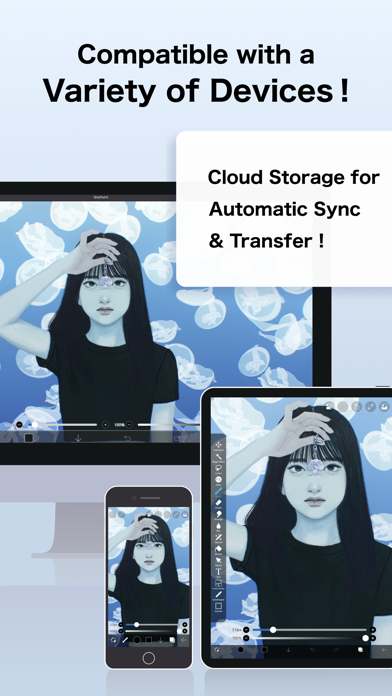
Overview of the Paint App
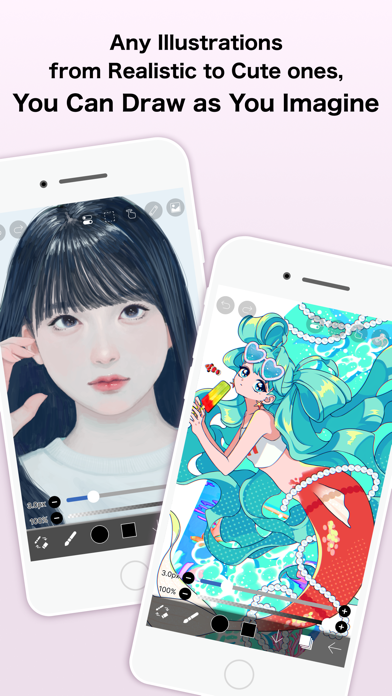
Discover the Paint app—a vibrant digital canvas designed for creative professionals and anyone passionate about capturing ideas through beautiful artwork. Whether you’re an aspiring artist, a hobbyist, or someone who simply wants to doodle during a coffee break, this app offers a seamless and inspiring experience to bring your imagination to life. With a user-friendly interface and a wide array of features, Paint transforms your mobile device into a versatile art studio, fueling your creativity with every stroke.
Key Features of the Paint App
Intuitive Drawing Tools
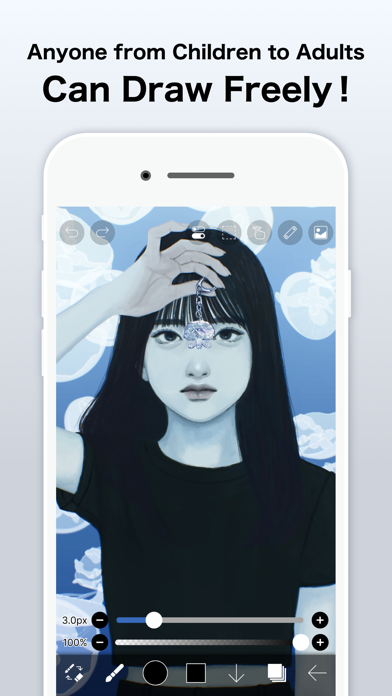
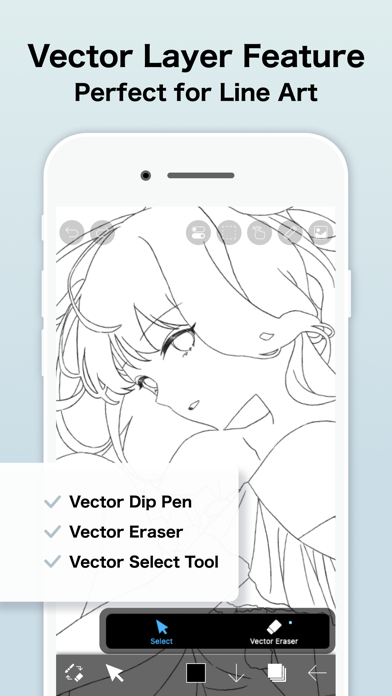
Begin your artistic journey effortlessly by clicking the clear button to start a new drawing. The app provides an extensive selection of brushes, pens, and pencils that mimic real-world art supplies, allowing you to experiment with various textures and styles. Feel the smoothness of your strokes whether you're using your finger or a stylus, making your digital artwork feel natural and satisfying.
Customization and Precision
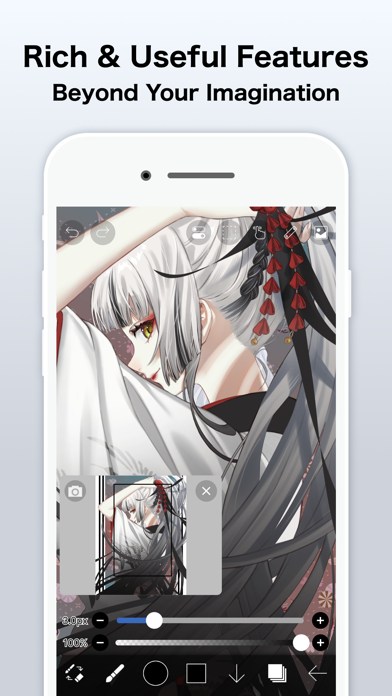
You can easily adjust the width of your brushes and erasers via a handy slider bar, letting you create fine details or broad strokes as needed. Zoom in and out effortlessly to make intricate corrections or focus on specific areas of your artwork. When you've finished, you can click the reset zoom button to fit your entire drawing into view, ensuring a comprehensive overview of your creation.
Color Management
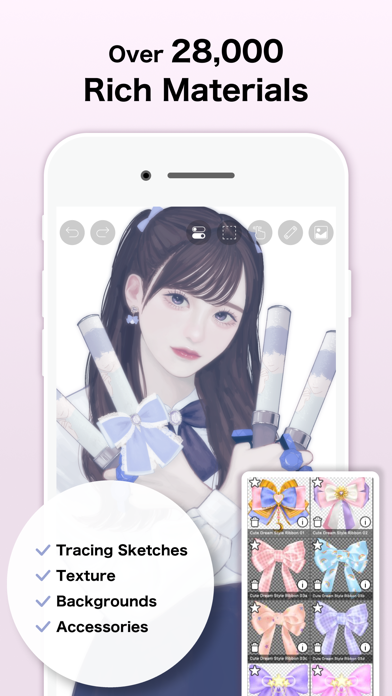
Juggle an endless color palette with millions of shades available. Activate the random brush color feature to add spontaneous, lively variations to your strokes, shapes, and effects. The app also includes an easy color picker tool, enabling you to select precise colors for your brush and background, while saving your favorite color combinations for future projects.
Editing and Enhancing
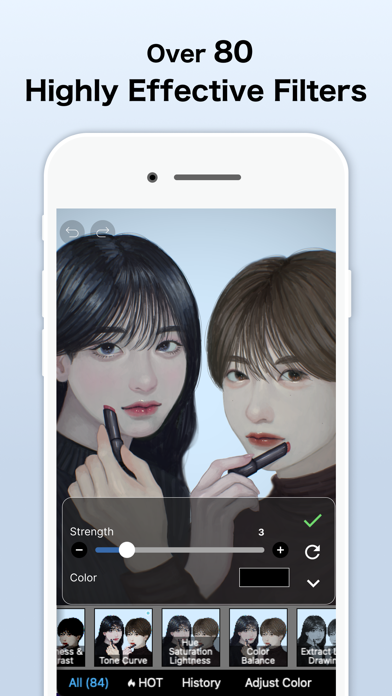
Beyond drawing, Paint allows you to edit images or photos, adding an extra layer of versatility. You can fill specific areas with designated background colors or use the undo and redo functions to correct mistakes effortlessly. Your completed artworks are automatically saved into the My Art Gallery, making it easy to revisit, showcase, or share your creations.
Additional Features
Share your artwork directly with friends and family through integrated social media options. Use the zoom feature to refine fine details, and employ the eraser to make precise corrections. The app also supports drawing with a stylus for enhanced control and accuracy, elevating your digital art experience.
User Experience and Permissions
Paint is built with simplicity and ease-of-use in mind, catering to both beginners and experienced artists. It requires storage permissions to save your images into your device gallery and to display your artwork within My Art Gallery. With regular updates and support, the app ensures a smooth creative process, encouraging users to share their work and grow their artistic skills.
Why Choose Paint for Your Digital Art Needs?
This colorful and intuitive app offers a comprehensive suite of tools that simulate real-life painting experiences while providing digital advantages like easy editing, undo/redo, and sharing. Its versatility makes it suitable for everyone—from those just starting their artistic journey to seasoned professionals seeking a portable creative outlet. Embrace the endless possibilities with Paint and turn your device into an inspiring epicenter of imagination and artistic expression. Download it today and start creating vivid, eye-catching art that reflects your unique style and vision.
Pros
- User-friendly interface suitable for users of all ages.
- Offers a wide variety of drawing tools.
- Compatible with multiple file formats.
- Does not require an internet connection.
- Lightweight with quick performance.
Cons
- Lacks advanced features needed by professionals.
- Does not support layers or sophisticated editing tools.
- Offers only basic color palette options.
- No collaborative features available.
- Limited options for exporting high-quality prints.










