



Discover the Power of Power Apps: Effortless App Creation for Work and School
Are you looking for a way to access your work or school applications conveniently, no matter where you are? Power Apps from Microsoft offers an intuitive solution that brings your essential apps right to your fingertips — whether you're at home, travelling, in the field, or relaxing at the beach. This powerful platform transforms the way you manage and interact with your applications, making it easier than ever to stay connected, organized, and productive on the go.
What’s Inside Power Apps: Your Gateway to Custom Business and School Applications
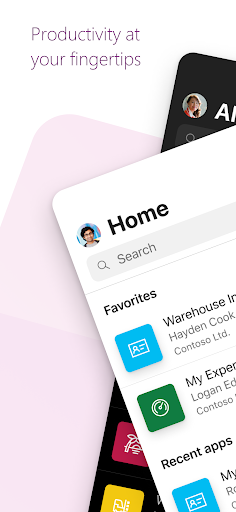
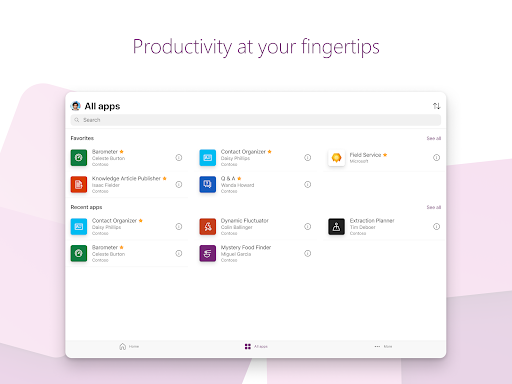
The Power Apps mobile application functions as the front door to all your work or educational apps. The options you see will depend on what applications have been created for your environment, but the possibilities are extensive. Some common examples include:
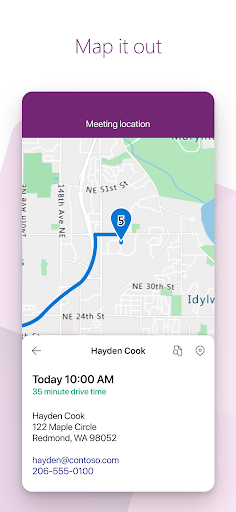
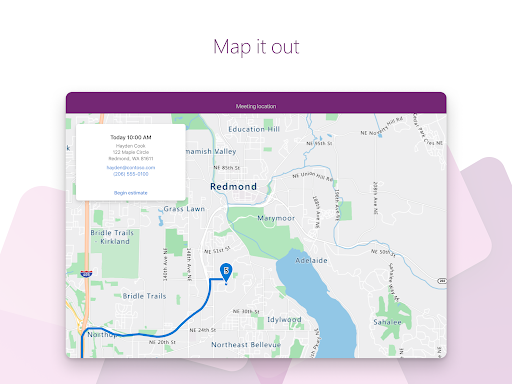
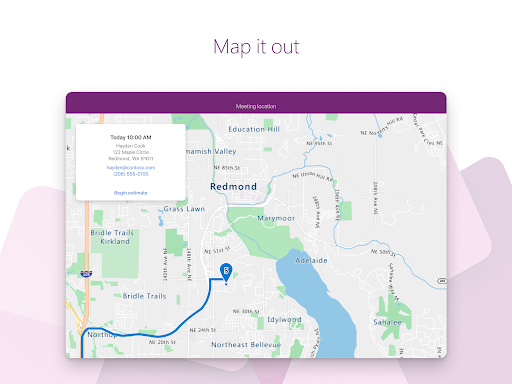
- Campus app: Map your campus with icons for landmarks and facility details.
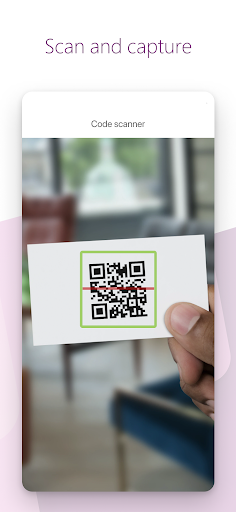
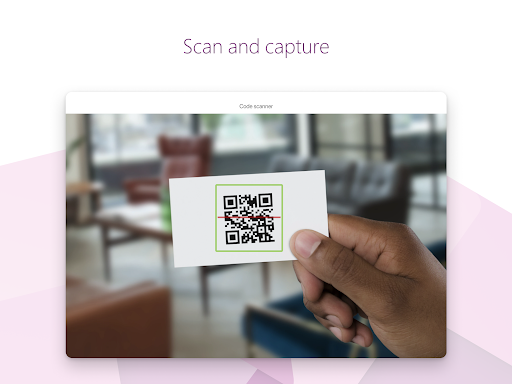
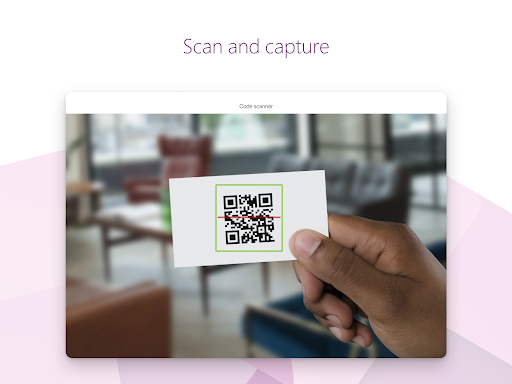
- Event registration app: Register attendees on-site using barcodes or QR codes.
- Expenses app: Submit expenses and upload receipts with ease.
- Health clinic app: Simplify patient check-ins with just a few taps.
- NFC reader app: Scan NFC tags on IDs, equipment, or packages.
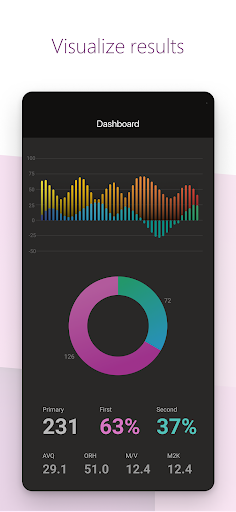
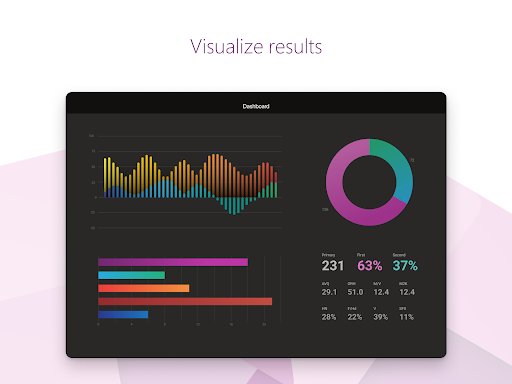
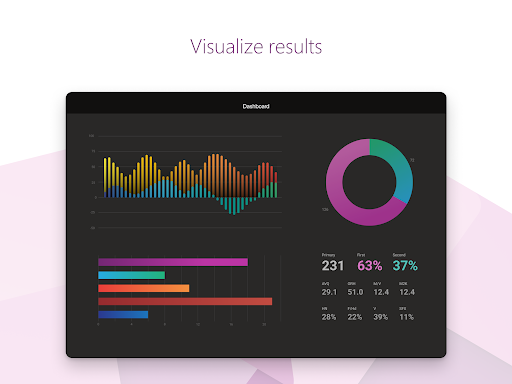
- Performance app: Visualize data and gain insights through interactive dashboards.
- Sales app: Review opportunities, manage leads, and approve sales activities.
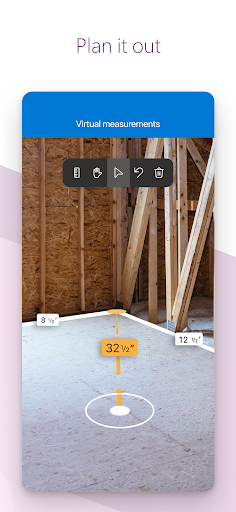
- Space planning app: Take 3D measurements and manipulate objects in mixed reality.
- Timesheet app: Gather, analyze, and consolidate employee shift data.
Build and Share Low-Code Applications with Ease
The beauty of Power Apps lies in its low-code development environment, enabling users to create custom applications without extensive programming knowledge. Whether you need a quick solution for a specific task or a comprehensive app for your organization, Power Apps offers templates and a drag-and-drop interface that makes app development straightforward. Simply browse available templates, customize them to your needs, and deploy. Sharing your creations with colleagues or classmates is just as simple, making collaboration seamless.
Tips and Tricks for Maximizing Your Power Apps Experience
Enhance your productivity with helpful tips such as:
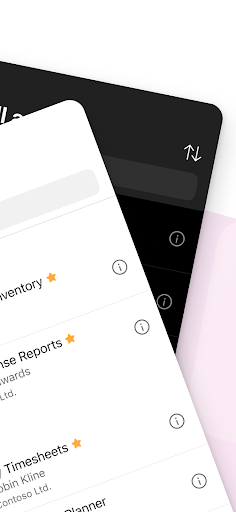
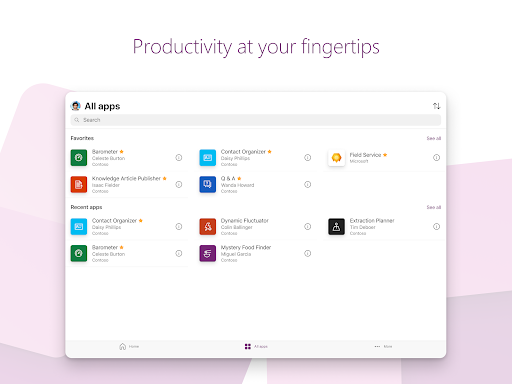
- Swipe right to make an app a favorite.
- Swipe left to add a shortcut to your device’s home screen.
- As an administrator, you can mark important apps as Featured so they stay pinned at the top of your app list.
- Some apps are capable of functioning offline, with data syncing automatically once reconnected.
Getting Started: Ease and Flexibility
If you’re wondering how to begin with Power Apps, the process is smooth and user-friendly, especially if you’re already part of the Microsoft ecosystem. Signing up is straightforward, and the dashboard is clean and intuitive—designed to make your app creation journey simple. The interface leverages drag-and-drop functionality, allowing you to customize apps quickly, even without coding expertise.
Powerful Features and Seamless Integration
One of the most compelling aspects of Power Apps is its ability to connect to a wide array of data sources including Excel, SharePoint, and third-party services. This integration capability ensures that your apps can leverage real-time data stored across multiple platforms, eliminating data silos and streamlining workflows. Additionally, a variety of templates are available for managing customer data, automating workflows, or customizing apps from scratch, providing a versatile toolkit suitable for a range of needs.
Performance, Reliability, and Support
During testing, Power Apps demonstrated smooth performance with occasional hiccups when handling extremely large datasets. Overall, its cloud-based infrastructure backed by Microsoft guarantees regular updates and reliable support. The active community of users and developers also offers valuable assistance and ideas, making it easier to troubleshoot and innovate.
Final Thoughts: Is Power Apps Worth it?
In summary, Power Apps is an excellent solution for individuals and organizations seeking to create custom applications effortlessly. Its low-code approach, coupled with seamless integration into the Microsoft environment, makes app development accessible to users without extensive coding skills. While complex, data-heavy applications might present some challenges, the platform’s features and support make it a top choice for streamlining operations and boosting productivity. If you're eager to develop tailored apps without the complexity of traditional coding, give Power Apps a try—you might discover it’s the versatile tool you didn’t know you needed for your work or educational projects.
Pros
- User-friendly interface enabling easy app development
- Integrates smoothly with Microsoft services
- Supports a broad variety of data sources
- Offers customizable templates
- Strong community support for troubleshooting
Cons
- Limited offline capabilities
- Requires a Microsoft 365 or Dynamics 365 license
- Complex and varied pricing structure
- Steep learning curve for advanced features
- Performance challenges when handling large datasets










