
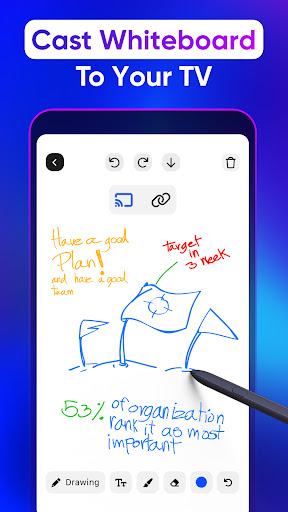
Discover the Power of "Screen Mirroring TV & Miracast"—Your Ultimate Smart TV Companion
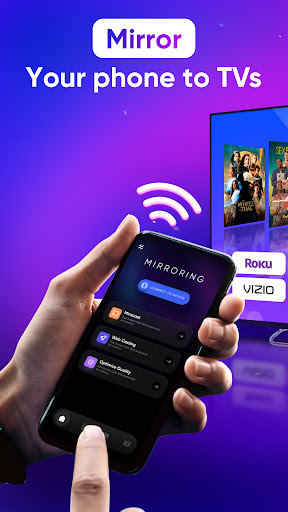
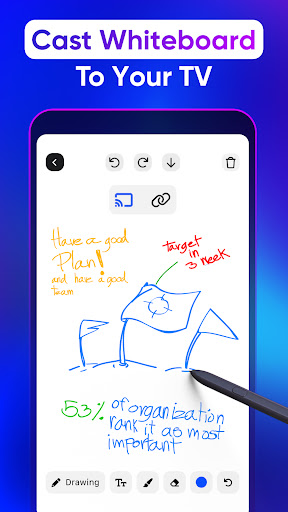
Are you tired of tiny screens restricting your viewing experience? Want to effortlessly watch your favorite shows, movies, or play games on a bigger display? Screen Mirroring TV & Miracast is the perfect solution for transforming your smart device into a powerful media hub. This versatile app acts as both a screen mirror and a smart remote control compatible with a wide range of smart TVs and devices, making your entertainment experience seamless and enjoyable.
Seamless Compatibility with All Major Smart TV Brands
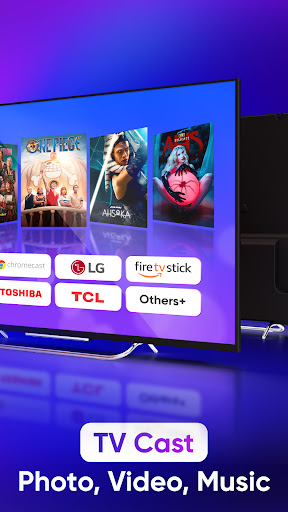
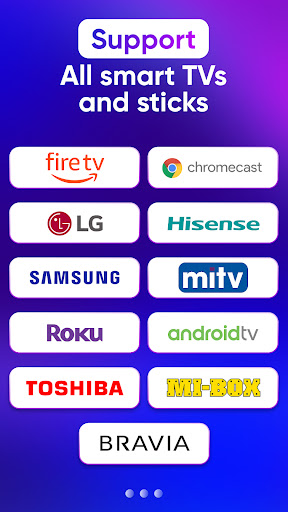
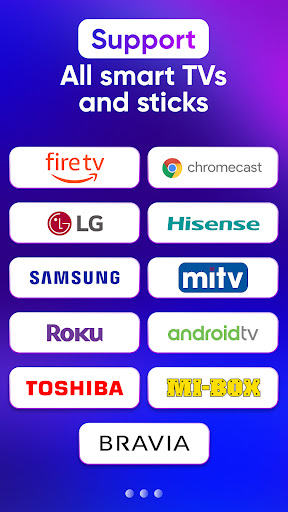
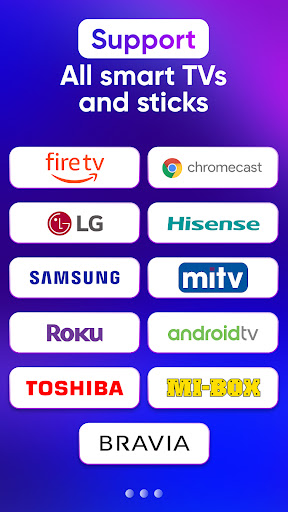
One of the standout features of Screen Mirroring TV & Miracast is its extensive support for popular smart TV brands and devices. Whether you own a Samsung TV, LG Smart TV, Chromecast, Roku TV, Firestick TV, or other leading brands, this app ensures compatibility and smooth operation. It also supports devices like Xbox, FireTV, and various DLNA receivers such as TCL, Panasonic, Sony, Toshiba, and more. This wide coverage guarantees that almost any device you own can be connected effortlessly for high-quality screen sharing.
Effortless Setup and High-Quality Streaming
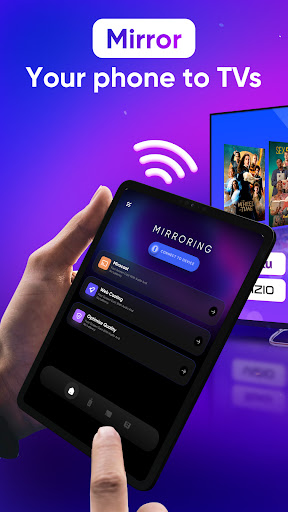
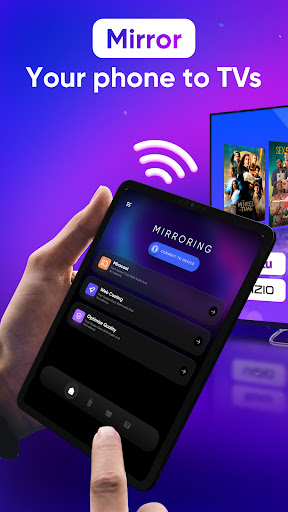
Getting started with Screen Mirroring TV & Miracast is quick and straightforward. Simply connect your smartphone and TV to the same Wi-Fi network, enable Miracast or Wireless Display on your TV, and select your device from the app. Within just a few taps, your screen is mirrored accurately and instantly on the big screen, with zero delay or lag. The app supports high-resolution streaming, ensuring crisp visuals and vibrant colors whether you’re streaming videos, photos, or playing games.
Rich Features for an Enhanced Viewing Experience
Feature highlights of "Screen Mirroring TV & Miracast" include:
- Connect & share your phone screen to Roku TV in two simple steps
- Mirror your device's screen to Chromecast with real-time, high-quality video
- Control playback with no delay—adjust volume, pause, fast forward, or rewind effortlessly
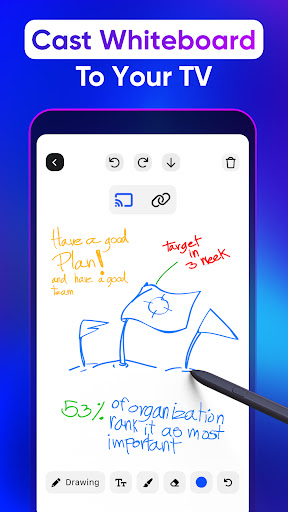
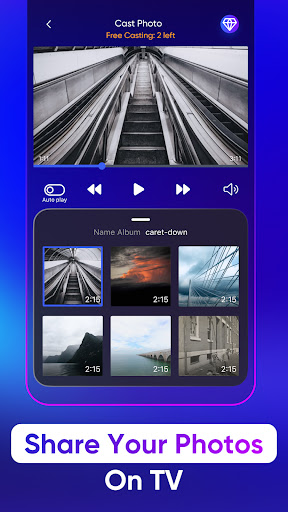
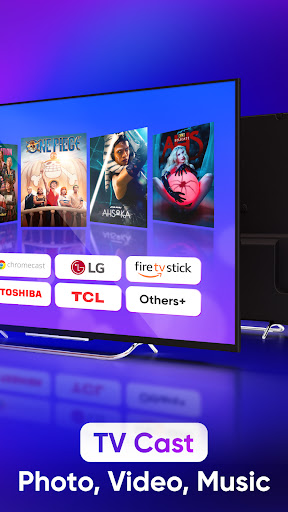
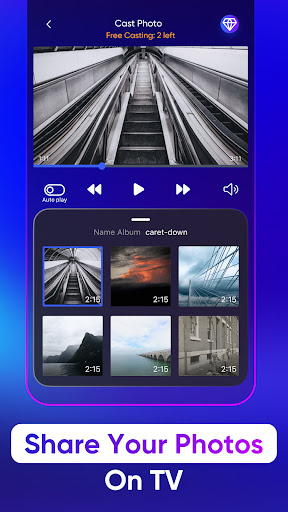
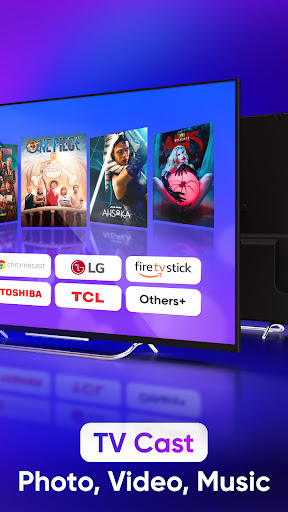
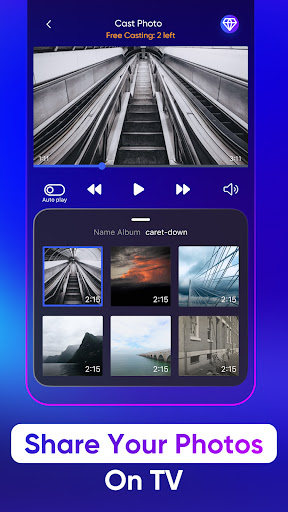
- Cast photos and videos directly from your phone onto Samsung TV and other displays
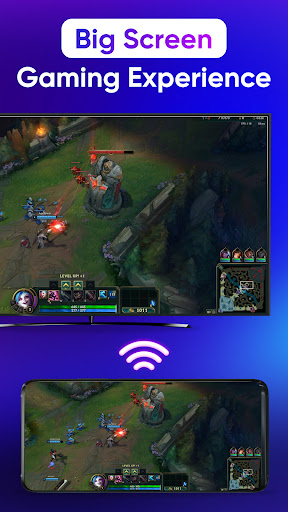
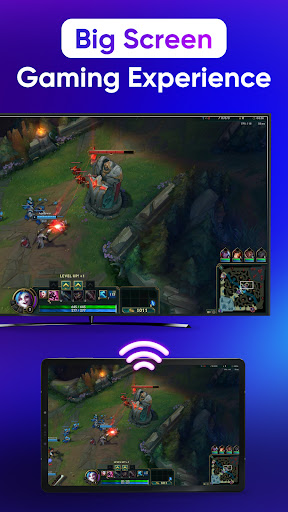
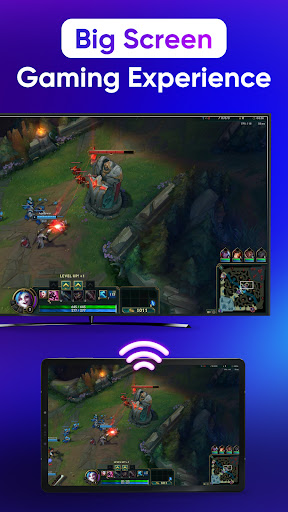
- Enjoy high-fidelity audio, music, and even play immersive games on your LG Smart TV
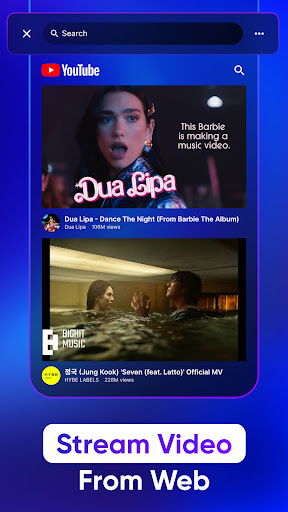
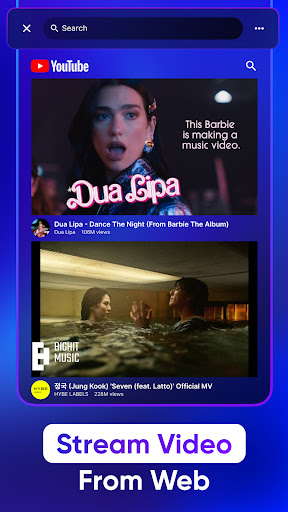
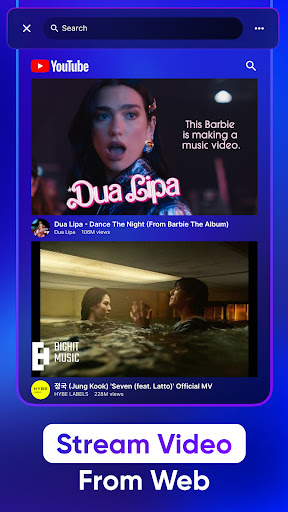
- Easily access popular apps like YouTube and IPTV
- Use the app as a remote control to navigate your smart TV comfortably
- Quickly browse and manage your files for easy sharing and streaming
How to Use and Optimize Your Screen Mirroring Experience
To ensure smooth streaming, make sure your smartphone and smart TV are connected to the same Wi-Fi network. Open the app, enable Wireless Display or Miracast on your TV, and then select your device. Tap on "Screen Mirror" and follow the on-screen instructions. When you’re done, simply tap the red bar at the top of your phone to stop mirroring. This simple process makes casting your media quick and hassle-free, whether you're sharing photos, videos, or playing games.
Why Choose "Screen Mirroring TV & Miracast"?
If you're searching for a reliable and effective way to cast your phone’s screen to your TV, this app is a game-changer. Its user-friendly interface makes it accessible for tech novices and seasoned users alike. Plus, it transforms your device into a smart remote control, giving you full control over your media and TV settings—no extra hardware needed. The app also offers high-definition support, ensuring an immersive viewing experience without annoying delays.
Conclusion
In summary, Screen Mirroring TV & Miracast is a must-have app for anyone looking to upgrade their home entertainment setup. With its broad device support, high-quality streaming capabilities, and ease of use, it turns your smartphone into a powerful media hub connected to your big screen in seconds. Whether you want to watch movies, share photos, or play games, this app makes screen casting effortless, making your entertainment sessions more fun and engaging. Download it today and start enjoying a bigger, better viewing experience!
Pros
- Easy to set up with an intuitive interface.
- Supports a wide variety of devices.
- Delivers high-quality video streaming.
- Offers low latency for real-time mirroring.
- Compatible with most smart TVs.
Cons
- Requires a stable Wi-Fi connection.
- Free version has limited features.
- May drain device battery quickly.
- Occasional connectivity problems.
- Intrusive ads in the free version.











