

Introduction to Qustodio Parental Control App
Qustodio Parental Control App has become one of the leading solutions for modern parents who want to ensure their children’s online safety. Awarded PC Mag’s Editors’ Choice, this comprehensive app offers a range of features designed to help parents manage screen time, monitor online activity, and safeguard their kids from inappropriate content. Its intuitive interface and cross-platform compatibility make it a popular choice among families seeking reliable parental control tools.
Core Features of Qustodio Parental Control App
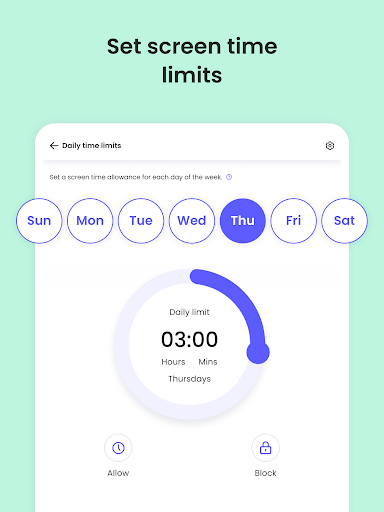
Screen Time Management
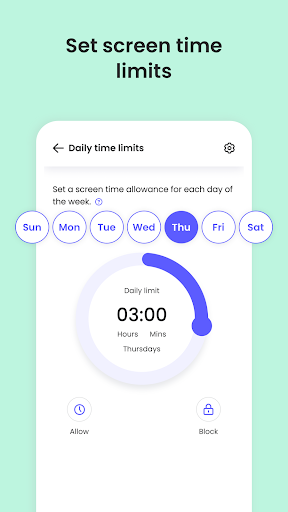
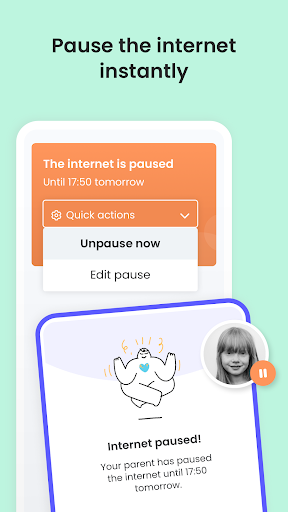
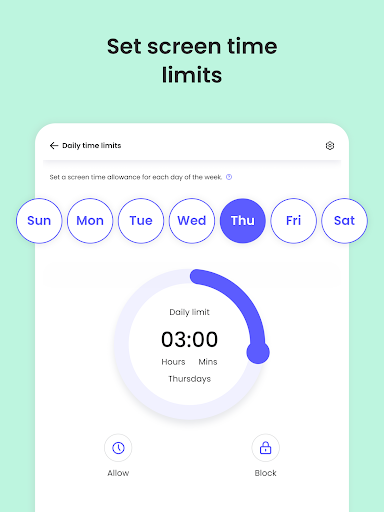
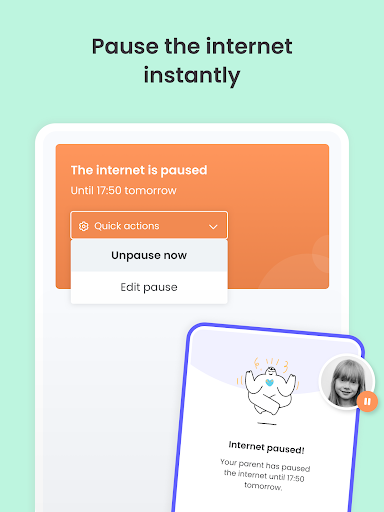
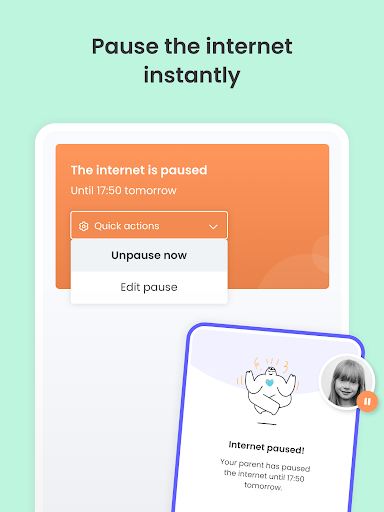
This feature allows parents to set daily limits on device usage. Once the limit is reached, the app automatically blocks access, helping children develop healthy digital habits. Additional controls include pausing the internet instantly and setting specific time limits for individual apps or websites.
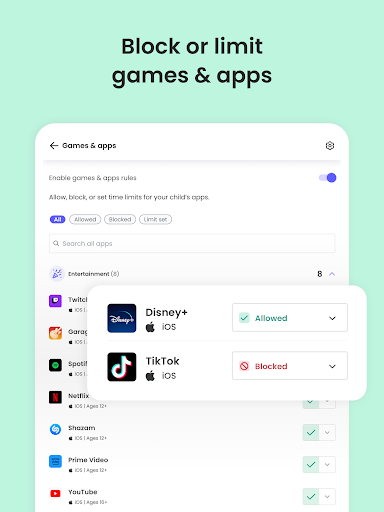
Content Filtering & Blocking
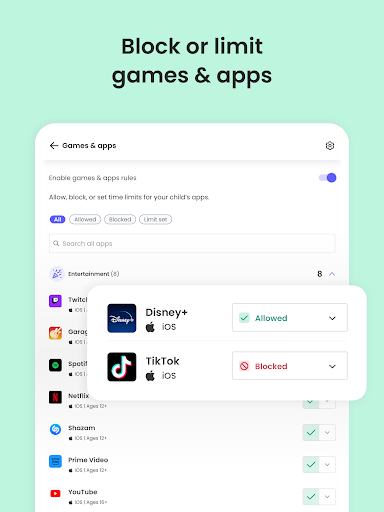
Protect your children from unwanted online content by filtering out inappropriate websites, games, and apps. The app also enforces safe search settings across popular search engines and social media platforms, giving parents peace of mind while their kids explore the internet.
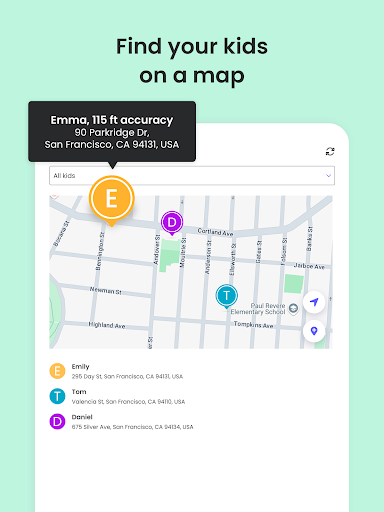
Location Tracking & Family Locator
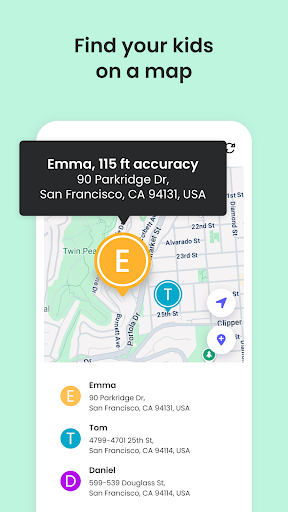
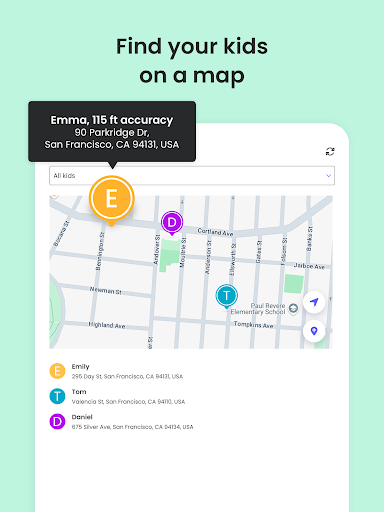
The GPS family tracker feature enables real-time location monitoring. Parents can view their child's whereabouts, find their device, and share locations with family members. A handy panic button can be installed on your child's device for emergencies, providing an added layer of security.
Social Media & Messaging Monitoring
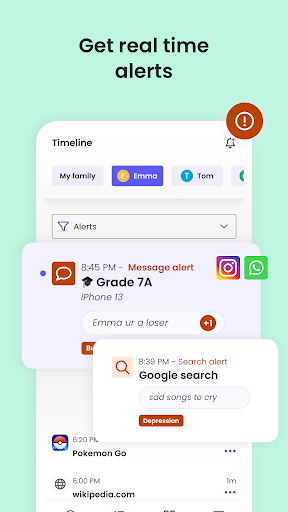
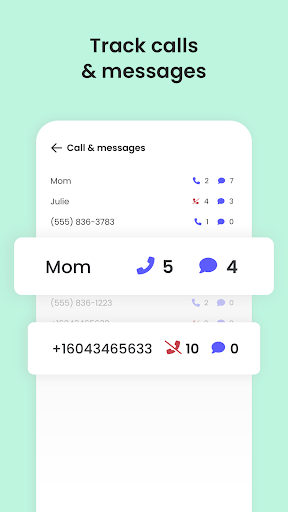
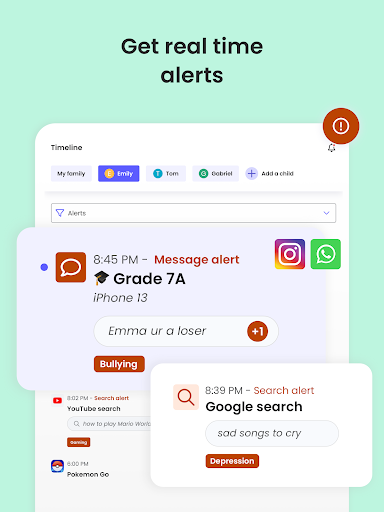
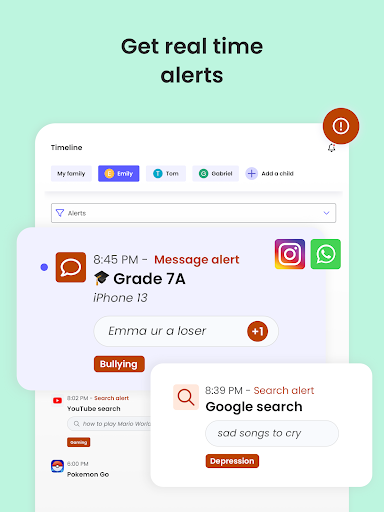
Qustodio allows parents to monitor social media activities on platforms like WhatsApp, Instagram, and Line. It sends alerts about suspicious browsing behavior, harmful messages, and potential online dangers, making it easier to intervene early.
App Management & Usage Reports
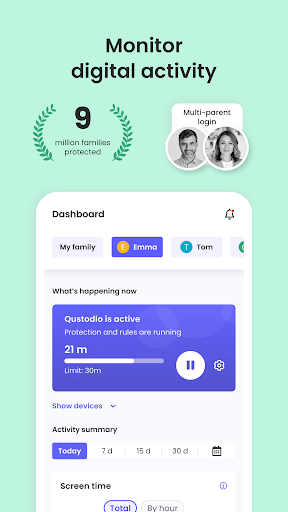
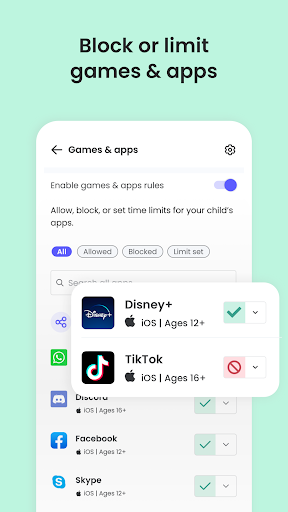
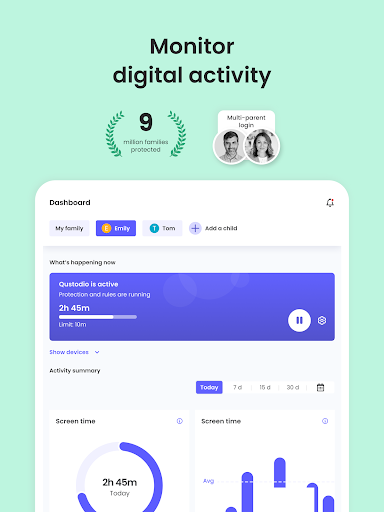
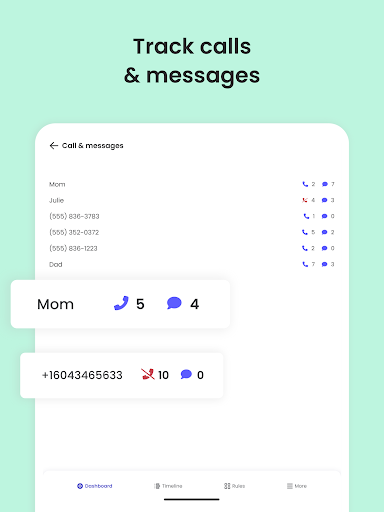
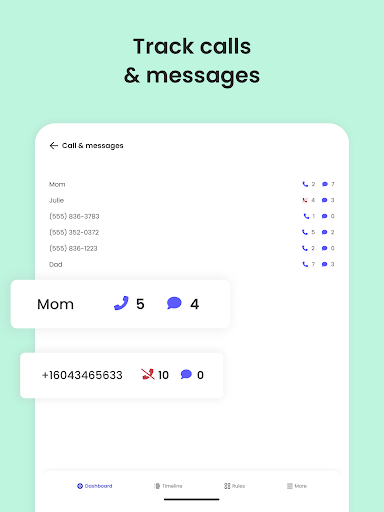
Parents can see detailed reports on online activity, including web searches, app downloads, and usage patterns over the past 30 days. They can block specific apps or games and receive alerts when new applications are installed. Such features assist in maintaining a balanced digital environment for children.
Supervised Browsing & Safe Search
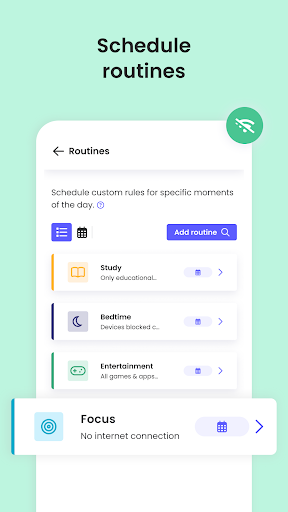
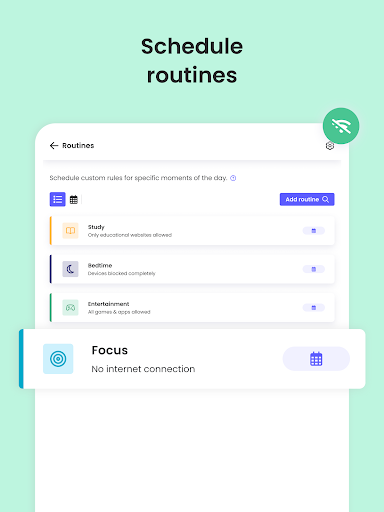
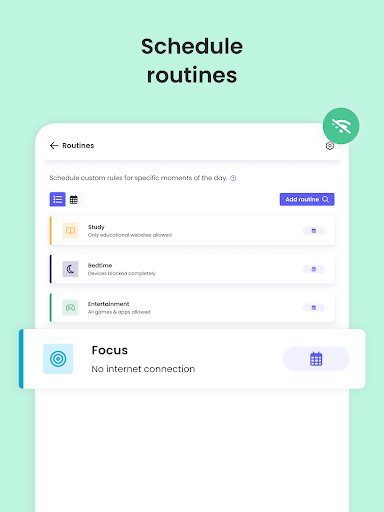
Enforce safe browsing habits by blocking adult content and enabling default safe search modes. Parents can supervise YouTube activity and set routines for app and website access, ensuring children stay within healthy boundaries online.
How to Get Started with Qustodio
- Download the Qustodio Parental Control App onto your device (smartphone, tablet, or desktop).
- Install the Kids App on your child's device.
- Create an account or log in, then follow the quick setup instructions to link both devices.
- Once setup is complete, inappropriate websites and apps will be automatically blocked.
- Monitor activity, screen time, and location from your dashboard at family.qustodio.com.
This seamless process makes it easy for parents to activate and control the app effectively across various platforms, including Android, iOS, Windows, Mac, Kindle, and more.
Why Choose Qustodio for Parental Control?
Qustodio’s reliability and user-friendly design make it a top choice for parents concerned about their children’s safety online. Its robust monitoring capabilities, coupled with real-time alerts for web activity, messaging, and location, provide comprehensive oversight. The app supports multiple languages, including English, Spanish, French, German, and more, ensuring accessibility for diverse families. With positive feedback from users and industry accolades, Qustodio remains a trusted solution for safeguarding young internet users.
Subscription Plans and Premium Features
Parents can choose between the basic plan, which includes essential features like screen time limits and web filtering, or upgrade to the premium plan for full access to all monitoring and tracking tools. Premium features include advanced social media supervision, detailed activity reports, and location sharing. Custom routines and co-parenting options allow multiple guardians to collaborate in managing their child's online safety.
Compatibility and Support
Qustodio works seamlessly across various devices and operating systems, including iOS, Android, Windows, Mac, and Kindle. It supports users speaking multiple languages, with comprehensive help resources available at qustodio.com/help. The app uses necessary permissions such as Device Administrator and Accessibility services to provide optimal performance and security, including preventing uninstallation and aiding users with behavioral disabilities.
Conclusion
In an increasingly digital world, Qustodio Parental Control App stands out as a powerful ally for parents. It offers an impressive suite of features designed to monitor, control, and protect children’s online experiences effectively. Whether you're concerned about screen time management, inappropriate content, or location safety, Qustodio provides a comprehensive solution that adapts to your family’s needs. Installing and using Qustodio is straightforward, and its reliable performance ensures peace of mind for busy parents wanting to safeguard their children’s digital lives. Investing in this parental control app can be a game changer in nurturing healthy online habits and keeping your kids safe in the virtual world.
Pros
- Comprehensive monitoring dashboard.
- Real-time alerts for suspicious activity.
- Customizable screen time limits.
- Cross-platform compatibility.
- User-friendly interface.
Cons
- Limited free version features.
- Can drain device battery quickly.
- Occasional syncing issues.
- Some privacy concerns.
- Subscription can be pricey.










