


Kids360: Parental Control App
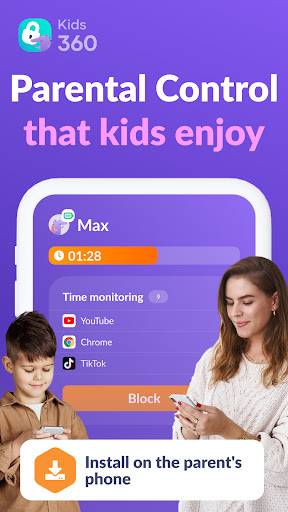
In today's digital age, managing your child's screen time while ensuring their safety can be a challenging task. Kids360 emerges as a comprehensive parental control solution designed to help parents oversee app usage, limit device time, and promote healthy digital habits for children. With its intuitive interface and robust features, Kids360 provides a balanced approach to digital parenting, offering peace of mind without infringing on your child's independence.
Core Features of Kids360
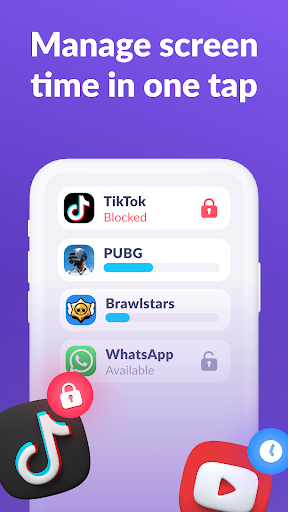
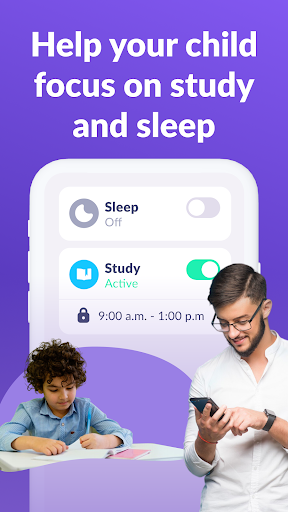
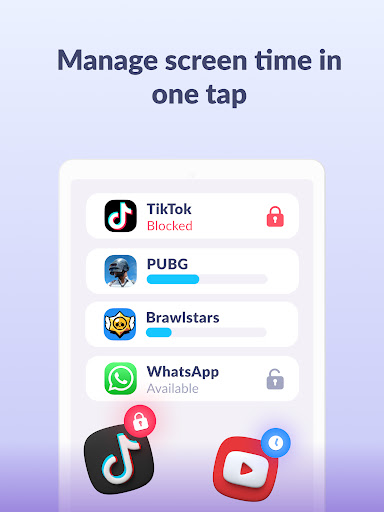
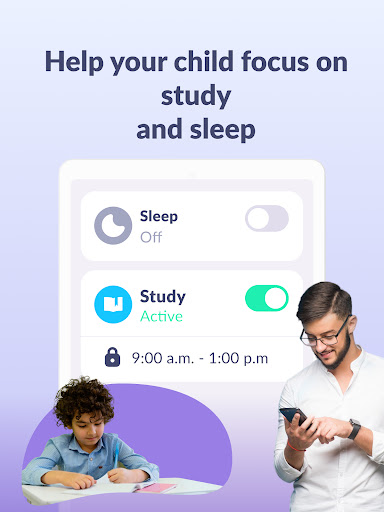
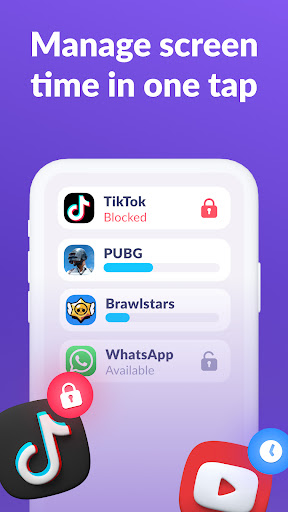
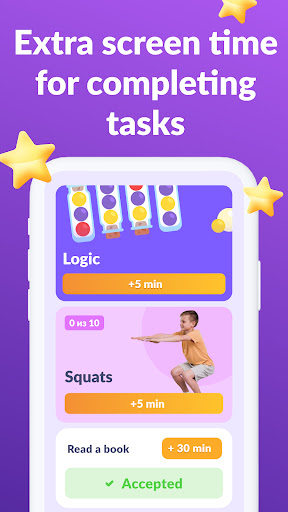
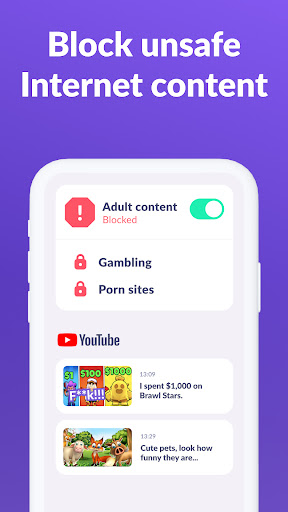
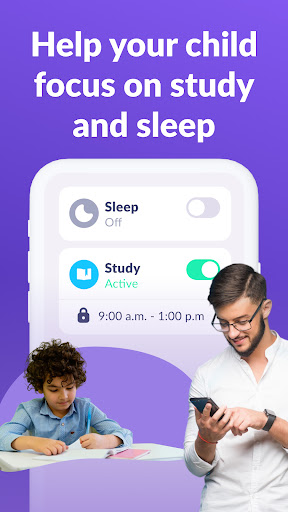
Kids360 offers an array of features tailored to safeguard children online and offline. The app allows you to limit screen time on your child's device, ensuring they spend a healthy amount of time on their phone. With the integrated app lock feature, you can block distracting apps or social media during study time or bedtime, fostering better focus and rest.
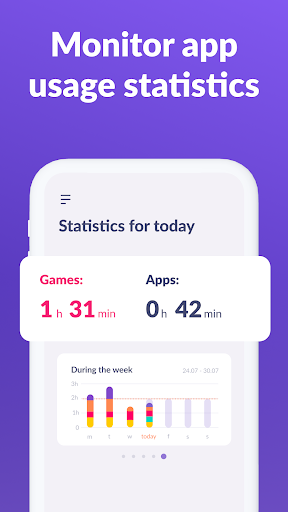
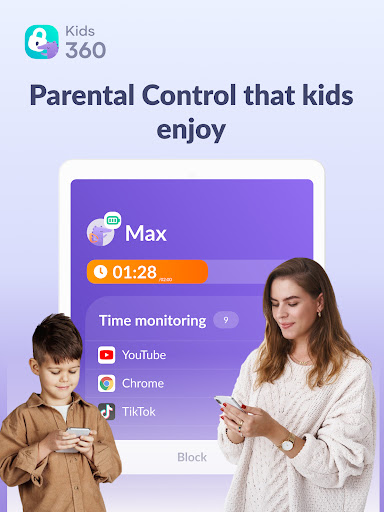
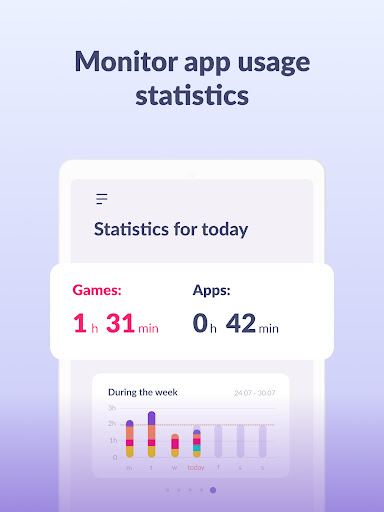
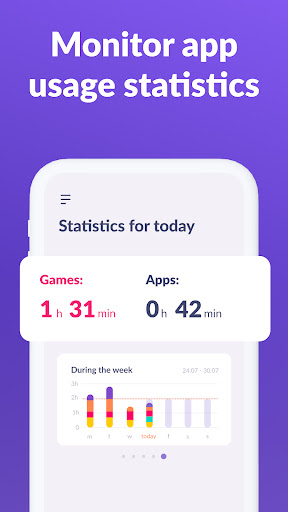
One of the standout functionalities is the usage schedule. Parents can set specific time slots for productive activities like homework and quiet time, helping children develop disciplined digital routines. The app also provides detailed apps statistics—insights into which apps your child uses most and for how long—allowing for informed conversations about screen habits.
Furthermore, Kids360's screen time tracker shows the total time your child spends on their device, enabling parents to proactively manage and adjust usage limits. Staying connected is crucial, so the app ensures essential communication channels such as calls, texts, and messaging apps remain accessible, so you can maintain contact without overexposure to social media or gaming platforms.
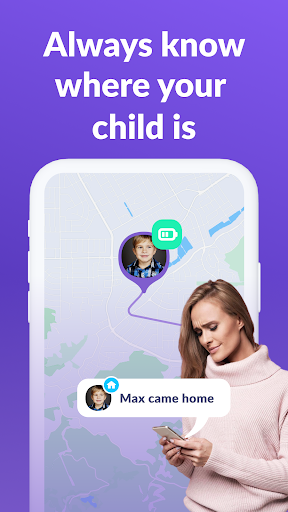
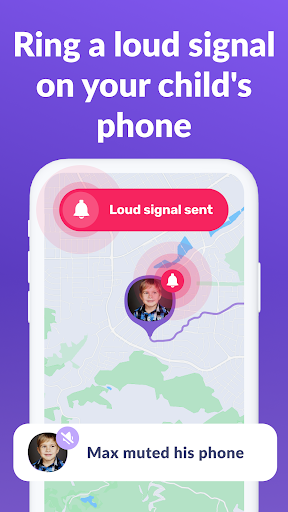
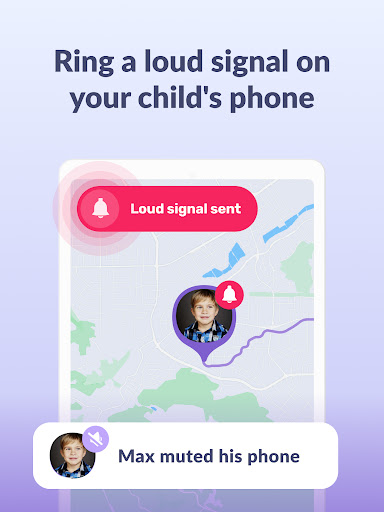
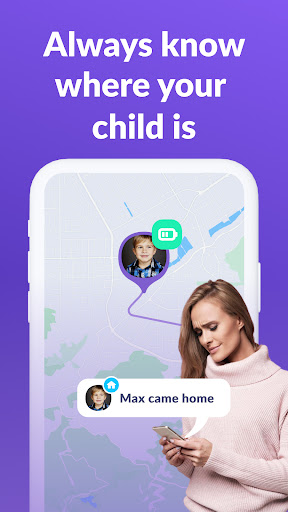
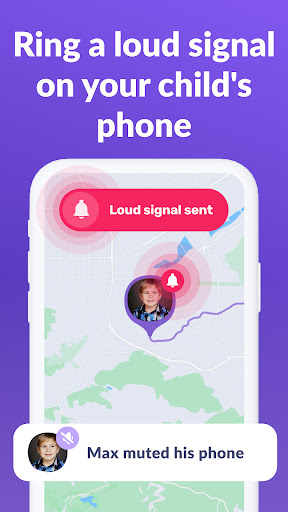
For location privacy and safety, Kids360 includes GPS tracking and geofencing features, sending alerts when your child enters or leaves designated safe zones. This real-time monitoring supports parents in ensuring their child's safety both online and outdoors.
The Kids360 and Alli360 apps work together seamlessly. By installing Alli360 on your child's device and connecting it to Kids360, you gain an effective monitoring setup. The apps prevent tampering; for instance, your child cannot uninstall the app without permission, ensuring consistent oversight. All data collection complies with strict data privacy laws, including GDPR, reinforcing their commitment to user privacy.
Getting Started with Kids360
Launching Kids360 is straightforward. First, install Kids360 on your device and Alli360 on your child's smartphone. During setup, you'll enter a unique code displayed in Kids360 into Alli360, initiating the connection. Once linked, you can monitor your child's device usage in real-time directly from your phone, free of charge.
The app requires certain permissions such as display over other apps for blocking applications, usage data access to gather app statistics, and device administrator rights to prevent unauthorized removal. These permissions facilitate effective parental controls while maintaining transparency about data security.
Whether you want to set time limits, block specific apps, or receive location alerts, all these configurations are made simple, thanks to a user-friendly interface accessible even for non-tech-savvy parents. A combination of trial periods and paid subscriptions ensures flexible options for families seeking basic or advanced control features.
Benefits for Modern Parents
Kids360 exemplifies how parental control apps can effectively bridge the digital gap between freedom and safety. It offers real-time location tracking and app usage monitoring, empowering parents to supervise without hovering. The ability to set geofences adds an extra layer of security, alerting you when your child ventures beyond safe zones.
Such features facilitate open conversations about digital habits, encouraging healthy screen time and responsible device usage. Ultimately, Kids360 supports parents in creating a balanced digital environment, fostering trust, and ensuring safety while granting children the independence they need to explore and learn.
Conclusion
If you're searching for a reliable parental control app that combines comprehensive functionalities with user-friendly operation, Kids360 is a top choice. It helps you manage screen time, safeguard your child's online activities, and maintain communication—making digital parenting easier and more effective. Download Kids360 today and take an important step toward a safer digital experience for your children.
Pros
- Simple setup process and intuitive interface.
- Real-time tracking of children's locations.
- Adjustable screen time restrictions.
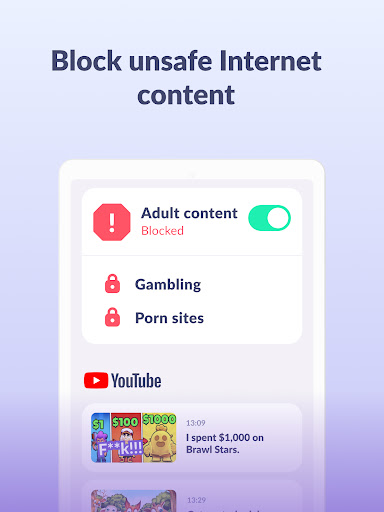
- Features to block apps for safety.
- Works on both Android and iOS devices.
Cons
- Can significantly drain device battery.
- Dependent on a stable internet connection.
- Requires subscription for access to premium features.
- Limited functionalities in the free version.
- Children might find ways to bypass the app.











